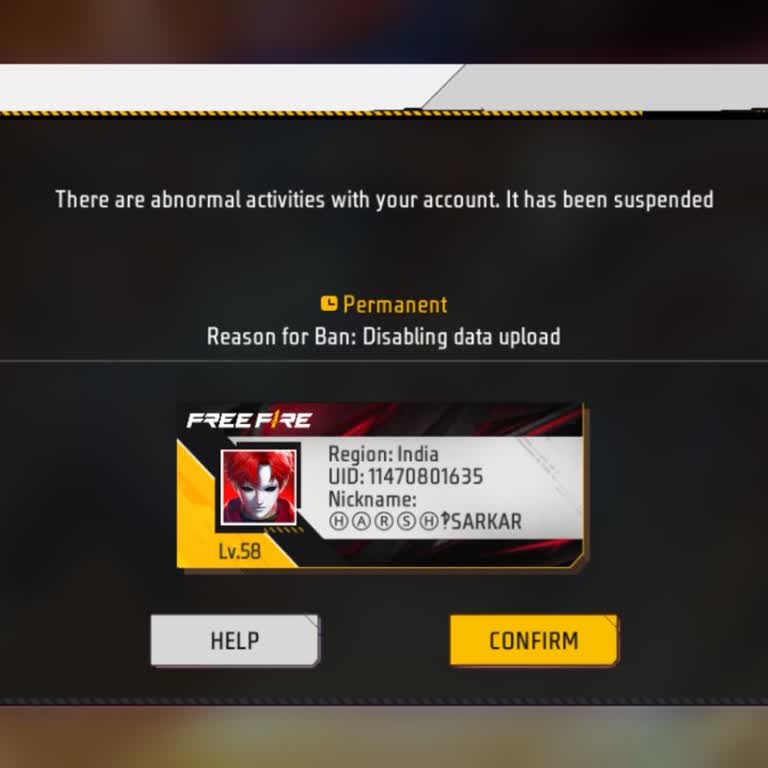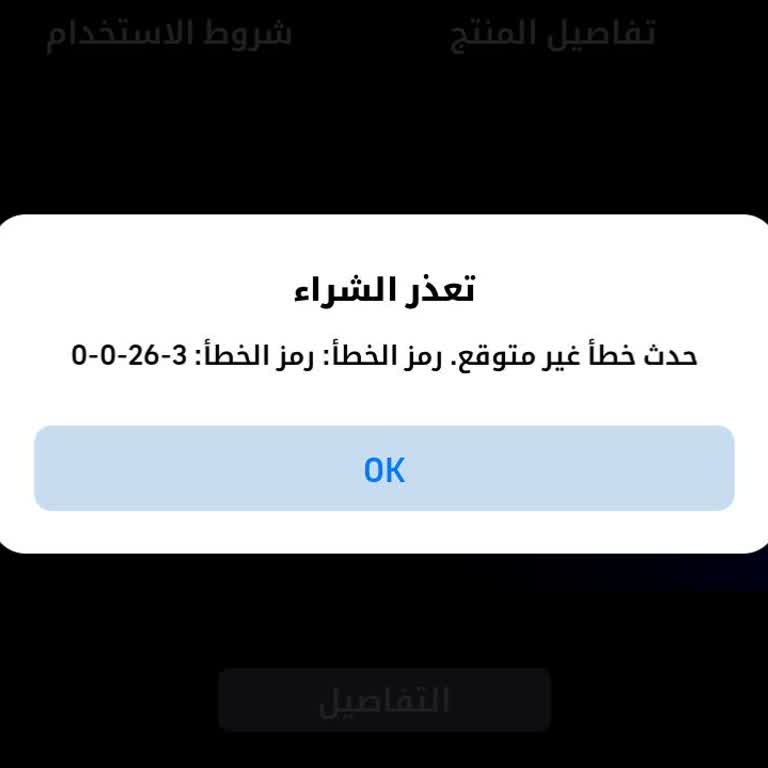
How can I get a refund on Google Play?
You can request a refund from Google Play or the owner/developer of the application you downloaded. If the purchase was made by accident, you can visit the Google Play website to request a refund. If the purchase was unauthorized, you have 120 days from the time of purchase to inform Google Play and request a refund.
How long does a Google Play refund take?
After your refund request is approved, you can expect to see the refund in your account within 3-5 days. However, it may take up to 10 days for the refund to be fully processed and transferred to your bank, depending on the card issuer and bank.
What should I do if I get scammed on Google Play?
If you suspect fraudulent activity on your Google Play account, you should first contact your bank to report the issue. You should also report the incident to the appropriate authorities, such as the Cyber Cell, if possible. Finally, you can reach out to Google Play to request a refund if your request meets the necessary conditions.
How do I fix Google Play errors?
There are several steps you can try to fix Google Play errors, such as checking your Wi-Fi connection, checking for pending updates, reinstalling the app, restarting your device, and clearing the cache and data for Google Play services. To determine the specific cause of the error, you should check the error code and see what it is related to.
How do I contact the Google Play store?
You can contact Google Play customer care by calling 1-855-836-3987 or 1-855-466-4438.