My account was blocked and Google Play doesn’t explain why — how can I regain access?
4 Views
If Google Play blocked your account and didn’t explain the reason and you want to regain access:
• Check your email (including spam) for any suspension notice or unusual activity alert
• Try logging in at accounts.google.com to see whether it’s a full Google account suspension or only Play
• Confirm whether there were rejected payments, bank disputes, or policy violations
• Save screenshots of the block message
Start recovery through Google’s official form:
• Use the option for “Suspended account” or “Appeal decision”
• Include your email, country, and a clear statement that no explanation was provided
• Attach screenshots of the block notice
Ask them to:
• Explain the specific reason for the suspension
• Confirm whether it was due to security, payments, or content policy
• Provide exact steps to reactivate the account
• Assign a case number and review timeframe
• Confirm when access will be restored
If they do not respond or reject the appeal without clarity:
• Resubmit the appeal with all organized evidence
• Keep the full communication history for any further action
If the issue persists, consider sharing your experience on Xolvie to raise awareness and connect with others facing similar problems.
I am writing because someone hacked my Free Fire account, which is linked to my Google Play account, and I can no longer... access it. My in-game name is "NUSUBABY" and my player ID is 1632815608. The issue started on August 26, 2026, and I haven't been able to log into my account since then. I never
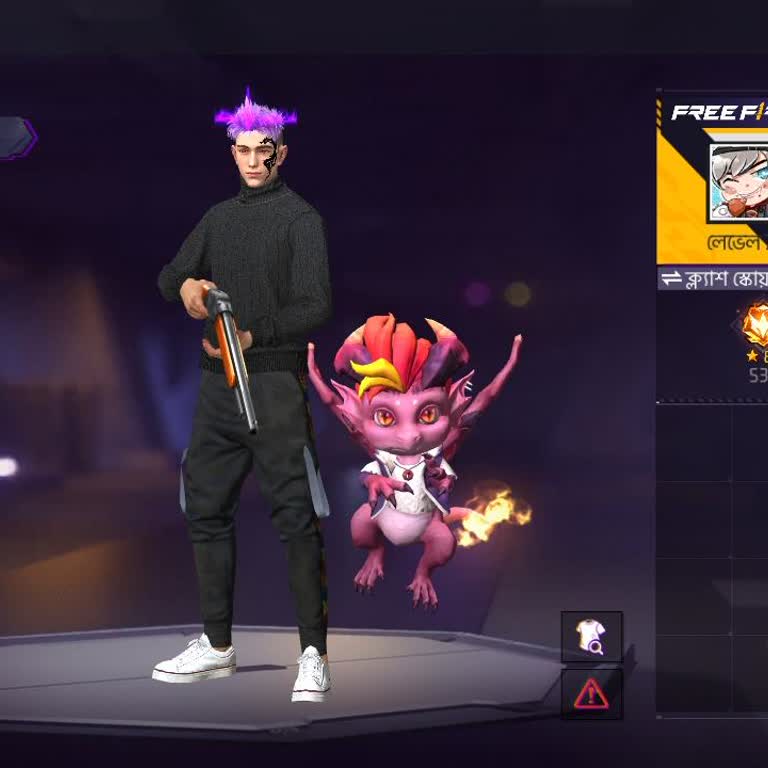
I am a Free Fire player and my game account linked through Google Play has been hacked. My Free Fire ID is 1946330853 an...d my in‑game name is “ayush1518G”. I noticed that the account was hacked around 5 years ago and since then I have lost access to it. After the hacking, I have not been able to log
I had linked my Free Fire account to Google Play and my account has been hacked and taken over by someone else. My Free ...Fire username is “URRYDEX” and my UID is 1353136838. For about 30 days I have not been able to log in to this account. When I try to access my Free Fire account now, it shows that
I am writing regarding my Mini Chat account, which I downloaded and use via Google Play. My account has been blocked due... to age restriction, even though I am 20 years old and therefore of legal age. When I try to enter Mini Chat, I receive a message that I am banned, and my account with the ID 39774
I am writing about a serious security problem I experienced with my Free Fire account, which is linked to my Google Play... account. My Free Fire UID is 9715483468, and my account was hacked on 1 January 2025 while I was using an Oppo A58 device. Before I completely lost access, I noticed unusual activ
I am writing because my Free Fire account linked to Google Play has been hacked and I have lost access to it. My in-game... UID is 2062836652. I did not share my account details with anyone and I realized that my account was hacked when I could no longer log in. I am worried that the person who took ov
I'm writing to report that my Free Fire account has been hacked and to request full recovery of my account using my UID.... My Free Fire UID is 3795074760, and the account was linked to my Google Play G es account. The hack occurred on 27/04/2025. Before I completely lost access, I noticed unusual acti
I am writing because I lost my guest account and, along with it, all my level and progress linked to Google Play, and I ...would like support to check if it can be recovered. About six months ago, my guest account was deleted by mistake and, after that, I could no longer connect to it or regain access
For about a month, I haven’t been able to properly use my own account because of an issue with the Google Family Link ap...p. Even though my account is a parent account, when I try to download an app from the Google Play Store, I get the message, “Parental controls restrict downloading this item,” and
I have been using an Android phone in Turkey and was able to use the OmeTV application on the Google Play Store without ...any problems until recently. However, since September 2025 I can no longer access OmeTV through the Play Store and I am now unable to find or download the application there. Before
After updating my Philips 55PUK6400/12 Android TV, I can no longer sign into my Google Play account, even though my emai...l and password are correct. This issue has made it impossible for me to use the TV properly. I contacted customer service, and they told me that due to an expired agreement, I can
For the past 3 to 4 months, I've been dealing with a frustrating problem with my Google Play payments. The issue began w...hen a friend made an in-game purchase with their credit card while we were playing PUBG Mobile. This error, however, should not have affected my own payments or purchases. To make