Brand Overview: Telegram Web
Telegram Web is the browser-based version of Telegram, a cloud-based messaging platform developed by Telegram. Accessible through a web browser, it allows users to send messages, share photos, videos and files, participate in groups and channels, and access cloud chats without installing a desktop application. Messages and conversations can synchronize across multiple devices, making Telegram useful for personal communication, communities, and work-related discussions.
Telegram offers privacy controls, two-step verification, and end-to-end encrypted Secret Chats in supported applications. However, ordinary cloud chats are not end-to-end encrypted by default. Users should also be cautious when interacting with third-party bots, links, and accounts.
Contact Information
Telegram does not advertise a general customer-service phone number. Users can contact volunteer support through Settings → Ask a Question in the app, or use the official support form for login-related problems. Support availability and response times may vary.
Industry and Operations
Telegram operates in the digital communications, instant messaging, and online community sectors. Its main features include:
- Instant messaging: Private conversations, group chats, media sharing, and message editing or deletion.
- Groups and channels: Community discussions and broadcasts to large audiences.
- File sharing: Sharing documents, photos, videos, and other files.
- Multi-device access: Access to cloud chats from web browsers, mobile devices, and desktop applications.
- Privacy and security controls: Options for managing phone-number visibility, active sessions, account access, and two-step verification.
- Premium and digital services: Optional paid features, subscriptions, and platform tools.
User Sentiment and Common Complaints
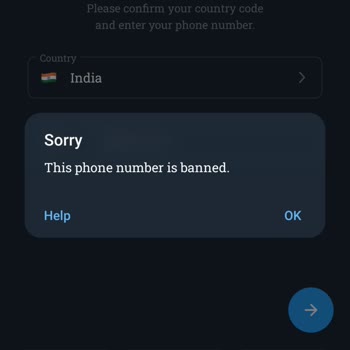
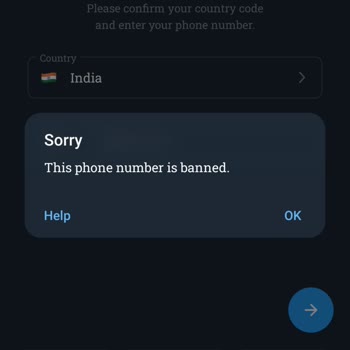
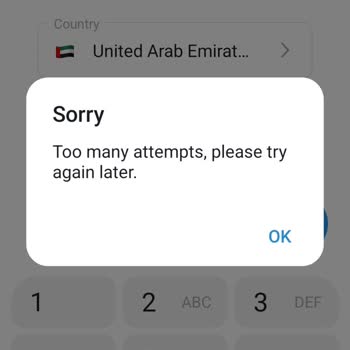
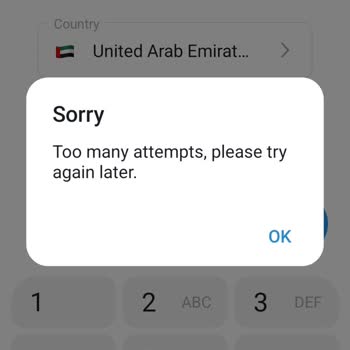
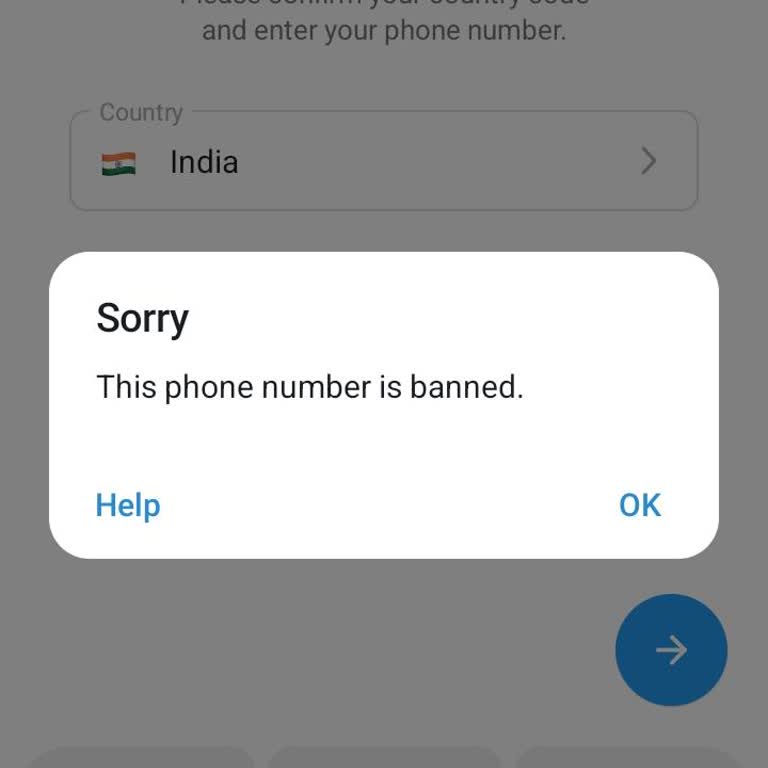
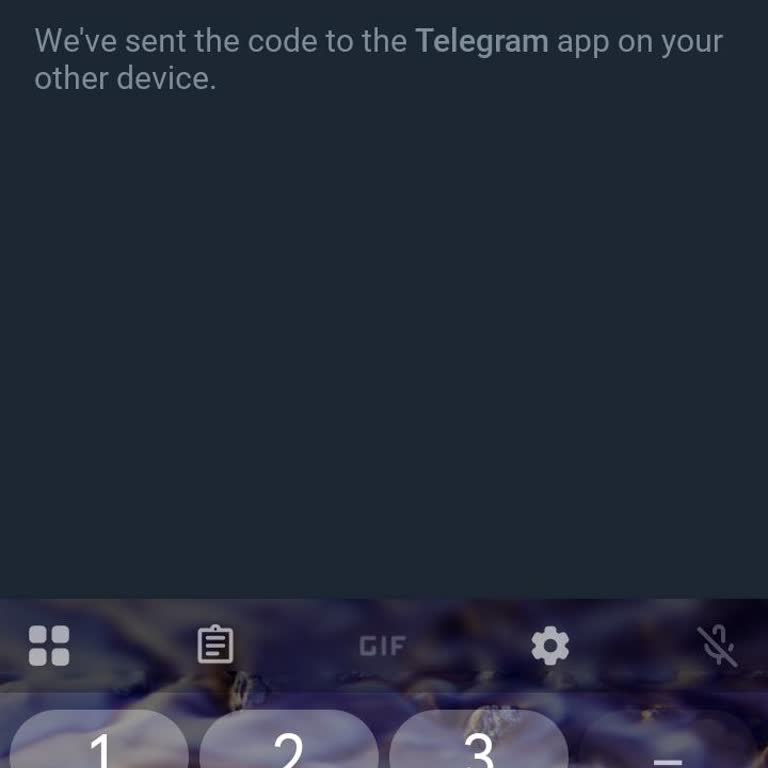
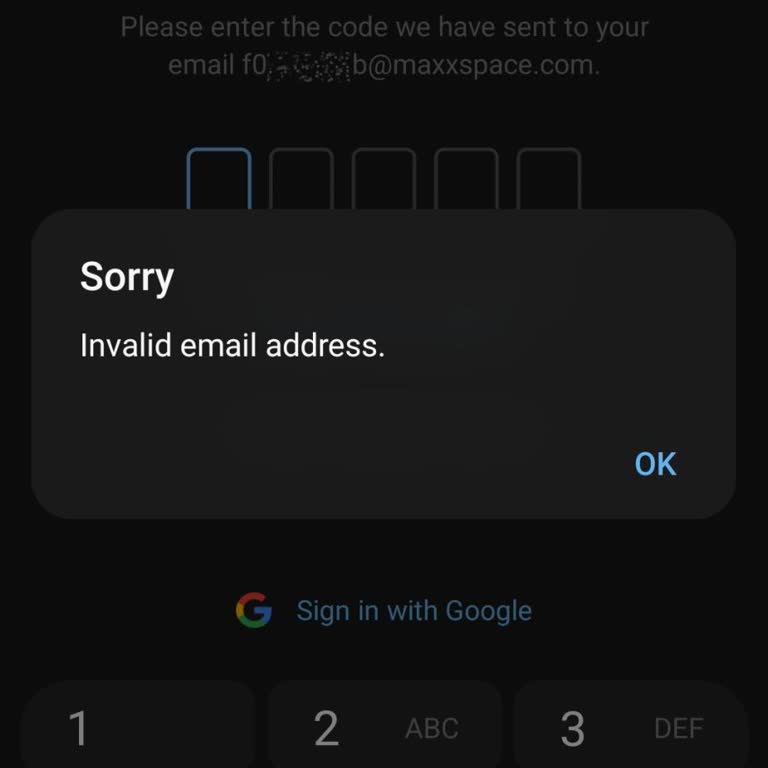
Users of messaging platforms such as Telegram may experience login-code problems, account restrictions, unauthorized account access, delayed messages, synchronization errors, or difficulty recovering an account after losing access to a phone number. Other potential concerns include impersonation, spam, scams, unwanted messages, and difficulties obtaining a response from support.
These are potential complaint categories and should not be interpreted as verified statistics about Telegram users. Users reporting a problem should preserve relevant screenshots, message links, dates, transaction receipts, and support correspondence while avoiding the disclosure of passwords or login codes.
If an account is compromised, users who still have access on another device should review active sessions, terminate unfamiliar sessions, and enable two-step verification. For restrictions or login difficulties, use Telegram's official support channels rather than unofficial recovery services.
Share Your Telegram Experience
Have you experienced problems with Telegram Web, such as login failures, account restrictions, missing messages, security concerns, or unresolved support requests? Share your experience on Xolvie to explain what happened, document the response you received, and help other users make informed decisions.