About PlayStation
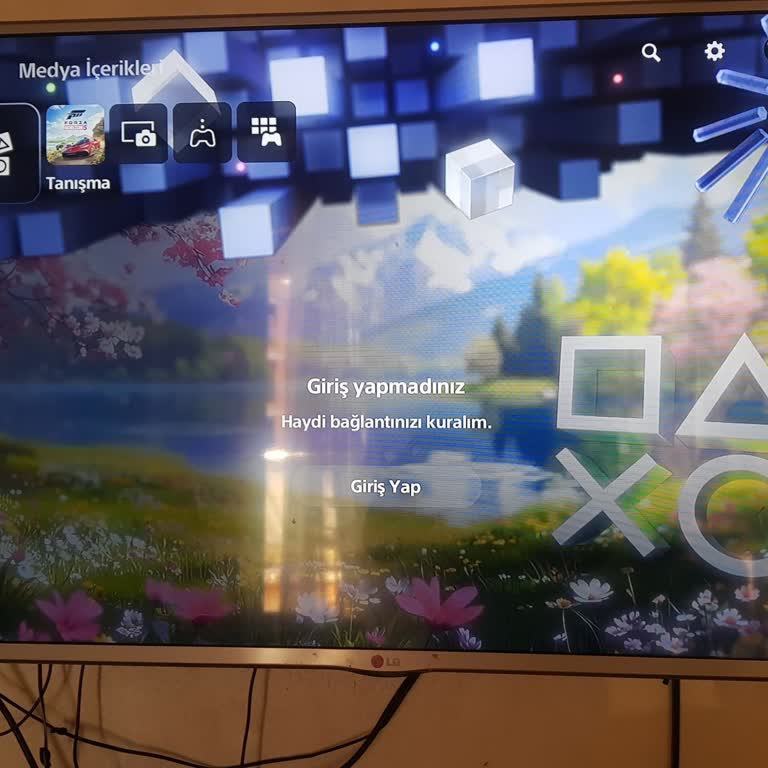
PlayStation offers a variety of products and services, including the PlayStation Store, which lets users buy and download games and other material, and PlayStation Now, a cloud gaming service that lets users stream games to their devices. Sony Interactive Entertainment, a Sony subsidiary, launched PlayStation in 1994. PlayStation sells systems, software, services, and accessories. The PlayStation 1 (PS1) was a game-changer that sold over 100 million units worldwide. The PlayStation 2 (PS2), its successor, sold over 155 million units worldwide and became the best-selling gaming console ever. This trend kept growing with the PlayStation 3 (PS3) in 2006, PlayStation 4 (PS4) in 2013, and lastly PlayStation 5 (PS5) in 2020 with better audio systems, features, and services. PlayStation continues to lead the gaming industry with a passionate fanbase and innovative goods and services.