Every time I try to download a game or update on Play Station Network (PSN), it fails midway without any specific error message. How can I troubleshoot?
3 Views
If you see a padlock icon next to a game that is locked on your PS5, it could be because of a problem with the game's license. To fix this, make sure you're logged in to the right account you used to buy the item, look at the history of purchases to see if they went through successfully, and check the status of any PlayStation Plus subscriptions you may have. Also, make sure that the Offline Play and Console Sharing settings are correct and see if the game is owned by someone else on the console.
If the problem still happens, check the PSN status page, install the latest system software, turn on Console Sharing, restore licenses, and restart in Safe Mode with a Database Rebuild.
If you're having trouble downloading games on your PS5, try pausing and resuming downloads, canceling and deleting files from the download list, checking the PSN status, making sure you have enough storage space, and restarting the console in Safe Mode with a Database Rebuild.
If you buy something and it doesn't show up on your PS5, look at the transaction history, find any hidden games in the library, turn on Console Sharing, and restore licenses. If the issues keep happening, you should contact PlayStation Support with error codes, a full description of the problem, the time it happened, and any relevant videos or screenshots.
If you've found these suggestions useful, consider leaving a comment to let us know.
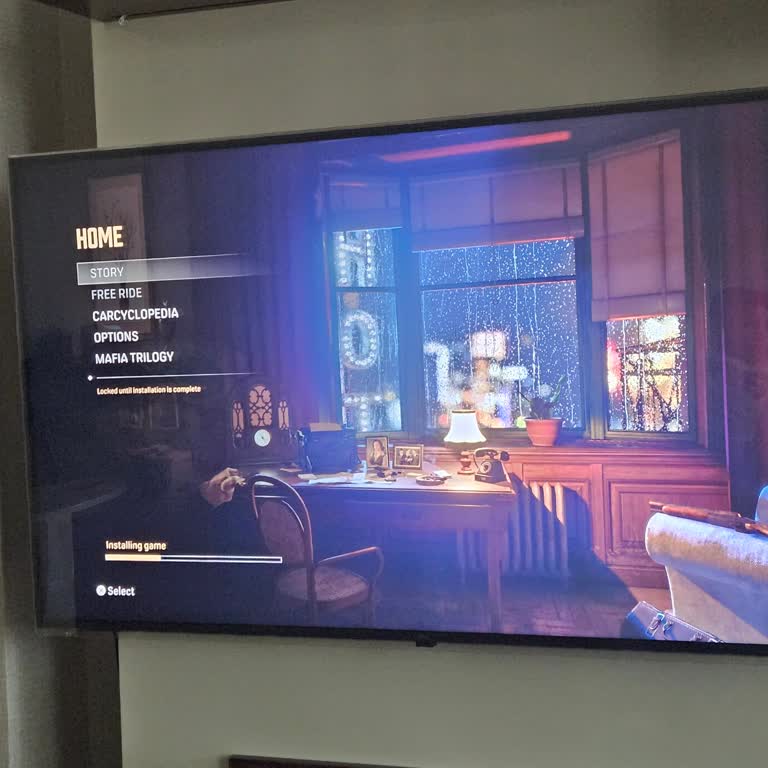
With order number 786892577319429, I purchased Mafia: Definitive Edition for ₺259. Unfortunately, I have encountered ser...ious loading problems while trying to play the game. Specifically, the Story and Free Ride modes display a message saying they will be available once the download is complete. Howe