Xolvie Resolution Specialist22 Ağustos 2025 11:15
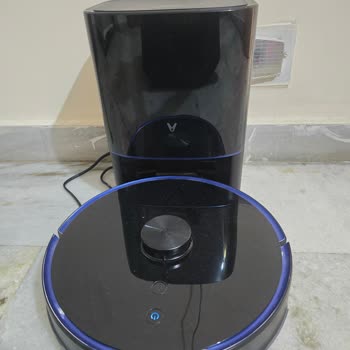
If your Viomi robot won't go back to its dock, make sure it's in the right place. It needs to be on a flat, open surface that's at least half a meter away on all sides and has nothing in front of it.
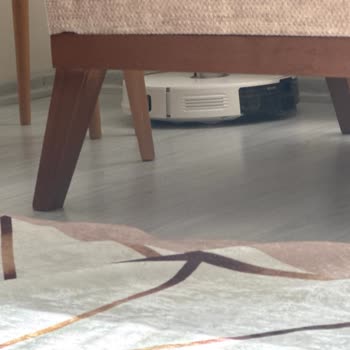
Bot may not be able to find the dock if it is in a corner, under furniture, or close to glass or mirrors.
The charging ports on both the robot and the dock should be dry and clean. Use a soft cloth to wipe them down gently. Most of the time, dust or powder stops the robot from charging properly and makes it think it can't dock.
It's possible for the robot to make navigating mistakes. To fix this, clean the cliff sensors and LiDAR (on top) with a dry cloth.
A dirty or blocked sensor throws off the mapping, which makes the robot go in circles, stop, or not be able to find home.
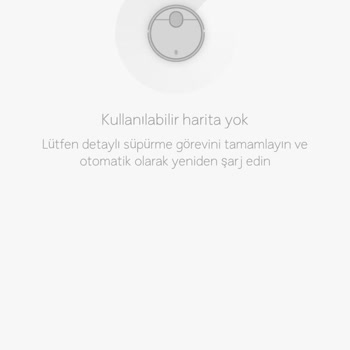
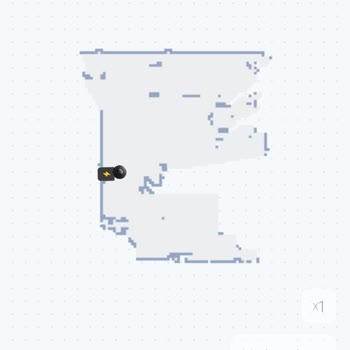
If the issues don't go away, use the Mi Home app to restart the robot's map and let it learn your home again. Route mistakes and docking problems are often caused by maps that are too old or damaged.
This is the information we have, but if you have more insights from your experience, please share in the comments.
Vote
Related Complaints
Viomi V5 Pro Robot Vacuum Still Not Repaired After 30 Days in Service

August 24, 2025 3:20 PM
I own a Viomi V5 Pro robot vacuum, and on July 27, 2025, I delivered it to the authorized service center in Midyat, Mard...in because the device displayed the error “main wheel malfunction” and stopped performing its cleaning function. Now, more than 30 days have passed, and my vacuum is still not rep
I Cannot Use My Viomi Vacuum After Two Years As It Does Not Clean Properly

August 21, 2025 12:37 PM
Viomi, please send a technician to our home or guide me through a video call for a demo. As we were abroad, the machine ...has not been operated for two years, and now it is not cleaning properly and keeps repeating the same spot. P.A. Kishore, Plot No. 120, Road No. *, Vanasthali Hills, Vanasthalipura
Sunny Viomi V5 Robot Vacuum Fan Error Complaint

August 14, 2025 10:09 PM
I own a Sunny Viomi V5 robot vacuum, and recently I experienced a recurring “fan error” that caused the device to make c...onstant loud noises. Because of this, I delivered the product to the Izmir Üniver Yeşilyurt authorized service center on July 10. After examining the device, the service center cl
Viomi V5 Pro Repeated Malfunctions and Service Couldn’t Fix Issues

August 7, 2025 1:02 PM
I purchased a Viomi V5 Pro robot vacuum from Vatan Bilgisayar in 2023, and from the very first day I have not been able ...to use it efficiently. The device consistently shows radar errors, mop errors, and water tank malfunctions. Over the last two years, I had to send it to service five separate times
Viomi V5 Pro Robot Vacuum Serious Malfunction and Service Failure

August 7, 2025 12:13 AM
I purchased a Viomi V5 Pro robot vacuum from Vatan Bilgisayar in 2023, and since the day I bought it, I have not been ab...le to use it properly. The device constantly throws radar errors, mop errors, and water tank malfunctions. Over the past two years, I have had to send it to service five different
Viomi Device Keeps Asking for Charging and Starts Running on Its Own

August 5, 2025 3:57 PM
I am facing serious issues with my Viomi product. Even when the device is fully charged, it keeps displaying the warning... message that the battery is empty and insists on returning to the charging dock. This process repeats itself continuously, creating an endless cycle of charging attempts. Because
My Viomi Robot Vacuum Constantly Breaks With Wheel Errors And Needs Replacement

July 12, 2025 12:53 AM
I purchased a Viomi robot vacuum on June 15, 2023, and from the very first day, it has caused nothing but problems. The ...device repeatedly breaks down and has never worked reliably. Soon after purchase, it began spinning in circles and showing a “wheel error” message before stopping completely. On De
My Viomi V5 Pro Shows Radar Error Again After Service and No Real Fix

April 9, 2025 10:42 PM
After just 2 years of use, my Viomi V5 Pro robot vacuum started giving a radar error and stopped functioning properly. I... took it to the Sunny authorized service in Karşıyaka, and they told me that a simple cleaning would resolve the issue. The vacuum stayed at the service center for 20 days, and I
My Viomi S9 Vacuum Fails to Clean, Navigate, or Even Find Its Own Charging Dock

February 23, 2025 2:06 PM
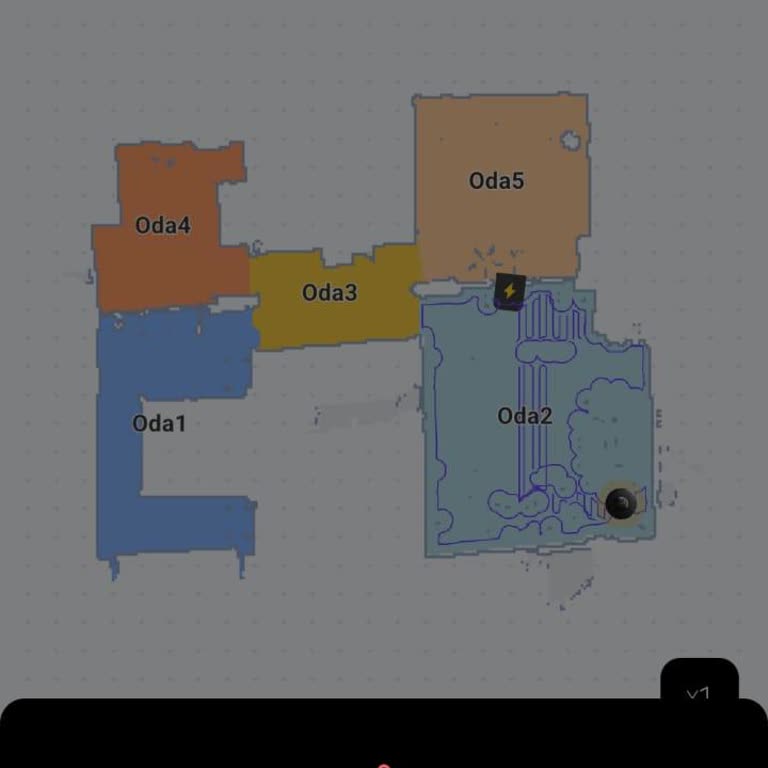
I bought the Viomi S9 robot vacuum about four years ago, and I honestly regret every bit of it. The experience has been ...a complete disappointment. The app barely functions, especially on iPhone, and the vacuum itself is practically useless. It can’t locate the charging dock, it won’t start cleaning
My Viomi V5 Pro Keeps Deleting Maps and Shuts Down After Charging

February 21, 2025 12:21 AM
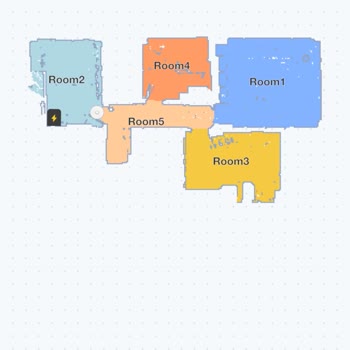
I’ve been using the Viomi V5 Pro robot vacuum, and from the very beginning, I’ve experienced nothing but issues. Most re...cently, for the past month, I’ve been dealing with a major problem: after completing the mapping process and returning to the charging dock, the vacuum completely deletes the saved
Viomi V5 Robot Vacuum "side brush stuck" error – No Response from Service

October 14, 2024 3:59 PM
I own two Viomi V5 robot vacuums, and both are having issues. One has a fan problem, while the other keeps giving a "sid...e brush stuck" error, even though the brushes are perfectly fine. Additionally, both vacuums are experiencing mapping issues, with the maps failing repeatedly. I’ve tried contactin
My Viomi V5 Vacuum Stuck on Floors and Unable to Find Charger

August 5, 2024 11:48 AM
The Viomi V5 vacuum I purchased in 2023 has been giving me constant trouble since I got it. It gets stuck on flat lamina...te flooring, moving back and forth in the same spot without making progress. Despite being right in front of the charging dock, it can't find it. It also gets caught on carpets. Th

Viomi V5 Constant Malfunctions - Request for Replacement or Refund

August 3, 2024 5:47 PM
I’m extremely frustrated with my Viomi V5 vacuum. It has been consistently malfunctioning, including issues like losing ...its map, displaying stairs sensor errors, not functioning properly, failing to vacuum, and experiencing map displacement. I am tired of repeatedly resetting the device and mapping
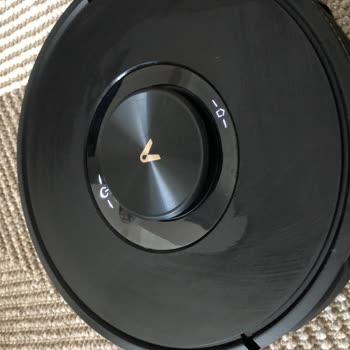
Viomi V5 Pro Robot Vacuum "Open Water Pump" Error – High Service Charge

July 31, 2024 10:21 AM
I recently started using my Viomi V5 Pro robot vacuum and encountered an error indicating "Open Water Pump" while testin...g the mopping feature. I repeatedly inserted and reinserted the water tank, but the error persists. I can't locate the water pump or resolve the issue. I took the vacuum to a serv
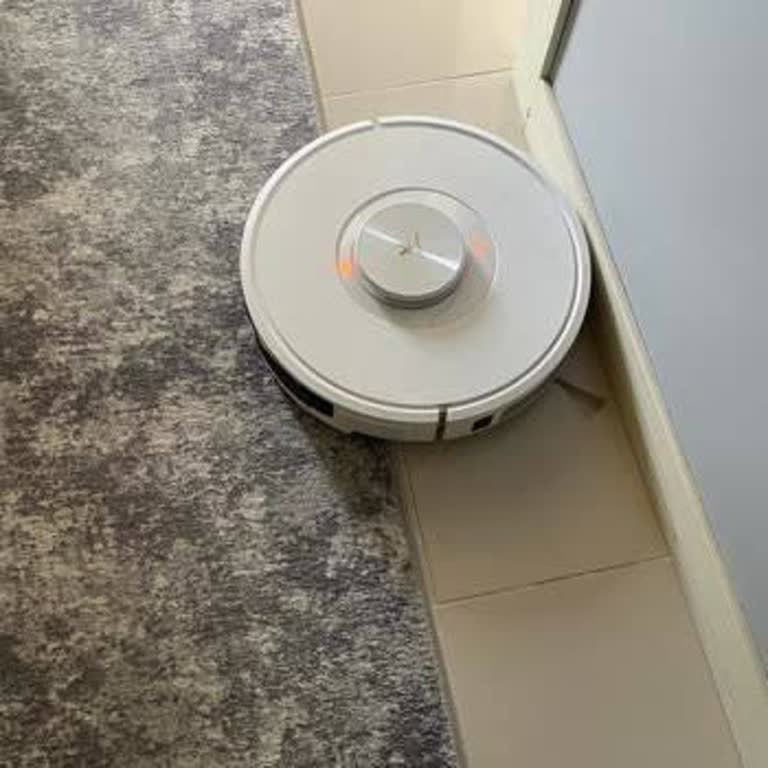
Viomi V5 Robot Vacuum Keeps Malfunctioning

July 26, 2024 1:31 AM
On February 10th, 2023, I had to send my Viomi V5 robot vacuum in for repair because there was an annoying noise coming ...from the motor. I received a new unit from the service center, which was securely packaged. However, this replacement vacuum has been experiencing issues. It frequently gets stuck
Ongoing Radar Blockage Error with Viomi V5 Pro and Lack of Service Resolution

July 24, 2024 5:54 PM
I purchased the Viomi V5 Pro based on a recommendation. However, just two months after purchase, it began showing a pers...istent radar blockage error. I sent it to the service center, and after 20 days, they returned it stating they tested the unit and found no issues. However, as soon as I tried usi
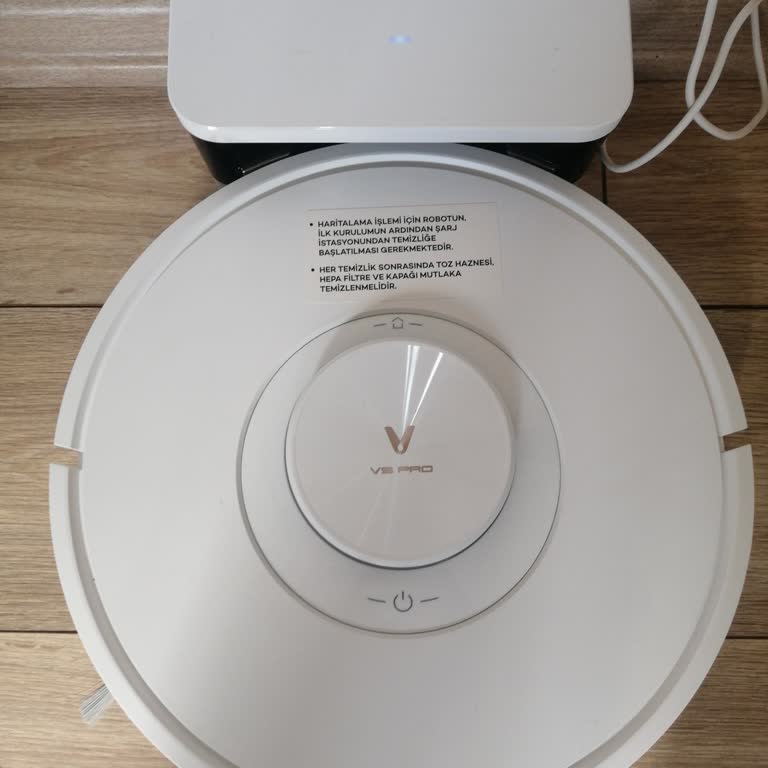
Viomi V5 Pro Robot Vacuum Repeated Malfunctions and Lack of Support

July 18, 2024 11:20 PM
I purchased a Viomi V5 Pro robot vacuum approximately two years ago. Initially, I had no issues, but later I encountered... several problems, such as mapping errors and inadequate cleaning performance. I took the vacuum to the authorized service center three times. During the first visit, they claimed
Viomi v5 Pro Troubles: Unfair Repairs for Faulty Robots

September 7, 2023 12:43 AM
I bought the Viomi v5 Pro in February and haven't used it much since. The robot is supposed to be a smart device that ca...n talk and take commands, but it unexpectedly displayed an error message about the mainboard getting wet. I contacted customer service, hoping to resolve the problem without incurr
Regret Of My Life, Viomi v5 Pro

August 30, 2023 1:09 AM
We bought the Viomi v5 Pro robotic vacuum five months ago, and ever since then, it has been a constant source of frustra...tion because it cannot stay put, as it only cleans the living room before going back to its charging station. My purchase of the V5 Pro was, unfortunately, the worst decision I've
Viomi V5 Robot Vacuum Cleaner Laser Malfunction

July 20, 2023 9:24 PM
I purchased the Viomi V5 robot vacuum, paid the final installment to the seller, and when I tried to use it, it only spi...ns in one direction and displays a laser error. I returned it to the company via courier, and they demanded 3250 TL for a broken wheel. They sent me unpleasant messages after I sai
Viomi V5 Pro Vacuum Faulty Sensor

July 17, 2023 11:13 AM
After doing a lot of research, I bought the Viomi V5 Pro robot vacuum last week. When the product came, I was happy to s...ee how well made it was. But when I opened it up and set it up, I got a "laser distance sensor error" on a brand-new product. When I called customer service, they told me to do a r
Viomi V5 Robot Vacuum Cleaner Continual Gray Screen, No Map Function

April 2, 2023 6:43 PM
When I use my Xiaomi V5 robot vacuum for the first time, it doesn't make a map, but it does save it to my account. But f...unctions like "start room" and "select area" don't work, and it keeps telling me to clean for mapping. I've tried to run it 3–4 times after cleaning it, but the device never gives
Viomi V5 Pro Vacuum Cleaner Won't Respond To Commands

March 30, 2023 3:15 PM
I bought a Xiaomi-Viomi v5 Pro robot vacuum in December 2022. It started giving constant offline errors after about a mo...nth, and today it got stuck while cleaning and kept spinning around in one place. I tried to stop it using the app and send it to the charging station, but the vacuum did not respo

Viomi
View All Complaints