Valorant

11100
(35 reviews)
Write a Complaint
273 Complaints
Valorant
11100
(35 reviews)
Write a Complaint

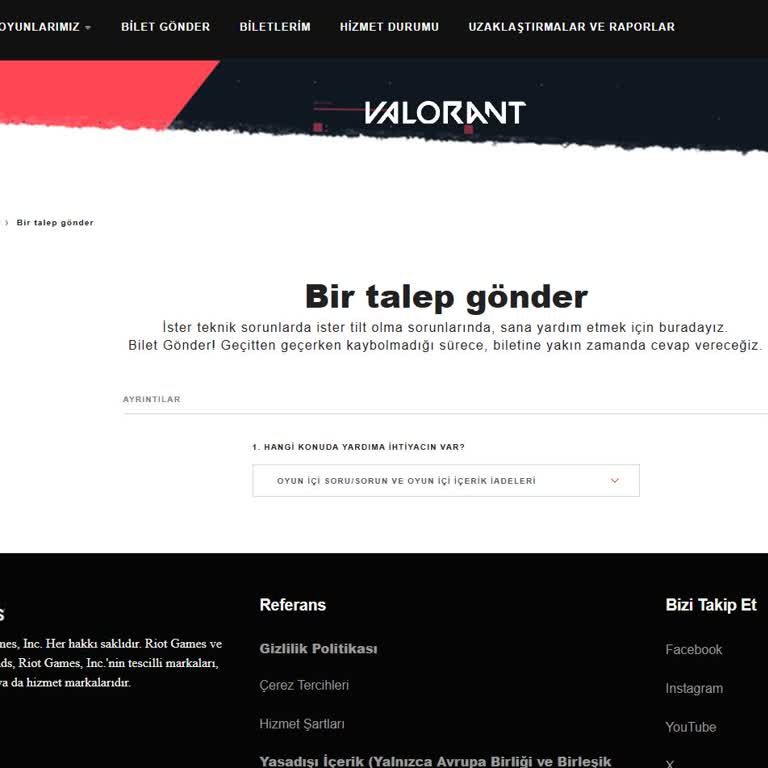
I Can’t Submit a Valorant Support Ticket Due to Screen Freeze on Submission Page

Arda
July 14, 1:59 pm
11
I Can’t Submit a Valorant Support Ticket Due to Screen Freeze on Submission Page
1
Mustafa is completely dissatisfied with the result

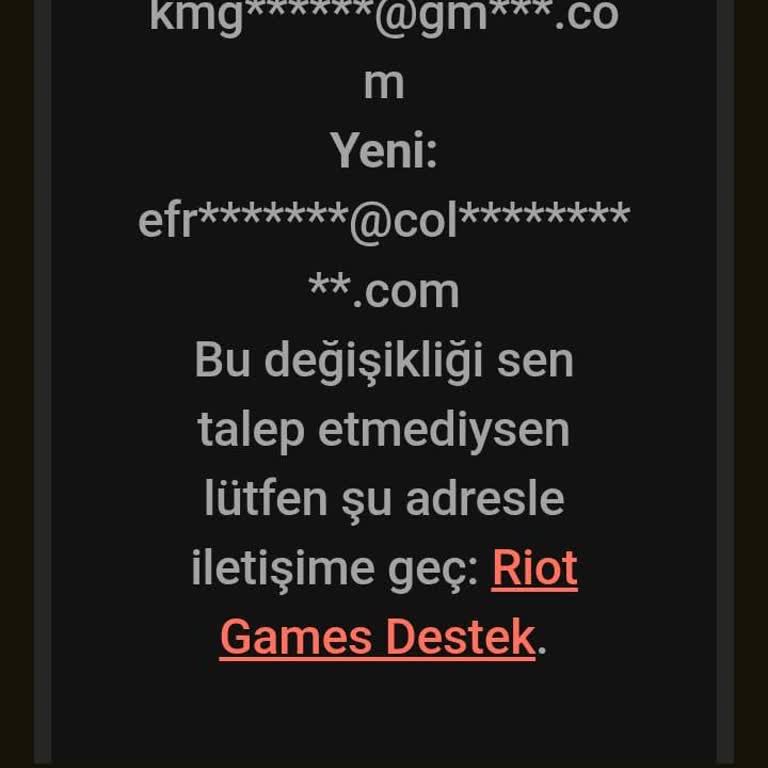
I Can’t Recover My Hacked Valorant Account Despite Submitting a Support Ticket

Mustafa
July 14, 1:21 am
7

I Got Permanently Banned From Valorant Before Even Playing for the First Time

Ahmet
July 13, 12:08 am
7

I Paid ₺550 for Valorant VP But Never Received the Code

Rüzgar
July 12, 11:54 pm
7

I Got Banned for 1 Year in Valorant Despite Having Stable Internet and Low MS

Utku
July 12, 9:54 pm
14

I Can’t Submit a Valorant Support Ticket to Request a Used Skin Refund

Miraç
July 12, 8:58 pm
11
3
Osman found the result inadequate

I Can’t Reach Valorant Support to Request Missing VP for Night Market Skin

Osman
July 12, 7:12 pm
9

I Keep Getting VAL 5 Error on Valorant and Still Haven’t Received a Response

Samet
July 12, 3:08 pm
8

I Can’t Recover My Hacked Valorant Account and Riot Games Won’t Respond

Metin
July 11, 11:27 pm
9
I Can’t Recover My Hacked Valorant Account and Riot Games Won’t Respond

I Got Banned on Valorant for Rank Manipulation Without Breaking Any Rules

Murat
July 11, 12:54 am
112

I Got Unfairly Banned on Valorant for Third-Party Software I Never Used

Cihat
July 10, 6:47 pm
17

I Can’t Access My Valorant Account Linked to Gmail—Years of Progress Gone

Berat
July 10, 4:11 am
8

I Lost Access to My Riot Account Email and Can’t Reach Support to Recover It

Rüzgar
July 10, 2:46 am
11
I Lost Access to My Riot Account Email and Can’t Reach Support to Recover It

I Keep Getting Banned in Valorant Due to Recurring Errors Riot Won’t Fix

Emir
July 09, 9:28 am
11
I Keep Getting Banned in Valorant Due to Recurring Errors Riot Won’t Fix

I Can’t Recover My Hacked Valorant Account Despite Providing Full Ownership Proof

Emincan
July 07, 8:17 pm
7

I Bought a Valorant Account on Itemsatış But It’s Locked to India and Unplayable

Utku
July 07, 7:55 pm
9

Riot Gave Me a Valorant Hardware Ban While Using TL Launcher

Emircan
July 05, 11:23 pm
34
1
Muhammed is completely dissatisfied with the result

I Report Stolen Riot Games Valorant Account and No Support Response

Muhammed
July 05, 5:25 pm
18
I Report Stolen Riot Games Valorant Account and No Support Response

I Face Unfair Long-Term Ban on Valorant After Exiting Deathmatch

Ahmet
July 03, 9:25 pm
23
I Face Unfair Long-Term Ban on Valorant After Exiting Deathmatch

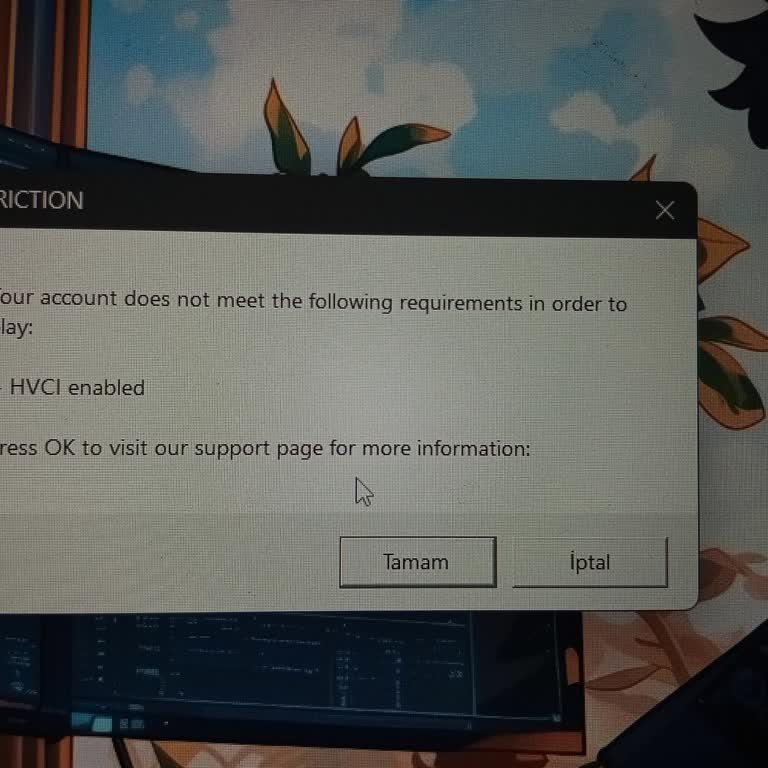
I Keep Getting Valorant Van Restriction Error on Default String Motherboard PC

Fırat
July 03, 3:22 am
7

Valorant Banned My Account Even Though I Did Nothing Wrong

Volkan
June 25, 10:19 am
28
1
Melihcan is completely dissatisfied with the result

Valorant Banned My Accounts After a Keylogger Incident

Melihcan
June 23, 1:42 pm
20

Frequently Asked Questions (FAQ)

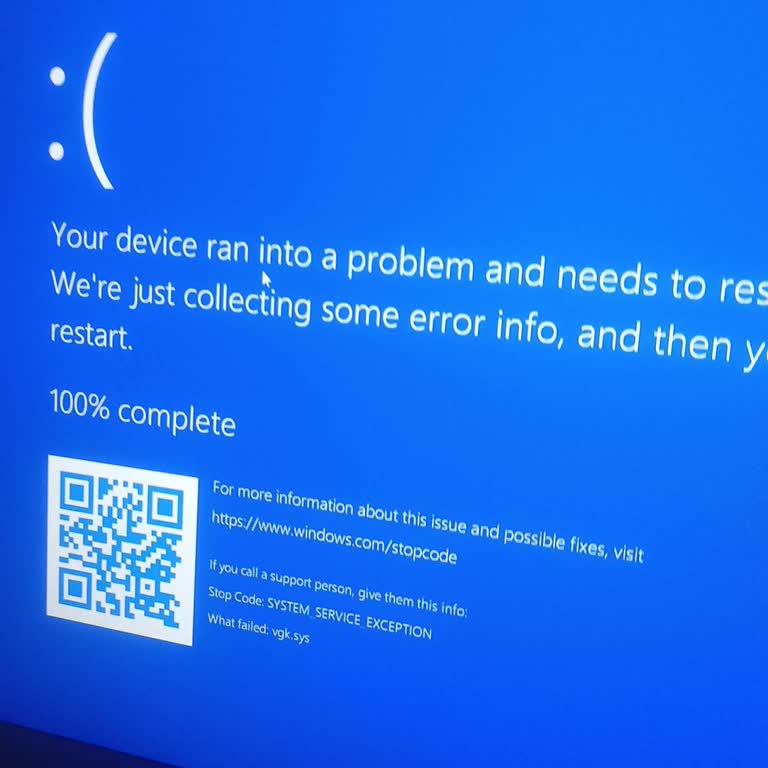
Why is my Valorant not opening?
Valorant is still in its infancy. It indicates that you will encounter difficulties when attempting to play it. A typical reason Valorant will not open on your computer is a lack of available RAM. Windows utilizes a portion of RAM as cache or Standby Memory. The system may encounter issues if standby memory is not released on time. It would help if you also considered checking for the most recent app update for Valorant. Occasionally, the antivirus software on your computer may interfere with the operation of other applications or games. To prevent this, temporarily disabling the antivirus software on your computer may be of assistance.
How can I fix Valorant that is not opening or launching?
When this occurs, you will need to employ one of the following troubleshooting techniques, which should get Valorant up and running in no time.


  • Reduce your PC's resolution

If you frequently change your PC's resolution based on the task you're conducting, Valorant may have been confused. Even if the game already has its resolution setting, failing to match it when launching Valorant may cause it to operate improperly or refuse to run. Experiment with lower resolutions to determine whether they make a difference, or select the resolution Valorant will use on your PC before beginning the game.


  • Check for graphics card updates

New driver updates often get neglected by players. In addition to ensuring that your GPU is optimized for freshly released games, graphical driver updates can also fix new or existing flaws. Try relaunching Valorant after installing updated drivers for your graphics device. If Valorant fails to run following the installation of a new driver update, it may be necessary to downgrade your drivers.


  • Disable your antivirus software

It may be confusing Valorant for a potential threat and shutting it down before it can launch, leaving your computer susceptible to potential threats. For example, an antivirus tool that deems a necessary game file malicious may block the game from launching. Instead, launch Valorant and disable or deactivate your antivirus program to determine if it makes a difference. Alternately, you can add the files of Valorant as an exception.


  • Relaunch all Riot services

Players may observe numerous Riot services running in the task manager while logging into Valorant. In rare situations, these tasks may become trapped in the background and prevent the launch of other Riot activities. During the relaunch of Valorant, open your task manager and terminate all Riot-related processes. This will force the system to relaunch them when Valorant is loaded.


  • Run Valorant as an administrator

Many permissions are required for games to function effectively. If you do not have administrative privileges on your gaming PC, games may malfunction because they cannot interface with specific system components. First, try launching Valorant as administrator. This procedure may require the input of a password. If you don't know the password, you must contact your device administrator.


  • Reinstall Valorant and update Windows

If all else fails, you should reinstall Valorant and upgrade Windows. Reinstalling Valorant is the optimal method for troubleshooting game files, as any corrupted files will be replaced. Windows updates may also include bug patches that can assist in resolving the issue.


How can I reactivate my Valorant account?
While Valorant cannot retrieve deleted accounts, you can contact [email protected] if you have questions or concerns about purchased material on a deleted account. To assist with inquiries regarding purchased material, Valorant need your transaction ID (s).