My Samsung Galaxy phone is not connecting to Wi-Fi. How can I troubleshoot wi-fi issues?
25 Views
Before you start reading, keep in mind that as settings and software versions can differ slightly, instructions may differ slightly from device to device. You can find some first-to-do troubleshooting steps here:
• Restarting the router and phone can sometimes fix the connection. Leave your router off for a moment, then restart it. After that, restart your phone.
• Find and delete the Wi-Fi network you're trying to connect to in your phone's settings. Try connecting again with your password.
• Make sure your phone's Airplane mode is off. Airplane mode disables Wi-Fi and all wireless capabilities.
• Reset network settings: Go to "Reset" or "Advanced settings" in your phone's settings to reset your network. This may aid connection restoration.
• Make sure your phone has the latest software. Updates sometimes fix Wi-Fi issues.
• Connect to another Wi-Fi network: Switch to a public or home router Wi-Fi network. This will help you determine if the problem is with your network or device.
• If all else fails, factory reset your smartphone. Make a backup before continuing as this will erase all your data.
• Reach customer service: Samsung support or an official service center can help if none of the above methods work.
• Your phone or router may have a physical flaw if it won't connect to Wi-Fi after trying everything above. For diagnosis and repair, visit a service center.
I purchased two Samsung S22 model phones, and both developed battery swelling issues within about two years. The battery... of the first device was replaced free of charge under warranty. However, the second device has recently started showing the same problem, and it no longer charges. I bought this s
Just a week ago, I purchased a brand-new Samsung S25 smartphone from the Vatan store in Eskişehir, paying around ₺50,000.... From the very first day of use, I’ve been dealing with two major issues that make the phone nearly unusable. The first is battery life. Even with a full charge, the device lasts
About two years ago, my wife and daughter gifted me a Samsung Galaxy Z Fold 5 along with a two-year protection and repai...r package through “CepKask.” During regular use, the device developed a crack on the outer screen and fine fractures on the inner screen. I sent it to the CepKask service, and it w
I purchased the Samsung S25 Plus, expecting flagship performance from a phone that costs nearly ₺60,000. Instead, I’ve b...een dealing with constant signal problems that have only gotten worse after every system update. Places where I used to have full reception now show “emergency calls only”, making
I’ve been having some major problems with the network and mobile data on my Samsung S23, whether I’m at home or at my su...mmer house. It’s really annoying that everyone else with the same mobile carrier seems to have no issues, while I can barely make calls or get online. This definitely indicates tha
After updating my Samsung A52, I started experiencing serious network issues. Before the update, everything was working ...perfectly, but now I cannot access mobile data at all unless I’m connected to Wi-Fi. I believe there is a problem with the latest software update, and Samsung needs to fix this im
I have been using my Samsung A54 for just 1.5 years, and recently, the battery percentage got stuck at 100%. No matter h...ow much I use the phone, the charge indicator never decreases, yet the phone eventually shuts down when the battery actually runs out. I sent the device to Samsung warranty servic
I purchased a brand-new Samsung Galaxy Tab S9 FE about two weeks ago, and everything was working perfectly until two day...s ago. Suddenly, my tablet started showing “connected without internet” every time I try to use Wi-Fi. At first, I thought it might be an issue with my home network, but when I con
One of the most annoying things about my Samsung A32 phone lately is that it won't charge, even with the charger that ca...me with it. This is a really bad problem, especially since I've only had the phone for a short time. I called customer service, but they haven't given me any answers yet. Because o
On August 13, I took my Samsung S21 to the authorized service center in Etlik for a battery replacement. I was informed ...that only the battery would be changed and that my data would not be erased. However, two days later, I received a call from the service center stating that there was a software is
I purchased three Samsung VR7700 robot vacuums just three months ago, and I’m already dealing with major issues on two o...f them. One unit won’t connect to Wi-Fi, and the other has a charging issue—it simply doesn’t charge at all. I brought the vacuum with the Wi-Fi issue to the Samsung service cente
With my Samsung a32 phone, I used to be able to set videos as wallpaper. However, after the update, this feature seems t...o have been removed. This action is only possible when you are on the lock screen. We did it in anticipation of new features being included in the update. Could you please assist m

I purchased a Samsung A15 smartphone from Vatan Bilgisayar, and it developed issues within just 8 days. Both the Vatan B...ilgisayar and Samsung representatives acknowledged that the screen was burned and advised sending the device to the service center for a report. There are visible spots on the lowe

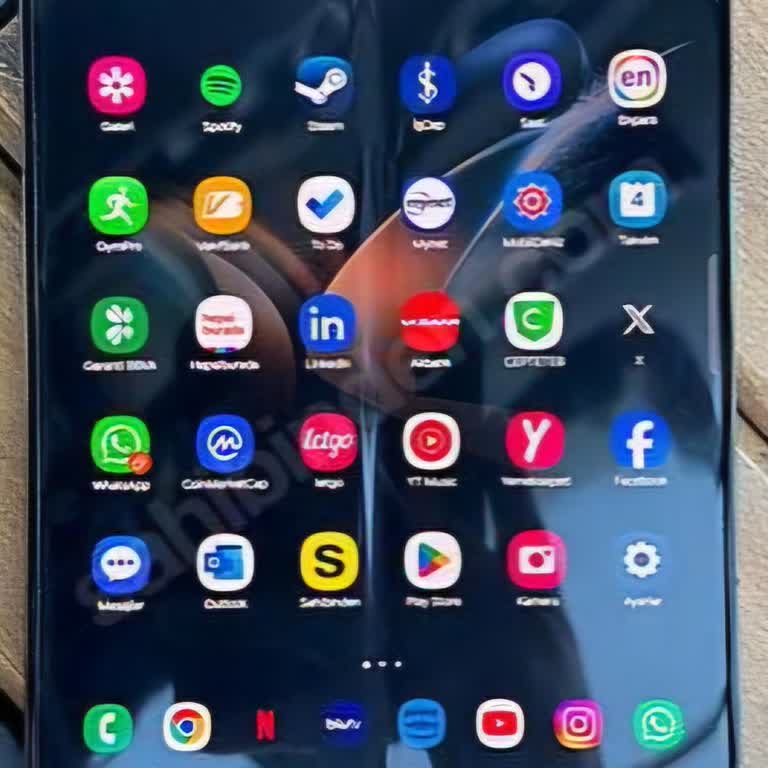
Hello, I am using a Samsung Z Fold 3 device. Some spots started to form on the inner screen protector of this device and... an air bubble appeared on the top of the screen. Today I took it to Ouno Samsung Service (Ataşehir). I wanted to change my inner screen protector. I have never had it changed befo
I recently purchased an air conditioner from Samsung. At the time of purchase, the seller assured us that installation w...ould be completed within a week at most. However, after delivery, when we requested an installation appointment, we were told it would take over three weeks. Given this approach a
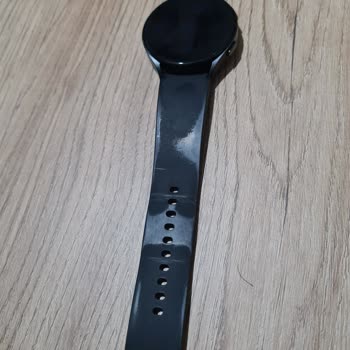
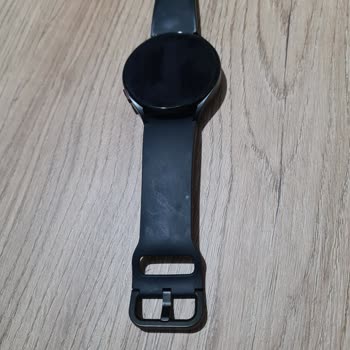
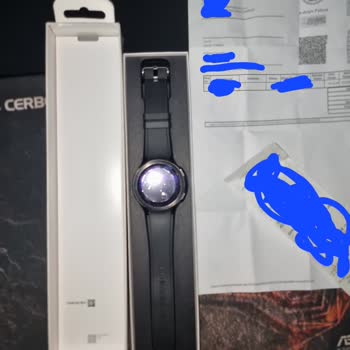
I took my Galaxy Watch 4 to the authorized Samsung service center in Antalya today since the strap was peeling and disco...lored. It's just been 9 months, but seeing the strap in this condition really bothered me, especially because I use all Samsung electronics. The service center explained that the w

I purchased the Samsung Galaxy S23 on 26.12.2023, and from the moment I started using it, the phone began encountering n...etwork problems. After a week, I took it to the Samsung authorized service center in Bursa. The service center made some adjustments, returned the device to me, and requested docum
I recently purchased a Samsung Galaxy A54, and I was very happy with it at first. However, after a recent update, I star...ted to experience a problem with the phone detecting moisture and not charging. I contacted Samsung customer service, and they told me to send the phone in for warranty service. Ho
I am the owner of a Samsung S22 Ultra, and after sending it to the authorized service center for a cracked screen, I end...ed up with a significant problem. Post-repair, the camera's clarity became a major concern. Surprisingly, even phones priced at ₺10,000 capture better photos. I'm sharing a sample

I bought a book 3 model laptop with a foreign warranty from the Samsung Store from abroad. English q keyboard. Actually,... there are keyboard stickers or I can use it that way, but I still called your general service center at 444 77 11 and said that I wanted to change the keyboard at your service for
It is a company with the worst technical service you have ever seen in our lives. Samsung may have even given its servic...e to BDH to save money. When I bought my Note 20 Ultra phone brand new, its battery was dying before the evening. Remotely connected Samsung tested it 2 and 3 times and said that t
I am experiencing a dirt issue for the second time with the Samsung Buds2 Pro, which I purchased on March 17, 2023. The ...technical service insists that it is a user error, but I am a meticulous person, and there is no possibility that this is a user error. On July 26, 2023, I pre-ordered the Galaxy W
My Samsung M23 5G smartphone recently gave me a nightmare. The touchscreen began to detach from the body, particularly a...t the top, accounting for approximately 30% of the total. Despite having an active warranty, I decided to send it to the authorized service center rather than intervene. Despite th
I took my Samsung TAB A7 Lite tablet to the service center because the screen colors needed to be changed. The service t...old me that the tablet, which is 10 months old, costs 2150 TL. When I told Samsung about this, they said they could give me a 25% discount. I had faith in the Samsung brand, so I d
I had to send my Samsung M51 phone to the service because I couldn't make calls or use the internet without Wi-Fi. When ...they gave me back the phone, they told me that both the motherboard and charging socket were broken and asked for 4,000 TL to fix them. What confuses me is that this issue happened