I forgot to add baggage when booking my Pegasus Airlines flight, how can I add it after the ticket purchase?
1.027 Views

If you forgot to add luggage when you booked your Pegasus Airlines trip, here's how to do it after you've already bought your ticket:
Go to the Pegasus Airlines website or app on your phone. Go to "Manage My Booking" after logging into your account. You can add extra luggage to your flight from this page.
To add bags to your reservation, you can also call Pegasus Airlines' customer service.
You can take extra luggage at the airport before your flight, but it costs more. It's best to add luggage online ahead of time to avoid extra fees.
These tips are what we can offer, if you know more or better ones, please share.
I experienced a serious inconvenience with Pegasus Airlines before my April 27 Eindhoven–Istanbul flight. As a BolBol me...mber, I wanted to use my accumulated BolPoints to purchase additional cabin baggage. However, for about a week, I repeatedly tried on different devices, but the system consistently
On 22 February 2026, I travelled on Pegasus flight PC 630 from Istanbul Sabiha Gökçen Airport to Sharm El Sheikh, schedu...led at 11:40. Although the airline ticket was not purchased by me, Pegasus employees acted on the assumption that I had personally bought the ticket and was fully aware of all rela
On 30.11.2025, before my PC2771 Rize–Artvin to Istanbul Sabiha Gökçen flight, I experienced a very disturbing incident w...ith your Pegasus ground staff at Rize–Artvin Airport. We were a total of six people traveling as a family, and we had only one cabin-size suitcase within standard measurements. Dur
On November 11, 2025, at 03:15, during our Pegasus Airlines flight from Medina to Istanbul, my family of eight experienc...ed a serious issue regarding our cabin baggage. Although we had a total of seven cabin bags, we were told that our tickets did not include cabin baggage allowance and were not allo
I want to purchase extra baggage allowance for my Pegasus flight ticket, but I am unable to do so in any way—neither by ...using my BolBol points nor with my credit card. The call center, on the other hand, is quoting a price four times higher. If customers can’t use this system to make such purchases,
On October 24, 2025, I traveled on Pegasus flight PC1034 from Hannover to Sabiha Gökçen. Upon arrival, when I collected ...my luggage, I noticed that the legs of my medium-sized Nippon suitcase were broken. Although I had purchased additional insurance for my baggage, I did not file a report at the air
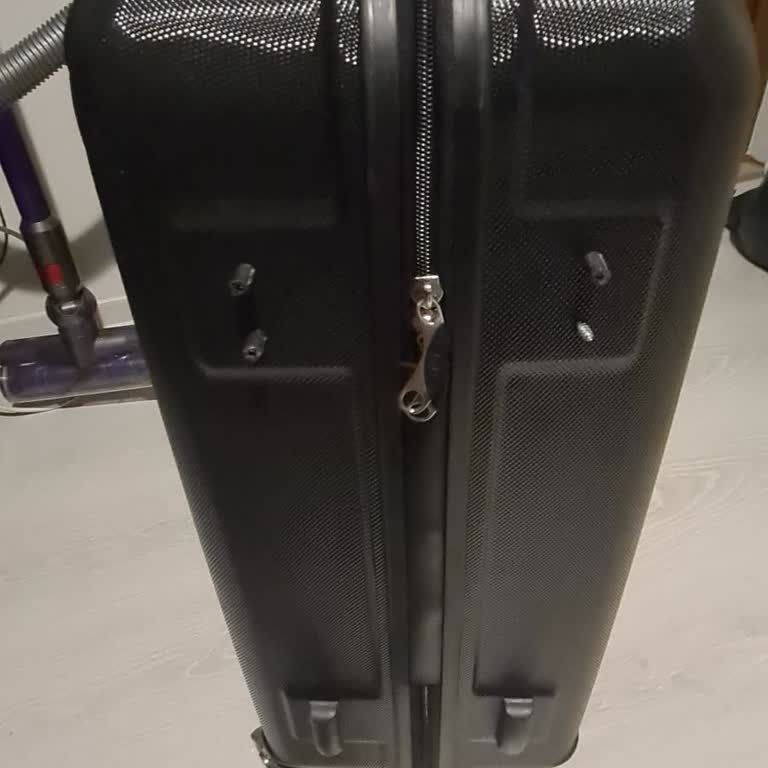
On November 4, 2025, at 16:12, I experienced a serious issue at the Pegasus ticket sales and baggage drop counter at Erc...an Airport in Cyprus. During my ticket process, I was given a specific time to check in my luggage and was told to return at that time. However, when I returned, I was told I had t
On October 21, 2025, my baggage was lost on Pegasus flight PC980 from Berlin to Sabiha Gökçen. I contacted Pegasus custo...mer service to have my baggage located and a case was opened under application number sawpc86052. About four days later I was informed that my baggage had been found, but it was de
On Wednesday, October 22, during my international flight from Istanbul to Batumi with Pegasus Airlines, I purchased tick...ets and extra baggage allowance for both myself and my daughter (PNR: 14GV2Z). However, my daughter was not allowed to board because her ID lacked a photo, and she had to stay in T
On August 23, 2025, during Pegasus flights PC601 and connecting flight PC4050, my suitcase was severely damaged at Kayse...ri Airport. The handle and wheels were broken, a part of it came off completely along with the grip area, and the suitcase became unusable. A report was filed at the airport, and I
On October 4, 2025, at 5:28 p.m., I purchased a 20 kg additional baggage allowance for my Pegasus flight (Basel – Istanb...ul Sabiha Gökçen) scheduled for October 7, 2025, at 6:05 p.m. The purchase was made under booking number 385128146, for a discounted price of ₺591.60 (originally ₺946, with a 40% d
On October 5, 2025, during my Pegasus Airlines flight from Dalaman to Sabiha Gökçen, I was charged an unfair additional ...fee for my cabin-size suitcase. Just one day earlier, on October 4, I had flown the same route in reverse (Sabiha Gökçen to Dalaman) with the exact same suitcase and had no issues
During our Ankara–Nicosia and Nicosia–Ankara flights with Pegasus Airlines, my suitcase was damaged, yet our claim was r...ejected despite submitting a formal report. On our first flight to Nicosia, one of the suitcase wheels was broken, which we photographed and reported at Ercan Airport. During the r
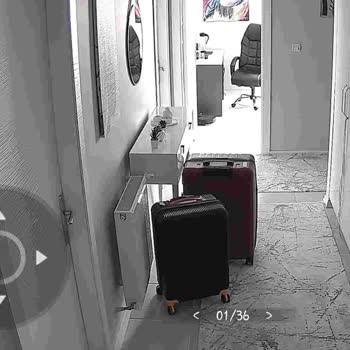
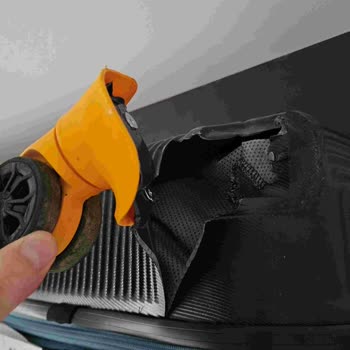
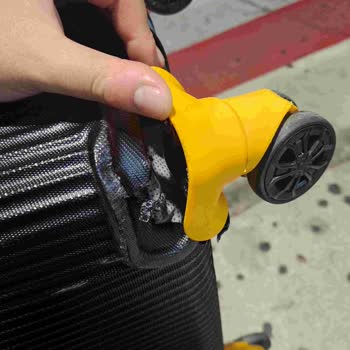
On my Pegasus flight from Istanbul Sabiha Gökçen to Malatya with PNR number 1A6JLF for three passengers, my suitcase was... lost and has still not been delivered even after three days. Inside my suitcase were the keys to my home, my clothes, and gifts. Since I do not have my keys, I cannot return home
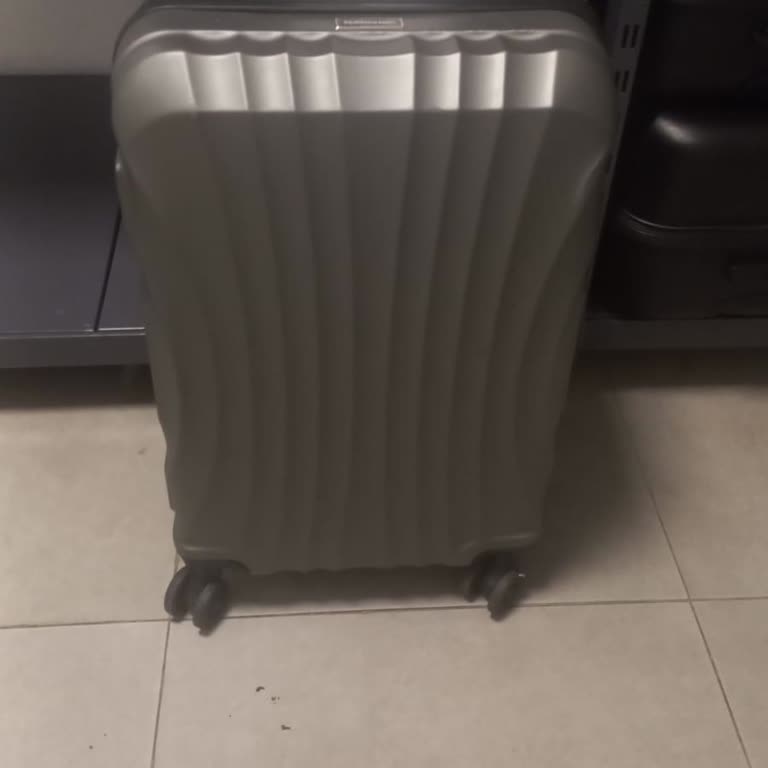
Dear Pegasus Representatives, On September 17, 2025, I experienced serious inconvenience on your PC2281 Dalaman – Istan...bul Sabiha Gökçen flight. Although I have traveled many times with the same cabin-size suitcase—purchased and sold as cabin-compatible—your staff refused to allow me to bring it o
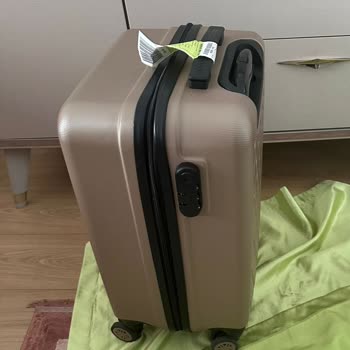
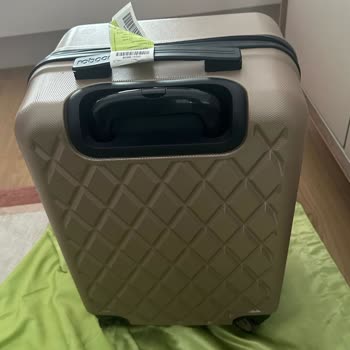
I had a very bad experience with Pegasus Airlines. I was flying from Tbilisi to Berlin via Istanbul, and they forced me ...to check in both my carry-on bags, saying the flight was crowded. When I arrived home, one of my bags did not arrive. I opened a case at the Lost and Found office in Berlin Airport
Dear Pegasus Airlines, I am writing to formally report the unacceptable experience I had on my flight from Sabiha Gökçen... Airport to Kahramanmaraş. Kiosk & Check-In Issues: I was directed to use a self-service kiosk for check-in, but the machine continuously malfunctioned and prevented me from comple
On September 18, 2025, during my Pegasus flight from Istanbul Sabiha Gökçen to Kahramanmaraş, I encountered serious issu...es at the self-service kiosk system. While attempting to check in my luggage, the machine repeatedly failed during both the weighing process and tag scanning, preventing me from co
On September 18, 2025, during my Pegasus flight PC3015 from Izmir to Adana, I experienced extremely unprofessional and d...isrespectful treatment from a staff member at the identity check. The agent suddenly blocked my way, shouting loudly in front of everyone: “You have three pieces of luggage; we ca
On September 11, 2025, I traveled on a connecting route from Ankara to Istanbul with a* and then from Istanbul Sabiha Gö...kçen to Düsseldorf on Pegasus flight PC1005. I purchased my ticket through a travel agency. While my first flight included a hand luggage allowance, my Pegasus flight apparently di
On 24/08/2025, I flew from Antalya to Adana with Pegasus Airlines. I handed over my luggage in good condition at Antalya..., but when I arrived in Adana, I received it damaged, open, and missing some of my belongings. I immediately filed a lost property report, and after rechecking, my missing items we
On September 7, 2024, during my Pegasus flight PC1025B from Hannover, an extra baggage fee of €50 was charged to my cred...it card at boarding. I only had one bag and did not have excess items, and I even stated that I could rearrange my bag, wear multiple layers of clothing, or leave some belongings b
On 07.09.2025, during Pegasus flight PC5305 from Izmir to Düsseldorf, I was charged ₺2,430 by credit card for exceeding ...my 3-kilogram cabin baggage allowance by only 2 kilograms. The ground staff handling the bags spoke in a disrespectful and condescending manner, which made the experience unpleasan
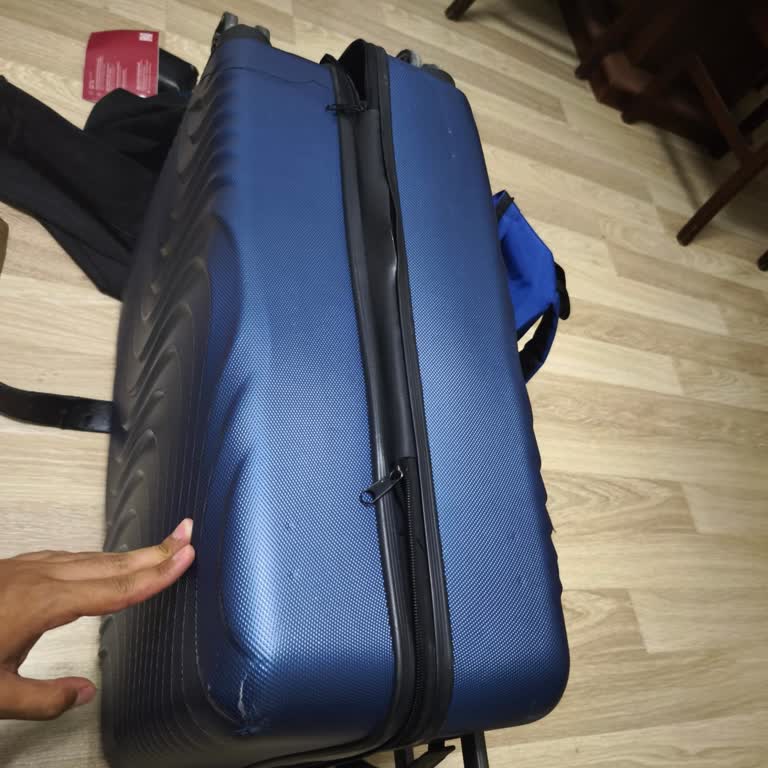
On August 16, during flight PC 2380, I noticed that my medium-sized navy-blue suitcase was burst, crushed, and broken wh...en I collected my baggage. Since I could not find any Pegasus staff at the airport, I was unable to report the issue immediately, and therefore no report was filed. I still have my
On August 18, 2025, I have a connecting flight from Çukurova to Sabiha Gökçen to Amsterdam, booked with Pegasus under re...servation number PWEE1T. I purchased a flexible ticket that includes unlimited changes and cancellations without any penalty. On August 15, 2025, at 14:40, I logged into the Pegasu