Why did my Binance verification fail?
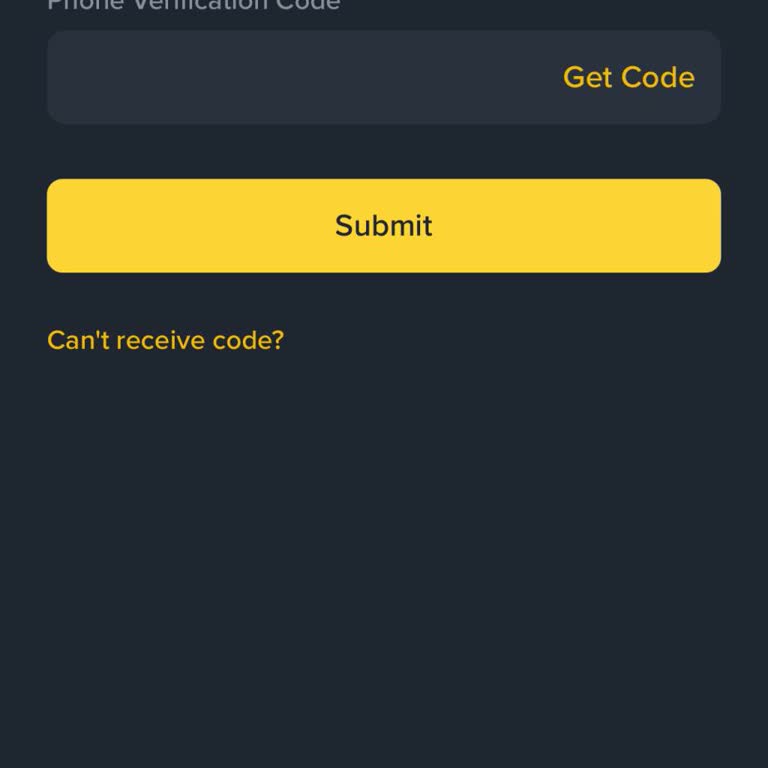
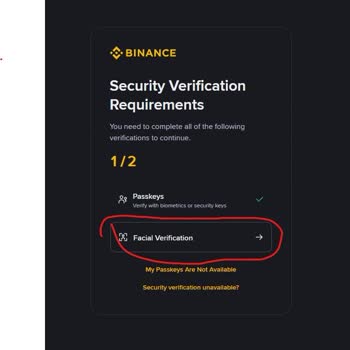
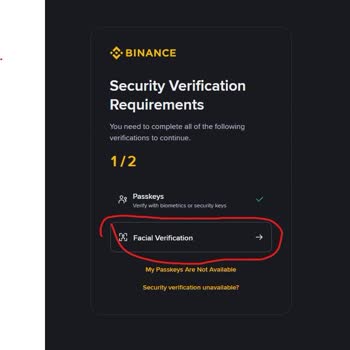
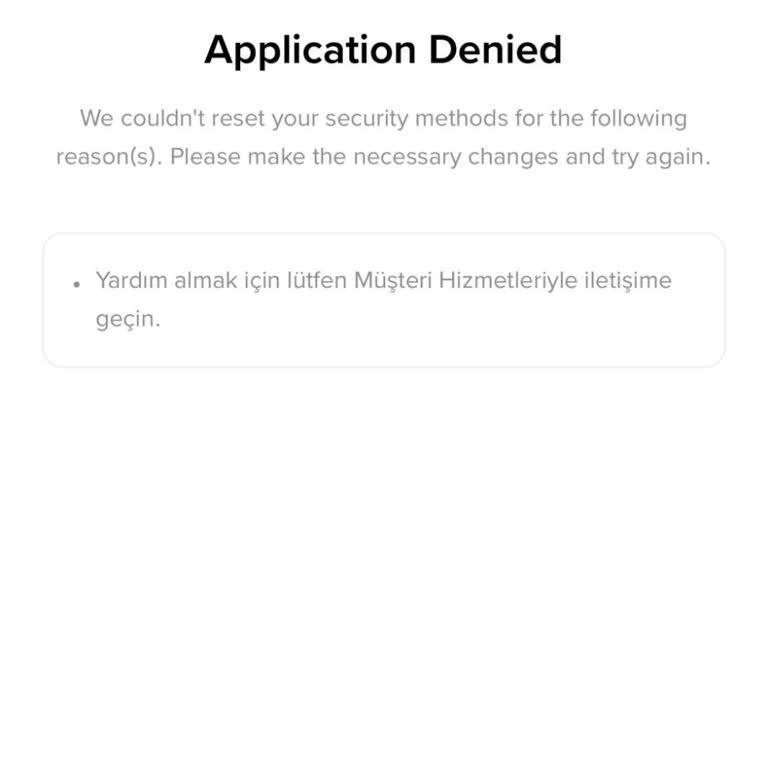
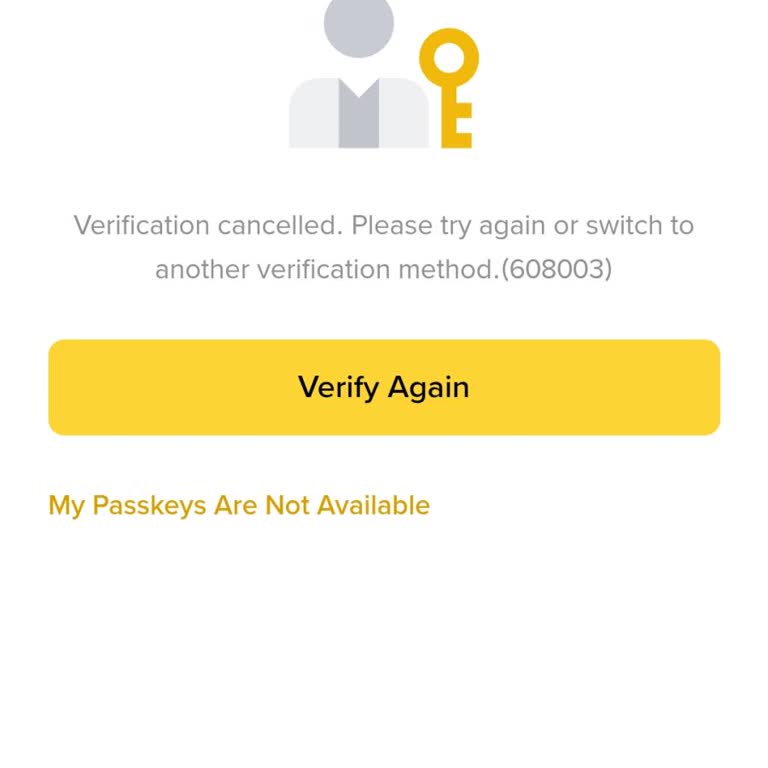
An unstable internet connection is the most common reason for Binance account verification failure. Make sure your connection is stable. If it is stable but verification fails, it could be due to unclear document uploads. Take clear photos of your passport, driving license, or citizenship ID (depending on your country) to verify yourself successfully. Also, ensure that your documents are up-to-date and fully visible. Turn off any call blocker, antivirus, or firewall apps that might block the SMS verification code, and try voice verification if necessary.
How do I transfer from Binance?
To transfer from Binance, log in to the Binance app and select [Wallets] - [Withdraw]. Next, choose how you want to transfer (via phone number, email, or Pay ID) and enter the information accordingly. Finally, click [Send], and your transfer is complete.
Why is Binance not showing my money?
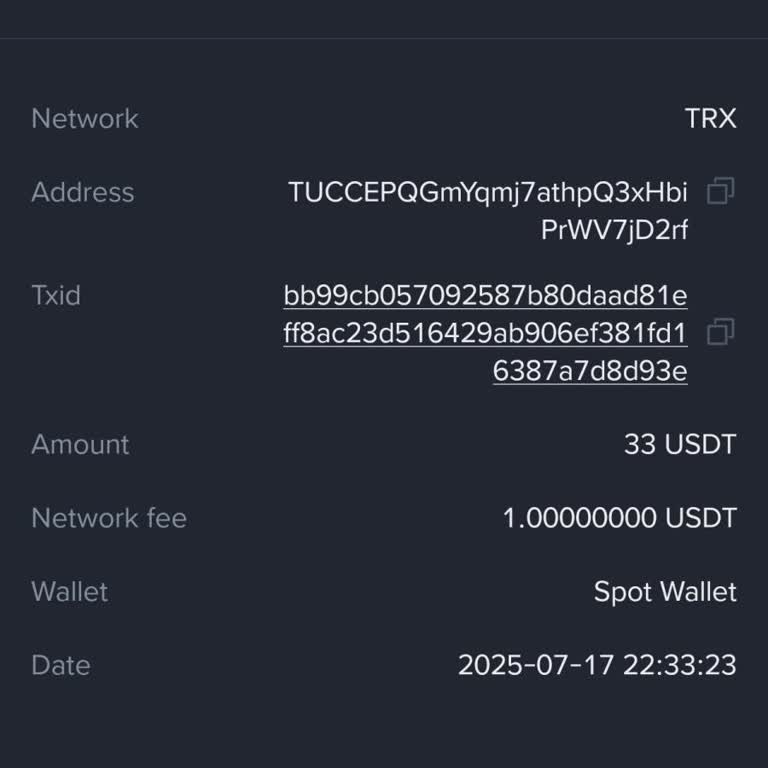
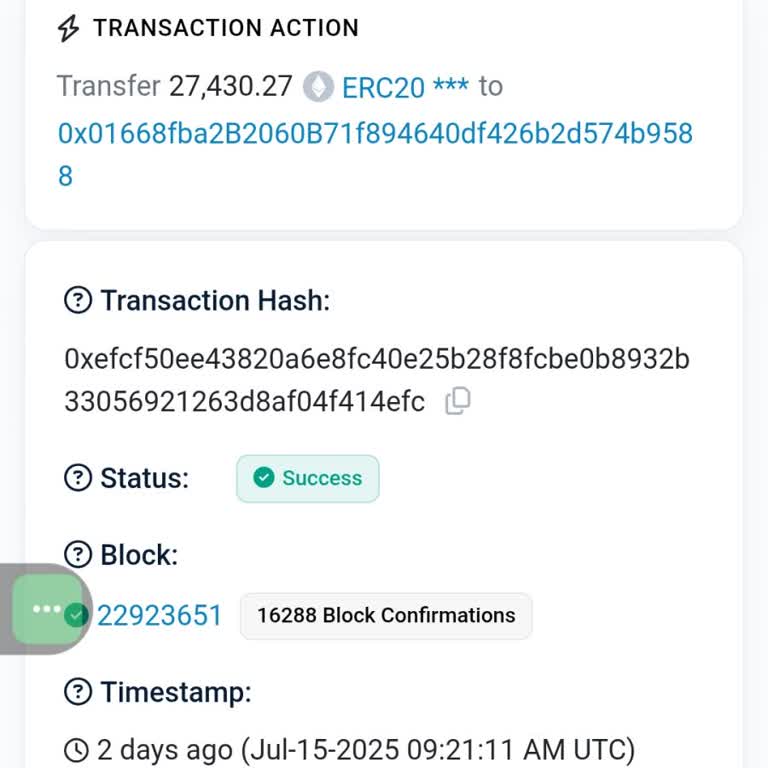
If your money is not showing on Binance, wait for the transaction to be fully confirmed by the blockchain network. Alternatively, check your deposit and withdrawal history in your Binance account. You can also recover the transaction for a fee.
Why is Binance not letting me withdraw?
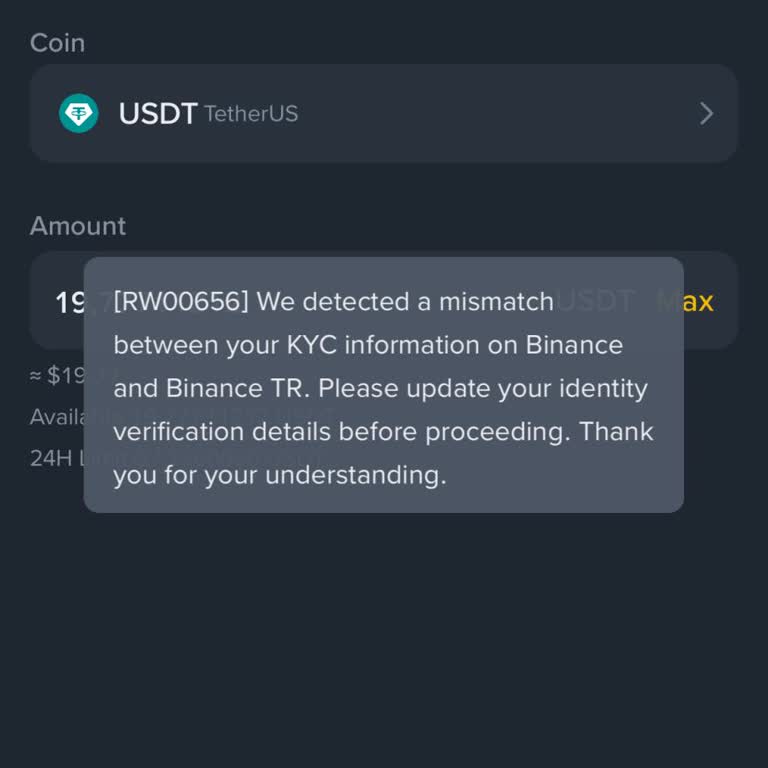
If Binance is not letting you withdraw, it may be because you have breached its terms and conditions, and the company has the right to freeze your account without prior notice. Binance may also lock your account if they detect that you have violated their Terms of Use or made recent changes to your account, such as resetting your two-factor authentication or password. Violations include submitting fake documents, abusive behavior, or showing signs of being a hacker.
How do I contact Binance?
You may reach them at the Help Center on www.binance.com or use the LiveChat option available 24/7. A ticketing option is also provided via email by filling out the form at https://support.binance.us.