I plugged my Samsung watch into charging and it showed a red triangle with a thermometer refusing charging, and what could be the problem?
521 Views
You may feel worried when you see your Samsung display a red triangle with a thermometer and won't charge. This issue may have multiple causes, each requiring a different solution. Here are some possible causes and solutions:
• Overheating: Your Samsung watch may enter protection mode to protect its battery and internal components if it overheats. The watch won't charge then. Cool the watch before charging it again to fix this.
• Dust, dirt, or debris in the watch's charging port can block the charger's connection. Charging issues may result. Check and clean the charging port with a soft, dry brush or compressed air. Check for residue that could impede charging.
• A faulty charger may not deliver enough power to charge your watch. To eliminate this possibility, use a compatible charger that works properly. If the watch charges with the new charger, the old one may be broken.
• Faulty Battery: Your Samsung watch may display the thermometer icon and refuse to charge if its battery is dead. You may need to replace the battery. For professional battery diagnosis and replacement, contact Samsung customer support or an authorized service center.
Join the conversation on Xolvie to discuss shared issues and offer your perspective on common challenges.
Hello, I bought a Samsung S22 from an authorized dealer just one week ago, and I’m already experiencing a serious overhe...ating issue. The phone heats up so much during use that it feels like it might explode in my hand or against my face—especially with the current hot weather. This level of heat is
We recently purchased the Samsung S25 Ultra, and it’s only been two weeks—but we’re already extremely disappointed. From... the very beginning, the phone has shown serious issues with overheating. It heats up noticeably during regular use and also gets warm while charging, which raises concerns about l
I purchased a Samsung A15 smartphone expecting reliability, but I’ve been deeply disappointed. The phone constantly has ...charging issues—it either charges extremely slowly or doesn’t charge at all. I sent it in for repair, and while it worked temporarily afterward, the exact same problem came back so
Despite being sent for repair multiple times, my Samsung M34 5G 126GB phone was never properly fixed. Initially, it had ...a signal issue and wouldn’t connect. The authorized service confirmed the problem was with the phone and replaced the motherboard. However, the issue persisted, so I sent it back f
I am having serious issues with my Samsung A20 device. It refuses to install updates—every time I download an update, th...e installation fails with an error. In addition, the phone has started randomly shutting down and restarting multiple times a day, sometimes 10 to 20 times or more. Now, it is com
I recently attempted to connect my Samsung S3 smartwatch with my new Samsung phone, only to discover that it’s no longer... supported because of software updates. My watch works perfectly, with no problems at all, yet I can’t use it just because it’s seen as outdated. I contacted support, looking for a
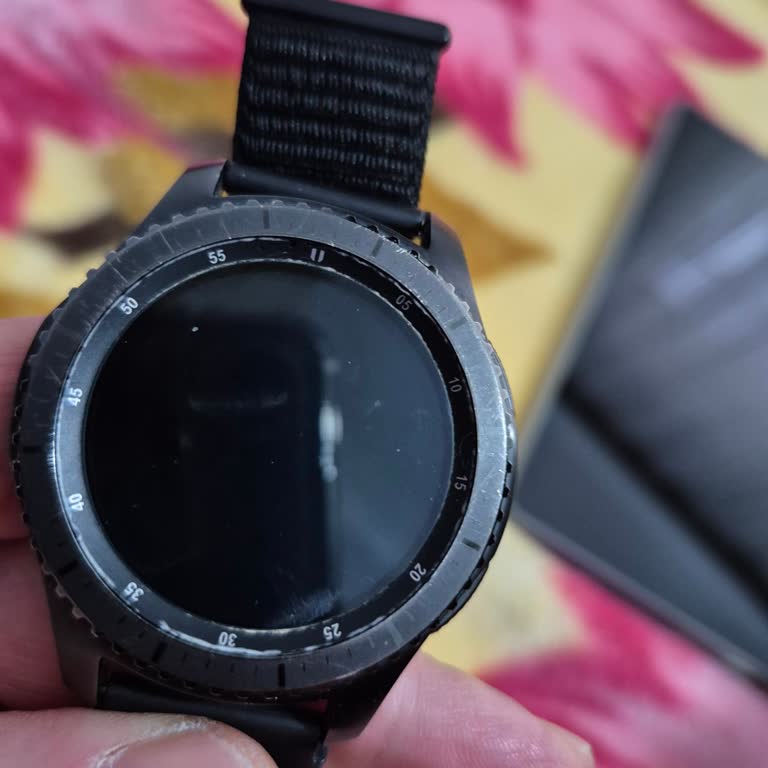
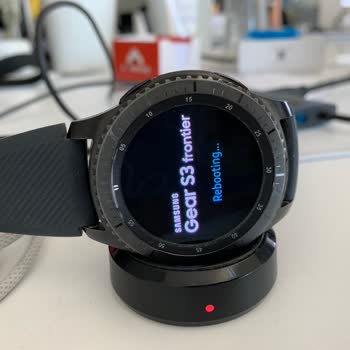
Last night, while wearing my Samsung Gear S3 Frontier in the rain, the watch got stuck on the rebooting screen and hasn’...t responded to anything since. I haven’t exposed it to a pool or the sea, just a bit of rain, and yet it stopped working. I expected much better quality from Samsung, especially fo

I’ve been using a Samsung A23, and lately, it’s been throwing warnings at me about too many unlock attempts, even though... I haven’t been trying to unlock it any more than normal. I can't believe it, but my phone won't accept my PIN anymore, and I've been locked out for nearly five days now. The phone
I am experiencing lagging and freezing issues with my newly purchased Samsung A15 phone. It’s only been 3-4 months since... I bought it. There are many complaints about this issue. You could have withdrawn this phone from the market. You could have stopped selling it. I deeply regret this purchase. The
I purchased three Samsung VR7700 robot vacuums just three months ago, and I’m already dealing with major issues on two o...f them. One unit won’t connect to Wi-Fi, and the other has a charging issue—it simply doesn’t charge at all. I brought the vacuum with the Wi-Fi issue to the Samsung service cente
My device won't charge correctly, rendering it nearly useless, even though the charging port is dry and clear of any deb...ris. It was discovered through extensive research that this issue is encountered frequently by a large number of individuals. The phone's charging capabilities have been quite inco
I took my Galaxy Watch 4 to the authorized Samsung service center in Antalya today since the strap was peeling and disco...lored. It's just been 9 months, but seeing the strap in this condition really bothered me, especially because I use all Samsung electronics. The service center explained that the w

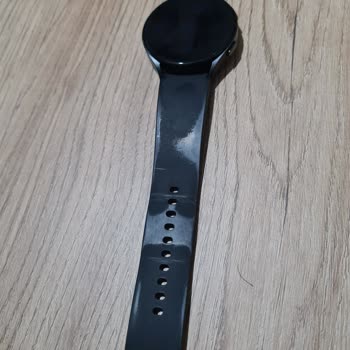
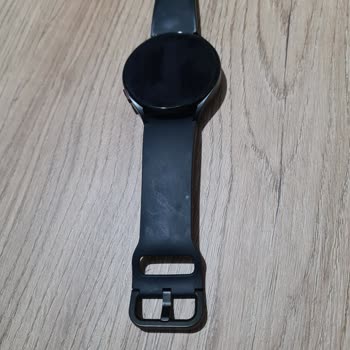
I bought a Samsung Galaxy Fit 2 smartwatch a year and a half ago. I was very happy with it and I used it every day. Howe...ver, today the screen suddenly went blank and it is no longer working. I charged it, but there is still no display. The touchscreen is also not working. The green light on the bac
I am experiencing a dirt issue for the second time with the Samsung Buds2 Pro, which I purchased on March 17, 2023. The ...technical service insists that it is a user error, but I am a meticulous person, and there is no possibility that this is a user error. On July 26, 2023, I pre-ordered the Galaxy W
I had to send my Samsung M51 phone to the service because I couldn't make calls or use the internet without Wi-Fi. When ...they gave me back the phone, they told me that both the motherboard and charging socket were broken and asked for 4,000 TL to fix them. What confuses me is that this issue happened
My Samsung Gear Sport SM-R600 model watch is giving me trouble. I get an error message that says "Cannot charge" every t...ime I try to charge it. "The watch needs to get warmer." This problem needs to be fixed for me. I did everything the technical service told me to do, but I still haven't seen any r

On July 4, 2023, I went to Media Markt and bought a Watch 5 Pro. On August 11, 2023, I told Media Markt to send the item... to your service center. When I tested the device with three different wattages, I found that it doesn't fast charge, has a delay when switching between interfaces, and sometimes s
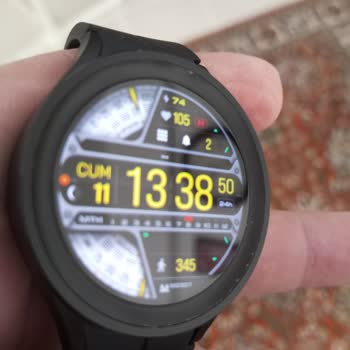
Hello, in December 2020, I purchased a Samsung watch for my spouse. Within a month, it started experiencing constant cha...rging issues and had to be sent to the service center. Due to a faulty product, it was exchanged for a new one. However, this replacement watch developed a ghost screen issue after
I recently purchased the Samsung Watch 4 in a stylish pink color, excited to experience its features. The watch's aesthe...tics and overall design truly impressed me, but there's one significant problem overshadowing my enthusiasm - its battery life. Despite its sleek appearance, I was shocked to find
I deeply regret purchasing the Samsung Watch 4 Classic. It was not disclosed during the purchase process or in the produ...ct information that the watch is incompatible with various smartphone brands or lacks regional support for certain features. Furthermore, the battery life is inadequate, lasting on
In 2018, I paid 750 Turkish Lira (approximately $190) for a Samsung Gear S2 Sports R720 model watch. After speaking with... Samsung's technical support, authorized dealers, and customer service representatives about a software update, I was told that I should no longer use the device and should instead


This is my second Samsung watch and I am still experiencing the same situation. I used the Gear S2 model before, now I'm... using the Galaxy Watch Active 2 model, I can't use it more precisely because this watch gave the same malfunction as the first watch. Problem; the screen of the watch turns black
My Samsung Fit 2 watch has been an important part of my daily life for two years. But recently, it ran out of power, and... when I tried to charge it, the screen never turned on, and none of the buttons worked. I was confused and annoyed because there is no power button and I couldn't figure out how to