WhatsApp messages from +91 numbers raised privacy concerns, how can I secure my account from such risks?
455 Views
Receiving unwanted WhatsApp messages from unknown numbers can be alarming. To improve your privacy, go to WhatsApp's Settings > Privacy and change "Last Seen," "Profile Photo," and "About" to "My Contacts" or "My Contacts Except...".
This reduces the visibility of your information to unknown users. Additionally, click to Settings > Account > Two-step verification to add an extra layer of security to your account.
If you receive a message from an unknown number, block and report it immediately. Open the chat, tap the number at the top, and then choose "Block" or "Report."
This action blocks further contact from that number and alerts WhatsApp to possible spam or abuse. Regularly reviewing and changing your privacy settings might help protect your account from unwanted interactions.
Contact WhatsApp support for further assistance or to report recurring issues. Visit the Help Center at (https://www.whatsapp.com/contact/?lang=en) or via email to [email protected].
Providing thorough details about your issue will allow them to assist you more efficiently.
If you have experienced a similar issue, please feel free to share. You can also file a complaint on Xolvie.
While using WhatsApp, about 20 minutes ago, I received a call through the app from a foreign number with the +91 country... code. After researching online, I learned that +91 belongs to India, and I have no personal or business relationship with this country. This situation seriously disturbed me, and
I received a video call on WhatsApp from the number +237 699 03 14 55. After researching the +237 country code online, I... learned that this number belongs to Cameroon. I have no personal or business relationship with this country, and this incident made me extremely uncomfortable. I have blocked the
On October 17, 2025, at 01:29 a.m., I received a message on my phone stating, “An account belonging to you (WhatsApp) is... being registered on a new device.” A verification code was also sent. When I woke up in the morning and opened the app, I realized that I had been logged out of WhatsApp. During
On October 16, 2025, I received a call from a +91 (India) number through the WhatsApp application on my iPhone 11. The c...all happened only once, and I immediately blocked the number afterward. Since then, I haven’t received any further messages or suspicious activity. I kindly request that WhatsApp
For the past month, I’ve been receiving WhatsApp verification codes and international calls at least 10 times a day on m...y iPhone 16 Pro, even though I never requested them. These calls and messages come from foreign numbers with different country codes, such as +44 and +1. The last digits of my pho
On October 10, 2025, I received a WhatsApp message from a number starting with +91, which I later learned is from India.... I have no personal or business relationship with that country. I did not open the message and immediately blocked the sender. There has been no suspicious activity or unauthorized
On October 8, 2025, between 12:15 and 12:20 PM, I received a WhatsApp voice call from a +91 (India) number. Out of curio...sity, I answered the call — but it was immediately disconnected. Right after that, I blocked the number. This is the first time I’ve experienced such an incident. I did not make an
On October 7, 2025, at 4:05 PM, I received a WhatsApp call from a phone number registered in India. This was concerning,... as I have no connection whatsoever to that region. Although there was no suspicious activity after the call, I believe such calls could pose a potential security risk. Immediatel
On September 19, 2025, at 15:28, I received a voice chat call from a number starting with the code +91 (India). I have n...o connection, friendship, or prior interaction with this person. As soon as I noticed the call, I blocked the number immediately. So far, I have not observed any suspicious activi
Today, I received both a message and a call on WhatsApp from a +91 number registered in India. I have absolutely no pers...onal or business connection with this country, which makes this situation very concerning and uncomfortable for me. While I immediately blocked the number that contacted me, I am w
I received an unsolicited call on WhatsApp from a number beginning with +91, which I later confirmed is from India. I li...ve in Turkey and have absolutely no business, legal, or personal connection with anyone in India. This unexpected call deeply disturbed me, raising serious concerns that my persona
I received an unexpected WhatsApp call from the number +261 33 19 136 17, which I accidentally answered but immediately ...hung up. After blocking and deleting the number, I researched and found out that it belongs to Madagascar. I have no personal or professional connections to Madagascar, and this si
On 2025-07-02, I received an unsolicited message on WhatsApp from a number starting with the +91 country code. Upon rese...arching, I discovered that this number is registered in India. I have no personal or business connections with India, which makes this message highly suspicious and alarming for me
Today, I received an unexpected and unsettling call on WhatsApp from a number starting with the +91 country code. After ...a quick online search, I found out this number originates from India. I want to make it absolutely clear—I have no personal or business connection to India whatsoever, and this ran
On June 12, 2025, at exactly 2:40 PM, I received an unsolicited WhatsApp call from a number beginning with +91 93581 ***...*. After looking it up online, I learned the +91 country code belongs to India—a country with which I have absolutely no personal or business connection. This call made me extreme
On May 16, 2025, at around 9:30 AM, I received an unexpected WhatsApp message from a number starting with +1 640, which ...I later confirmed to be a United States country code. I have no personal or professional connection to anyone in the U.S., nor have I ever communicated with anyone from this region
I’ve been receiving persistent WhatsApp messages from numbers starting with +44, which I’ve confirmed belong to the Unit...ed Kingdom. Although I block each one, they keep contacting me from new numbers. I have absolutely no connection to the UK—no family, no friends, no business relationships. This r
I received an unsolicited WhatsApp message from a number starting with +91, which I verified belongs to India. I have ab...solutely no personal or business connection to this country, making the contact completely unexpected and uncomfortable. I immediately blocked the number, but I’m still deeply con
I received an unexpected WhatsApp call from a number with the +91 country code, which I later identified as belonging to... India. I have no personal or professional connection to anyone from that country, and this call made me feel extremely uncomfortable and suspicious. Immediately after receiving t
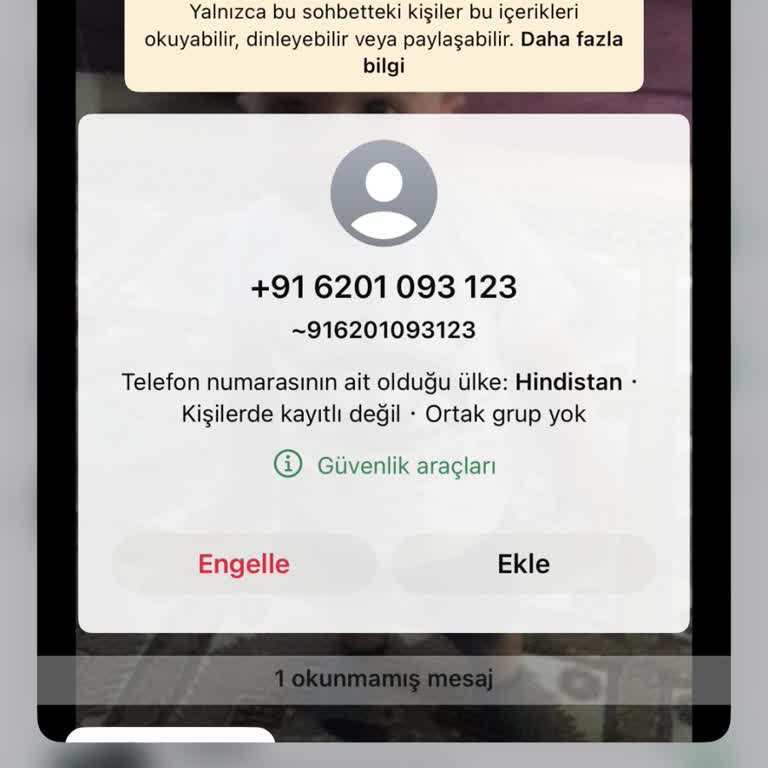
Today, I received a message on WhatsApp from a number with the country code +91, which I quickly looked up and found bel...ongs to India. I have absolutely no personal or business connections to anyone in India, which made this unsolicited message extremely concerning. Out of caution, I immediately bl
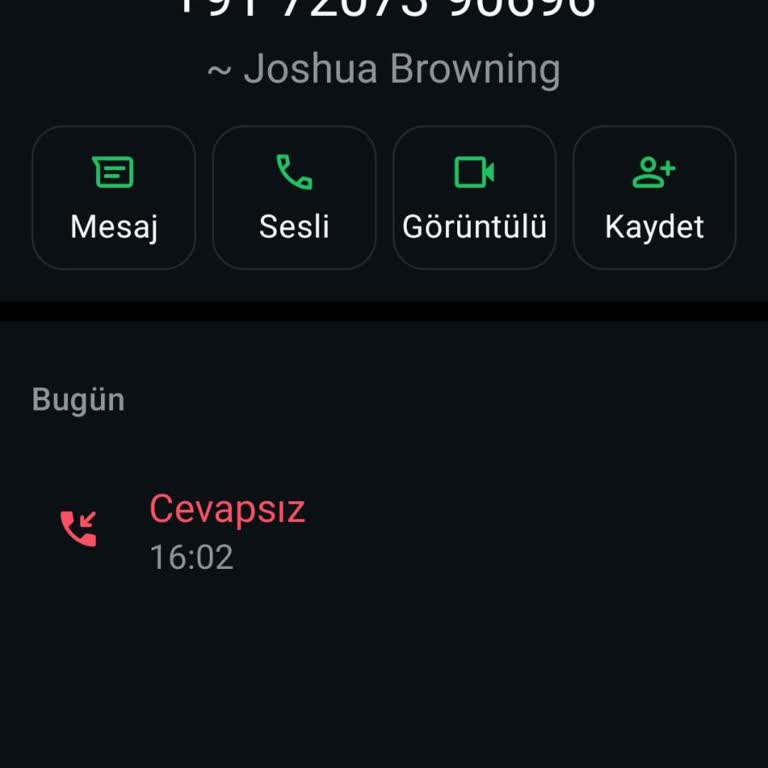
I received a suspicious WhatsApp message from a phone number with the +91 country code, which I confirmed online belongs... to India. I want to clearly state that I have absolutely no personal or business ties to India, and this unexpected message has made me feel extremely uncomfortable and concerned.
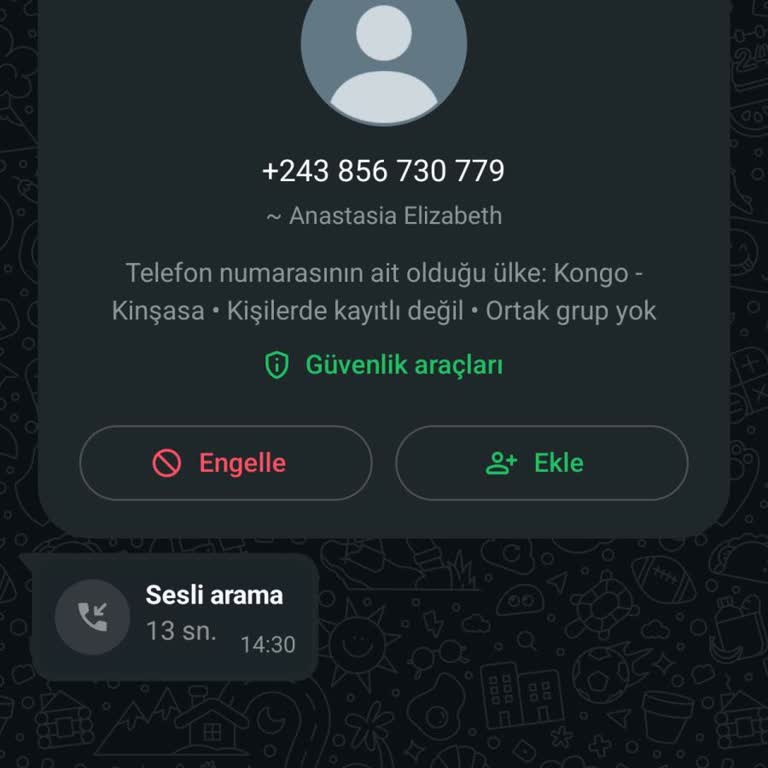
On April 21, 2025, at 2:30 PM, I received an unexpected and suspicious call on WhatsApp from a number with the country c...ode +243, which belongs to the Democratic Republic of the Congo. I have no connection whatsoever to this country, and I do not know how this number got access to mine. I immediate
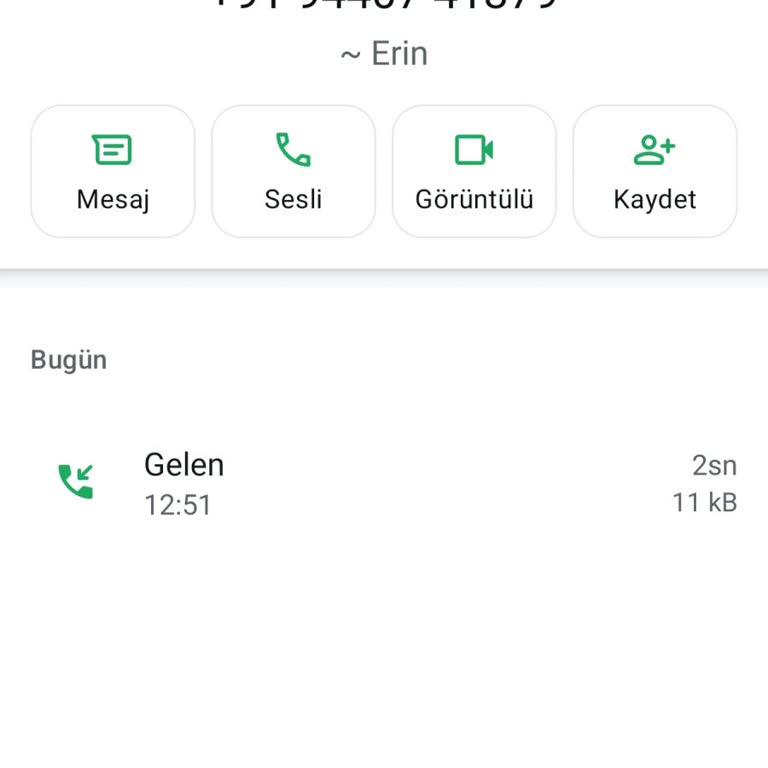
On April 21, 2025, at around 12:50 PM, I received a WhatsApp message from the number +91 9440741379. After researching o...nline, I found that the +91 country code belongs to India. I want to make it absolutely clear that I have no personal or business relationship with anyone in India. This message w
On April 21, 2025, I received a WhatsApp message from a number starting with the +234 country code. The message said, “H...ello, nice to meet you”. I have no idea who this person is, and I have no connection to Nigeria, where this code originates. I immediately blocked the number, but I’m very disturb
I received a WhatsApp message from a +91 number, which I confirmed through online research belongs to India. I want to s...tate clearly that I have no personal or business connection to India whatsoever. This message was completely unexpected and made me feel very uncomfortable. I immediately blocked