StarMaker login keeps failing even with correct password, how can I access my account?
65 Views
If StarMaker login keeps failing even with the correct password, first try using the “Forgot Password” option on the login screen to reset your password.
The system will send a recovery code to your email or phone so you can create a new password and regain access.
Another common fix is to clear the app cache or reinstall the StarMaker app, because corrupted data or outdated files can prevent login even when your credentials are correct. Restarting the app or installing the latest version often resolves login glitches.
You should also check whether you originally logged in using a social account (Google, Facebook, TikTok, or phone number) instead of email.
Trying the wrong login method can create new accounts instead of opening the original one, which makes it seem like the login is failing.
If you still cannot access your account, consider filing a complaint on Xolvie to seek a resolution.
For the past four years I have been a faithful and problem‑free user of Starmaker. Four days ago, I discovered that my a...ccount had been hacked and then suspended, even though I did nothing wrong. I realized something was wrong when I could not log in and saw that my profile picture and name had been
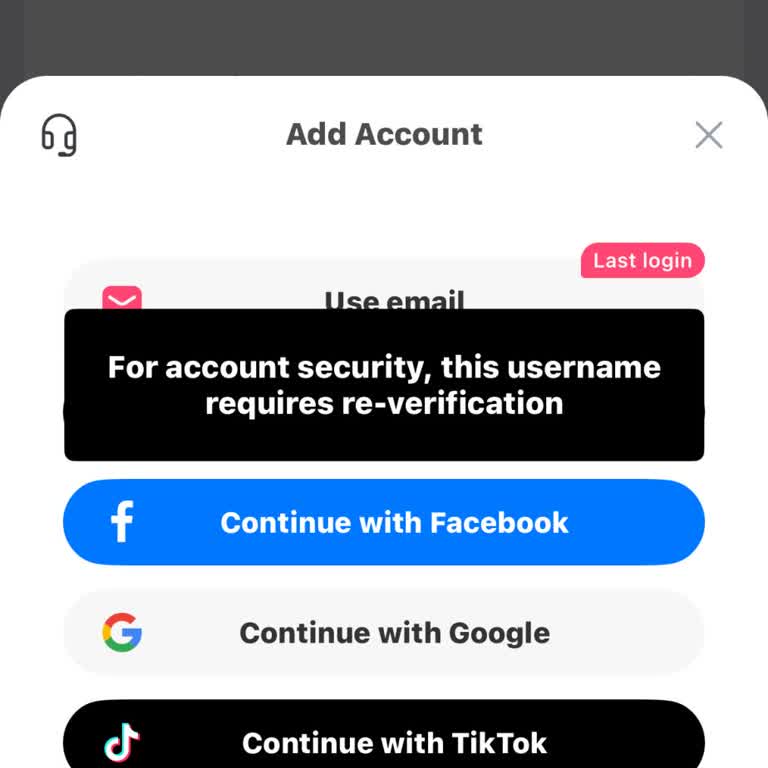
For more than a month I have not been able to log in to my StarMaker account on my Android device. Whenever I try to log... in, a message appears on the screen saying “We're sorry, your account has been blocked due to illegal activity on the app.” and the login process does not continue. I do not know
I am using the StarMaker iOS mobile app and I am having a problem accessing my old account. My previous phone was accide...ntally broken and I bought a new iPhone of the same model. When I installed StarMaker and tried to log in with my Facebook account, the app created a new ID every time instead of o

I am writing about a serious problem with my StarMaker account. My main ID has been muted in the app with a notification... that says it is because of “harassment/abuse.” I never abuse anyone on the platform, and in general I try to follow the rules, but in one moment I reacted badly because someone tr
My name is Ganesh Kumar and I am urgently requesting assistance regarding my StarMaker account. My StarMaker account wit...h ID 100134617614 appears to have been logged in on someone else’s mobile device without my permission, and I have been unable to access it on my own mobile since 25/06/2026. This
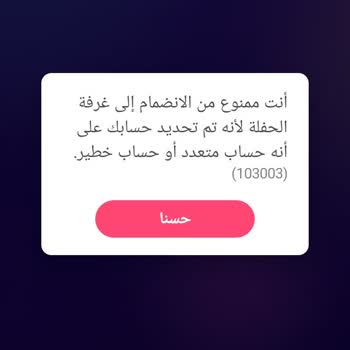
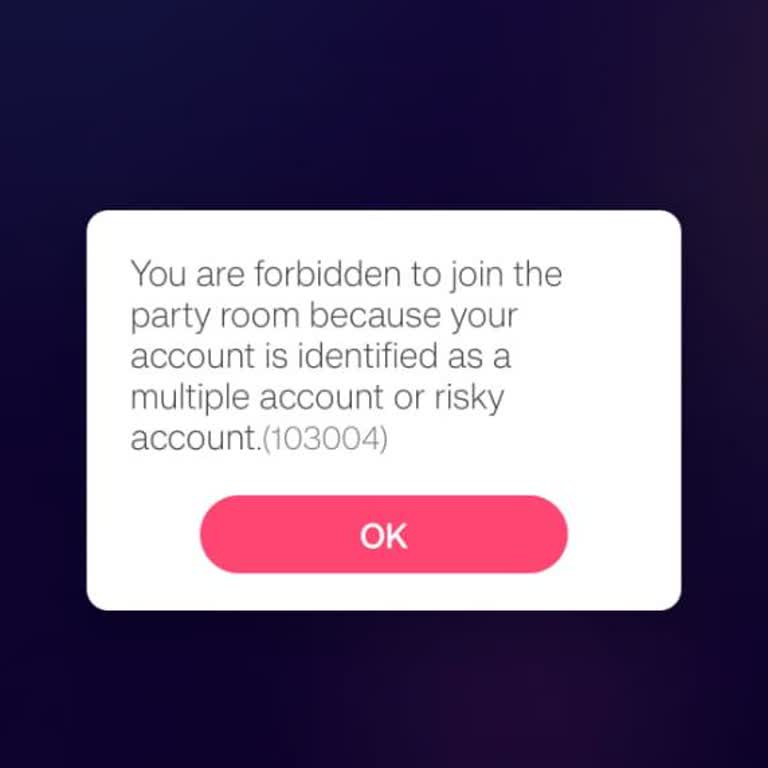
I am a StarMaker user on an Android device and since yesterday I have been unable to enter rooms or chats. When I try, t...he application shows a warning that I have multiple accounts and blocks my access. Previously I logged in with one Gmail account, then deleted that account and created a new one. A
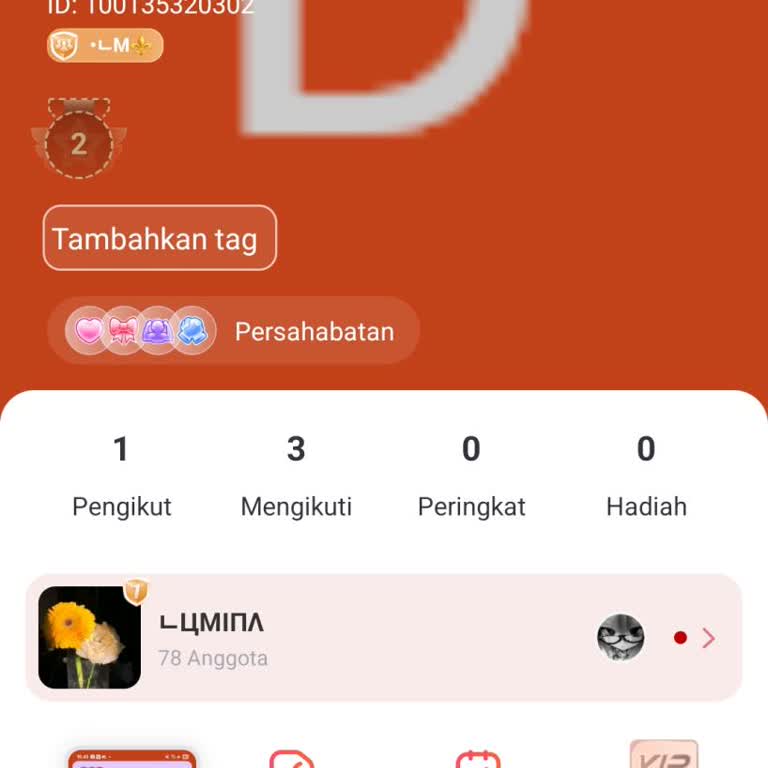
I am a StarMaker user and since 6 July 2026 I have not been able to access my original account. Every time I log in usin...g my email, the system opens a new account instead of my existing one. At the moment, the account that appears has the ID 100135320302, but I want to regain access to my old accoun
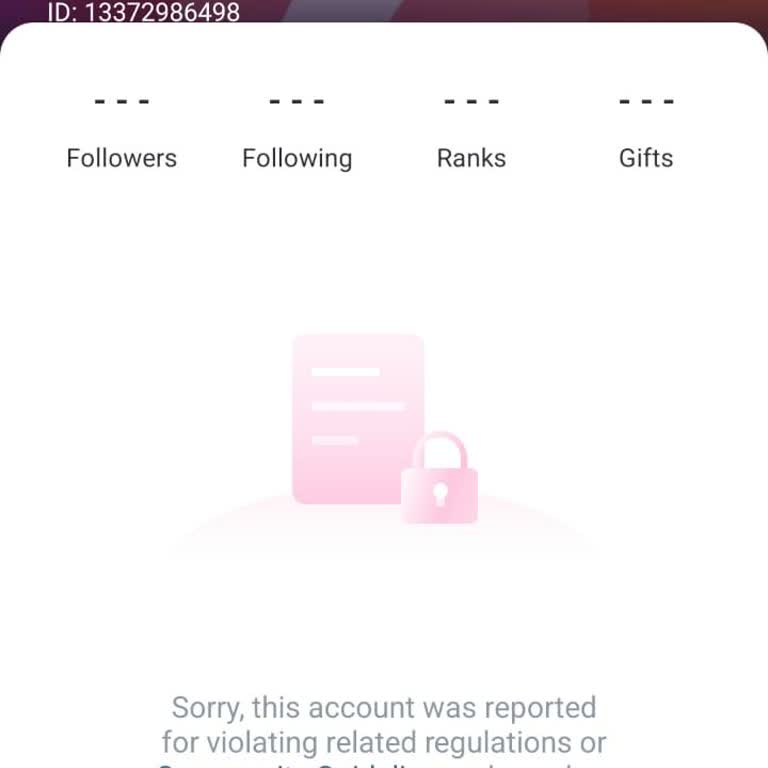
My StarMaker account (SID 13372986498), which is a Level 49 account with VIP 1 status, was permanently suspended on July... 7, 2026 for alleged "fraud," even though I have never violated StarMaker's rules or engaged in any fraudulent activity. I was using my account normally until approximately 8:07 a.
I am writing regarding a problem with my main StarMaker account, which I have been unable to log into since yesterday. M...y account details are StarMaker ID 13277327*** and username “MommyAmy”. Until yesterday it was working normally, but now I cannot access it at all. The issue started after my daugh
I am a mobile user of the Starmaker application and I am having a serious problem with my account related to multiple ac...counts, the live room and the live feature. Because of an issue with my ID / Open ID, I cannot properly access or use my live room and live features, and I am unable to open or res

My Starmaker karaoke account has been hacked and then banned because of activities I did not do. I am requesting your ur...gent help to secure and restore my account. My Starmaker ID is 13365064*** and my username is “Queen shilpi”. Around 5 June 2025, I received a link that was presented to me as an e
I was using the StarMaker app on my Android phone with the ID 13350356*** when I was suddenly logged out of the platform.... Since that day, I have been unable to log in again and I always see a message stating that my account is suspended. For the last year, I have been repeatedly contacting StarMaker
I have been using the StarMaker app on my Android phone in India with two different accounts. One of my accounts is very... old, around 3–4 years, with about 1.1k followers, and the second account is newer, about 4–6 months old. Until today everything was working normally, but suddenly I started facing
My old StarMaker account was linked to my Facebook profile. After my Facebook account was deleted, I lost access to my o...ld StarMaker profile. When I tried to log in again on the same phone, the application tried to create a new profile on this device, which appears to have triggered your security sy
I was using the StarMaker app on my Oppo device and logged in with my TikTok account. A few days ago, my StarMaker accou...nt was accidentally deleted, and around the same time, my TikTok account was also deleted, so I completely lost access to my StarMaker profile. My StarMaker profile name was “Capta
I have been unable to use my StarMaker account for about two months because my ID appears to be restricted on my device.... My StarMaker ID is 100112165*** and I am trying to log in on an Android phone, but I cannot access the account due to the device/ID problem. Until this issue started two months ag
I have been using a regular Starmaker account with VIP and frequent recharges, and my account was suddenly blocked two d...ays ago while I was simply trying to log in. I am an active member on Starmaker. I regularly complete tasks, play games, and use the app, and I have never intentionally violated an
For approximately two weeks, I have been unable to log into my personal account on the StarMaker application. My usernam...e was “Onzeyimmm_73,” and as of today I discovered that my account has been closed. I received a notification from the application related to “child mode,” and my account was appar
I have been using the StarMaker application on my Android device, and as of today I am no longer able to find or access ...my old account. When I open the app, my previous account does not appear, and I am unable to log back into it. I still have access to the phone number and email address that were
I am a StarMaker user, and I have not been able to access my account for about two months, since I changed my phone. I f...orgot my login ID and therefore cannot log in to my account, even though I have my SID information with me. Before changing my phone, I was logging in without any problems, but now
I can no longer access my Star Maker Restali account, which I created three years ago using my Facebook login. Since my ...Facebook account has been closed, I am unable to log in to my Star Maker account. I have tried many times to recover it, but I have not been successful, and no solution has been pr
For the past 2–3 days, I haven’t been able to log into the Ludo game on my iPhone. When I try to open the app, I get an ...error with code 105003, even though all my other apps work perfectly. I am using the latest version of the app. I tried restarting my device, but the problem continues. My account
I want to install the Star app on my new Samsung A34 device and access my old account. However, the app requires an emai...l address to log in, and I no longer remember the email I used at that time. I first started using the app when it was free, and my username was “a***.” After selling my previous d