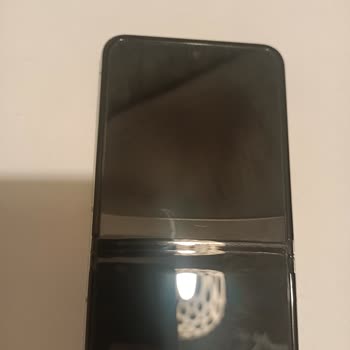
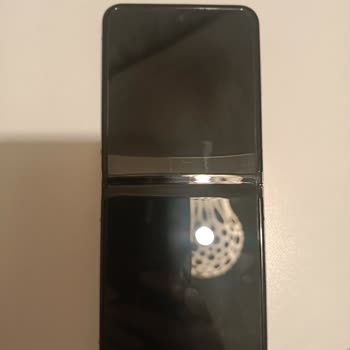
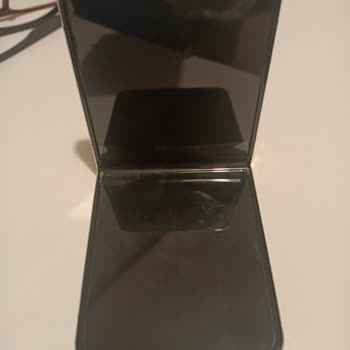
Some parts of the screen on my Samsung Galaxy Tab phone are unresponsive. How can I resolve this issue?
15 Views
Unresponsive areas on your Samsung Galaxy Tab phone's display can be disruptive. Troubleshooting these issues is crucial because they may have multiple causes:
• Screen attachments and accessories may reduce touchscreen responsiveness. This includes unofficial protective cases, stickers, and films. They can reduce touchscreen sensitivity and cause occasional recognition issues if not properly attached. Remove any extraneous items and try using the touchscreen again.
• Restarting your device can fix software issues that slow down its touchscreen. Reboot your Samsung Galaxy Tab to see if it fixes it.
• Charging issues can cause touchscreen issues. Check your device's charging and try a different charger or cable.
• Keeping your device's software updated fixes bugs and other issues. Install the latest software if you're having touchscreen issues.
• Increase device performance due to wear and tear. To maximize device performance, delete unnecessary apps, clear the cache, and leave enough space.
• In some cases, turning off touch sensitivity makes a touch screen more responsive. Check your device's settings for touch sensitivity adjustments.
• Restarting in Safe Mode can reveal if a third-party app is causing touchscreen issues. Offending apps may be deleted or disabled if Safe Mode works on the touchscreen.
• Have you tried everything else and nothing works? Back up your data and factory reset. This final attempt can permanently fix software issues.
I had been using my Samsung Galaxy Note 20 Ultra SM-N985F/DS without any issues for a long time. About 15 days ago, a gr...een line suddenly appeared on the screen, even though the phone had not been dropped or damaged in any way. In addition, after the most recent software update, the device has becom
I am using a Samsung S23 Ultra that I purchased from A101 online store in February 2025, and whose invoice and warranty ...are still valid. On 2 February, the phone started to have a problem where the screen randomly goes black during normal use, without any drop, impact or user error. Because of this
The inner screen of my Samsung Galaxy Fold6, which is a corporate company phone, suddenly went black. Even though the de...vice has not experienced any drops, impacts, physical damage, or liquid contact that could be considered user error, the inner display darkened on its own, and this issue appeared
I am using a Samsung A25 mobile phone and for the last two days the touchscreen has not been working at all. Because I c...ould not use the device, I took it to technical service and handed it over, and at the moment I do not have my phone with me. Since the device became unusable due to the touchscree
I have been struggling to use my Samsung Galaxy Z Flip 6, which I purchased from Turkcell about a year ago, due to persi...stent freezing and lagging issues that started from the very first day. The phone constantly stutters and freezes while opening apps or switching between screens, and at times it b
On December 15, 2025, my spouse and I purchased two Samsung Galaxy S25 FE phones from the Media Markt store located insi...de Buyaka Shopping Mall on the Asian side of Istanbul. Since we bought the phones brand new, we used them with a shatterproof screen protector, a special rear camera lens protector
I purchased my Samsung S21 FE phone in January 2025. Today, the screen glass cracked after the phone slipped from my han...d. Even though the device is very new, I am disappointed to experience such an issue in such a short time. The phone had no previous damage or any other issues—the crack occurred d
I have been experiencing a pixel loss issue on my Samsung Galaxy Z Fold 6 for about 15 days, and the device is still und...er warranty. I contacted Samsung Service to resolve the problem and sent the device in. However, I was told that the repair could only be done outside the warranty due to a dent on
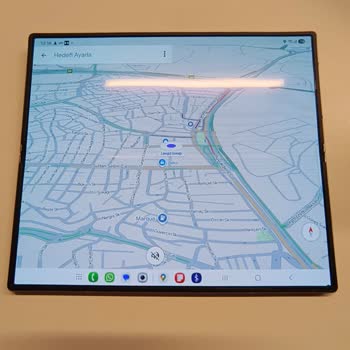
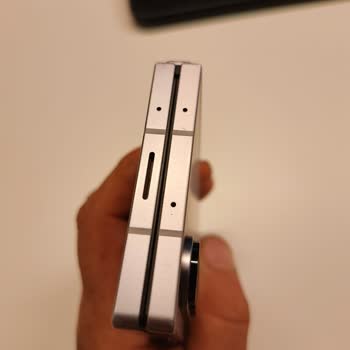
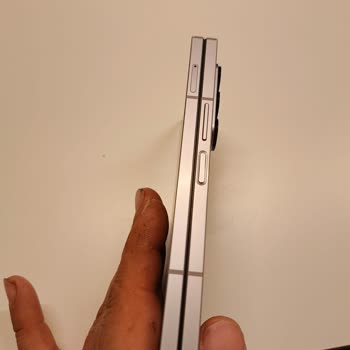

For about 20–25 days, I have been experiencing a color change issue on the lower half of the screen of my Samsung Galaxy... S23. I bought the device brand new and have never faced such a problem before. There is absolutely no impact, crack, or damage; my phone has never been dropped or exposed to any i
I have been using a Galaxy Tab S7 tablet for a long time, and since its charging port became defective, I applied to an ...authorized Samsung service center for a paid repair, as the warranty period had already expired. After inspection, the service informed me that the issue was with the charging port
I bought my Samsung Z Flip 4 phone in April 2023. During the warranty period, the screen protector started to bubble, an...d Samsung replaced it for free in late 2024 or early 2025. But the screen protector bubbled up again after the warranty ran out. When I called the official Samsung service center i
I’ve been using my Samsung A55 for about eight months without any issues—until now. Recently, I noticed a strange black ...spot appearing on the top-left corner of the screen, roughly the size of the front camera lens. It’s not visible when the phone is idle or displaying a static screen, but as soon a
On 17/07/2025, I brought my Samsung Galaxy S22 Ultra to MTA Elektronik Servis San. ve Dış Tic. Ltd. Şti., the authorized... Samsung service center in Bakırköy, to have the battery replaced because it was no longer holding a charge properly. I paid a battery replacement fee of ₺1780. I received my phone
I bought the Samsung Z Flip model in November 2021, and although it was never dropped or damaged, a line appeared along ...the fold. Within a month, the touchscreen began to fail in the folded section, affecting half the screen, and eventually the entire screen stopped working. When I bought the phone,
I’ve been a loyal Samsung user for years, but I’m incredibly disappointed with what has happened to my Galaxy S20+. Out ...of nowhere, the screen developed 14–15 vertical lines that cover the entire display, making the phone nearly unusable. After researching online, I discovered that many other users
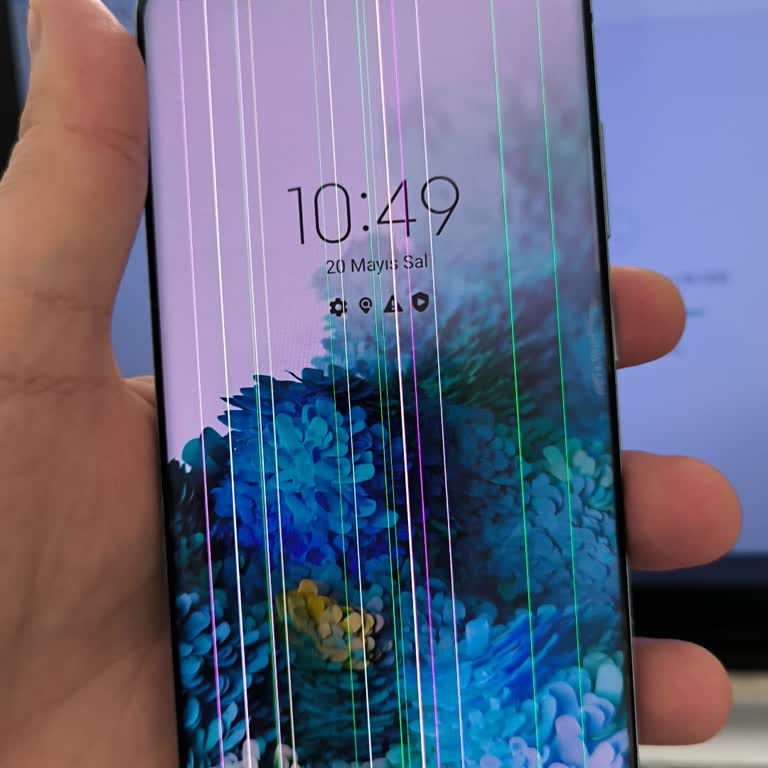
I used a screen protector for my Samsung Z Flip phone, and afterward, I experienced a screen malfunction. The service ce...nter claimed the issue was caused by the screen protector and demanded a ₺12,000 repair fee. At the time of purchase, it was stated that the device was water-resistant. I was also
I am experiencing a frustrating issue with my Samsung A54 5G. When I rotate the screen while using apps like YouTube.com... and Netflix, a shadowy rectangle appears on the display. It looks very bad and is extremely distracting while trying to watch videos. At first, I thought the problem was limited
I purchased my Samsung tablet less than a year ago, and I'm already facing problems that I didn't anticipate from such a... recent device. While typing, some parts of the screen are unresponsive, which makes it challenging to use. At times, the text shifts around unexpectedly, and in certain areas, it
The battery performance of my Samsung phone is very poor, the touchscreen sometimes becomes unresponsive, and the speake...r broke in a short time. Despite being under warranty, they charged me a fee. I contacted customer service multiple times, but they did not offer any real solution. Instead, they k
I bought my Samsung Galaxy Tab A9+ not too long ago and ever since I got it, it has a very strange and annoying touchscr...een problem. Sometimes it detects the touch, sometimes it doesn't detect it at all, and then I change the angle I'm holding the tablet a little bit and it starts detecting it again
I own a Samsung S21, and out of nowhere, a green line appeared on the screen. My phone has never been dropped or damaged..., yet this issue occurred after a software update. Upon researching, I found that many users are experiencing the same problem, which means this is a widespread defect. Samsung ne
The screen of Samsung S24 Ultra 512GB phone I purchased three days ago is broken, and the "S Pen" does not work. The Sam...sung dealer I bought this defective product from is directing me to service instead of replacing it with a new phone. A phone repaired in the service is no longer considered new bu
Having problems with the screen and getting charged extra after the service. I sent my phone to Samsung BDH service for ...a battery replacement, and after 20 days, they let me know that the back cover also needed replacing. I went ahead and paid ₺2600. After waiting a month for the device to come back
I took my Samsung Galaxy Z Flip 5 phone, which I bought from vatanbilgisayar.com on 21.02.2024, to Vatan Bilgisayar Kuşa...dası branch with its accessories in its original box on 15.09.2024 because of a green line on the upper half of the screen. The necessary photos were taken and a report was kept be
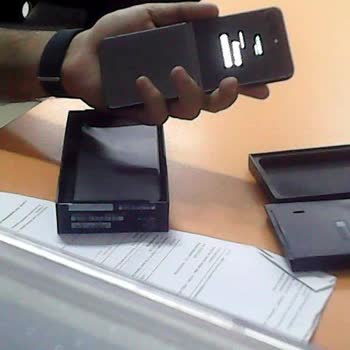
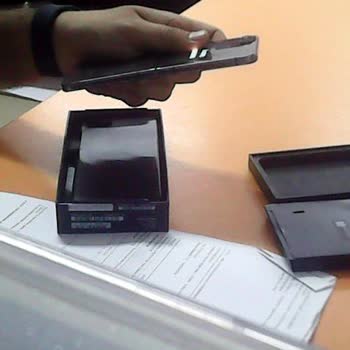
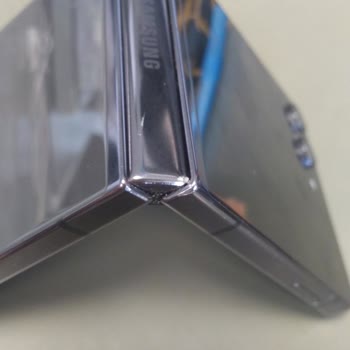
I purchased a Samsung Galaxy Z Flip5 8 months ago, and the folding section developed a bubble. I sent it in for repair u...nder warranty, and it was returned the same day. However, the very next day, the same bubble reappeared in the exact same spot. I work in a corporate environment, so it's difficult