MobiMatter charged me for an eSIM, but I never received it; how can I get a refund?
22 Views
Check your email's spam or junk folder first, as the eSIM QR code and activation information are usually provided quickly after purchase.
If you are unable to locate the email, there may have been a delivery error.
If these steps fail to resolve the issue, MobiMatter offers a troubleshooting tool that is available around the clock to assist.
To access it, go to (https://mobimatter.com/tr/troubleshoot). Follow the on-screen instructions to identify and, hopefully, resolve the issue.
To make a request for direct support, visit MobiMatter's Help Desk (https://help.mobimatter.com/hc/en-us/requests/new).
You may also reach them via email at [email protected].
If the problem remains unresolved, consider filing a complaint on Xolvie to raise awareness about the issue and inform others.
On July 6, I purchased an eSIM through MobiMatter for use in Mongolia with my Turkcell line. I followed all of the insta...llation steps correctly, and although the eSIM appeared to be active, it never worked. I could not connect to a mobile network and was unable to use the service at all. I tried to
On July 4, 2026, I purchased the “EuConnect Unlimited 5 Days” international data package for an Airalo eSIM through the ...MobiMatter app. A payment of approximately $14 was charged on the same day, appearing on my statement as a Dubai, UAE transaction. I purchased this package to use in Greece starti
On August 17, 2025, I purchased a 30-day 7 GB eSIM package from Mobimatter for $8.49 (Order #: mm-12852989). I complete...d the purchase in Greece using my iPhone 15. However, when I scanned the QR code sent to me, I received an error message saying, “This code is no longer valid,” and my issue has re
I purchased 30-day eSIM packages of 5GB and 3GB through Mobimatter for use in Greece (Order No: mm-12626618). We tried i...nstalling the packages on both my phone (Redmi Note 14 Pro) and my spouse’s phone (iPhone 16 Pro Max). However, both devices displayed a “could not be installed” error, and we were
Between August 10 and 12, during my short trip to Greece, I purchased eSIMs three different times through Mobimatte (for... my Xiaomi Redmi Note 14 Pro and iPhone 16 Pro Max). However, despite following all the instructions exactly as directed, none of the eSIM installations worked, and I couldn’t use
I just paid to use the Mobimatter app on my iPhone. I downloaded the app to use it in Bosnia and completed the purchase ...process. However, the app does not work at all—it won’t open, it gives errors, and my payment does not appear anywhere in the system. Despite all these issues, I tried contacting c
On July 8, 2025, I purchased a 3GB internet package from MobiMatter for my trip to Georgia. After completing the payment... and installation steps, I discovered that the eSIM would not activate on my phone. Apparently, my device is not compatible with their service—something that should have been flagg
On July 9, 2025, I bought a 15GB eSIM from MobiMatter for my European trip, expecting a smooth experience. Unfortunately..., I wasn’t even able to activate the SIM. After trying every step, it became clear that my phone is not compatible with the eSIM I purchased. This was never mentioned clearly on th
On June 24, 2025, my daughter purchased a 15GB SIM card from MobiMatter for her upcoming trip across Europe. Unfortunate...ly, the SIM card could not be activated because it turned out to be incompatible with her phone. We followed all the steps provided in the setup instructions, but nothing worked.
I purchased the "Singapore, Malaysia, and Thailand 30GB eSIM" from MobiMatter, expecting it to work seamlessly in Thaila...nd, as advertised. However, after activation, I discovered that the eSIM assigns a Hong Kong IP address, which causes unexpected restrictions – services like OpenAI and TikTok are
I purchased a 10GB Mobimatter eSIM for my iPhone 15 Pro Max, expecting it to work smoothly as promised. Before leaving T...urkey, I consulted my local carrier, and they assured me it would activate once I reached my destination. However, despite following all the steps and trying multiple times, the eS
I followed all the necessary steps to activate my MobiMatter E-SIM, but it simply won’t activate. When I contacted custo...mer service, they completely ignored my issue and provided no real assistance. The QR code they gave me was faulty, and instead of acknowledging their mistake, they refused to take
I purchased the France 10GB internet package from MobiMatter, expecting a smooth activation. I scanned the QR code, but ...as soon as my internet connection dropped, the system logged me out. When I tried to scan the QR code again, it said invalid or failed—and now, I can’t activate my package at all.
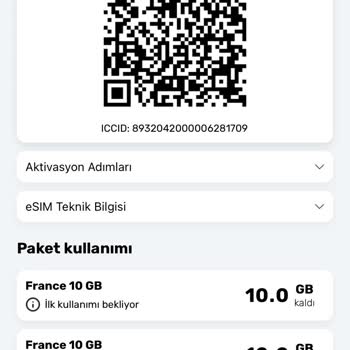
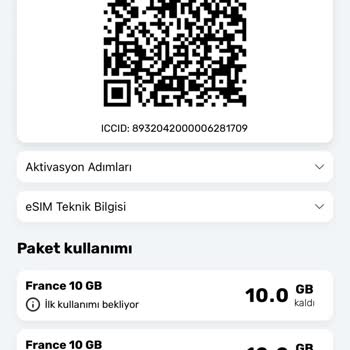
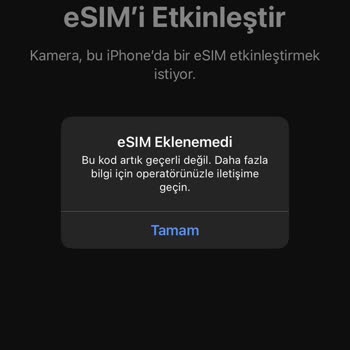
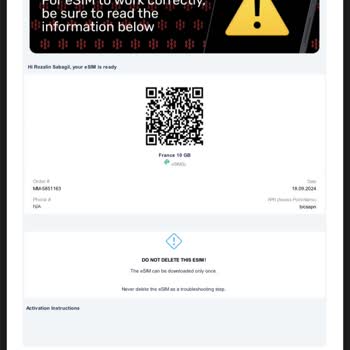
For my Montenegro vacation, I purchased a 500GB + 500-minute eSIM package from Mobimatter. However, the eSIM never loade...d on my phone and kept showing error messages. In the app, it stated that the eSIM was purchased but not yet activated. When I contacted support, they replied that if the eSIM was
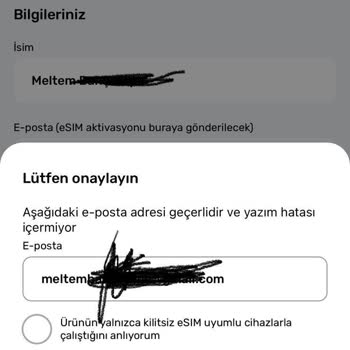
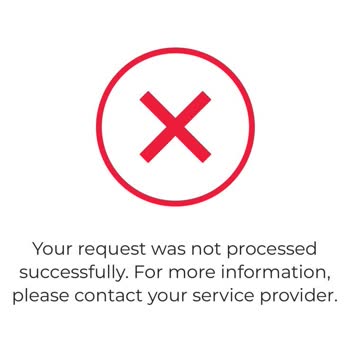
I purchased the Balkans Special 5GB eSIM from Mobimatter on July 26, expecting it to work seamlessly on my iPhone 15. Ho...wever, after installing the eSIM, I couldn’t use it at all. I followed every troubleshooting step provided in the app, but nothing worked. To make matters worse, there is absolutel
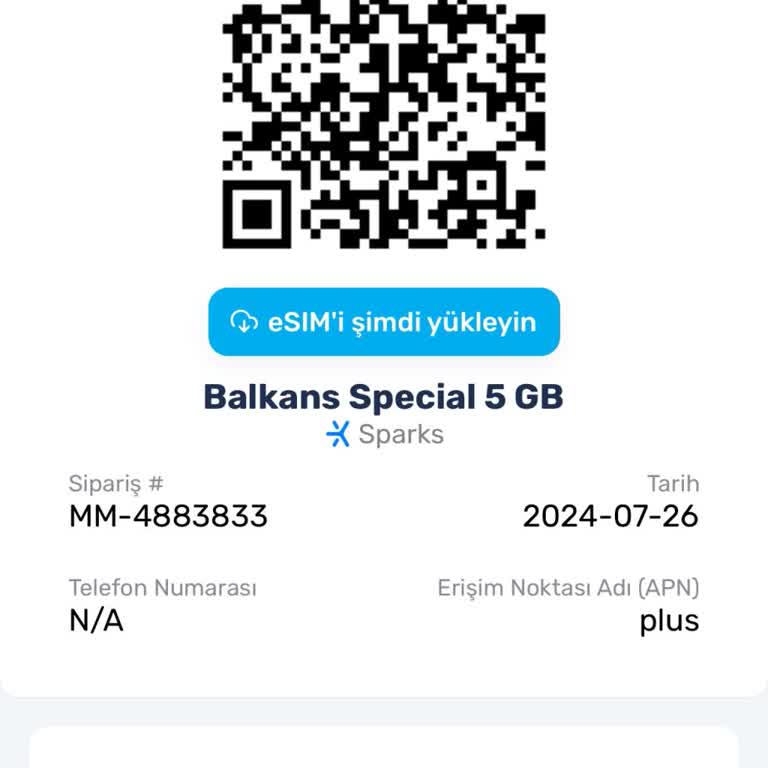
I purchased an international data package from MobiMatter for around 330₺, expecting to use it abroad. However, the eSIM... never activated and kept asking me to reload it repeatedly. Despite multiple attempts, I was never able to use the package. When I tried to request a refund, I faced another issu