I've forgotten the password to my Konami account and need to reset it. How can I update my login information?
3.836 Views
If you've forgotten your Konami account password and need to reset it, follow these steps to update your login information:
• Go to https://my.konami.net/reminder/passEntry.html and fill out the Konami Password Reset Form.
• You will be asked to enter your account information on the password reset form. Enter the required information, including your email address and any other information requested by Konami.
• After filling out the form, go ahead and request a password reissue. This action will initiate the password reset process.
• Examine Your Email: Konami will send an email with a password reset link to the email address associated with your Konami account. Open your email inbox and look for the Konami message.
• Create a New Password: You will be prompted to create a new Konami account password. Follow the instructions carefully and choose a strong and secure password.
Having trouble resetting your Konami account password? Join the conversation on Xolvie and let’s solve it together!
On 16 September 2026, my Konami ID linked to eFootball on my Android mobile phone was hijacked. Someone gained unauthori...zed access to my Konami ID and changed the registered email address to their own, “evebye***@addrin.uk,” which does not belong to me. I have attached a screenshot of the current Ko
Hello Konami Support Team, My eFootball mobile account linked to my Google Play profile has been stolen via a fraudulent... phishing website. After I entered my details on that site, an unknown person took over my account, completely changed my in‑game Username and the linked Konami ID, and locked me o
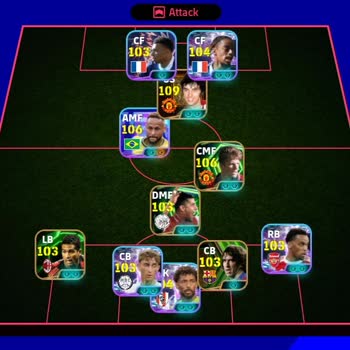
I have been experiencing a serious problem with my Konami eFootball account on Android for about four months. I lost acc...ess to my main account and can no longer reach my previous data and progress. Before the problem occurred, I was in the process of linking my game to a Konami ID. The linking was n
I have been playing eFootball 2027 on mobile with my account named “Gbstar-”, but since early this year my account appea...rs to have been hacked and I have completely lost access to it. I can no longer log in or recover it using my real phone number, email and password that were originally linked to t
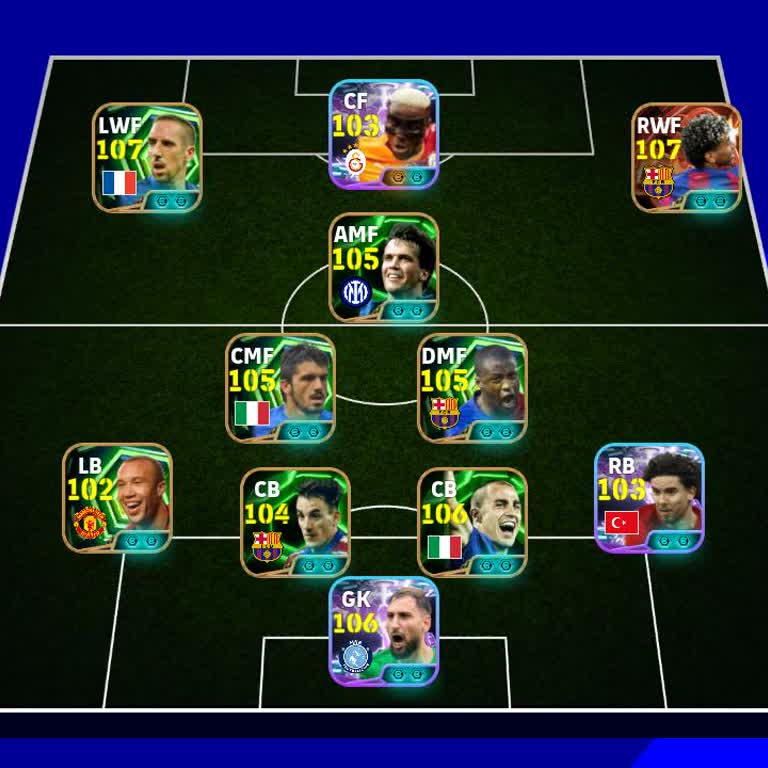
I have been playing eFootball Mobile by Konami and on 1 September 2026 my account was hacked without my approval. Since ...that date I have completely lost access to my account and I cannot log in or use my team anymore. I urgently need Konami to investigate my account, check the email address that was

I have an issue with my Konami eFootball account which was accessed and changed without my permission. My correct Konami... account email is registered with gdaop***@gmail.com, but on 30 April 2026 I realized that someone had changed both the email and password on my account. I later saw the email addr

I am a player of eFootball 2027 and my Konami account has been stolen. On 24/08/2026 I noticed that my email address lin...ked to the account had been changed without my permission and that there was a login from a device identified as an Infinix 50, which does not belong to me. Since this unauthorized
I have a problem with my Konami ID verification for eFootball. Since July 31 I have not been receiving the verification ...codes by email. The game shows that a code is sent, but no verification email arrives in my inbox. I have checked my spam and junk folders and tried several times to reset my passw
I am writing regarding a serious security problem with my eFootball mobile account. Yesterday, my account was hacked and... the person who accessed it without my consent changed the email address linked to my profile. As a result, my eFootball account is no longer under my control, and I suspect the ha
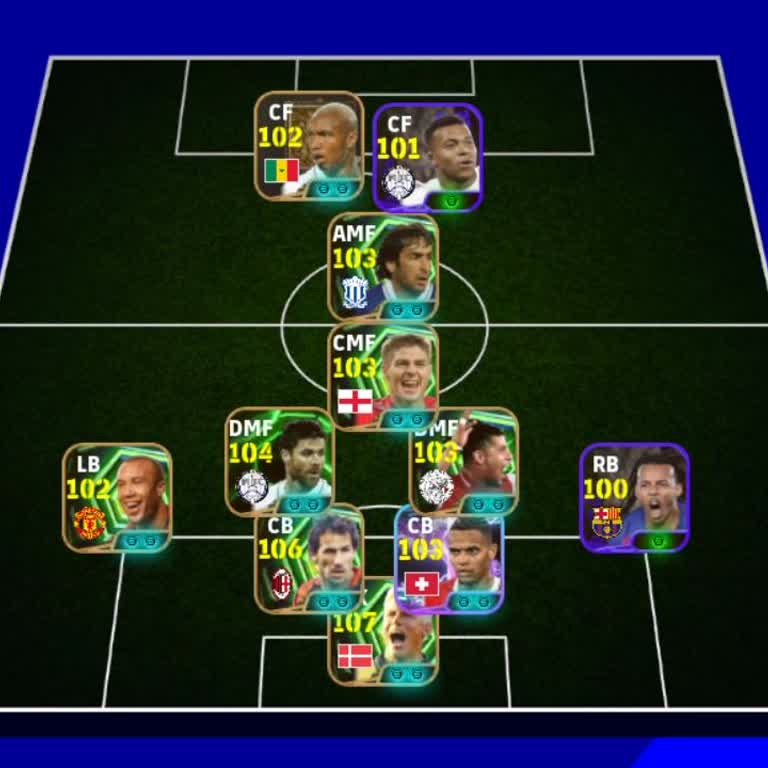
I have an eFootball mobile account and recently lost access due to what appears to be unauthorized use. After the Thursd...ay update, my account started giving an “invalid command has been indicated” type of error, and I could not log in for about 7 days. During this period I did not log in at all, but
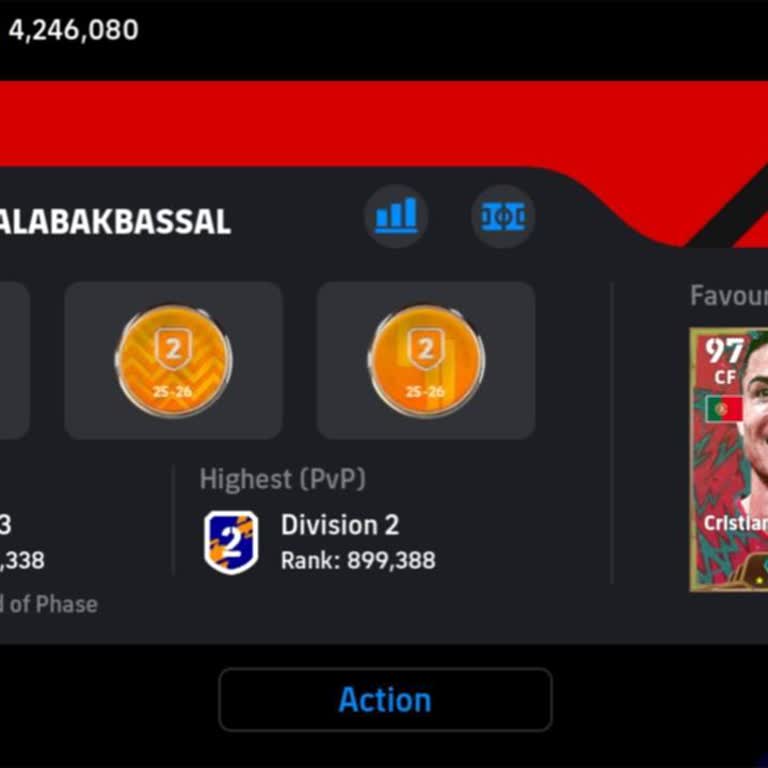
Today I discovered that my eFootball / Konami account appears to have been hacked and I can no longer log in. When I try... to sign in with my usual details, I receive an error message saying that I am unable to log in and that I should check my login ID and password, even though I am entering the corr
I have a Konami PES account that appears to have been hacked and accessed without my permission. I first noticed the una...uthorized access on 2 August 2026. Since then I have not been able to use my account safely and I am worried that someone else is using it or changing my in-game information. I hav
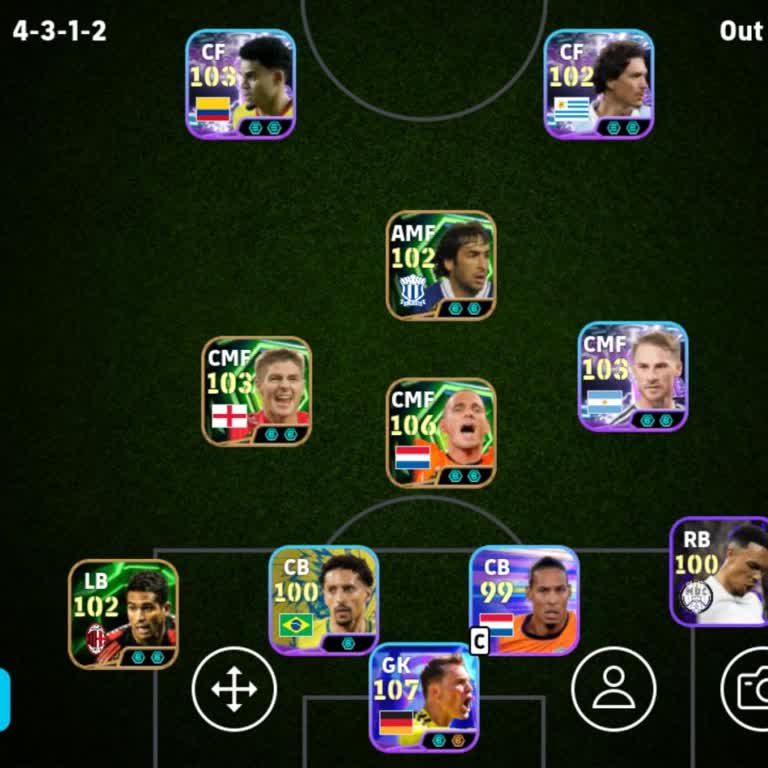
My eFootball account on Konami for Android was stolen about one and a half months ago. The person who stole it changed b...oth the email address and the password, so I no longer have any access to my account. Before the theft, my account was linked to the email address “kh***adem***@gmail.com”. I conta
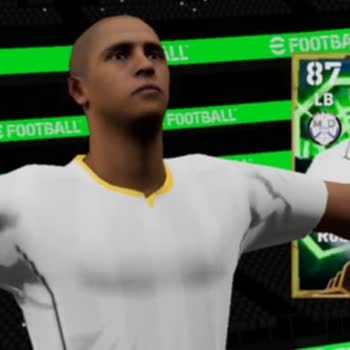
I am writing because my eFootball 2026 account linked to my Konami ID has been hacked and the email address on the accou...nt has been changed without my permission. I first noticed this issue on 4 August 2026, when I could no longer access my account. I have not shared my account details with anyone a
I use eFootball on mobile with a Konami ID, and on 23 July 2026 my account was hijacked. Someone gained access to my Kon...ami ID, changed the registered email address to their own and took control of the account. The attached screenshot clearly shows the current user information and the email that doe
I am writing regarding my eFootball account linked to my Konami ID. Around two weeks ago my account was hacked and my re...gistered email address was changed without my permission. Since then I have completely lost access to the account and it is no longer under my control. I have supporting material s
I am writing because my Konami ID, which I mainly use for eFootball, has been accessed by someone else without my permis...sion and my account email has been changed today. After this change I was logged out of the game and I can no longer manage or change the email address on my account. Previously, m
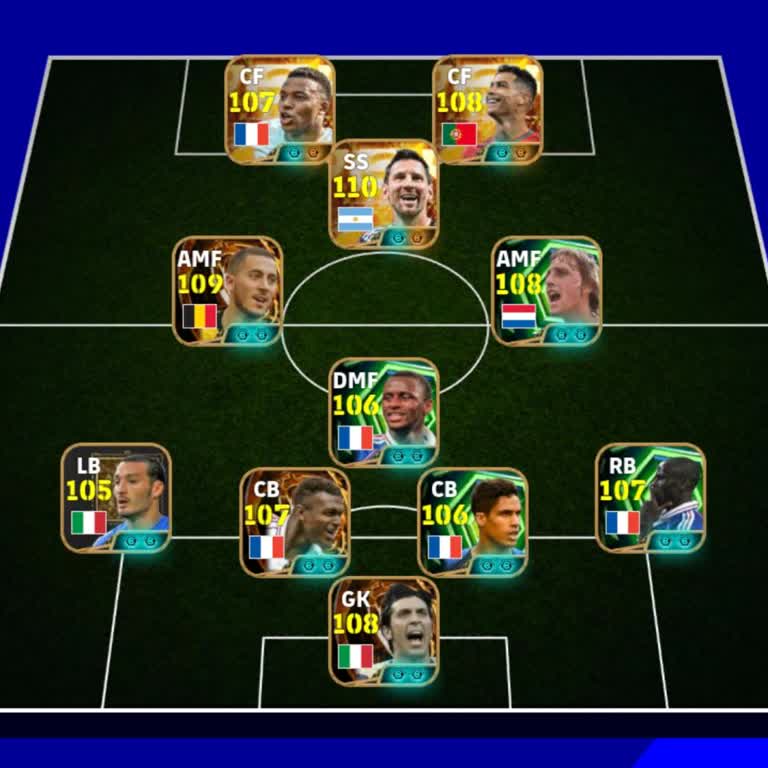
I have been using my Konami ID mainly for eFootball, but about two weeks ago my account appears to have been hacked and ...I have not been able to access it since then. When I try to log in now, I receive a wrong password error, even though I am entering the correct information. I also received an emai
My eFootball mobile account, which is linked to both my Konami ID and my Google Play account, has been hacked. Since the...n I have not been able to log in using my email address and I have completely lost access to the game and my data. The last time I was able to access and play on this account was a
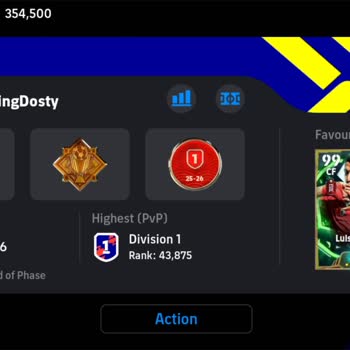
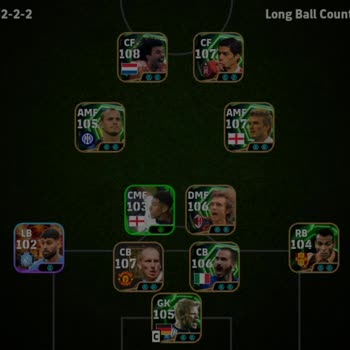
I am an eFootball mobile player on Android and my Konami account has been hacked. The hacker changed the email address a...nd password, and now I cannot log in with my Konami ID and password. My in‑game name is “Salman_goat_10”. I am no longer able to access my account and I cannot match my Konami ID w
I am writing regarding a serious security issue with my eFootball account. About a week ago, a scammer managed to log in...to my account and changed the linked data, replacing my email with their own Gmail address. Since then, I no longer have proper control over my account. I have proof of the situati
I am writing about a serious problem with my Konami eFootball/PES mobile account, which appears to have been hijacked to...day. When I tried to play, I saw that I had been logged out of my account, and every time I try to log back in I receive a message saying that the password I entered does not match
I can no longer access the eFootball account I have been using for a long time. On May 18, 2026, after my phone was rese...t, I logged back into the game only to find that my account had completely disappeared — I was unable to reach my old account at all. That account contained a very high-level squad
I have been using an eFootball account on my Android phone in Kenya, and on 9 June I lost access to this account after b...eing tricked by someone who said he wanted to buy it from me. Trusting this person, I shared my email and verification codes with him so that we could proceed with the transaction.
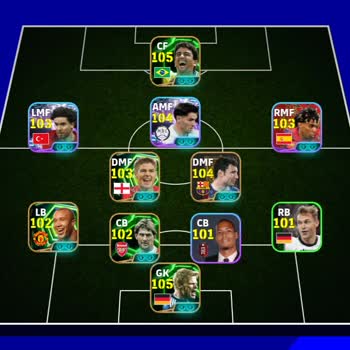
I have been playing Konami’s eFootball on my Android phone for years and have built up a lot of progress on my account. ...On 12.06.2026, one of my students changed the password of my Konami ID and took full control of the account. Since this change, I have been completely locked out and can no longer



























7 Comment