My Samsung Galaxy Z Flip has been lagging and slowing down recently. What can I do to improve its performance?
266 Views
Lag and slow performance on your Samsung Galaxy Z Flip can be fixed in several ways. The following solutions have worked:
• Start with device restart: Device restarts are one of the easiest and most reliable fixes. This is how:
Hold the power button to turn on your Samsung Galaxy Z Flip.
Select "Restart" or "Reboot".
See if the device performs better after a full restart. This simple step can fix temporary slowdowns.
• App-specific cache removal:
Enter device settings.
Go to "Applications" or "Apps".
Select your system's slowest program.
Choose "Storage" or "Storage & Cache."
Tapping "Clear Cache" deletes all app-related temporary files. This could speed up the app.
• Space More Stuff: Performance issues are linked to insufficient storage. To ensure space:
Configure your device.
Look for "Storage" or "Storage & Memory".
Make sure nothing is taking up too much space in your storage. Remove unused programs and files to free up space. This may boost device performance.
• Update apps and OS. Incompatible apps and OSes can cause latency.
updates.
• Disable or delete unused software: App background processes drain battery life and slow your device. Uninstall or disable unused programs.
I purchased my Samsung Galaxy A17 4G about four months ago from a Turkcell store. For the past month, I have been experi...encing serious performance issues with the device. When I play games, there is a noticeable drop in performance, and then the game crashes and kicks me out repeatedly. The fact th
I have been struggling to use my Samsung Galaxy Z Flip 6, which I purchased from Turkcell about a year ago, due to persi...stent freezing and lagging issues that started from the very first day. The phone constantly stutters and freezes while opening apps or switching between screens, and at times it b
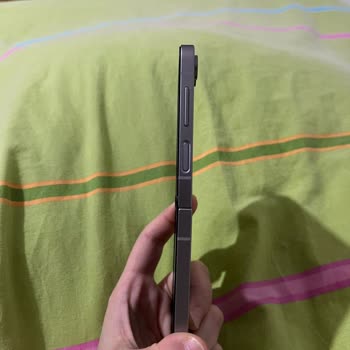
After installing the One UI 8.0 and Android 16 update on my Samsung S21 FE, I began experiencing constant keyboard lag. ...The issue occurs across all apps, and despite restarting the device and trying various optimization steps, nothing has improved. My phone is no longer under warranty, and I origin
I bought my Samsung Z Flip 4 phone in April 2023. During the warranty period, the screen protector started to bubble, an...d Samsung replaced it for free in late 2024 or early 2025. But the screen protector bubbled up again after the warranty ran out. When I called the official Samsung service center i
On July 26, I purchased the Samsung Flip Z7 model phone through Samsung’s official website for ₺66,999 with the order nu...mber TR250726-85697981. The product was not delivered within the stated timeframe. Even after delivery, despite submitting multiple requests, I have not received the invoice—even 1
I’ve been dealing with severe overheating issues on my Samsung S21 FE. The phone heats up excessively, even when I’m not... using it heavily. At first, I thought the hot weather might be the cause, but the problem continues even when I’m indoors, sitting directly in front of an air conditioner. Alongsi
About 2.5 years ago, a friend and I each purchased a Samsung Z Fold 4. While still under warranty, both devices develope...d the exact same problem twice—whenever we switched to the large screen, the phone would freeze entirely. Samsung service repaired them and returned them to us, but the issue retur
My Samsung S22 phone has started experiencing serious issues even before completing its second year. The phone has been ...overheating for a while, the fast charging feature seems to have disappeared, and the charging time has become extremely long. Additionally, the device frequently freezes. Despite
I’m using a Samsung M34 5G phone, and after the recent One UI 7 update, I started experiencing overheating, faster batte...ry drain, and a noticeable decline in camera performance. The phone no longer operates as efficiently as it used to, and even basic tasks feel slower now. I'm beginning to wonder i
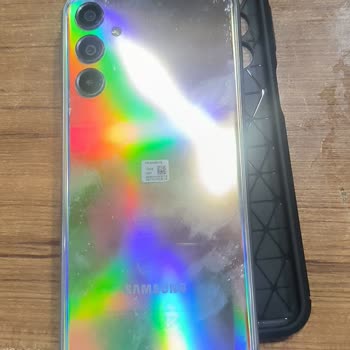
I bought the Samsung Z Flip model in November 2021, and although it was never dropped or damaged, a line appeared along ...the fold. Within a month, the touchscreen began to fail in the folded section, affecting half the screen, and eventually the entire screen stopped working. When I bought the phone,
On Thursday, June 12th, I took my Samsung Galaxy Z Flip 5 to the authorized Samsung service center, Yıldırım Elektronik ...in Antalya, requesting that the inner screen protector (film) be replaced. They informed me that due to a visible impact on the screen caused by a lighter falling on it (Point 1),
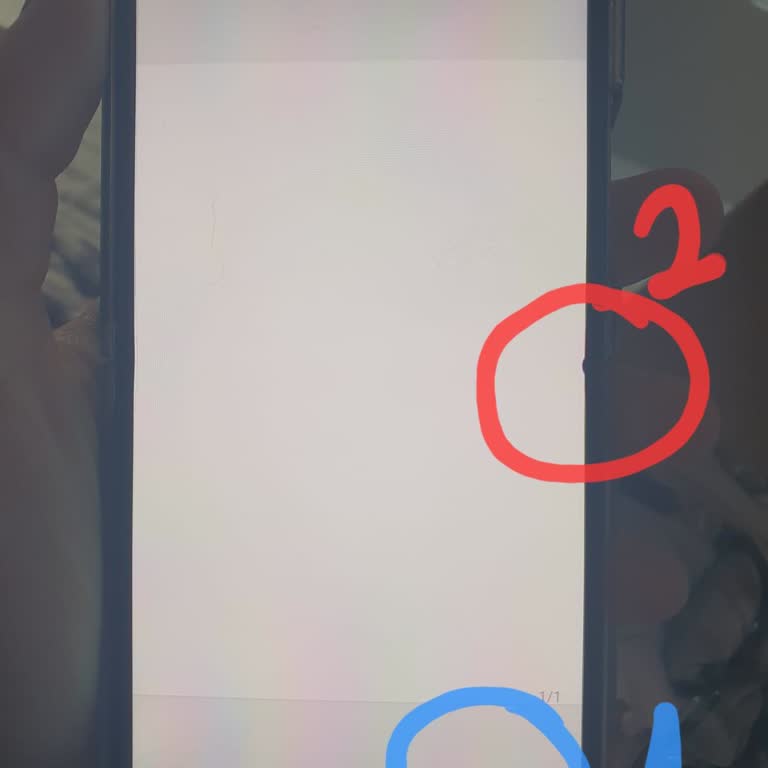
I purchased a Samsung Z Flip 3, and within a few months, visible marks began to form along the fold lines. Eventually, t...he screen stopped working entirely. When I took it to the service center, they claimed it was due to user error and offered a discounted replacement instead of a proper repair – wh
I bought the Samsung S25 Ultra just a week ago, and it’s already giving me serious problems. The phone randomly freezes ...for a few seconds, then shuts down and restarts. This doesn’t happen once or twice—it happens at least 10 times a day. I updated the software and even reset it to factory settings,
I purchased a Samsung S21 FE 2nd Generation smartphone from Vatan Bilgisayar. The device is brand new, with an invoice d...ate of April 4, 2025, and it has only been used for two weeks. Despite being a new device, I am facing serious issues. The battery drains extremely quickly, even with minimal use.
I have been using the Samsung S20 FE for about 1.5 to 2 years, and it has been an extremely frustrating experience. The ...touch screen frequently lags, the phone freezes during regular use, and it even shuts down on its own at times. While playing PUBG, I am often kicked out of the game, ruining the o
I took my Samsung Galaxy Z Flip 5 phone, which I bought from vatanbilgisayar.com on 21.02.2024, to Vatan Bilgisayar Kuşa...dası branch with its accessories in its original box on 15.09.2024 because of a green line on the upper half of the screen. The necessary photos were taken and a report was kept be
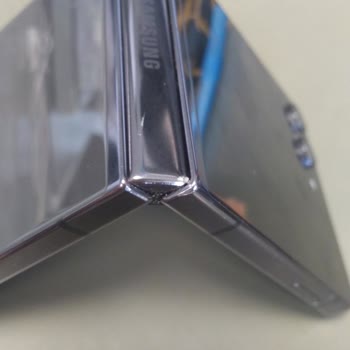
My problem with the Samsung Z Flip 4 is immense. Even if my phone is charging, I still can't install the X app. This pro...blem has persisted for months. This perplexing problem has had a devastating effect on my overall user experience. At first, I blamed the app itself; however, the issue still exist
I purchased a Samsung Galaxy Z Flip5 8 months ago, and the folding section developed a bubble. I sent it in for repair u...nder warranty, and it was returned the same day. However, the very next day, the same bubble reappeared in the exact same spot. I work in a corporate environment, so it's difficult
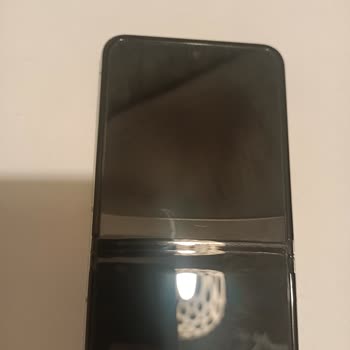
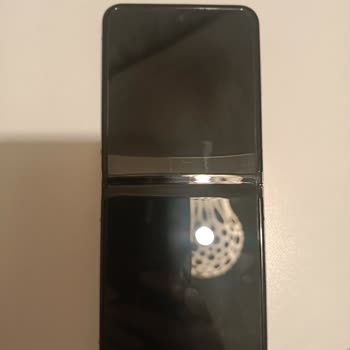
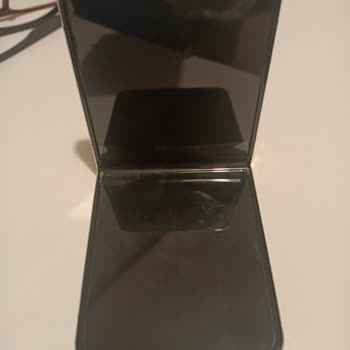
I am experiencing lagging and freezing issues with my newly purchased Samsung A15 phone. It’s only been 3-4 months since... I bought it. There are many complaints about this issue. You could have withdrawn this phone from the market. You could have stopped selling it. I deeply regret this purchase. The
On 14.06.2023, I purchased the Samsung Galaxy Z Flip 3 model mobile phone from the official Hepsiburada seller via the H...epsiburada website. On 14.08.2024, bubbles formed on the folded part of the phone and the screen protector that came on its own peeled off from the folded parts and this area was c
I purchased a Samsung Galaxy Z Flip 5 from Media Markt approximately 9 months ago. The strip on the edge of the screen a...t the folding point has started to peel off, and I have not dropped or damaged the phone in any way. I bought it specifically because of the 200,000 fold warranty, but this has tur
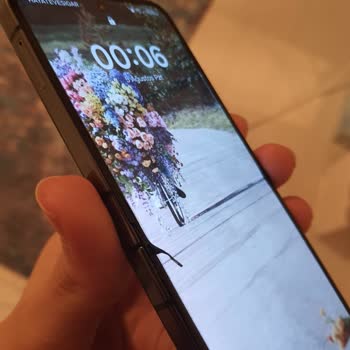
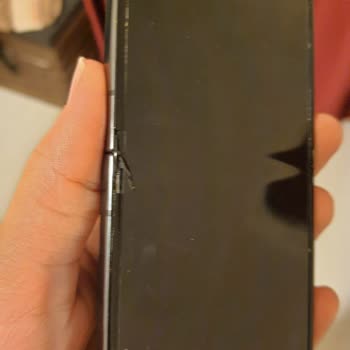
About three months ago, I bought a Samsung Z Flip 5 phone. I have never used the phone without a case; I bought one imme...diately. The phone comes with a pre-installed protective screen, but it developed an air bubble at the fold. I contacted Samsung customer service, and they informed me that the scr
The screen of my Z Flip 5 phone, which I purchased ten months ago, had pixel errors and dead pixels. The warranty stated... that the screen would be replaced, but I requested that the phone be replaced, which was rejected. After the screen was replaced, customer service informed me that if there were a
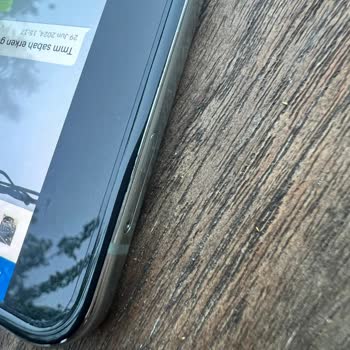
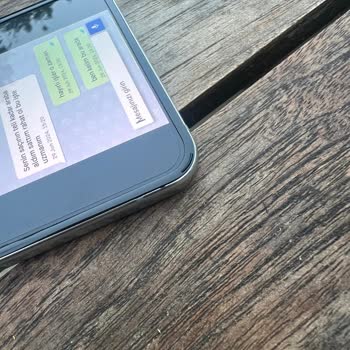
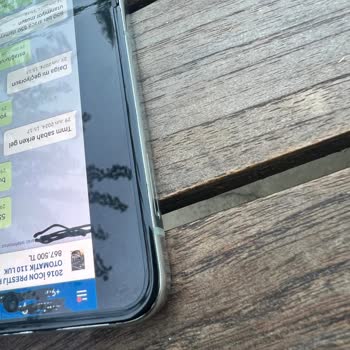
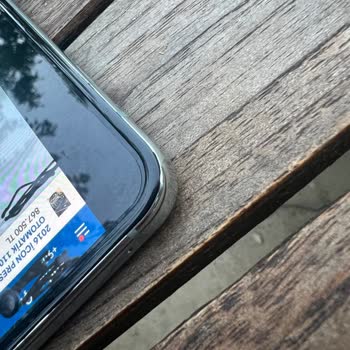
My device won't charge correctly, rendering it nearly useless, even though the charging port is dry and clear of any deb...ris. It was discovered through extensive research that this issue is encountered frequently by a large number of individuals. The phone's charging capabilities have been quite inco
I'm having an issue with my Samsung A9 Plus device. I would greatly appreciate any assistance or support you can offer. ...Since the most recent software update, my phone has been experiencing frustrating lag and stuttering, which is becoming quite bothersome. This problem arises in different areas of