I want to add additional security measures to my Konami account, like two-factor authentication. How can I update my account to enhance its security?
95 Views
To strengthen the security of your Konami account, take the following actions to enable two-factor authentication, also known as Two-Step Verification:
• Access MyKONAMI: Open the MyKONAMI portal by logging into your Konami account.
• Launch Two-Step Verification Setup: Click the "Security" section after logging in to launch the Two-Step Verification setup.
• Turn on Two-Step Verification: Go into your current device's security settings and turn on Two-Step Verification. This step strengthens the security of your account.
• Get the Verification Code: An email address linked to your KONAMI ID will receive a "verification code" as soon as you enable Two-Step Verification.
• Activate the Code of Verification: To find the "confirmation verification code" that Konami sent, check your email. In the appropriate field found in your KONAMI ID account settings, enter this code.
• Optional Setting: If you prefer not to enter the verification code on the same device for the next 180 days, you can check the option that says, "Do not enter verification code on this device next time.
You can successfully enable Two-Step Verification for your Konami account by following these steps, which will add an additional security layer to help shield your account from unauthorized access.
Hello Konami Support Team, My eFootball mobile account linked to my Google Play profile has been stolen via a fraudulent... phishing website. After I entered my details on that site, an unknown person took over my account, completely changed my in‑game Username and the linked Konami ID, and locked me o
I have been playing eFootball 2027 on mobile with my account named “Gbstar-”, but since early this year my account appea...rs to have been hacked and I have completely lost access to it. I can no longer log in or recover it using my real phone number, email and password that were originally linked to t
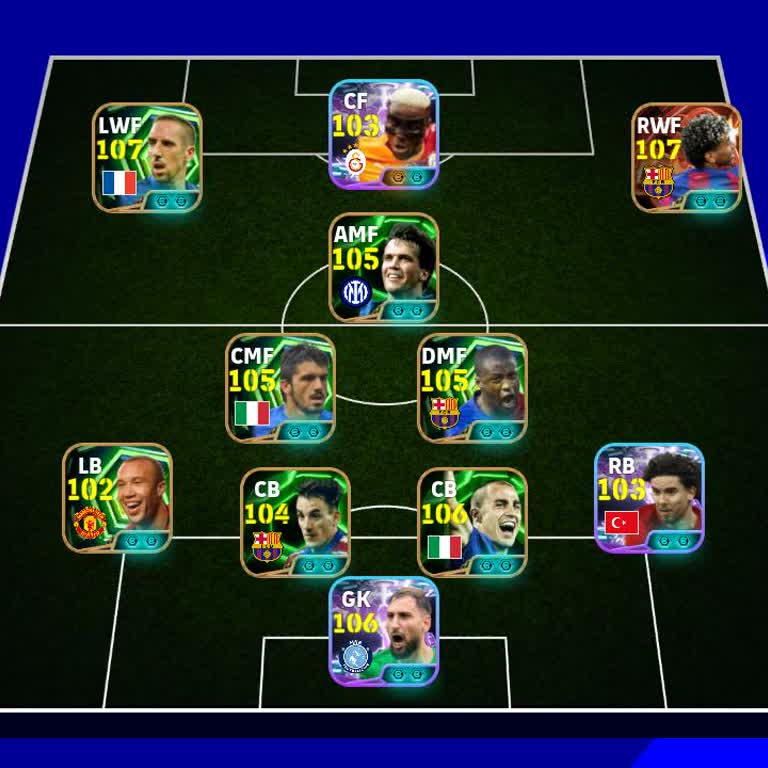
I am a player of eFootball 2027 and my Konami account has been stolen. On 24/08/2026 I noticed that my email address lin...ked to the account had been changed without my permission and that there was a login from a device identified as an Infinix 50, which does not belong to me. Since this unauthorized
I have an eFootball mobile account and recently lost access due to what appears to be unauthorized use. After the Thursd...ay update, my account started giving an “invalid command has been indicated” type of error, and I could not log in for about 7 days. During this period I did not log in at all, but
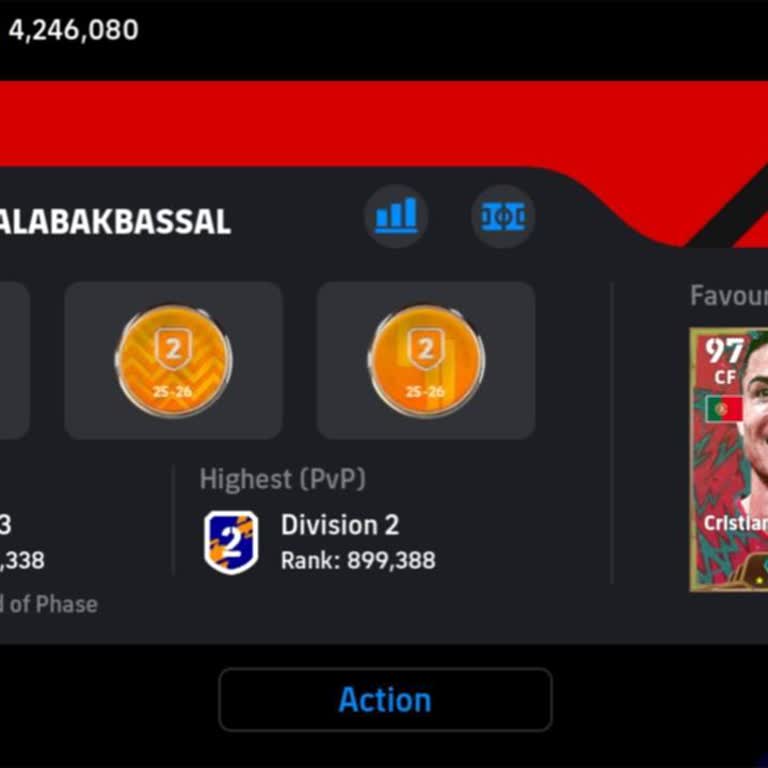
Today I discovered that my eFootball / Konami account appears to have been hacked and I can no longer log in. When I try... to sign in with my usual details, I receive an error message saying that I am unable to log in and that I should check my login ID and password, even though I am entering the corr
I have a Konami PES account that appears to have been hacked and accessed without my permission. I first noticed the una...uthorized access on 2 August 2026. Since then I have not been able to use my account safely and I am worried that someone else is using it or changing my in-game information. I hav
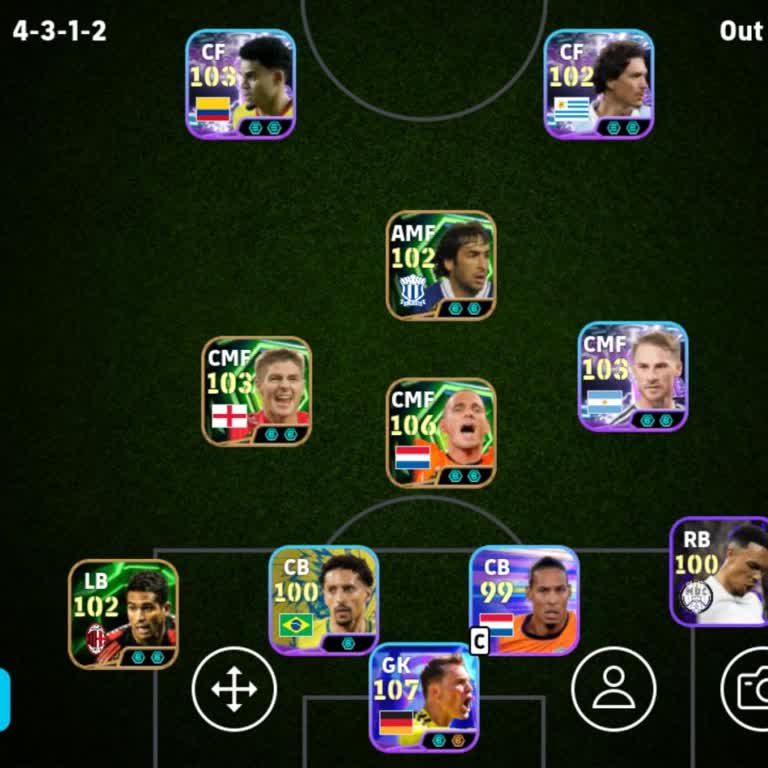
On 8 July I started having serious hacking problems with my eFootball Konami ID account. My account with the username “e...fb_himel0” and User ID “ASKH-996-830-702” appears to be compromised, and since then I have been facing an ID login problem. I did not request any deletion or risky action on my acc
I am writing regarding my eFootball account linked to my Konami ID. Around two weeks ago my account was hacked and my re...gistered email address was changed without my permission. Since then I have completely lost access to the account and it is no longer under my control. I have supporting material s
I have been using my Konami ID mainly for eFootball, but about two weeks ago my account appears to have been hacked and ...I have not been able to access it since then. When I try to log in now, I receive a wrong password error, even though I am entering the correct information. I also received an emai
My eFootball mobile account, which is linked to both my Konami ID and my Google Play account, has been hacked. Since the...n I have not been able to log in using my email address and I have completely lost access to the game and my data. The last time I was able to access and play on this account was a

I am writing about a serious problem with my Konami eFootball/PES mobile account, which appears to have been hijacked to...day. When I tried to play, I saw that I had been logged out of my account, and every time I try to log back in I receive a message saying that the password I entered does not match
I have been playing Konami’s eFootball on my Android phone for years and have built up a lot of progress on my account. ...On 12.06.2026, one of my students changed the password of my Konami ID and took full control of the account. Since this change, I have been completely locked out and can no longer
I am writing regarding a serious security issue with my eFootball 2026 Mobile account. Today, unauthorized users logged ...into my account and as a result I can no longer access it. I have not yet been able to contact Konami support directly from within the game because I am locked out of the account.
My eFootball Mobile account — one I have invested years of effort into and made significant in-game purchases on — has b...een wrongfully taken over by an unauthorized party. As soon as I realized what had happened, I contacted the Konami Support Team and provided them with all official documentation p
The Konami ID account linked to my eFootball game on Android was stolen yesterday evening at around 8:00 PM. First, the ...Gmail account connected to my Konami ID was compromised, and then I noticed that my Konami ID had been transferred to another account entirely. I attempted to get help through Kona
I am writing to report that my eFootball / PES Mobile account, which is linked to my Konami account and played on an Inf...inix Hot 50 device, was stolen after I shared it with someone on Telegram. Yesterday at around twelve o’clock midnight, a person on Telegram suggested that we exchange accounts. Af
My Konami ID linked to eFootball has been hacked without my permission, and the Gmail address associated with the accoun...t was changed. I noticed this issue on 06/09/2026 while trying to access my account from Bangladesh and realized that I could no longer log in because my email had been altered by
I am an eFootball 2026 player on Android and my account was hacked today. Someone gained unauthorized access to my accou...nt and changed the Konami ID linked to it without my permission. I still remember the original email/Konami ID that was registered to my account and I can provide this information
Approximately 5–6 months ago, my eFootball mobile account was stolen, and ever since then I have been trying to recover ...it. My account was linked to a Konami ID, my in-game username was “taksici_Fatih,” and it was a highly developed account with a collective strength of 3197 that I had spent around
Today, I experienced a very serious issue in the mobile version of the eFootball game. The 650 eFootball coins in my acc...ount suddenly disappeared on their own even though I did not perform any transaction at all. I did not open any packs, purchase any players, or make any other type of in-game spend
My account connected to a Konami ID in eFootball 2026 has been stolen for approximately 3–4 weeks, and I can no longer a...ccess it in any way. My previous in-game username was “Yusufpro47,” and the registered email address on the account was y***********@gmail.com. Since April 26, whenever I try to en
My eFootball Mobile account (ID: aslv-569-*****87, Konami ID: sumbu27686) was stolen sometime in April 2026. The account... had originally been created in 2023 using an iPhone device, although I no longer remember the exact date or device model. I had spent years actively using and building this accoun
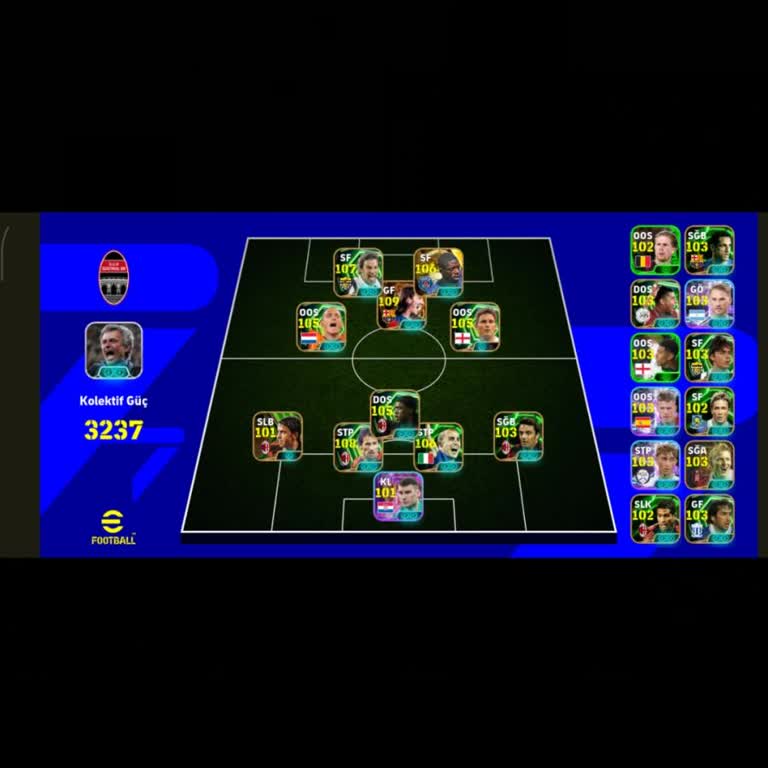
I am writing regarding my Konami ID linked to eFootball, which appears to have been accessed and modified without my per...mission. On April 20, 2026, I noticed that my account details had been changed, and I could no longer access my account as before. I submitted an account recovery request through
I am writing regarding my Konami account, which I use for both eFootball and Yu-Gi-Oh! Master Duel, because the email ad...dress linked to my account appears to have been changed without my knowledge or permission. I first noticed the issue on Tuesday following a recent update. When I attempted to acce

I have been using my Konami account with the email address “kenne***ege47**@gmail.com” to play eFootball/PES on Android,... but shortly before the last game update on Thursday I realized that my account had been hacked or compromised. Since then, I have been unable to access my account because a code a