HP

8100
(13 reviews)
Write a Complaint
134 Complaints
HP
8100
(13 reviews)
Write a Complaint
1
Tunahan is completely dissatisfied with the result

HP Victus Gaming 16 Repeating Touchpad Faults - Request For Free Replacement

Tunahan
November 26, 6:15 pm
12
1
Serim is completely dissatisfied with the result

HP Pro One Service Issue - Computer Not Repaired Despite Payment

Serim
November 19, 2:44 pm
10

HP Victus 16 Laptop Returned Broken By Service Center - No Response

Serkan
October 24, 12:25 am
19
1
Mustafa is completely dissatisfied with the result

HP 435 Mouse Lost USB Dongle - HP Says "Nothing We Can Do"

Mustafa
October 15, 6:06 pm
14
1
Ferhat is completely dissatisfied with the result

HP Victus 16 Hall Sensor Error on Startup - Urgent Warranty Fix

Ferhat
October 13, 2:52 am
93

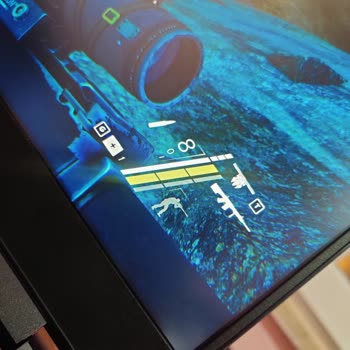
HP Victus 16 Laptop Screen Flickering - Shuts Down! Full Refund Demand

Ege
October 08, 1:35 am
43

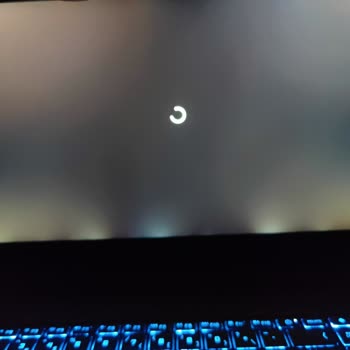
HP Victus 16 Black Screen Crash - Freezes Down While Gaming

Abdulaziz
September 28, 2:02 am
22

HP Smart Tank 580 590 Gives Me Half Printed Pages

Derya
September 26, 1:47 pm
23

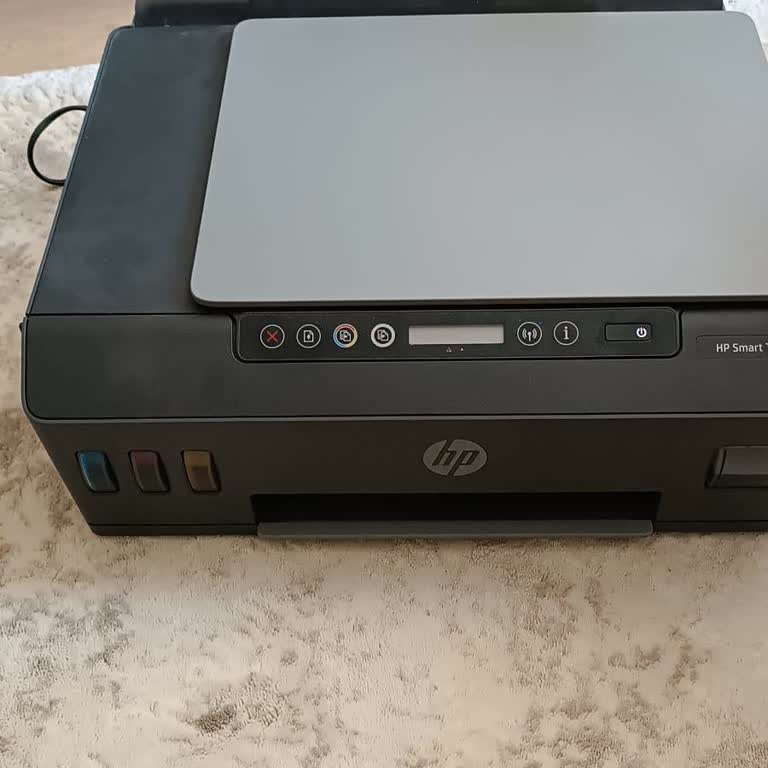
HP Smart Tank 515 Printer Persistent Color and Faint Black Printing Issues

Haluk
September 24, 1:55 pm
41
HP Smart Tank 515 Printer Persistent Color and Faint Black Printing Issues
hp-smart-tank-515-printerpersistent-color-and-faint-black-printing-issues-4.jpg
hp-smart-tank-515-printerpersistent-color-and-faint-black-printing-issues-1.jpg

Defective HP Victus Laptop - Chronic Hall Sensor Issue Demands a Refund

Özgür
September 24, 1:23 pm
46
1
Emre is completely dissatisfied with the result

HP Victus 16-r0013nt Hardware Failure After Service Instructions

Emre
August 21, 10:31 pm
27
2
Hasan is not satisfied with the result

Error Caused By HP Technical Support

Hasan
July 25, 12:05 pm
40
1
Mert is completely dissatisfied with the result

My HP Victus 16 Return Stuck - No Forms, Rude Service

Mert
July 07, 11:52 am
30
1
Huriye is completely dissatisfied with the result

HP Printhead Got Stuck Again - I Cannot Print Colors

Huriye
June 13, 11:19 pm
24
HP Printhead Got Stuck Again - I Cannot Print Colors
1
Hüseyin is completely dissatisfied with the result

HP Deskjet 2878 Printer Cartridge Issue

Hüseyin
June 10, 11:28 pm
27

HP Sold Me a Faulty Envy i9 RTX 4060 Laptop and Does Not Provide Spare Parts

Ali
May 30, 8:03 pm
30
1
Erkan is completely dissatisfied with the result

HP Victus – Two Motherboard Failures and No Refund for 37 Days

Erkan
May 15, 1:38 pm
57
1
Muhsin is completely dissatisfied with the result

HP Delayed Replacing My Faulty Victus 16 s 0046nt Despite Ruling

Muhsin
April 16, 2:33 pm
27

HP Sold Me a Victus 16 Laptop That Started Having Screen Issues After 1 Year

Süleyman
March 23, 8:23 pm
41

HP Victus Ethernet Port Stopped Working and I Cannot Reach Metrocity Service

Emir
February 10, 3:45 pm
40
1
Ömer is completely dissatisfied with the result

HP Failed to Replace My Laptop Charging Station After 2 Months of Waiting

Ömer
December 31, 2024 9:53 pm
39

HP Victus 16 Does Not Charge While On and Service Takes Too Long

Deneme
December 25, 2024 4:21 pm
43

HP Delayed My 14th-Gen Laptop Repair for 3 Months Without Offering a Replacement

Hasan
December 11, 2024 5:11 pm
25

Frequently Asked Questions (FAQ)

How can I troubleshoot the most common HP laptop issues?
  • You may try one of the related troubleshooting steps listed here:
  • - If your HP laptop is not turning on, make sure to check the power cord. Ensure that it is securely connected to both the outlet and the laptop. If you have properly plugged in the power cord and your laptop is still not turning on, you may want to consider replacing the power cord.
  • - If your laptop freezes, you can try restarting it by holding down the power button for 5 seconds. If the issue continues, you may want to think about updating the drivers on your laptop.
  • - If your HP laptop is running slowly, try closing any programs that you don't need and check how much RAM is being used. If your laptop is using a large amount of RAM, it may be necessary to add more RAM.
  • - To troubleshoot a laptop screen that is black, start by checking the power cord. Make sure it is securely connected to both the outlet and the laptop. If the screen on your laptop stays black even though it is properly connected, you may need to replace the screen.
  • - If your laptop keyboard is not working properly, you should check the keyboard connections to make sure they are securely plugged in. If your keyboard is properly connected but still not working, you may want to consider replacing it.
  • - To resolve the laptop touchpad issue, please check the touchpad settings to make sure it is enabled. If the touchpad is enabled but still not working, you may want to consider replacing it.
  • - To check the health of your battery, you can use the HP Battery Health Utility. If the battery health is low, it may be necessary to replace the battery.


  • HP Laptop computers often experience issues including sluggish performance, overheating, software bugs, hardware breakdowns, and dead batteries. Several things, such as old drivers, malware infestations, faulty hardware, and excessive use, might contribute to these issues.
  • If you are having trouble troubleshooting these issues by yourself, feel free to contact HP customer support for additional help.
What is HP's warranty policy for laptops?
  • Depending on the product and area, HP provides various warranty options for its laptops. HP laptop warranties are typically one year from the date of purchase and cover hardware problems and malfunctions. Clients may also choose extended warranties and extra services like accidental damage prevention and onsite assistance.
What voids the warranty for an HP laptop?
  • An HP laptop's warranty may be voided if it sustains physical damage as a result of accidents or inappropriate use; it also may be voided if it undergoes unauthorized modifications or repairs; and if it has software that has been modified in a way that causes the system to become unstable or raises security concerns. Using components or accessories that are not manufactured by HP, such as batteries or chargers manufactured by a third party, might also render the warranty null and invalid.
Does HP replace damaged products?
  • Throughout the specified warranty term, HP will either repair or replace your HP laptop at no cost to you. Customers may be entitled for a refund or store credit if the laptop cannot be fixed or replaced. Customers who experience data loss or other problems are not covered by HP's warranty policy and may need to acquire supplemental insurance or protection.
How can I reach HP support?
  • The quickest way to get in touch with HP support is to submit a case online at www.hp.com/contacthp. This allows in-depth communication with a support representative and quick resolution of your problem.
  • If you need help after submitting a case, HP is available at 800-474-6836. Unfortunately, HP does not currently provide live chat help.

About HP

Hewlett-Packard, or simply HP, is a worldwide information technology firm with headquarters in Palo Alto, California. Established in 1939, HP is now a global leader in providing solutions for office and home printing and computer needs.

HP has choices for all types of customers whether a consumer, corporations, or government agencies. Desktop and portable PCs, printers, scanners, and tablets are among their best sellers. In addition to selling their hardware, they offer a range of services to back it up, including security and administration software.

HP has a presence in various regions such as the United States, Canada, Europe, and Asia. The company has personnel and partners spread across the globe, reaching thousands of people.