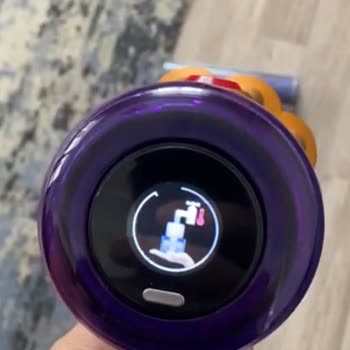
We've switched to a different type of filter in our Dyson air purifier, I need to reset the filter warning for accurate monitoring. How do I reset the air filter warning?
32 Views
To reset your Dyson air purifier's filter warning,
Find the Dyson air purifier filter warning light first. It's usually on the front of the unit for visibility.
After finding the filter warning light, press and hold the button next to it for 5 seconds. This button resets filter warnings.
Watch the Filter Warning Light: Hold the button and watch the filter warning light. The filter warning light should go out after 5 seconds. This means the filter warning was reset.Check the Manual: Check your Dyson air purifier's manual. Many functions, including filter warning reset, are detailed in the manual.
If you need help or have questions, read the user’s manual or contact Dyson's customer support. You can get personalized help to reset the filter warning on your model.

I purchased a Dyson Purifier Big +Quiet Formaldehyde device from Dyson’s official website approximately three months ago.... After using the device for some time, I began experiencing a persistent and unpleasant odor that has been ongoing for about one and a half months. The UOB value consistently show

I purchased a Dyson Purifier Humidify+Cool from Dyson Turkey through their official website, and I am using the device i...n Ankara, Turkey. Since December 5, the device has been completely non-functional and constantly displays a “water tank not inserted” warning, which prevents it from working at all
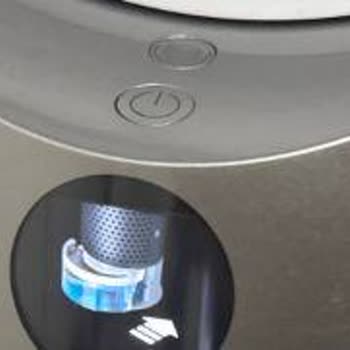
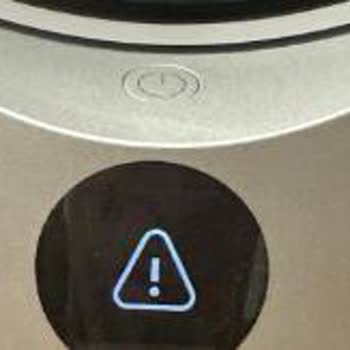

I purchased a Dyson PH05 Purifier from Dyson’s Forum İstanbul AVM store for 28,99 k on 30.11.2025 under the name RAGIP *...*ANLI MAL** M**AV*RL*K. From the very first moment I started using the device, it has been giving a constant error stating that the water tank is not attached, even though the tank

I purchased the Dyson Formaldehyde air purifier and since the day I bought it, I have observed that the device does not ...perform its air-cleaning function. The problem persists continuously, and I am not getting the expected performance in any way. I have tried every possible solution—including repla

Why shouldn't you buy the Dyson Purifier Big+Quiet Formaldehyde BP03 Air Purifier (Bright Nickel/Prussian Blue)? I'm sha...ring based on my personal experience. On December 31, 2024, I purchased two Dyson Purifier Big+Quiet Formaldehyde BP03 air purifiers. In less than five months, the wheels started t

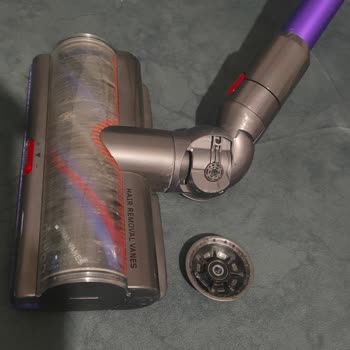
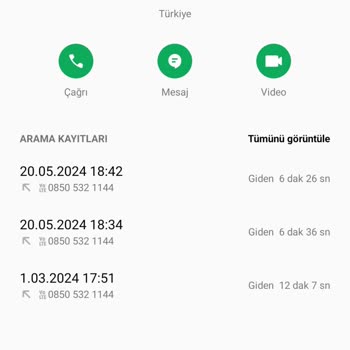
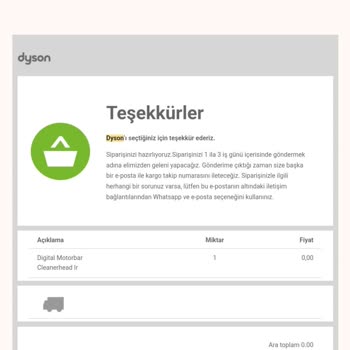
The round piece at the joint of the digital motorbar sweeping head of the Dyson Gen 5 Detect wireless vacuum cleaner, wh...ich I bought from Dyson.com on December 6, 2023, fell off by itself on March 1, 2024. Since the vacuum cleaner head lost its maneuverability, I initiated a video call with customer

Hello, about 3 or 4 years ago, we purchased an Airwrap hair styler. Recently, the product malfunctioned, and we took it ...to the service center. Unfortunately, we couldn't find the receipt and don't remember where we bought it from. We were willing to pay for the repair service, but initially, they re

I'm reaching out from Turkey. I've been eagerly anticipating the restocking of the Dyson Airwrap™ product for weeks. Tod...ay, the popular Dyson Airwrap™ hair styling and drying set (Ceramic Pink and Rose Gold model) was restocked, but unfortunately, it sold out again before I had the chance to purchas

Hello, we had a problem with the motor of our Dyson Airwrap device during our trip to Cyprus, and the light started flas...hing. Even though I cleaned the filter, the problem persisted. I reached out to Dyson Turkey service, and they informed me that they received the product and would repair it, instr

On October 21st, 2020, my Dyson Pure Humidify + Cool™ humidifier air purification fan, purchased from the website www.dy...son.com.tr, malfunctioned after rarely being used for three and a half years. While the water tank was properly installed and filled, the device suddenly displayed a warning to in

I purchased a Dyson air purifier from Izmir IstinyePark on December 23, 2023, and regretted it immensely. It's been 5 da...ys, and the product is still nowhere to be seen within Izmir. Attempting to contact the store, I realized they don't provide their direct numbers. When I called the general line, t

t's been 1 year since I bought an air purifier from Dyson, and I haven't been able to find a replacement air filter for ...more than 2 months. It is neither on their website nor in their stores. I added my e-mail address to the website as a "notify me" and still no call back for 2 months. I talked to s

I am writing to express my deep frustration and disappointment regarding an ongoing issue with my Dyson V12 vacuum clean...er, which has yet to be adequately addressed despite multiple attempts to seek assistance. Since the day of purchase, my Dyson V12 has consistently displayed a filter warning error