The Dell laptop gets very hot and noisy even under low load. Is this normal or does it need diagnostics?
25 Views
Moderate heating is normal for laptops, especially thin models, but if the casing feels very hot, the fan runs constantly and loudly — it’s a sign of a problem.
Possible causes of overheating:
Dust buildup in the cooling system — especially if the laptop has been used for more than 6–12 months without cleaning;
Ineffective thermal paste on the CPU and GPU — it may have dried out, especially in high-performance models under heavy load;
Using the laptop on a soft surface (bed, couch) blocks the ventilation openings;
System processes (updates, antivirus, background indexing) may load the CPU even during "low" activity.
What to do:
Check the temperature using utilities (HWMonitor, AIDA64). A safe temperature under load is up to 85 °C.
Clean the ventilation openings with compressed air.
Update the BIOS and power management driver via Dell’s website.
Use a cooling pad.
❗ If the noise doesn’t go away and the manufacturer refuses diagnostics or warranty service, 👉 submit a complaint on Xolvie 👈 — it might speed up the resolution and support other users.
In 2023, I purchased a Dell Vostro laptop online and have been using it every day at my workplace to run the business so...ftware that my operations depend on. From the day I received the computer, I experienced serious overheating issues. Over time, those problems were followed by recurring system err
I purchased a Dell G16 7630 laptop from Hepsiburada for ₺58,000, and since the very first day, I’ve been dealing with co...nstant freezing, startup failures, and performance lags. The device’s performance is far below expectations — it struggles even during basic daily use, which is unacceptable for a
I purchased a Dell Vostro 3400 in 2021, and it hasn’t even been 4 full years yet—but the performance has become unbearab...ly slow. This morning, I pressed the power button at 9:45 AM, and I wasn’t able to access the internet until 12:00 PM. That’s over two hours just to get the system running. I only
I purchased a Dell G16 7630 laptop on August 19, 2023, and have been experiencing persistent issues. The laptop has noti...ceable light bleed on the screen and frequent performance problems like lagging and freezing, even though all my drivers are updated. I requested a replacement from Dell nearly 20
I purchased a Dell G5S laptop just before the February 6th earthquake, and despite surviving the disaster, the device ha...d issues from the start. It kept freezing and showing a blue screen. I sent it to the repair center, where they replaced the motherboard, among other things. After the earthquake,
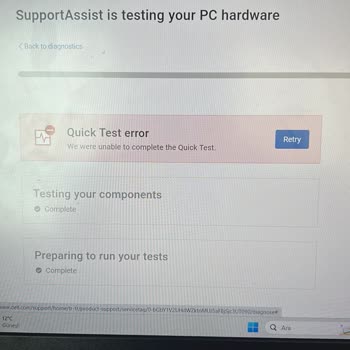
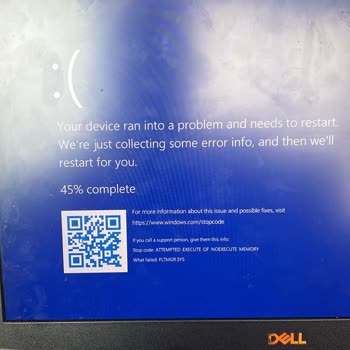
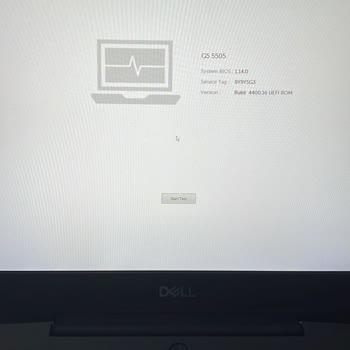

I'm using a Dell G5515 Ryzen model laptop, and the CPU temperature reaches as high as 102-103°C, which I cannot lower. T...he laptop frequently lags, making it nearly impossible to use. Despite this, Dell's service team dismisses my concerns, stating that synthetic tests show normal temperatures. Howev
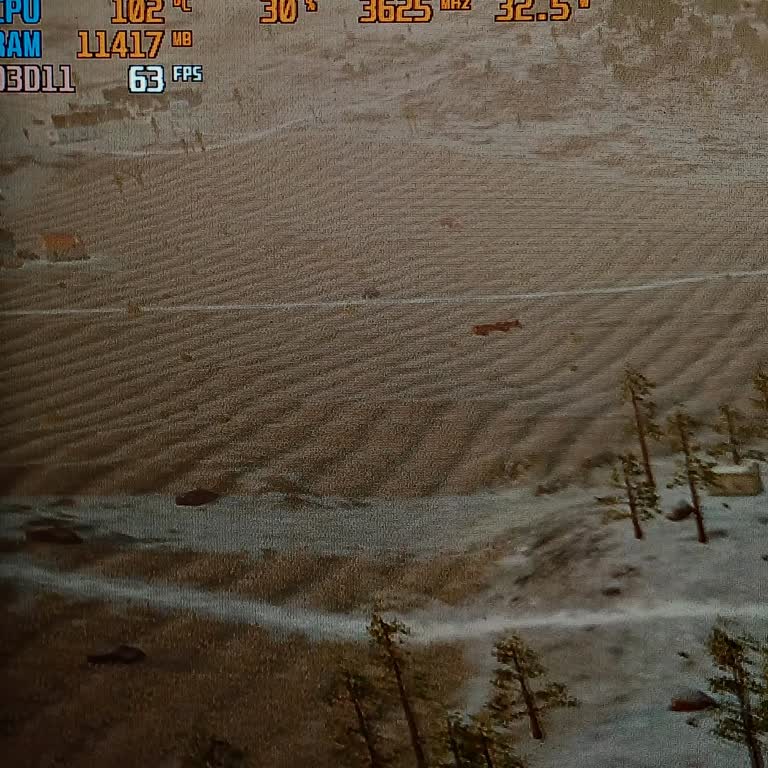
Hello, I bought a Dell G15 5530 laptop with really impressive specifications from Vatan Bilgisayar at Adana Real Shoppin...g Mall on 12.03.2024. Unfortunately, the laptop is facing some CPU performance problems, and both Vatan Bilgisayar and Dell's customer service have been unable to find a solution.
I purchased a Dell G15 5511 laptop on March 23, 2023, which comes with a 2-year warranty. Despite this, I have faced con...stant issues and frequent service visits. The motherboard and other parts have been replaced, yet the problems persist, and the laptop still won't turn on. To start the laptop, I h
On March 5, 2024, I purchased a Dell Vostro 16 5630 N1006VNB5630WP I7-1360P 16GB 512SSD RTX2050 16" W11P laptop online. ...The item arrived the next day, but the screen flickered during the initial setup process. I updated the drivers, hoping that would cure the problem, but the problem persisted, so I
I purchased the Dell G16 7630 laptop with i7 13700HX, 32 GB RAM, and 1 TB SSD on the day after its release in Turkey. In... the first week, I noticed that the device automatically reduced the FPS (Frames per Second), but as it was a new device, I thought it might be a software issue and didn't pay much
I bought a Dell G16 7630 laptop from Vatanbilgisayar.com on September 20, 2023, and chose to pick it up at the store. I ...got the Dell G16 7630 laptop from the Vatan Bilgisayar store. Since day one, I've been having problems with the performance of this laptop. I went to Vatan Bilgisayar on September