Xolvie Resolution Specialist10 Mart 2026 10:21
If StarMaker banned your account without warning and you want to recover it:
Check the ban message first;
• Try logging into your account
• Note the exact message, such as:
– “Account banned”
– “Device blocked”
– “Rule violation”
• Screenshot the message for reference
Check if the ban may be temporary;
• StarMaker sometimes blocks accounts due to:
– Suspicious activity
– Too many logins on different devices
– Possible policy violations
• Some bans are temporary security blocks, so waiting a short time may restore access.
Try basic troubleshooting;
• Log out and log back in
• Clear the app cache or data
• Reinstall the StarMaker app and try logging in again
Contact StarMaker support;
• Email: [email protected]
• Provide:
– Your account username or email
– Device details
– Screenshot of the ban message
• Ask them to review the ban and restore your account.
If support does not respond or the ban seems unfair, you can file a complaint on Xolvie to escalate the issue and push for account recovery.
Vote
Related Complaints
StarMaker VIP 3 Account Permanently Banned - Unban Request

September 14 5:24 AM
My StarMaker account with ID 100108744*** was permanently banned on 11/9 due to an alleged illegal behaviour, as shown i...n the attached screenshot. I was not given any clear or specific explanation about what exactly I did wrong. I am a VIP 3 client on the application and I am still progressing and i
Please Review And Recover My Permanently Suspended StarMaker ID

September 12 4:21 AM
My StarMaker account has been permanently suspended with the reason “Other violation.” The message I see in the app clea...rly states that my account has been permanently suspended, but I have not been given any detailed information about which specific rule or behavior this decision is based on. On my
StarMaker Account Deleted After False Reports Despite VIP3 Status

September 10 6:14 PM
My StarMaker account, which I mainly use for chat rooms, was deleted today without any valid reason and without any priv...acy violation from my side. I am a regular and respectful user, and I had VIP3 status and was continuously recharging on the platform. Because of malicious and false reports filed
Unban My StarMaker Account

September 9 10:23 PM
My Starmekar social media account with the username “R4NDOM” was suddenly suspended with the message “Sorry, this accoun...t was reported for violating related regulations or Community Guideline and now has been suspended.” The platform claims that I used “fake proof”, but this is not true and I have n
StarMaker Account Muted With Error 102311 After Unfair Report

September 9 12:04 AM
My Starmaker account with the ID 100114253*** was banned/muted on 30 August 2026 with error code 102311. The notificatio...n I see says that I have been muted and cannot use the feature and that I should check system messages for details. I believe this action was taken based on a fake or unjust report
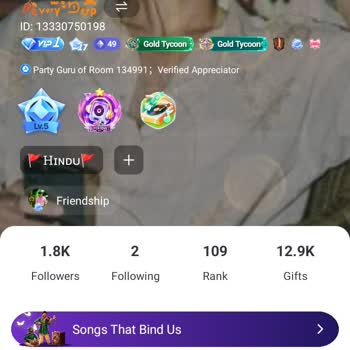
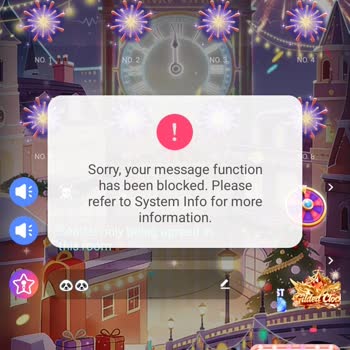
StarMaker Account Restricted for “Arousing Reason” – Manual Review Request

September 7 11:15 AM
I am writing to demand a formal, manual internal inquiry into a recent restriction placed on my StarMaker account’s mess...aging and interaction functions for an alleged “arousing reason.” I have been a loyal and active user of StarMaker for nearly 10 years and I use the application from India. During
StarMaker Account Muted for No Reason – Request Mute Removal

September 6 12:55 PM
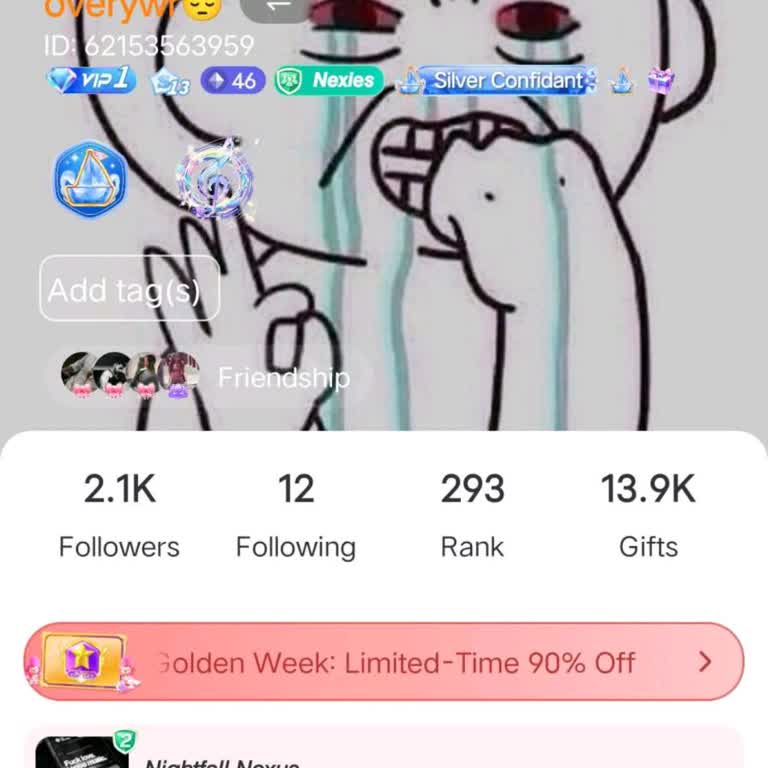
I use the StarMaker karaoke app on my Android phone and my account has suddenly been muted without any valid reason. My ...StarMaker ID was muted just a few minutes ago. The system notification states that I have been muted until 06.10.2026 due to “abuse/harassment”, but I have not engaged in any haras
Request To Unsuspend My StarMaker Account

September 5 8:04 PM
My StarMaker account has been permanently suspended on my Android phone with the reason shown as “Fraud and scams,” and ...the profile page now also states that the account was reported for violating related regulations or Community Guidelines. I believe this decision is a mistake because I have never
StarMaker Account Banned from Live Rooms for Risky Activity

September 4 8:14 AM
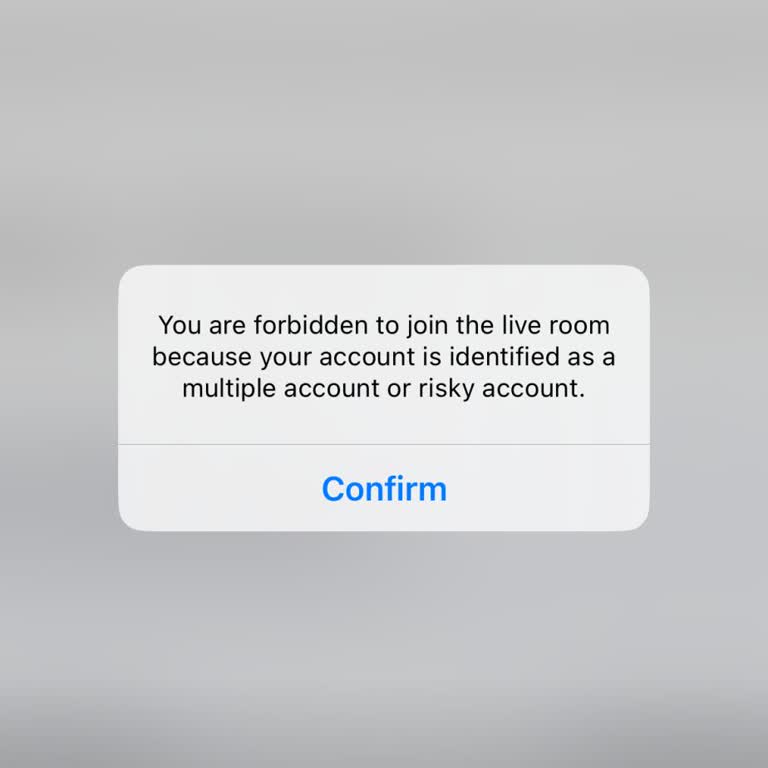
I use the Starmaker app from India. After deleting my old ID, I created a new ID, but since then I have not been able to... enter anyone’s live or party room. Whenever I try to join a live or party room, an error message appears saying that my account is considered multiple or risky and that I am banne
I Am Demanding StarMaker Re-Investigate the Fraud Ban on UID 100018693489

August 31 10:06 PM
Dear StarMaker Support Team, My StarMaker account has recently been restricted and banned for “suspected fraud/spam.” I ...believe this is a mistake, as I have never intentionally violated any community guidelines or platform rules. My account details are as follows: StarMaker Username: ROMEO StarMaker
StarMaker Account Banned for Illegal Activity

August 29 9:26 AM
For more than a month I have not been able to log in to my StarMaker account on my Android device. Whenever I try to log... in, a message appears on the screen saying “We're sorry, your account has been blocked due to illegal activity on the app.” and the login process does not continue. I do not know
StarMaker Account Suspended For Community Guidelines Violation Without Warning

August 26 8:04 AM
For the last 1 year I have been an active user of StarMaker and regularly using my account without any issues. Recently ...my account was suddenly closed and suspended with the message that it was reported for violating regulations or Community Guidelines. However, I did not receive any prior warning,
Starmaker Complaint: Error 103003

August 25 9:13 PM
I have been using Starmaker and my account is completely normal, but today I suddenly started receiving a warning saying... that I have multiple accounts or that my account is risky. Right after this, I stopped being able to join parties, which is my favorite feature on the app. I have not violated any
StarMaker Account Hacked & Banned After Phishing Link

August 22 4:20 AM
My Starmaker karaoke account has been hacked and then banned because of activities I did not do. I am requesting your ur...gent help to secure and restore my account. My Starmaker ID is 100041444*** and my username is “Queen shilpi”. Around 8 June 2025, I received a link that was presented to me as an
StarMaker Unfair Permanent Mute

August 20 6:04 AM
I am writing regarding my StarMaker account, which I use on an Android phone, and which has been permanently muted and r...estricted without any valid reason. My current StarMaker User ID is 100071114*** (previously also linked to ID 14356***). On 22 May 2026, my account was suddenly subjected to a per
StarMaker ID Muted Until 2106 for “Other Violation”

August 14 7:03 AM
I am a user from India and I am writing about a serious problem with my Star Maker account. My Star Maker ID (SID) is 10...0105306***. On 13/08/2026 my ID was suddenly muted, and since then I am not able to sing songs or use the chat feature in the app. Inside the application I see a message saying tha
StarMaker Multiple Account Error Blocks Party Access on Android

August 12 6:57 PM
I created a Karaoke StarMaker account on my Android phone, but the app is blocking me, saying that I have a “multiple ac...count” and it does not allow me to participate in parties. Before, I had created three other accounts that I no longer used, so I deleted them. Now I only have one active account,
StarMaker Account Muted – Voice and Text Messaging Blocked Without Reason

August 11 3:38 PM
I use the Starmaker app on an Android phone, and recently my account was muted so that I can no longer talk to my friend...s with voice or send them text messages. When I try to use the message function, the app shows a system warning on a black screen that says in Portuguese that my messaging function
StarMaker Lite Risky Account Warning Blocks Party Room Access

August 10 6:45 AM
I am a user of the StarMaker Lite karaoke application and my account keeps getting marked as a “risky/dangerous account”.... Because of this label, I am prevented from joining party rooms and using the app normally. The restriction appears as a constant status on my account and does not go away on its
StarMaker Account Permanently Suspended for Spam by Mistake

August 6 8:13 PM
My StarMaker account with the ID number 100145369*** and the username •⏤᳟⃜༐༏𝐒ⱶ꧊֟૨є︎ʏᴧs༎꯭ﮩ🤍 has been suspended, and I b...elieve this is a mistake. On the StarMaker screen it says that my account has been permanently suspended for spam or fraud, but I have not committed any such violation. My account
Unmute My StarMaker ID

August 6 1:50 PM
I am writing about a serious problem with my StarMaker account. My main ID has been muted in the app with a notification... that says it is because of “harassment/abuse.” I never abuse anyone on the platform, and in general I try to follow the rules, but in one moment I reacted badly because someone tr
Recover My Deleted VIP StarMaker Account

July 31 6:00 PM
I deleted my StarMaker account, which was registered with the email address diyorbekshodiyor****@gmail.com, about two mo...nths ago. Later, I regretted this decision and wanted to recover my account because it contained important content, recordings and in‑app payments. On 25.06.2026 I contacted StarMa
Recover My Permanently Banned StarMaker Account and Audio Recordings

July 30 3:31 AM
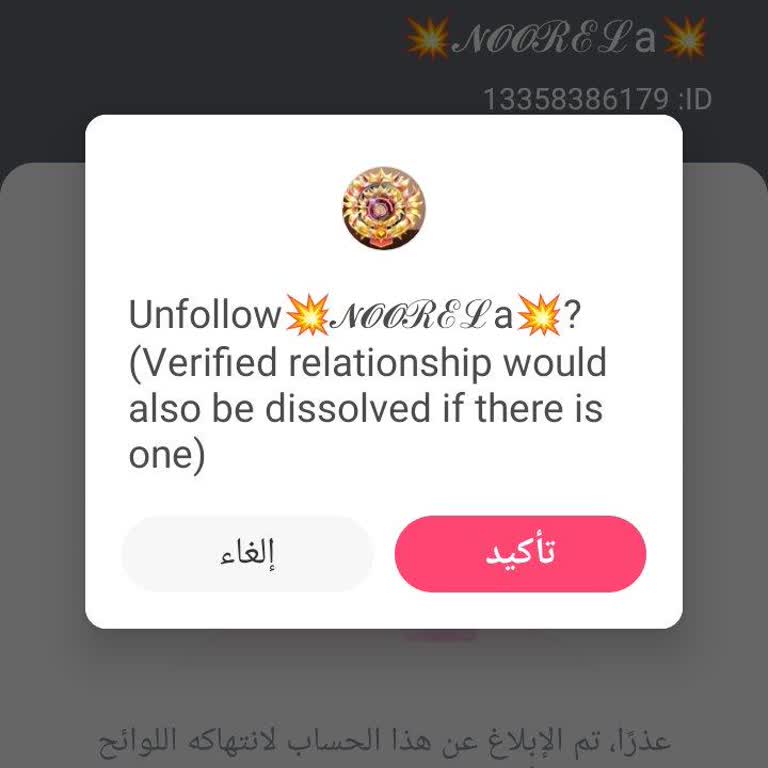
My Starmaker account Noorela (ID: 13358386179) has been permanently banned even though it is a free account that I have ...grown organically over the years. I have reached around 7,200 real followers and created more than 3,000 original voice recordings over 7 years of continuous work and dedication on
StarMaker Banned My Account for “Illegal Behavior” Without Explanation

July 25 11:20 PM
I am a user of the Starmaker application and my account registered with the email address "vanniya.***@gmail.com" was su...ddenly banned. The ban occurred when I tried to log in; instead of accessing my account, I saw a message saying that my account was blocked due to "illegal behavior in APP". I have
Starmaker Chat Restricted Without Reason – Restore Message Access

July 22 4:05 PM
Today at around 5:00 my messaging function in the Starmaker application was suddenly blocked. I believe this happened be...cause of another person who reported or caused my ID to be blocked, even though I did not do anything to deserve such a restriction. Now I cannot send messages and I am unable to u

StarMaker
View All Complaints
1 Comment