My Samsung Watch disconnects from my phone several times a day without any apparent reason. I've tried resetting it, but the issue persists. How can I make it work regularly?
9 Views
If your Samsung Watch keeps losing connection with your phone for no apparent reason, even after you've tried resetting it, there are a few things you can try.
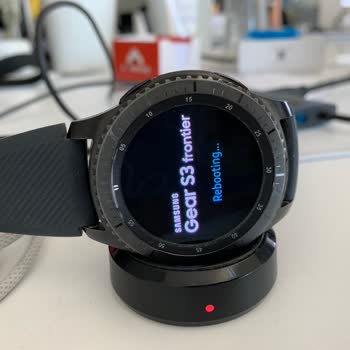
• Power cycle your Samsung smartwatch: Press and hold the Power button until the "Rebooting..." screen appears to restart your Samsung smartwatch.
Hold the Home (Power) key and the Back button until you see the "Rebooting..." message to perform a hard reboot. If the options to "Power off" or "Restart" appear, you should avoid clicking on them.
The "Rebooting..." message may not appear for up to 30 seconds after the button is held down, though this may vary by watch model.
When the prompt appears, let go of the Power button and the watch will restart. The watch face will go dark for a second before restarting.
Keep in mind that if your watch is paired with your phone, the connection may temporarily break while the phone reboots.
• Search for Updated Programs: After the restart is finished, check your Samsung Watch and the Galaxy Wearable app for updates. Software updates can often fix connection problems.
• Turn Bluetooth off and on again: You can also try turning off Bluetooth on both your watch and phone and then back on to refresh the connection. Taking this step can strengthen the bond between you.
• Disconnect and reconnect your gadgets: If the issue persists, unpair your Samsung Watch from your phone and try pairing it again. Simply launch the Galaxy Wearable app, go to "My Watch," and tap "Forget." Then, select your Samsung Watch from the list of available devices and start a new connection by tapping the scan icon.
• Physical Damage Service Request: In the event that physical damage, like a stuck button, has rendered your watch inoperable, you should take it to a Service Center for assistance.
Also, try browsing through Xolvie to see if anyone else has to say something different about the issue.
I bought the Samsung Watch7 specifically for its blood pressure monitoring feature, but it has been completely unreliabl...e. No matter what I do, it never gives an accurate reading. I don’t understand why Samsung advertises this feature if it doesn’t work properly—it feels like false advertising. I tr
I recently attempted to connect my Samsung S3 smartwatch with my new Samsung phone, only to discover that it’s no longer... supported because of software updates. My watch works perfectly, with no problems at all, yet I can’t use it just because it’s seen as outdated. I contacted support, looking for a
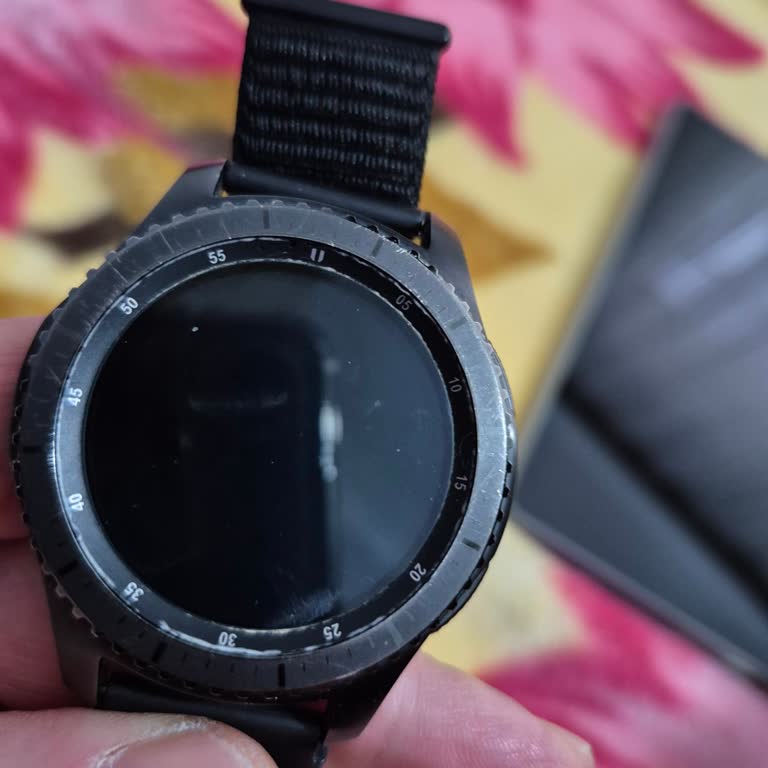
Last night, while wearing my Samsung Gear S3 Frontier in the rain, the watch got stuck on the rebooting screen and hasn’...t responded to anything since. I haven’t exposed it to a pool or the sea, just a bit of rain, and yet it stopped working. I expected much better quality from Samsung, especially fo

My Samsung phone's IMEI has been cloned. I contacted Samsung's customer support in Turkey via WhatsApp. A representative... requested specific documents and gave me an email address to send them to. I sent the documents you asked. I waited for a day, but received no response. When I phoned Samsung agai
On July 4, 2023, I went to Media Markt and bought a Watch 5 Pro. On August 11, 2023, I told Media Markt to send the item... to your service center. When I tested the device with three different wattages, I found that it doesn't fast charge, has a delay when switching between interfaces, and sometimes s
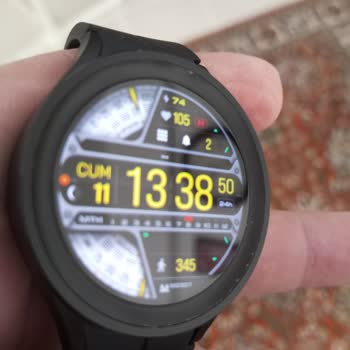
I deeply regret purchasing the Samsung Watch 4 Classic. It was not disclosed during the purchase process or in the produ...ct information that the watch is incompatible with various smartphone brands or lacks regional support for certain features. Furthermore, the battery life is inadequate, lasting on
I currently wear a smartwatch, the Samsung Galaxy Watch 5 (44mm). When I went to buy it, the salesperson informed me tha...t it could not only perform EKG readings but also measure blood pressure. When I tried to use the watch, however, I discovered that it was incompatible with the phone I was using,
As part of the Samsung exchange campaign, I made an appointment for May 16, 2023 by giving my Istanbul address informati...on in order to replace my old watch with a new one. However, the person who was supposed to come to the address claimed that he could not reach the address by phone, and his order
This is my second Samsung watch and I am still experiencing the same situation. I used the Gear S2 model before, now I'm... using the Galaxy Watch Active 2 model, I can't use it more precisely because this watch gave the same malfunction as the first watch. Problem; the screen of the watch turns black
My Samsung Fit 2 watch has been an important part of my daily life for two years. But recently, it ran out of power, and... when I tried to charge it, the screen never turned on, and none of the buttons worked. I was confused and annoyed because there is no power button and I couldn't figure out how to