Philips TV 55PUS7909/12 Android TV shows a recovery error loop, how can I resolve it?
1 Views
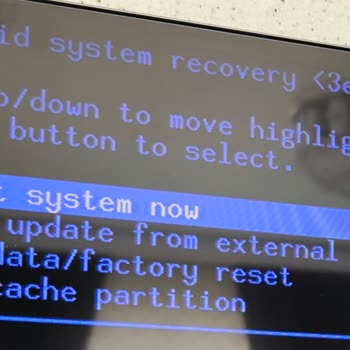
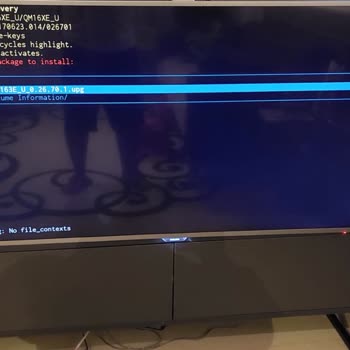
Do a factory restart through recovery mode on your Philips 55PUS7909/12 Android TV if it gets stuck in a recovery error loop. Pull the TV out of the wall, press and hold the downstairs joystick control on the back of the TV, and then plug it back in.
Hold down until you see the Android Recovery screen. You can use the joystick to choose "Wipe data/factory reset" and then accept. All of your sensitive information will be erased, and the computer will go back to its original settings.
If the problem still happens, use a USB to update the firmware. Get the latest firmware for your model from Philips' support page and save it to a USB drive that has been formatted with FAT32.
You can get back to recovery mode by plugging the USB into the TV. To reinstall the OS, choose "Apply update from external storage" and then the firmware file.
If these steps don't work, please feel free to share your experience. You can also file a complaint on our website.
The Philips TV 55PUS7909/12 faces an issue where the Smart TV update fails to support Netflix, YouTube.com, Google, and ...Play Store, rendering these features useless. Yes, they are present on the TV, but due to the update glitch, they serve no function. It's as if my TV, worth ₺500, only operates as
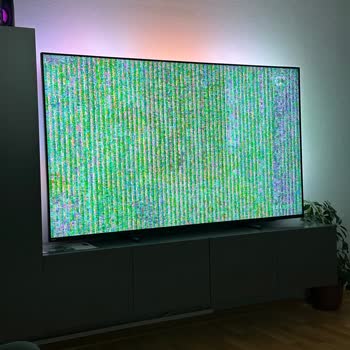
I bought a Philips TV that's 75 inches and has a refresh rate of 120Hz about eight months ago. Since then, I've been con...stantly frustrated because the screen has malfunctioned a whopping 50 times in this short span of time. It's not about things breaking or cracking; the display just starts acting c
There was an explosion sound on my Philips brand television and it turned off. It was a television that we rarely use in... our living room. I saw that many consumers had the same problem when I researched on the internet. It may be a chronic problem. We are waiting for support from the brand for the s
I bought a Philips 55pus8108/62 brand and model TV from Elazig Teknosa on 21.09.2023. Product and channel installation w...as done on 22.09.2023. Then we did not open the product because the room to be installed was not ready. I opened the product on 25.10.2023 and noticed that there are white dots fla
I reinstalled the software of my 49PUK7150/12 Model Philips TV due to its slowdown, after reinstalling it, when I tried ...to log in with my Google Play account, a "try again" warning appeared on the screen, then this problem corrected itself. This time when I opened the app, it gave me an error. YouTu
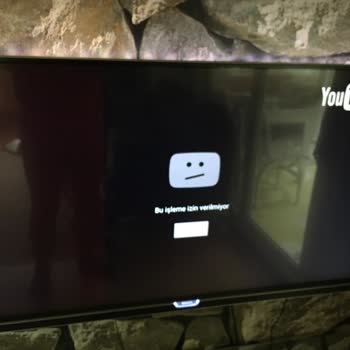
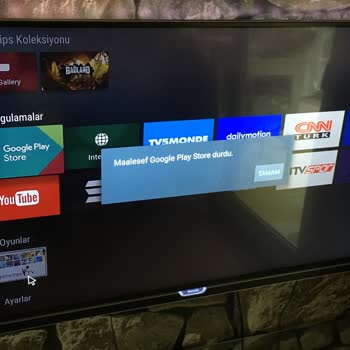
My Philips 48PFK5500/12 television does not allow me to sign in to the Play Store. The Google account in question will n...ot sync and will repeatedly report a password error. I require the situation to be resolved as quickly as possible. Even though both my username and password are correct, it contin
The screen on my Philips 55PUS7805/62 TV went completely black just two minutes after I turned it on, but the sound cont...inued to function normally. I opened the television. I tried unplugging it and then plugging it back in again, but it did not make any difference; the screen remained completely da
I purchased a Philips 55oled806/12 TV from the Teknosa store on February 8, 2022, and it stopped working properly within... the first year. The service company called me and said they didn't have the parts they needed. They offered to give me a discount on a better model instead. Why do I have to pay f
I recently purchased a Philips television with a screen measuring 75 inches, and not long after that, it began to exhibi...t some sort of malfunction. After getting in touch with the authorized service, they sent over a replacement report. Philips insisted on a refund, in spite of the fact that we had
5 years ago, after conducting extensive research and trusting in Philips' quality, I purchased a Philips PUS 7502/12 mod...el television. Yesterday morning, while watching TV with my child, it suddenly stopped working. There is no power, even though it's connected to a grounded socket, and the voltage
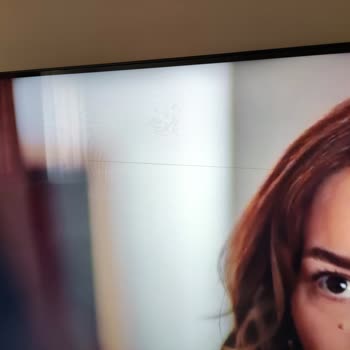
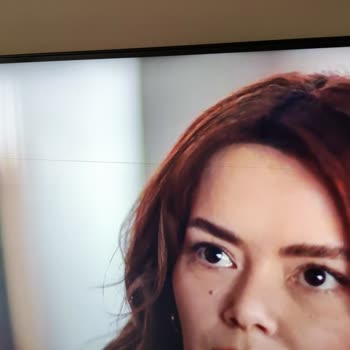
I have a 55-inch Philips PUS 8007 Ambilight TV, and I'm having trouble with it. At the top of the screen, there is a str...aight horizontal line that goes from one corner to the other. This problem started after the second time I used it, and it's making it hard for me to watch TV. As part of my dowry,

I've had my Philips 40pfk5500/12 TV for about 4 to 5 years, but my Google Services have been acting up for the last 2 ye...ars. They no longer function. I've tried everything, including updating the TV software via USB, performing multiple factory resets, and even changing passwords and turning off 2-f
Back in 2018, I went and got myself a Philips 55PUS6581/12 LED TV from Vatan Bilgisayar. It was all good with the sound,... somehow, the screen suddenly went all dark, and poof, the picture disappeared! pretty sure the LED parts must've gone kaput. This is supposed to be a top-notch brand like Philips
I was excited to buy a new Philips Smart TV, but I was disappointed to find that it doesn't have Google Play and I can't... add any apps to it. The app gallery has a laughably small number of apps. I tried to update the TV, but that didn't fix the problem. I wish I had gone with Samsung instead; I'm up
In 2012, I purchased a Philips 42PFL6198/K12 model LED TV from Trabzon Teknosa. Within three months of the purchase, I s...tarted experiencing screen freezing, image shifting, and slow startup problems. The service representatives assured me that they could temporarily fix the issue through software up
My Android Philips television is giving me a difficult time because the YouTube app won't load. This is a very frustrati...ng problem. In spite of the fact that I requested assistance from @Philips, I have not been provided with any explanation that is actually informative regarding the reasons why the
I bought a Philips brand TV, which I thought was very good since my childhood, and that we used as a family, and I becam...e a victim. The first treatment we encountered with the Philips brand device is as follows; I bought a new generation Philips brand 55 pus 8807 140 screen Smart TV, which was just
we bought a tv by trusting Philips. the tv came defective then started giving no signal problem. the service said the pr...oblem is your tv installation. so I went and brought the neighbor's tv, I plugged it in, and all channels are working. we've been looking for about 6 months, but they didn't come a
After just over two years of use, lines started to appear on the screen. The problem gradually got worse until the scree...n stopped working altogether. I contacted Philips for repair services, but I was informed that I would have to pay a fee as the warranty had expired. This is unacceptable as the TV
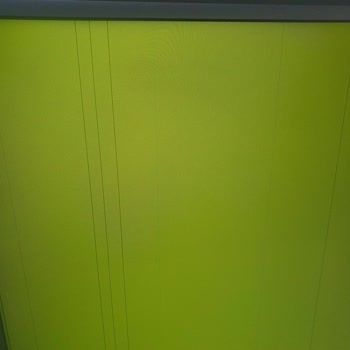
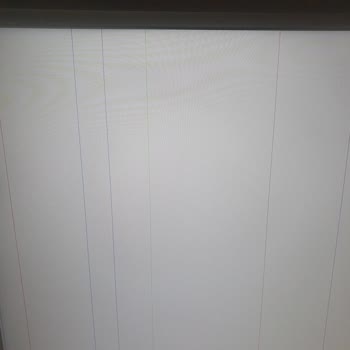
I can't figure out how to fix this problem with the recovery, no matter what I do. I tried to get in touch with customer... service, but all they did was send me an ineffective email with some useless directions, I mean I could have found that on the internet. When I tried to follow the steps as given
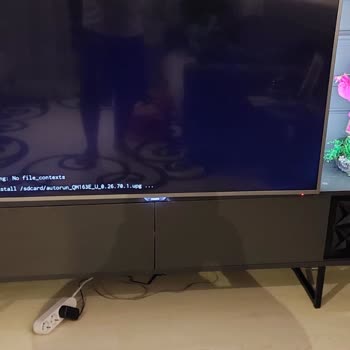
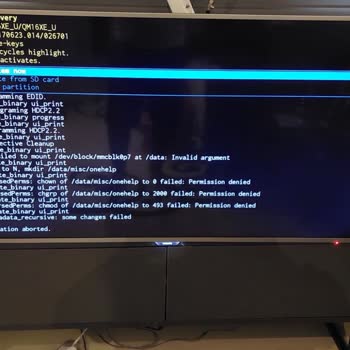
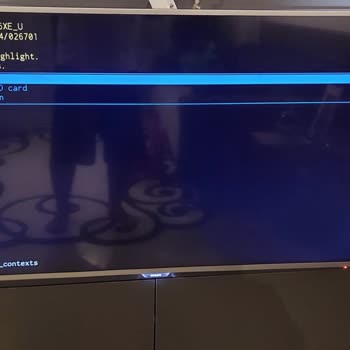
Using my Google account on my Philips TV has been a frustrating experience. No matter how many times I try to log in wit...h the correct password, I always get an error message saying that my attempt has failed. I've tried reinstalling the app several times in hopes of fixing the issue, but so far, no
The screen on my Philips television has given me trouble on more than one occasion. A low-quality screen that mimicked t...he appearance of paper was installed in its place, despite the fact that the original screen was still covered by the manufacturer's warranty. My concerns were not taken into consi
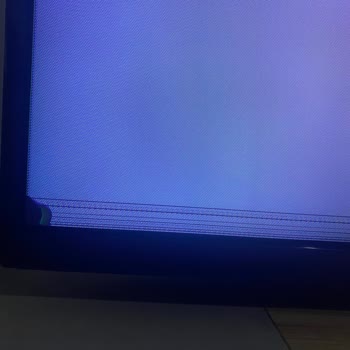
On 16.01.2023, I purchased a new Philips Ambilight TV from Media Markt, but it was discovered to be defective during ins...tallation on 20.01.2023, and it was returned to headquarters for replacement. It has been 21 working days since then, and I have received no information about the replacement from
On December 25th, 2022, I purchased a Philips 55PUS7906/62 55-inch TV, but I've been having some frustrating issues. Eve...n though sleep mode is not enabled, the TV turns off at random while in use. This issue makes it difficult for me to enjoy watching television, and I am dissatisfied with this prod
I am extremely dissatisfied with my Philips 55pus6412 model television. Since the time of purchase, I have encountered a... multitude of issues ranging from dust on the screen to update problems. Despite managing to solve these issues, I am now experiencing a major problem with the screen blackening, a