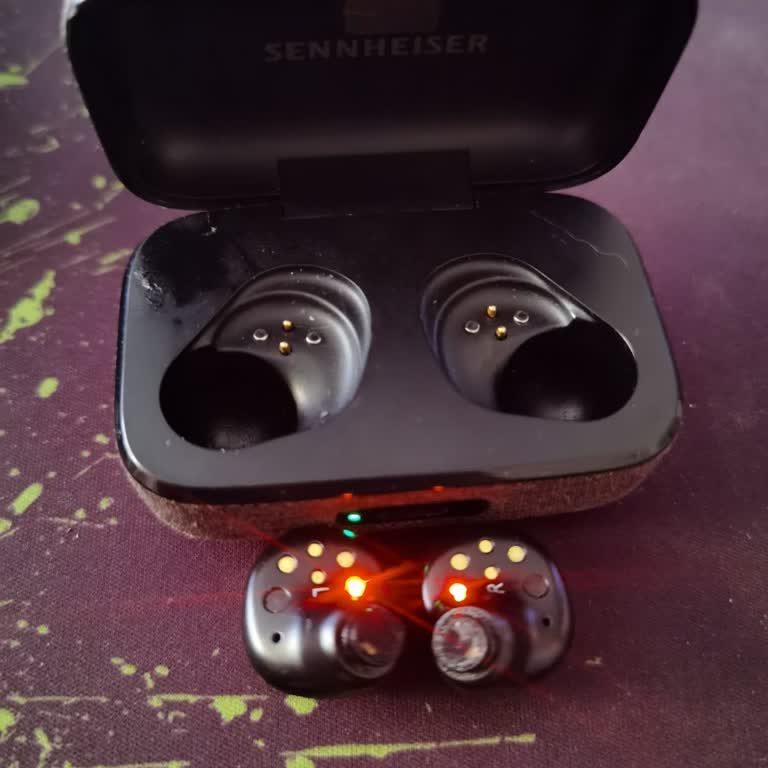
Sennheiser Momentum True Wireless 3/ Single Bud Malfunction

Dear Sennheiser Customer Support, I am writing to report a recurring issue with my Sennheiser Momentum True Wireless 3 (White) earbuds. For the past two weeks, the left earbud has been producing a continuous warning tone and no sound output, while the right earbud continues to function normally. I purchased the product via Amazon on 23 August 2023, and although I attempted several troubleshooting steps, including resetting the earbuds, the problem persists. The warranty unfortunately expired on 23 August 2024, just a few days before this issue began. Following the malfunction, I contacted your technical service team in writing but have not yet received a response. While I understand that the warranty period has recently ended, I find it concerning that a premium product such as the Momentum True Wireless 3 has developed such a serious defect after such a relatively short period of use. Given the circumstances, I kindly request that my case be reviewed as an exception and that a replacement product be provided. I believe this would reflect the high quality and customer care standards associated with the Sennheiser brand. I would greatly appreciate your urgent support and a prompt resolution to this matter.

Dear Burçin M., First of all, we would like to express our regret regarding the negative experience you have had. Regarding your request, our Sennheiser team has provided a solution and informed you about the matter on 18.09.2025. For all your requests, complaints, and suggestions, you can write to us via the Live Support system or call us. We wish you pleasant days with the legendary Sennheiser sound. Sennheiser Turkey Team
I was contacted regarding the issue on 18/09/2025 and all possible solution details were conveyed to me by Ms. Zehra. I especially thank her; it was truly an excellent example of customer service. Thanks again to her for her constructive, solution-oriented, and understanding attitude and approach.
Thanks to Ms. Zehra.