After logging into eFootball, my progress and team disappeared. How can I recover my saved data and account?
214 Views
1 Comment121 Complaint
Possible reasons:
You logged in with a different account (for example, through Google Play, Game Center, or Facebook, not the one originally linked).
Data synchronization failure with Konami servers.
An error after a game update (sometimes happens when switching to a new version).
Step-by-step actions:
Check which account you previously used.
– Try logging in through all accounts that may have been linked.
– If you used a KONAMI ID, try resetting your password and log in with it.
Contact Konami support:
– via the in-game form (Menu → Help → Contact Us);
– via the support site: https://www.konami.com/efootball/
– provide your profile UID, registration date, approximate team roster, and purchase details.
Check whether you accidentally created a new account, which could load an empty database.
If your account was linked to a KONAMI ID, recovery is possible. Without a link, recovery is nearly impossible.
❗ If support takes too long to respond or refuses without explanation, 👉submit a complaint on Xolvie👈.
Your feedback will help other players with the same issue and draw attention to unfair refusals! 👈
My eFootball account, which I have spent a long time building and playing, was taken over without my permission, and the... person who accessed my account deleted my players, essentially wiping out years of progress. I have been playing this game for approximately three years, and my team strength was
I contacted someone I found through an advertisement on WhatsApp regarding the sale of items from my eFootball 27 mobile... game account. The person I was communicating with sent me a link, and after I clicked on this fraudulent link, my game account, which has significant personal and financial value
I am writing because my eFootball account appears to have been hacked and I can no longer access it. About four months a...go, when I tried to log in, I saw that the email address linked to my account had been changed without my permission. Since the email has been changed, I am unable to reset my pass
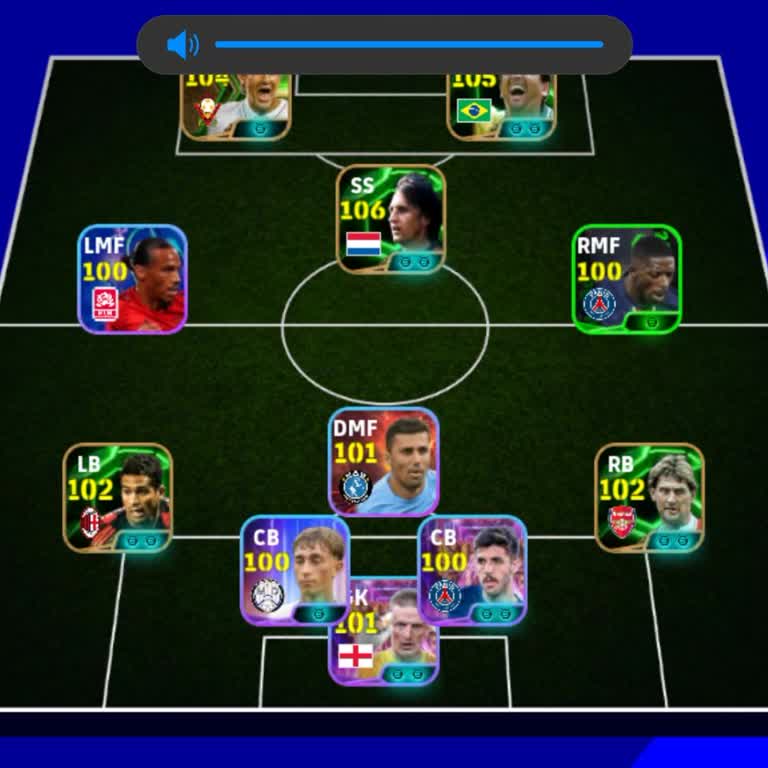
I have been playing Konami’s eFootball using my account regularly, and I last accessed it on 31 August. After that date,... I suddenly could no longer log in to my account and it appears to be lost. When I try to access my eFootball account now, I am unable to log in, and I have no way to reach my exis
I have been unable to access my Konami account linked to eFootball on Android since 12 July. On that date I received a n...otification in my Gmail that my Konami account had been linked to another device without my permission. After this, I could no longer log in to my Konami ID. This account is very i
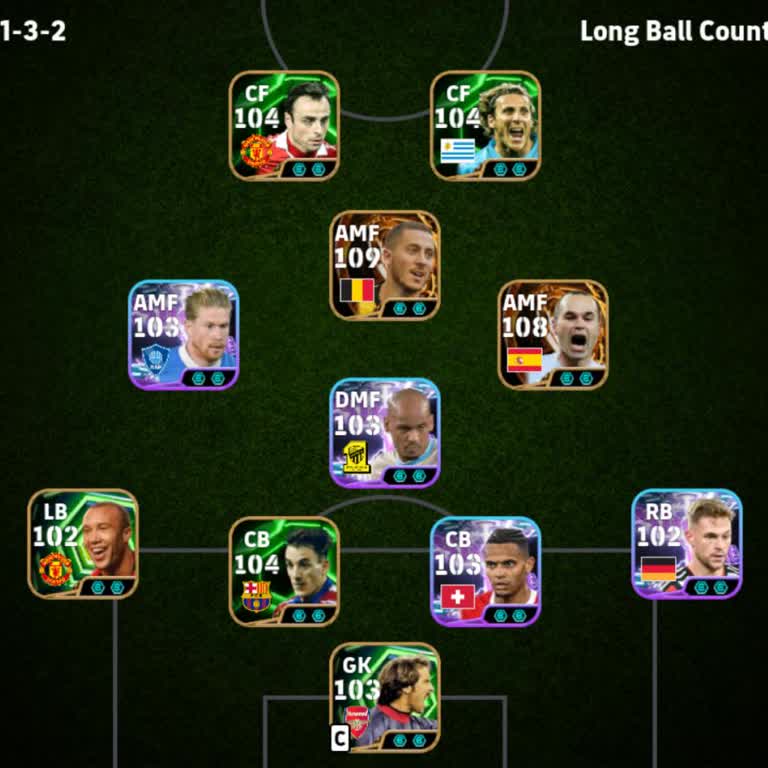
I am writing regarding a serious problem with my Konami eFootball account, which has been accessed and changed without m...y permission. My correct Konami account email was registered with akinosoodunay***@gmail.com, but I discovered that someone had changed both the email and the password on my accoun
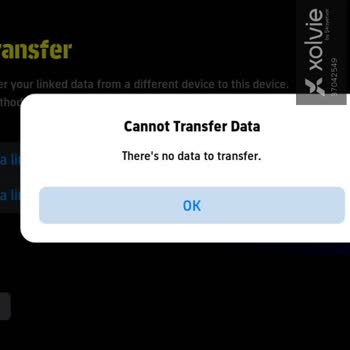
I am an active player of eFootball 27 Mobile and my account appears to have been hacked. Yesterday I noticed that I coul...d no longer use my account properly and I started receiving a “Network Error Occurred – An invalid command has been detected. CODE::C_NAJM_0028” message on the screen. I have not s
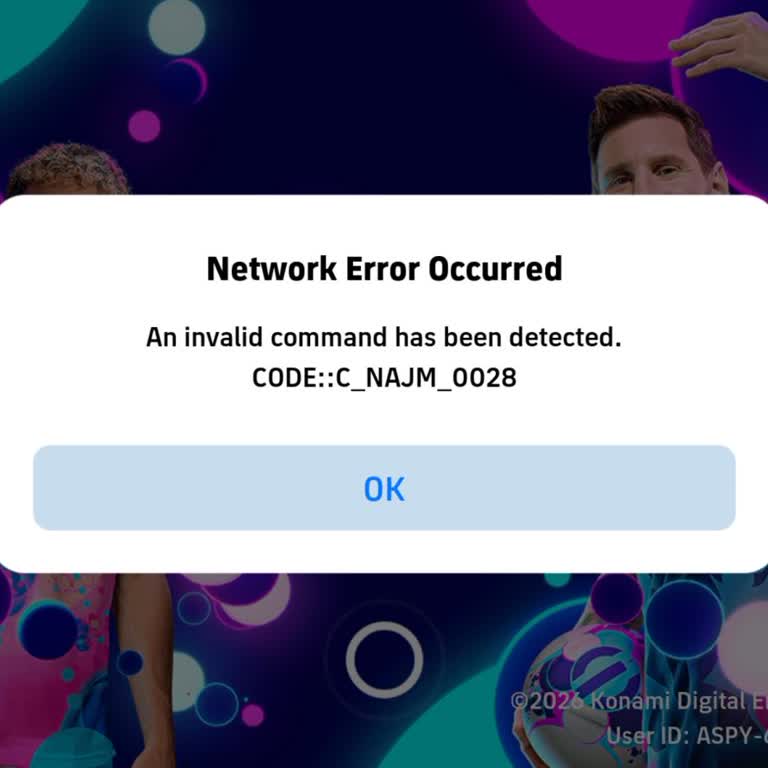
When I logged into my eFootball mobile account yesterday evening, I noticed that my account had been transferred and tha...t the email/ID information associated with it had been changed without my permission. Although I can still log in through the app, my own account does not open, and I cannot access
I am an eFootball mobile player and my account has been hijacked. My in‑game profile name is “_M_N_R_1”. On 2 September ...2026 I realized that I no longer have access to my account and I am currently unable to use it. The screenshot I am attaching shows my original account profile and in‑game informat
I have been playing eFootball Mobile in Turkey for about 2 years on my account named “-Clintin-”. I am the real and only... owner of this account. Recently, my account has been hacked and the email address linked to my eFootball account has been changed without my permission. Since then, I cannot acces
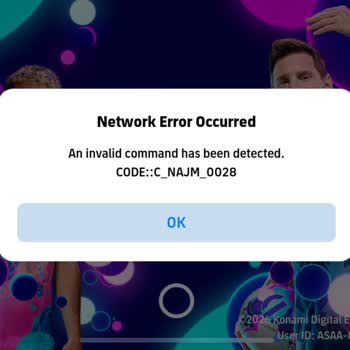
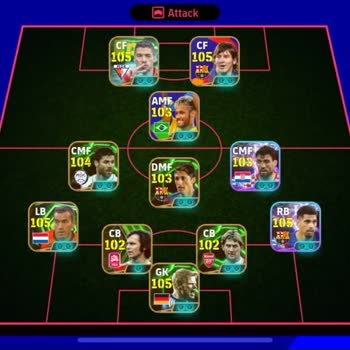
I am writing because my Konami ID for eFootball 27 was hacked and my email and linked platform were changed without my p...ermission about 25 minutes ago. I have now completely lost access to my account and cannot log in or use my usual platforms. The person who hacked me scammed me and then changed th
I am writing because my Konami eFootball account was hacked and I can no longer access it. On 31st, I discovered that so...meone had gained access to my email account and used it to log in to my Konami account without my permission. My eFootball username is “errormnatii254” and the email address I used
I play eFootball on mobile using a Konami ID, and my account was hacked. Someone gained access to my Konami ID, changed ...the registered email address to their own and took full control of the account. After this change I completely lost access to my Konami ID and can no longer manage or secure my acc
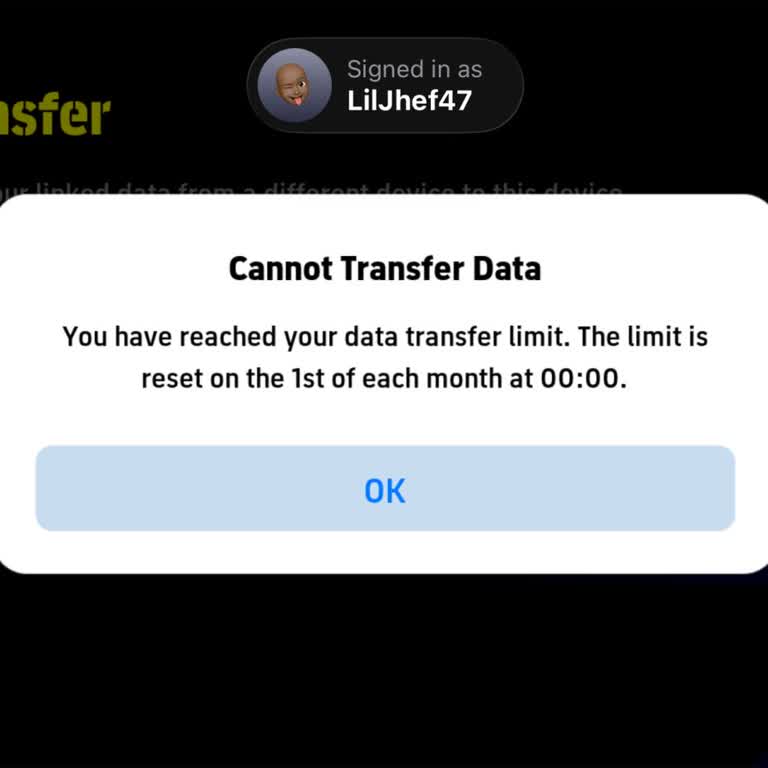
I am a mobile eFootball user from South Africa and I lost access to my account today. I was in contact with another pers...on to exchange accounts, so I shared my account details with them. After I did this, the other person did not give me their account as agreed, and instead they took over my account
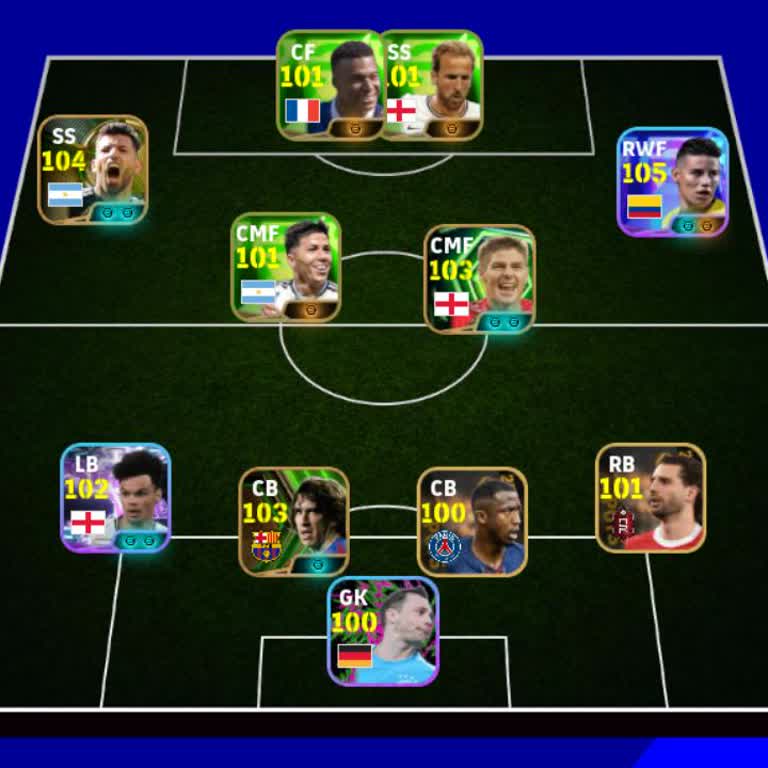
I am writing regarding my eFootball account linked to my KONAMI ID, which has been inaccessible since 07/07/2026 due to ...a temporary suspension requested for security reasons. Someone had gained unauthorized access to my eFootball account, so I immediately contacted Konami and asked for a temporary s
I have been playing eFootball on my mobile phone and recently my account appears to have been hacked. I was suddenly log...ged out of my account without my knowledge or permission, and I could no longer access it as before. I did not share my account details with anyone and did not approve any login fr
My complaint is about a serious problem with my eFootball account on 20/07/2026. Before this date my account was working... normally, but now I can no longer use it properly and I have effectively lost access to my team and progress. I want my original eFootball account to be fully restored so that I c
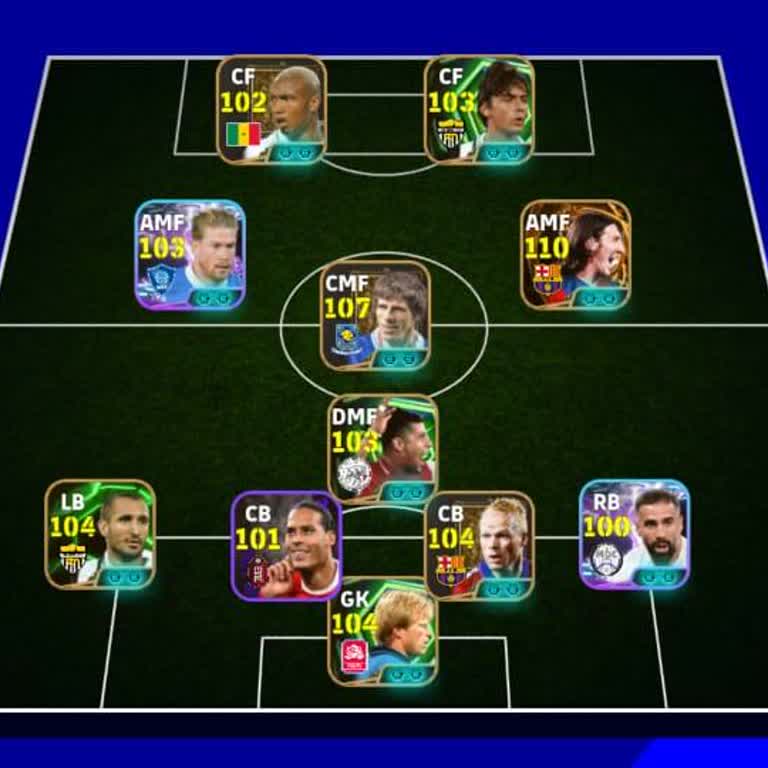
I had been actively playing eFootball on my mobile device when my account was hacked. On Wednesday at around 1:00 a.m., ...after finishing a friendly match and going to sleep, someone apparently gained unauthorized access to my account, changed both the email address and the password, and took full con
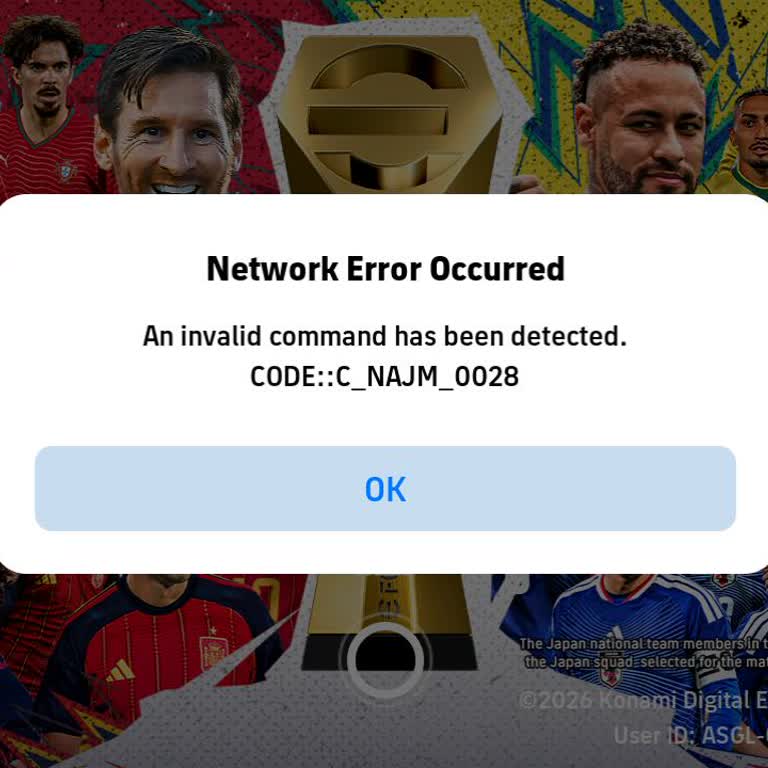
I have a Konami ID linked to eFootball, and my account appears to have been hacked and accessed without my permission. I... live in Ghana and always log in from here, but I received an automatic email with a Konami verification code even though I did not try to sign in or change anything. This makes me
My Konami ID eFootball account was hacked, and since Wednesday, 12 August, I have not been able to access it. When I try... to log in, the system says that the email is wrong and that there is no data available, so I cannot reach my account in any way. Before the account was hacked, I had spent money o
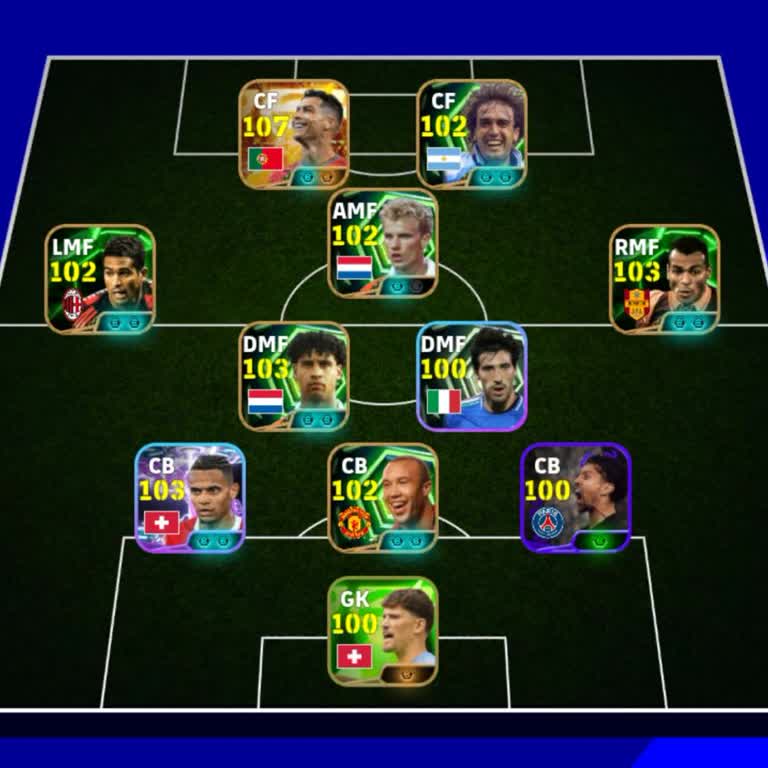
After transferring my data on my linked ID in Efootball27 yesterday, around half of my players disappeared from my squad... and all of my managers were removed. However, when I check the in‑game purchase history, it clearly shows that I have bought these players and managers, but they do not appear in
I have been playing eFootball on Android and my game data was registered with a Konami ID. Today at around 2 p.m. I acci...dentally uninstalled the app, and after reinstalling it I have lost access to my account. When I try to transfer my data using my Konami ID, I receive an error saying that there is
I am writing regarding a serious security problem with my eFootball mobile account. On Monday around 12 a.m., my account... was hacked and the email address connected to my KONAMI ID was changed without my permission. Although I can still log in to the game through Game Center, I have lost access to my
Dear KONAMI Support, I am requesting your urgent assistance to recover my stolen eFootball account on Android. I am the ...original owner of this account, but someone has gained unauthorized access and changed the account information without my permission. The account was originally linked to the email
My eFootball 2026 mobile account has been compromised and I have lost access to it after someone changed the email addre...ss registered to the account. I first noticed the issue on 08/06/2026 when I was unable to log in and realized that my email details had been altered without my consent. Following


























1 Comment