Brand Overview: Snapchat
Snapchat is a globally recognized multimedia instant messaging application and social media platform. It is owned and operated by the technology company Snap Inc. The platform was founded in 2011 by Evan Spiegel, Bobby Murphy, and Reggie Brown.
Contact Info
Snapchat does not offer a publicly available customer support phone number. The company primarily handles user inquiries and technical issues through its in-app reporting tools and official support website. While users can attempt to reach out via email at [email protected], the platform heavily relies on automated systems, and direct human assistance is often limited.
Industry and Operations
Operating in the social media and consumer technology industry, Snapchat is famous for pioneering ephemeral messaging, where pictures and messages are typically available for a short time before becoming inaccessible. The brand focuses on visual communication, augmented reality, and mobile-first content creation.
- Ephemeral Messaging: Users can send disappearing photos, videos, and texts known as Snaps.
- Augmented Reality (AR): The platform offers a vast library of interactive camera lenses and filters.
- Stories and Spotlight: Features that allow users to share 24-hour content with friends or post short-form viral videos to a public audience.
- Snap Map: A location-sharing feature enabling users to share their real-time location with chosen friends.
- Snapchat+: A premium monthly subscription service offering exclusive, experimental, and pre-release app features.
User Sentiment
While the platform maintains a massive global user base, a significant portion of user sentiment across review and complaint platforms leans negative, primarily due to customer service limitations and account management issues. Users frequently express deep frustration over the inability to reach a live support agent when critical issues arise.
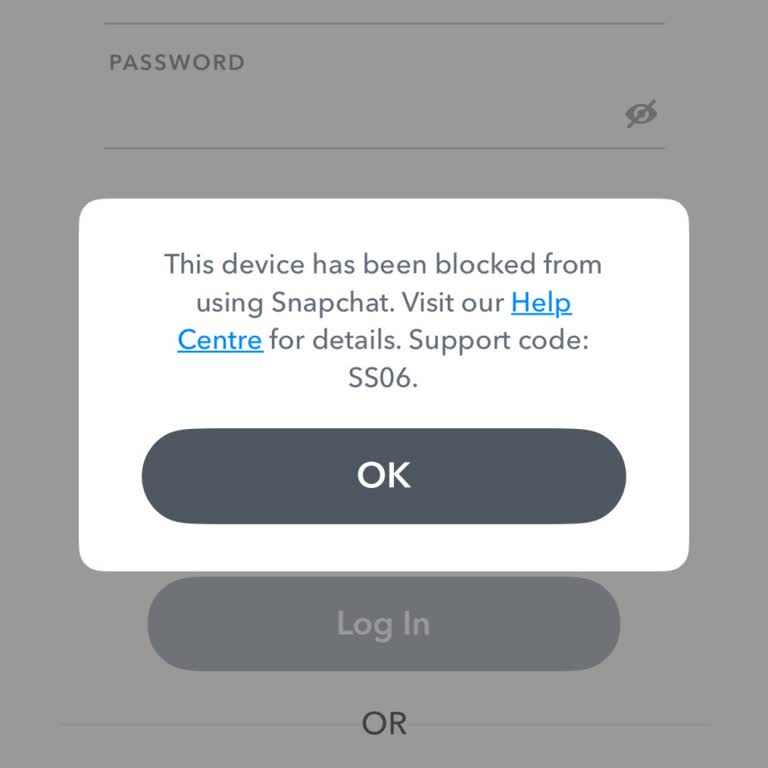
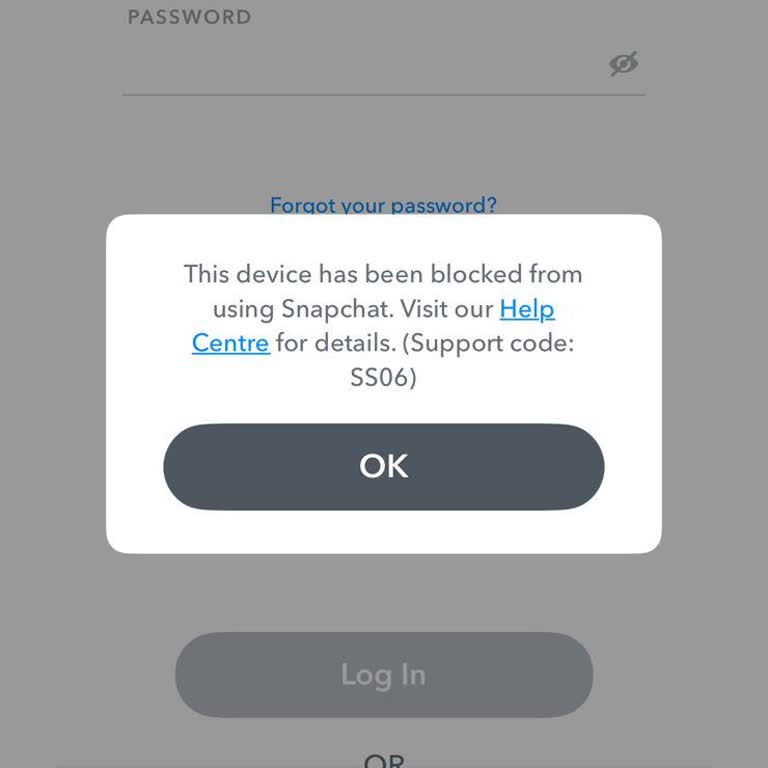
- Account Lockouts and Bans: A large volume of complaints comes from users whose accounts are suddenly locked, banned, or deleted without a clear explanation or a transparent appeals process.
- Hacked or Compromised Accounts: Users frequently report severe difficulties in recovering accounts that have been taken over by hackers, citing unresponsive or entirely automated support loops.
- Inadequate Customer Support: The lack of a direct phone line and reliance on automated email replies is a persistent source of dissatisfaction for users trying to resolve urgent issues.
- App Glitches and Bugs: Complaints often mention technical performance issues, such as the app crashing, camera freezing, or notifications failing to deliver after software updates.
- Billing and Subscription Issues: Users have reported unexpected auto-renewal charges and difficulties navigating the cancellation process for Snapchat+.
Share Your Experience
If you have experienced issues with Snapchat, you are not alone. Share your experience or file a complaint on Xolvie to let your voice be heard and help others navigating similar challenges.