Instamatch showed withdrawal success but funds didn’t arrive — how can I resolve it?
141 Views
If Instamatch showed withdrawal success but the funds didn’t arrive, here’s how you can resolve it;
Contact Instamatch Support;
• State that the withdrawal shows successful in the app but money is not received
• Provide your username/user ID and registered email/phone
• Share the withdrawal reference, amount, and payment method
• Attach screenshots of the success message and your payment account showing no credit
Ask them to;
• Trace the withdrawal using their payment gateway records
• Confirm whether the funds were actually released or stuck
• Provide a transaction/UTR number if the payout was sent
• Re-initiate or manually release the withdrawal if it failed silently
Check common delay causes;
• Bank/UPI payouts can take 24–72 hours, especially on weekends
• Ensure your KYC is fully completed
• Confirm your bank/UPI details are correct and verified
If support delays or avoids resolving it;
• Contact your bank or UPI provider to confirm no incoming transfer is pending
• Keep all proof — screenshots, IDs, dates, and chats
If the money still doesn’t arrive, consider filing a complaint on Xolvie to seek a resolution.
I have been playing on the Instamatch365 website and recently faced a serious issue with my withdrawal. I had already lo...st more than 30,000 in this game, but when I finally won on 1550X (15,500), I requested a withdrawal of 15,000 on 01.06.2026 to my bank account in India. The order/transaction ID i
On 7 June, I initiated a withdrawal of 300 rupees through Instamatch to my SBI account. Although the amount was debited ...from Instamatch, the money has still not been credited to my bank account. After noticing that the funds had not arrived, I contacted Instamatch customer support, but I have not re
On 1 June 2026, while playing the Ice Fishing game in the Evolution section on Instamatch365, I won 31,000. After that, ...I played the Monopoly game and won approximately 13,600, so my total balance on the platform was around 43,600. Following these winnings, I requested a withdrawal of 17,000. In the
I have been using the Instamatch platform via the Chrome browser, and I discovered that I could no longer log in to my a...ccount. My access was blocked without any prior warning, and there is money from two recent withdrawals that has still not been credited to my bank. I requested two withdrawals fro
I had an active Instamatch365 Ice Fishing account registered with my mobile number on 18 May 2026. On 23 May 2026, I tra...nsferred my winning amount from my Instamatch365 account to my UCO Bank Itanagar account. The total amount of my withdrawals was 15,000, but the money has still not been credited t
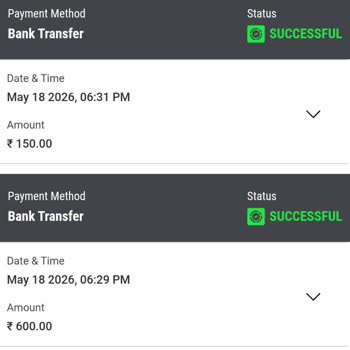
I am writing to report an issue with a withdrawal on Instamatch that has still not been credited to my bank account. On ...18 May at around 6:29 pm, I placed a withdrawal request of ₹2700 from my Instamatch balance to my SBI bank account via bank transfer. Even though 24 hours have passed, the amount h
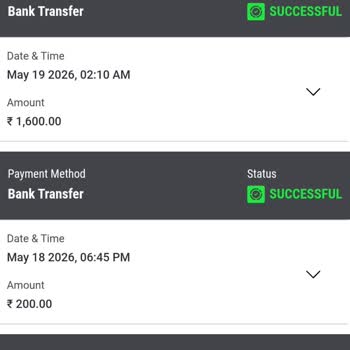
I play on the Instamatch game app and requested a withdrawal of 800 INR to my Airtel Payments Bank account in India on 1...0/05/2026. This withdrawal is linked to the Order ID WL128968141. While all my other withdrawals and transactions have been processed without any problem, this specific withdrawal
I am writing regarding a serious issue I have faced with the Instamatch website related to a withdrawal of my funds. On ...20/04/2026, I requested a withdrawal of 27,000 to my bank account in India from my Instamatch account registered with the mobile number 9502685***, game ID 6501*** and username “sr
I am writing regarding a serious issue with the withdrawal of my game winnings from the Instamatch Ice Fishing game. On ...May 3, 2026, I requested a withdrawal of ₹2,500 (approximately $30 USD) from my Instamatch account. My Instamatch account details are as follows: Username: ainudaspF ID: 6820097
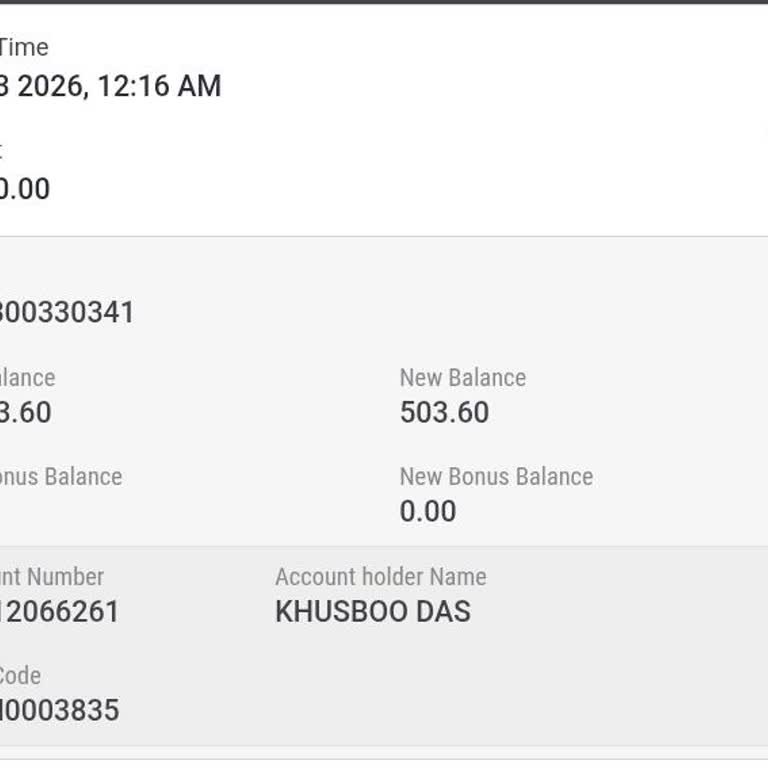
I had an active account on Instamatch365 registered with the email address gachu***@gmail.com, and on 23 April 2026 at a...round 5:00 p.m. I transferred my winning amount from my Instamatch365 account to my Punjab and Sind Bank account. The total amount of my withdrawals was 19,000 + 3,000 + 4,000. but
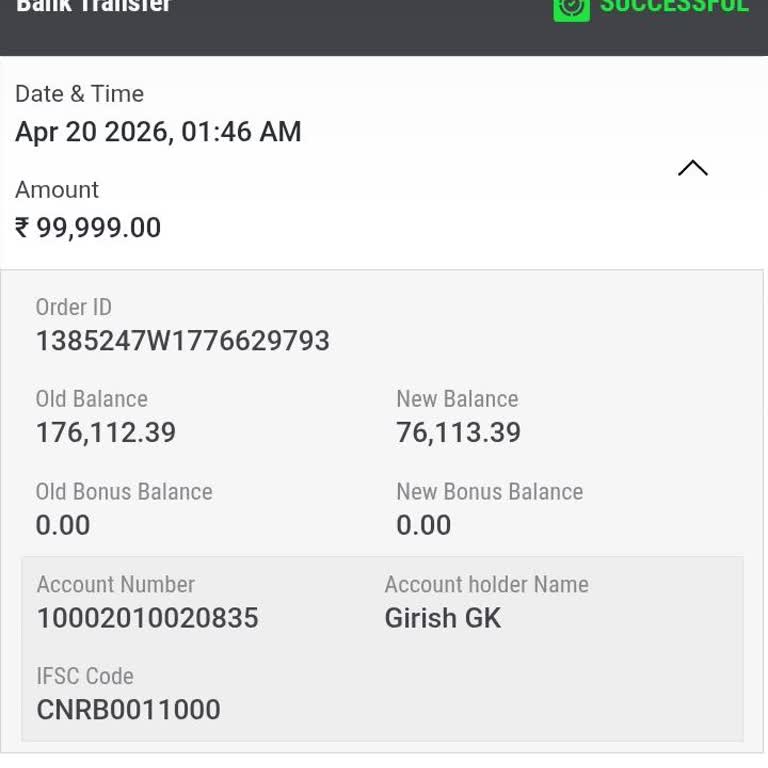
I am filing this complaint regarding a transaction on Instamatch365 where my winnings were withdrawn but never credited ...to my bank account. On April 20 at around 1:46 a.m., Instamatch365 initiated a withdrawal of ₹99,999 to my Canara Bank account, but the amount has still not been received. I have
I requested a withdrawal of 1000 from my Instamatch 365 account on April 2, 2026, but the amount has still not been cred...ited to my bank account, even though 12 days have passed. The withdrawal status shows as processed on your side, yet the funds have not reached my bank. I have attempted to contac
I made a withdrawal of 5,000 from my Instamatch account to my Kotak Bank account on March 8, 2026, at around 3:00 p.m. O...n the Instamatch website, this transaction is marked as successful and is linked to Order ID WL111899307, but the funds have still not been credited to my bank account. For the pa
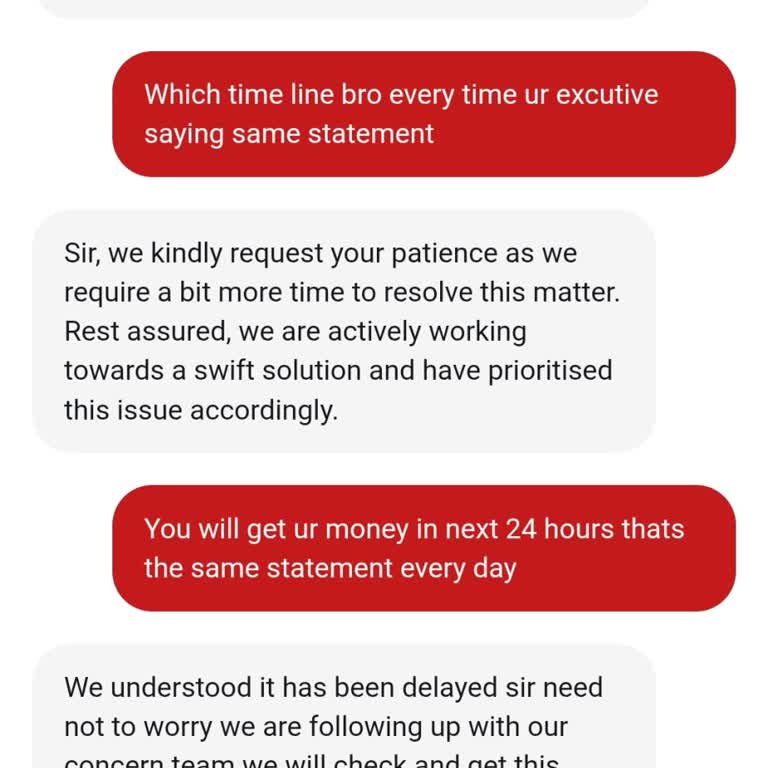
On March 10 at around 10:50, I used the Instamatch app to withdraw ₹18,000 to my SBI bank account. In the Instamatch app..., the transaction is shown as successful, and the amount has already been deducted from my account. However, the ₹18,000 has not been credited to my SBI bank account. This situat
On February 27, 2026, I requested a withdrawal of ₹270,000 from my Instamatch gaming account on the web platform to my p...ersonal Axis Bank account via bank transfer. However, the amount has still not been credited to my bank account. I have contacted Instamatch customer support regarding this issue,
I am raising a serious and urgent complaint regarding the sudden and permanent blocking of my Instamatch gaming account ...and the uncertainty surrounding my recent withdrawal. My Instamatch account details are as follows: username Saf***, user ID 6713***, registered email address saf***@gmail.com, reg
I am writing regarding a serious issue I have experienced with the Instmatch 365 betting app. On 17 February 2026 at 11:...24 p.m., I requested a withdrawal of my winning amount of ₹9,00,000 through UPI. In the Instmatch 365 app, the withdrawal status is shown as “successful” in the withdrawal history,