I can't verify my identity on TikTok, how can I complete the verification?
222 Views
1 Comment181 Complaint
If a user faces difficulties in this process, they can follow these steps to resolve the situation:
• Access the verification section: Within the application, you must go to your profile, click on the menu represented by three horizontal lines, select “Settings and privacy”, then “Account” and, finally, “Verification”.
• Meet the necessary requirements: Ensure that the account is active, authentic, complete and notable. This involves having logged in within the last six months, representing a real person or entity, having a public profile with a photo, description and at least one video posted, and appearing on recognized news sources.
• Enable two-step verification: To improve account security, it is recommended that you enable two-step authentication, which adds an additional layer of protection.
Remember, you are not alone in your experiences. Explore Xolvie to read about the challenges others have faced and share your story.
I am writing regarding my TikTok account with the username “michaelgmade,” which I created on August 9, 2024, using the ...email address “michaelgm***@gmail.com.” I have since deleted this Gmail account and can no longer use it to log in or reset my password on TikTok. I attempted to reset my password

I am writing regarding a problem I am experiencing while trying to regain access to my old TikTok account with the usern...ame “itsb_abyangel”. I am now using a new Android phone and I cannot complete the login or recovery process. When I try to log in to this account, the process requires a “friends v
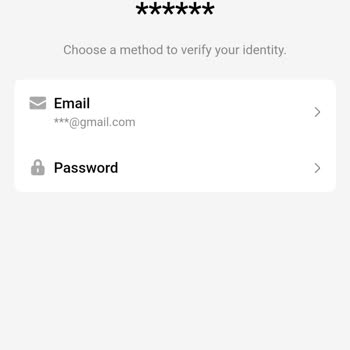
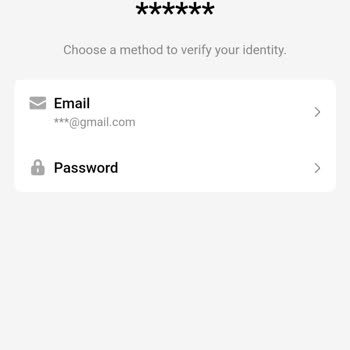
I have a problem accessing my TikTok account and I need support to regain access. I no longer remember the password for ...my account and I also lost access to the phone number I used when opening it, so I cannot receive any verification codes. I live in Uganda and the last time I successfully accessed
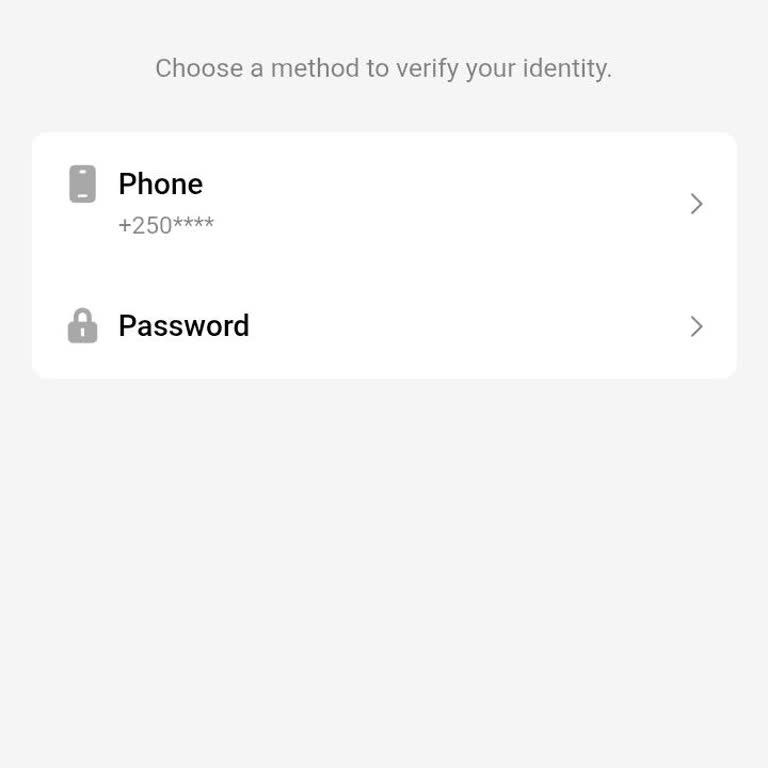
I am writing regarding a problem I am experiencing with logging into my TikTok account. I lost my previous phone and I a...m now trying to log in to my TikTok account from a new device. The account is linked to a phone number and an email address that I no longer have access to. When I try to log in, I
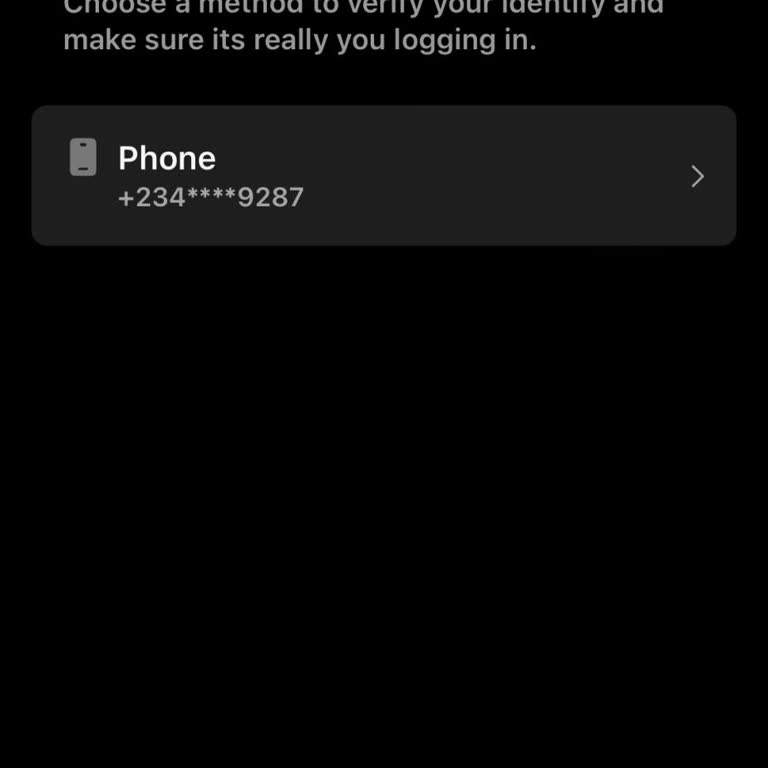
I have a problem with my TikTok account with the username “@omar.waziri”. I can no longer access the account. When I try... to log in, the app asks me for the password, phone number and email address, but I no longer remember any of these details, so I am completely locked out of the account. I would l
I am writing regarding my TikTok account with the username "kasalupro1". I want to recover this old account, but I no lo...nger have access to the phone number and email address that were previously linked to it. My main request is for the linked phone number and email on this account to be changed, so
I am writing about my TikTok account with the username “mindofaqu33n,” which I can no longer access because my phone, to...gether with the SIM card and the email address linked to the account, was taken and sold by my brother. Since this happened on September 6th, I have lost access to TikTok and all o
I am writing regarding my TikTok account with the username “Shaiyri_club” which I have been unable to access. I know the... username but no longer remember the password. The account was only linked to a phone number, not to an email address, and that phone was lost in the sea. Because I no longer have
I have been unable to log into my TikTok account for about a year. I receive an SMS code on my phone number to log in, b...ut the two-step verification code is sent to my old Gmail address, which I no longer have access to and appears as "deleted" in the system. Because of this, I cannot access my acco
I am having a problem accessing and managing my TikTok account “user235931063” (profile name: HASSAN). The email address... linked to this account is no longer accessible to me, so I cannot receive verification codes or complete the login and security steps. Because I do not have access to the old emai
I am writing because my phone was stolen on 1 September 2026 and I have lost access to my TikTok account. I no longer re...member the Gmail address and name on the account, but I remember the date of birth registered there as 21/08/2003. Since my phone was stolen, I cannot log in or recover my TikTok I

I am writing regarding my TikTok account with the username “blackcherry130”, which I have been unable to access. I last ...had access to my account on May 3, 2026, using an Android phone that I have since lost, and I no longer have access to the email address and phone number that were linked to the ac
I have a problem accessing my TikTok account and I need help recovering it. My account username is @choggyy_acc. After c...hanging my phone, I tried to log in again, but the app asks for a password that I no longer remember. I do not have a phone number or email address linked to this account, so I can
I have been experiencing an unresolved account recovery problem with my TikTok account @usershellmell since last week an...d I am still unable to access it. I no longer have access to the phone number linked to the account, and there is no email address attached, so I cannot receive any verification co
I am having trouble accessing my old TikTok account with the username “clovennormal314.” I created this account with my ...old phone number, which has been disconnected for years, and I can no longer receive any verification codes or use it to log in. My last post on this account was on 06/20/2023. I w
I am writing because I have lost access to my TikTok account and I need help recovering it. I no longer remember the ema...il address or password linked to the account, but I do know the username I was using, which is “Sariaim_Israel”. I think the account might be linked to one of these email addresses
I am writing regarding a problem with my personal TikTok account and my inability to access it, even though I am the ori...ginal owner and still have access to the email linked to the account. My TikTok username is “shakoor malik615”, and the email linked to the account is “shakoorm***[email protected]”. I
I am writing regarding my TikTok account with the username “amahle.dlamini67”. I have completely forgotten the password ...and cannot remember it at all, and the account is only linked to an old phone number. That phone was lost in the sea, so I am unable to receive any verification codes or use the us
I am writing regarding an issue I am experiencing with accessing my TikTok account. I no longer remember my account pass...word and I do not have access to the Gmail address that was originally linked to my account. However, my phone number, +9715092068**, is still linked and I am able to receive verif
I have an old TikTok account with the username @pro.chix that I can no longer access. I lost access to this account arou...nd February–March 2025. I can no longer use the SIM card that was linked to the account, I cannot access the email, and I have also forgotten the password, so I am completely locke
I am writing regarding a problem accessing my TikTok account with the username “biku971”. I used to log in from my previ...ous phone, but I have lost that phone and no longer have access to the email address and phone number that were linked to the account. Because of this, I cannot log in to my accoun
I am writing regarding a problem I am experiencing with accessing my old TikTok account. My previous account username wa...s “ryleeeatssocks”. I lost access to this account because I changed my phone number and I also no longer have access to the Gmail address that was linked to it. For about a year no
I am writing regarding a problem with my TikTok account in Bulgaria, where my verification has been rejected and as a re...sult I cannot use my balance properly. When I try to complete the ID verification in the app, TikTok shows an error screen in Bulgarian stating that the verification has failed. Be
I have been unable to access my TikTok account for almost five years because I no longer have access to the email addres...s and phone number that were linked to it. When I try to log in, the screen shows a verification step and then the message “You cannot use this method” and I am not offered any alt
I have been unable to access my TikTok account for some time and I need support to regain it. My username is “ngarube” a...nd I am now using an Android phone. I no longer have access to both the email address and the phone number linked to this TikTok account. When I try to log in, TikTok sends a verif






















1 Comment