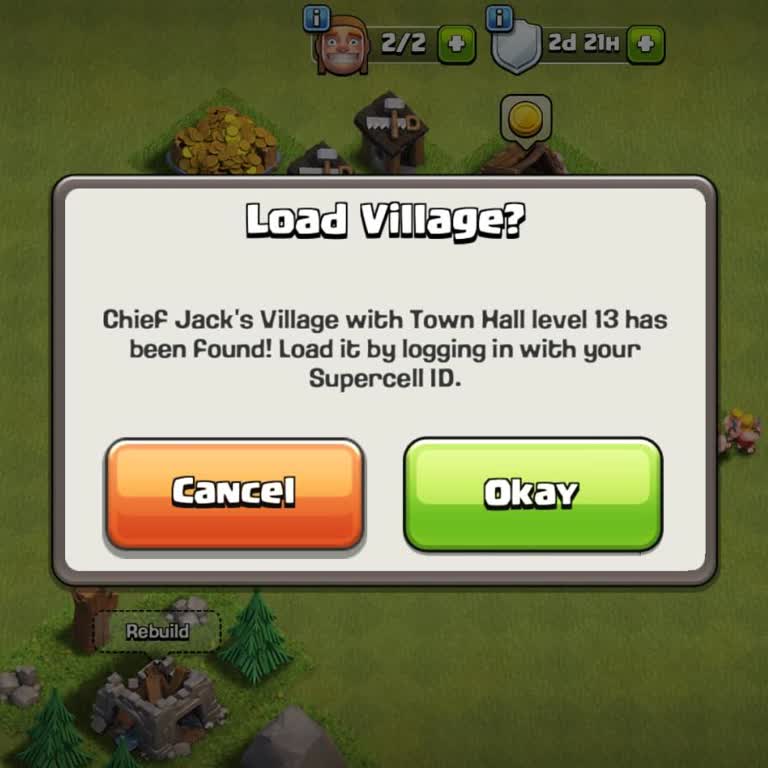
Supercell changed my Clash of Clans account email without my consent, how can I recover it quickly?
105 Views
If your Clash of Clans account email has been changed without your permission, take immediate action. First, try logging in using your original Supercell ID. If you are successful, go to the in-game settings and adjust your email address.
If access is denied, please contact Supercell Support via the in-game help system or their support page (https://supercell.helpshift.com/a/clash-of-clans/), providing information such as your player tag, account creation date, and purchase receipts for verification.
For immediate assistance, contact [email protected] or utilize their support form (https://supercell.helpshift.com/a/clash-of-clans/).
Supercell does not provide phone service, however updates are available via social media platforms such as X (@Supercell).
To protect your account, turn on Account Protection under the Supercell ID settings. This includes verification processes for account modifications, which prevents unwanted access.
To maintain the security of your information, check your account settings on a regular basis.
If the problem remains unresolved, consider filing a complaint on Xolvie to raise awareness about the issue and inform others.
I have been completely locked out of my Brawl Stars account for approximately 12 days. The account, which I used on an A...ndroid device linked to both Google Play and a Supercell ID, has had its registered email address changed without my knowledge. I do know what email address the account was transfe
While I was playing my Supercell game account as usual, a user named “bgd C T***”** asked me if I wanted diamonds. I sai...d yes, and he asked for my email address, which I gave him. Later, he asked whether the diamonds had arrived, but nothing was added to my account. When he then asked for my email p
My Supercell account was stolen about 180 days ago, and the person who took it hasn’t logged in for approximately 160 da...ys. I used to access the account through email login, and my in-game ID is 2RRPUPG2U. I have four years of progress and effort invested in this account, and I spent a significant a
In Clash of Clans, my account named “Rotasız-CoC” (#QC9U0JPPV) is level 79 with a Town Hall level of 10. The old Gmail a...ddress linked to this account (b*******@gmail.com) is no longer mine, and I cannot access it anymore. I want to transfer my account to my new email address, m***********@gmail.com*
My Brawl Stars account on the Android platform was stolen about a year ago. The username of the account is 0*, it had 38...,941 trophies, and the player ID is #GGPYLG**. The account was linked to [email protected]**. After losing access to my account, I contacted the Supercell team through in-game support a
My Clash of Clans account, which I was using on my Realme 11 device, was stolen about 10 days ago. I managed to recover ...it shortly after, but it was stolen again on November 4, and I currently cannot access my account. The email address linked to the account is m*************@gmail.com**. During th
My Clash of Clans account (#GLVVV0RVR) was stolen about a month ago. I sent multiple messages through in-game support to... recover my account, but I haven’t received any response at all. I also tried logging in from three different phones, but I still couldn’t access it. There are no purchase transac
I haven’t been able to access my Brawl Stars account since the end of 2024. The email address linked to my account was c...hanged without my permission, and I’m now worried about the security of my account. My old username was “RA/KAOS emre,” but the current username has been changed to “🤍|Emin.” My o
On October 25, the email address linked to my Supercell account named “xeon” was changed without my permission, and my a...ccount was completely stolen. The first letter of my old email address is “e” and the last letter is “a.” My player ID is PYC8U2JO2. I used to play from my own device in Kayseri, T
On Friday, October 24, between 9:32 p.m. and 10:07 p.m., a player named “The Ørder” in my Clash Royale clan told me that... he would give me free gems. We then started communicating through Instagram, and he asked me to change the email address linked to my Supercell ID. I did so, but I never received
For about a week now, I haven’t been able to access my Clash of Clans account. Since the last update, every time I open ...the game, it starts from the beginning as if I were a new player, and I can’t reach my old account. When I try to log in with my Supercell ID, no verification or password email is
I play Clash of Clans on my phone, and when I try to log into my account using my Supercell ID, the verification code is...n’t being sent to my email. I haven’t changed my phone or email address, and none of my account details have been modified. This issue has been ongoing for about a day, and despite
I can’t access my accounts for Clash of Clans, Brawl Stars, or Clash Royale. I use the same email address (y***********@...gmail.com*) for all three games and have always logged in without any issues. However, today when I tried to sign in, I received a prompt saying that I need to log in with my Super
I’ve been trying to change my email address in the Brawl Stars game on my iPhone 11 for about a month now. Since Septemb...er 25, I’ve attempted this many times, but every time I try, I get the message: “We noticed you’re using a new device,” and the process fails. I also tried changing my email on dif
I haven’t been able to access my Clash of Clans account from my Samsung Galaxy S22 for the past four days. When I try to... log in, no verification code is sent to my email, so I can’t access my account. My account is linked to the email address t********@gmail.com.* The problem occurs every time I try
In the Brawl Stars game, I attempted to change the email address linked to my Supercell ID account on my Poco X6 Pro dev...ice. My current email address is [email protected], and I wanted to update it to [email protected]. However, today the change request I submitted through the in-app system was r
I want to change the email address linked to my Clash of Clans account. I recently created a new Gmail address and would... like to transfer my account to this new email. However, I keep receiving the error message “Supercell email change request rejected.” For the past two days, I have tried four to
I have been playing Clash of Clans for a long time, and my account is registered with the email address “3**************...@gmail.com.” For the past 3 months, I have not been able to log in to my account from my Android phone. When I try to access my account, the verification code never arrives in my
I have been playing Clash of Clans for the last 10 years. Now I have lost my Town Hall 17 village because someone using ...Amazon player transferred my game data and disconnected it from my Supercell ID. Please help me, as I have tried so many times but I cannot receive the OTP from my Gmail account. I
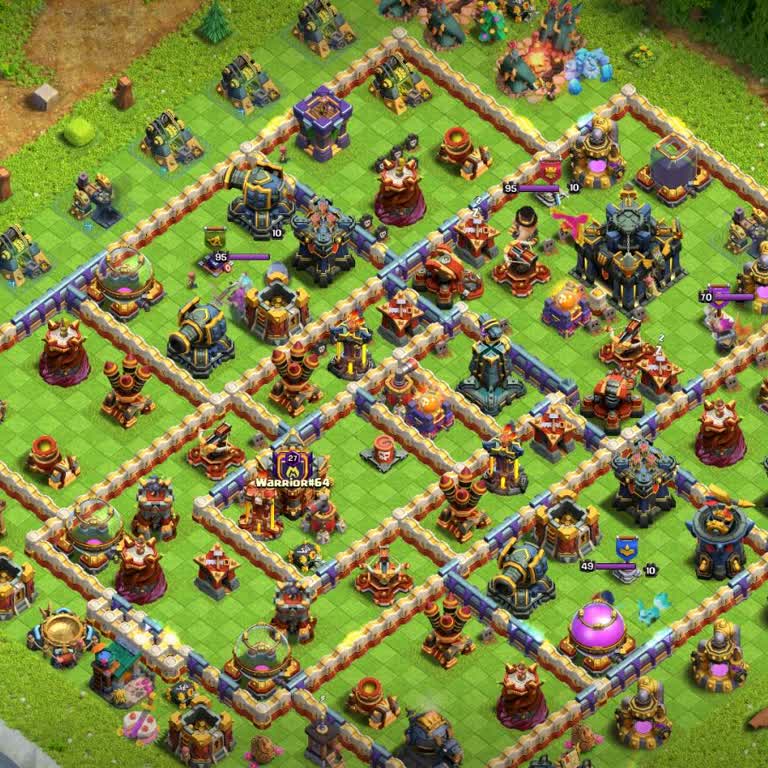
My Clash of Clans account with ID #29YQLPQYL has been illegally accessed and taken over by another person. After gaining... access, this individual changed my registered email (m************@gmail.com**) and phone number (054****23**) to their own details. I have been struggling with this issue for abo
My Supercell ID was stolen, and someone gained unauthorized access to my Clash of Clans account. The intruder used my pr...ofile to post inappropriate content in clans, which is both embarrassing and damaging to my reputation in the game. What frustrates me the most is that this happened despite my acc
My Clash Royale account, previously linked to my Supercell ID under the email y************@gmail.com**, was stolen and ...the email address was changed without my permission. As a result, all my in-game friends were deleted, and I no longer have access to my player tag or any related account details.
The account shown in the attached photo belongs to me, and I played it actively until spring 2024. I had invested a lot ...of time and effort into it, unlocking costumes and making significant progress. However, after taking a break from the game due to sports activities, I changed my phone. During tha
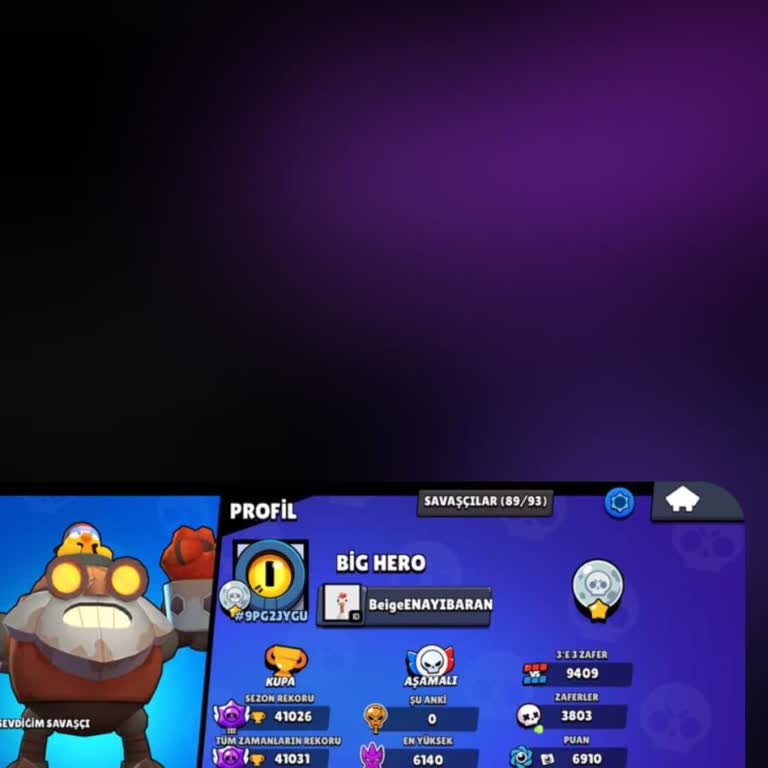
My Clash Royale account with the tag #8qqyrupo was originally linked to both my email address and my Supercell ID. But w...hen I recently tried to log in from my iOS device, the system claimed that no account is linked to that email. Instead, it automatically connected a brand-new, 0-trophy account to
Someone changed the Gmail address linked to my Supercell ID. My original Gmail was sn111***@gmail.com, and now I can’t l...og in to my Clash of Clans account. My player ID is #8C0GC2U9J, and my in-game name is Jack. Please help me recover my account as soon as possible.