Samsung MU8000 Series 8 Smart TV Software Update Issues

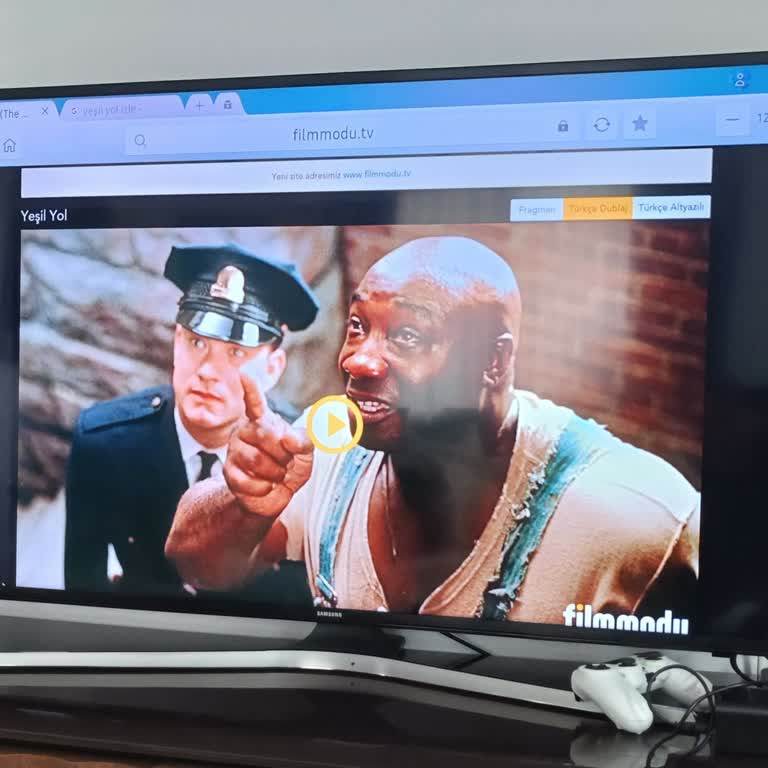
At home, we have a Samsung MU8000 Series 8 smart TV. We are unable to access many websites because the automatic software update is not working. According to customer support, we must download the update from a computer onto a USB flash drive and then install it on the TV. When I went to the Samsung website, however, I couldn't find the most recent updates. The available updates are already out of date and have been installed on my television. I'm not sure why updates aren't automatically downloading to the TV. After contacting customer service, I discovered that the most recent update they informed me about is not available on the Samsung website. How can we get this update in this situation? Please do not cause inconvenience to your customers; instead, make new, current software updates available on the Samsung website for us to download and install on our TVs. If you are no longer providing automatic updates, we would like to be able to receive regular manual updates without any complications. The absence of automatic updates is inconsistent with the current state of your company. Thank you very much.
Dear Customer, First of all, thank you for choosing our company. Our complaint resolution center will contact you regarding your application. You can convey all kinds of information, suggestions, opinions, and solution requests related to our products and services through the contact us section. Best regards, Samsung Electronics Turkey