Blue Stains Appeared on Samsung 65S90D OLED Panel After Gentle Cleaning
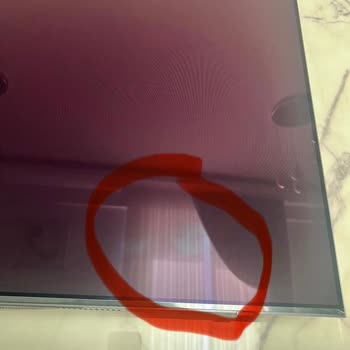
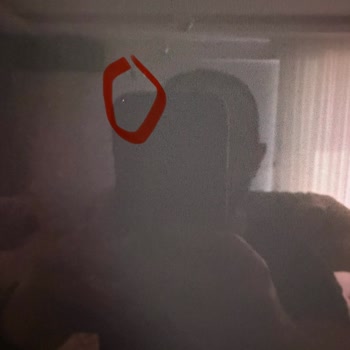
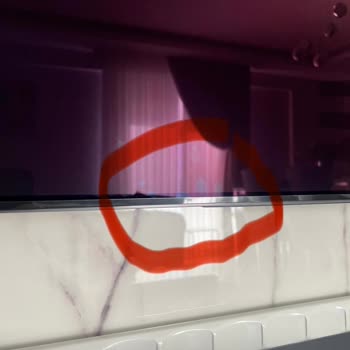

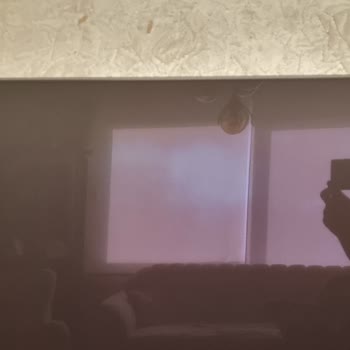
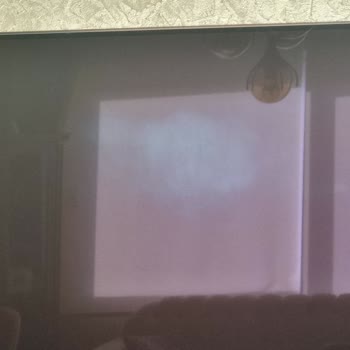
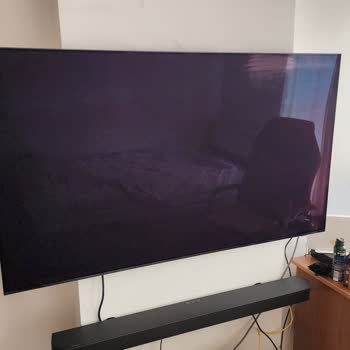
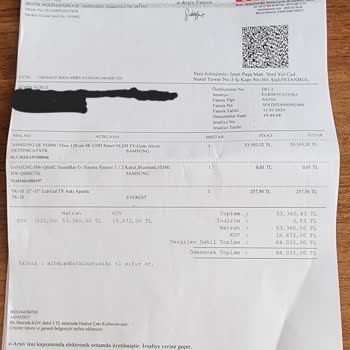
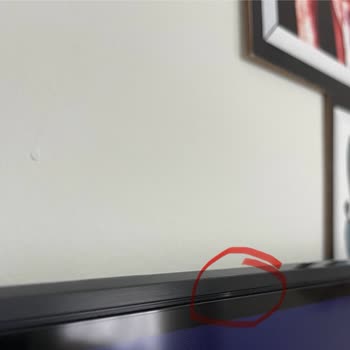
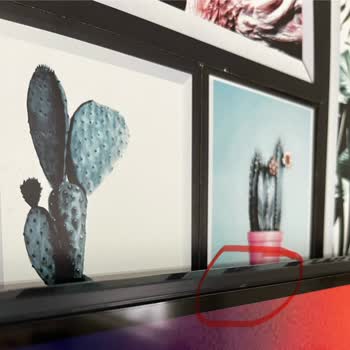
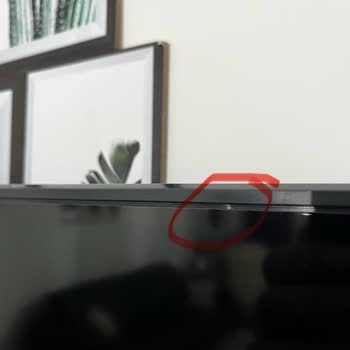
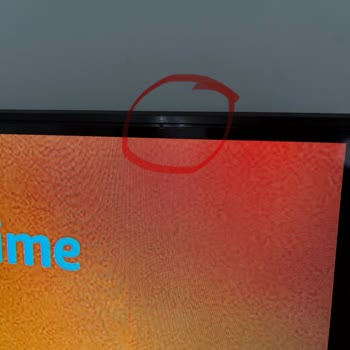
On 09/04/2025, I purchased a 65S90D model OLED television from the Samsung online store and had it installed in a TV unit. While mounting it on the wall using a wall bracket, I gently wiped handprints from the panel with a soft, clean, high-quality microfiber cloth, exactly as instructed in the TV’s user manual. I did not use any chemicals, in full compliance with the manual. Despite wiping it very lightly with a dry microfiber cloth without applying pressure, blue stains appeared on the panel, as shown in the attached photos, and could not be removed. Upon researching, I discovered that this is a common issue with Samsung OLED panels and that similar complaints have been made. Realistically, how can one mount or move a TV without touching it? I have never encountered such a problem with any of the previous Samsung TVs I’ve owned—this is my fifth Samsung television in six years. Additionally, despite careful use, there are swelling-like spots on the panel about the size of a pinhead, which can slightly catch on a fingernail, as seen in the photos. These clearly indicate a manufacturing defect. In accordance with Article 11/1-ç of the Consumer Protection Law, I wish to exercise my right to request a replacement with a defect-free equivalent. Since I followed all the instructions in Samsung’s user manual precisely, I trust that Samsung will address this issue in a manner befitting its global brand and reputation.
Today, I got a call from the Samsung center. Of course, their response about the marks didn’t surprise me: 'user error.' So basically, Samsung is saying you shouldn’t touch or move this TV in any way. In fact, you shouldn’t touch it at all. I guess they think I’m Neo from the Matrix. Just like Neo bends the spoon by looking at it, we’re supposed to move the TV by just looking at it :) The tiny pinhead-like raised spots on the screen appeared even though I didn’t touch it, and from what I see in other complaints, they might increase. But again, that’s considered user error :) They didn’t accept the screen waviness as a defect, saying it doesn’t affect the integrity of the screen. However, there are people on the site who had their TVs replaced for the same waviness issue. So, as you can see, you need to have superpowers to use Samsung’s OLED TVs :)
Today I was called by Samsung again. They showed the photos and videos to another team and they also said it was negative. I wasn't expecting a positive response anyway. At least don't pretend to be interested for show. Also, the pinhead-sized spots on the TV are increasing. And I haven't touched or intervened in any way. In my opinion, Samsung has failed. If you have free time and are looking for trouble, stick with Samsung.
Today I learned somewhere that there is a curvature problem in the panels of Samsung S90D models, and when I checked my own panel, I also found curvature in mine. This TV really has issues; anyone who wants to buy it should research the Samsung S90 OLED series in great detail. After all, money isn’t earned easily.
The spots that look like pinpoints keep increasing. But Samsung just won't admit it. The Samsung warranty exists only on paper.
The replacement was made with 65s90f in accordance with the decision of the Consumer Arbitration Committee. Do not give up on seeking your rights when you are justified.
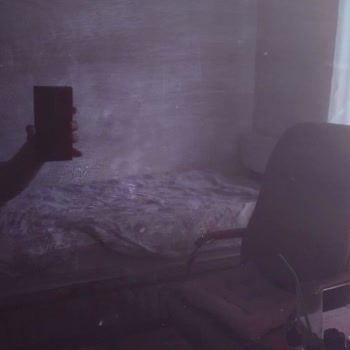
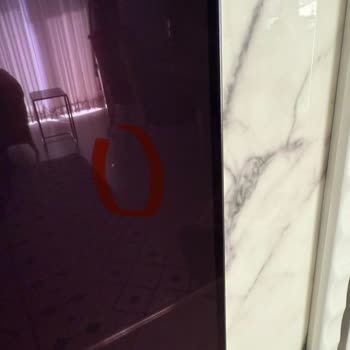
The same problem exists with the Samsung 65s90f model that arrived. When buying Samsung, question it not twice but fifty times. If necessary, I will file a separate complaint for this as well. For now, I am uploading one photo. There are more on the TV.