After entering the correct password, the Play Station website kept saying it's wrong, and I kept getting lost on their website when I needed help. How can I fix this login issue?
31 Views
In case you are having trouble logging in to the PlayStation website even after entering the correct password, try these steps:
• Check your sign-in ID:
Make sure you're using the right email address as your sign-in ID. Check your email for any messages from PlayStation that ask you to verify your account. If you find one, click the link in the email to confirm your sign-in ID.
• Update the system software:
Make sure the software for your console is up to date. If you want to learn more about how to update the system software for your type of console, click on the link given.
• Set New Password:
Follow the instructions given to try to reset your password. Then turn off your router and game console. Bring them back on. If you are having trouble with WiFi, you might want to try a wired connection instead.
• Log in to manage your account online:
Go to the PlayStation website and try to log in to Account Management. You can change the settings for your account through this online portal. If you run into problems here, it might help you figure out what's wrong.
• Fixing Problems with the Connection:
If you are using WiFi and are having trouble connecting, you might want to try troubleshooting your connection. Visit PlayStation Repairs for more detailed steps on how to fix a connection problem.
• Check for Account Suspension:
In the event that you still can't get into your account, you may be suspended. You can read the guide to learn more about account suspension and how to deal with it.
We value your input, so please leave a comment to keep the conversation going.
On May 11th, a virus infected my computer and my PlayStation account was stolen. Following this attack, the passwords to... multiple accounts — including my PlayStation account — were changed, and I lost access to all of them. The stolen PlayStation account contains over 200 games I purchased over the
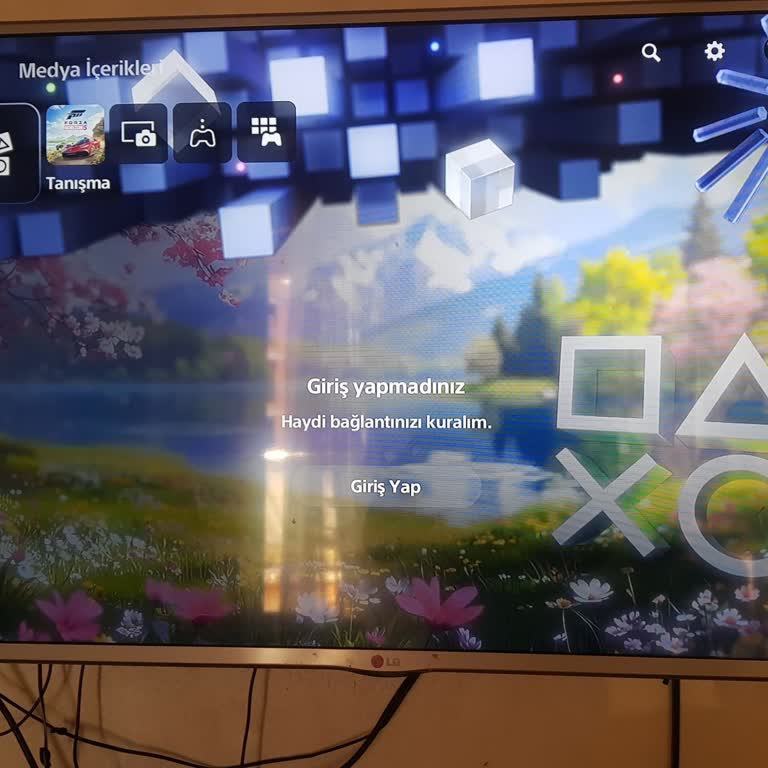
I have a PlayStation Network account registered to my Gmail address. I created it roughly one to two years ago and wasn'...t actively using it, but now that I want to buy a PlayStation and start playing, I can't get back in. My password isn't being accepted, and when I try to reset it and go through th
In EA Sports FC 26, whenever I try to update the squads, I am asked to connect to my EA account. However, I no longer re...member my EA account password, and I no longer have access to the registered email address. Because of this, I cannot reset the password or access my account. I want to disconnect
While trying to access my PlayStation account through the mobile app, I was suddenly logged out. I do not remember my pa...ssword and had been using a passkey. When I attempted to reset my password, I was asked to provide my date of birth. However, when I created the account, I entered a random date of
My PlayStation Network account has been linked to an EA account under a different email address without my permission. I... want my EA account to be reconnected to my PlayStation Network profile using my own email address: a*****@gmail.com**, and I want the account information corrected. Unfortunately
I forgot the password for my PlayStation Network account and tried to reset it through the official channels. However, d...espite multiple attempts, I am not receiving the password reset email from Sony. I checked both my inbox and spam folders, but no message ever arrived. This is extremely frustrati
I purchased Forza Horizon 5 for my PlayStation 5, expecting a smooth and enjoyable gaming experience. However, after the... latest update, I can no longer access the game. Every time I try to launch it, I encounter a recurring error message saying, “You must sign in to your account,” even though I am a
After updating my email and password for my PSN account, I encountered an issue where I am unable to log in due to an in...correct login message. Whenever I attempt to reset the password, an email for account recovery is sent to me. The system is asking for my date of birth, and even though I'm confide
I'm having a major issue with my PlayStation account. It seems like someone has hacked into it, and to make matters wors...e, I can't remember the password for my email. I've got my phone number all set up, but I'm stuck at that next part. I'm having trouble getting in touch with someone for assistance
I forgot my PSN Network password. When I try to change it, the password reset link does not reach my membership email. I...'ve been calling all the numbers shared by PlayStation Turkey on Xolvie and Twitter, but I absolutely can't get through. There are already hundreds of users in a similar situation
Approximately 1-2 weeks ago, my email account was compromised, resulting in the unfortunate loss of my PlayStation Netwo...rk (PSN) account. I've reached out to d*****@playstation.com twice in an attempt to recover my email account, but unfortunately, I haven't received any response. My PlayStation use
dealing with Sony is just like wrestling!! both when trying to find a person to talk to and trying to buy games through ...the PlayStation website. people there should expect to do better. I've been trying to buy a game for two days now, calling and emailing, but no one has been available to help me.