PancakeSwap

Write a Complaint
122 Complaints
PancakeSwap
Write a Complaint

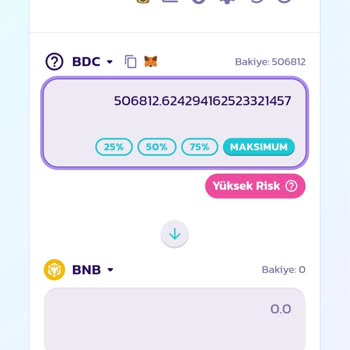
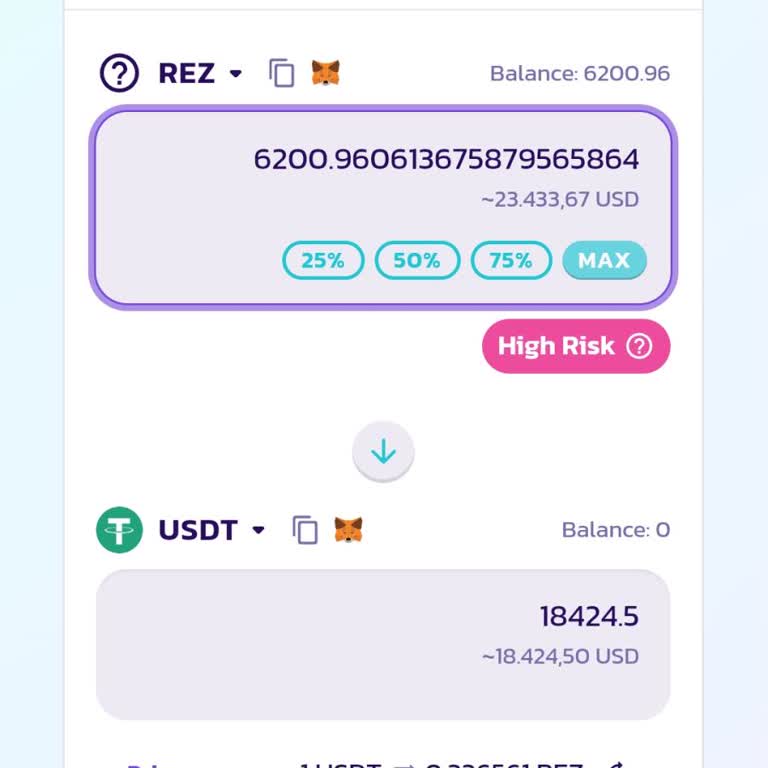
Unable to Sell 'Babylon' Crypto on Pancakeswap

profile
Serkan
July 23, 2024 11:17 pm
48

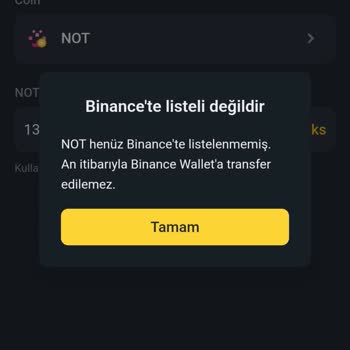
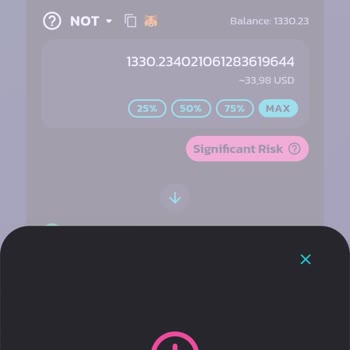
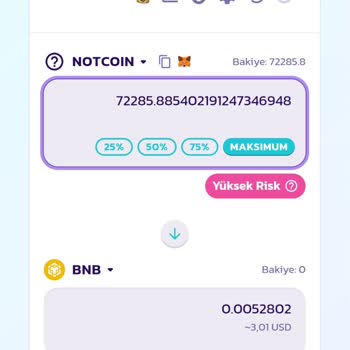
Unable to Sell "Not" Coin on Pancakeswap via Binance

profile
Mustafa
May 18, 2024 5:10 pm
142

Unable to Sell Not Coin Purchased Through Binance PancakeSwap

profile
Umut
May 17, 2024 10:09 pm
144
Unable to Sell Not Coin Purchased Through Binance PancakeSwap

PancakeSwap Wallet Error Issue

profile
İzzet
May 17, 2024 10:09 pm
122

Unable to Sell My Cryptocurrency 'Not' on Binance and PancakeSwap

profile
Enes
May 17, 2024 10:09 pm
100
Unable to Sell My Cryptocurrency 'Not' on Binance and PancakeSwap
1
Can is completely dissatisfied with the result

PancakeSwap Slippage Errors Issue

profile
Can
May 17, 2024 10:09 pm
127
PancakeSwap Slippage Errors Issue
1
Muhsin is completely dissatisfied with the result

Pancakeswap Note Token Value Drop

profile
Muhsin
May 17, 2024 1:30 pm
100
Pancakeswap Note Token Value Drop

Pancakeswap 'Not' Cryptocurrency Sale Error

profile
Oğuzcan
May 17, 2024 11:50 am
99

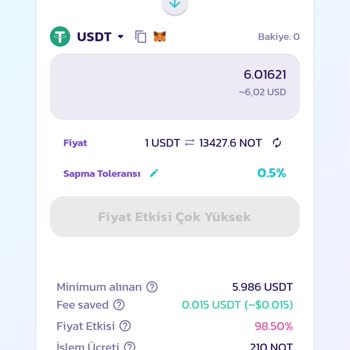
PancakeSwap "try increasing your slippage tolerance" Error Fixing

profile
Esin
May 17, 2024 10:39 am
993
PancakeSwap "try increasing your slippage tolerance" Error Fixing
1
Feride is completely dissatisfied with the result

How to Fix Pancakeswap 'try increasing your slippage tolerance ' Error

profile
Feride
May 17, 2024 9:53 am
1,504
How to Fix Pancakeswap 'try increasing your slippage tolerance ' Error

'Not' Coin Withdrawal Issues After Crypto Investment on Pancakeswap

profile
Büşra
May 17, 2024 2:09 am
125
'Not' Coin Withdrawal Issues After Crypto Investment on Pancakeswap
+2

'Not' Coin Withdrawal Issues After Crypto Investment on Pancakeswap

profile
Büşra
May 17, 2024 2:09 am
100
'Not' Coin Withdrawal Issues After Crypto Investment on Pancakeswap
+2

Unable to Sell Coins Bought from PancakeSwap v3

profile
Emrah
May 16, 2024 11:57 pm
124
Unable to Sell Coins Bought from PancakeSwap v3

Unable to Sell Suspicious Coins from PancakeSwap

profile
Gökhan
May 16, 2024 10:08 pm
93
Unable to Sell Suspicious Coins from PancakeSwap
+1
1
Okan is completely dissatisfied with the result

Can't Withdraw Funds After Buying Coin on PancakeSwap via Binance Web3

profile
Okan
May 16, 2024 9:54 pm
84
Can't Withdraw Funds After Buying Coin on PancakeSwap via Binance Web3

Unable to Sell Coin on PancakeSwap – Need Immediate Help

profile
İzzet
May 16, 2024 8:48 pm
83

Unable to Convert Not Coin on PancakeSwap via Binance Web3

profile
Umut
May 16, 2024 7:58 pm
161
Unable to Convert Not Coin on PancakeSwap via Binance Web3
1
Mücahit is completely dissatisfied with the result

Unable to Sell 'Not' Coin – Pancakeswap Slippage Tolerance Error

profile
Mücahit
May 16, 2024 4:21 pm
93
1
Karargah is completely dissatisfied with the result

Unable to Sell Pre-Sale Crypto on PancakeSwap via Binance Web 3 Tab

profile
Karargah
May 16, 2024 3:11 pm
71
1
Hakkı is completely dissatisfied with the result

PancakeSwap Token Fraud - Purchased Fake Bounce Bit, Baidu Coin, and Not Coin Tokens

profile
Hakkı
May 16, 2024 2:27 pm
62

PancakeSwap V3 Notcoin Conversion Issue - Unable to Swap on Binance Global

profile
Abdurrahman
May 16, 2024 1:17 pm
80
PancakeSwap V3 Notcoin Conversion Issue - Unable to Swap on Binance Global
1
Gürkan is completely dissatisfied with the result

Binance Crypto Purchase Gone Wrong - Beware of Fake Tokens

profile
Gürkan
April 30, 2024 7:46 pm
103
Binance Crypto Purchase Gone Wrong - Beware of Fake Tokens

Can't Sell "Blabs" Crypto on PancakeSwap

profile
Mert
March 31, 2024 6:31 am
185
Can't Sell "Blabs" Crypto on PancakeSwap

Stuck with Pando Tokens from PancakeSwap - Seeking Urgent Assistance

profile
Nailcan
March 26, 2024 11:40 pm
173
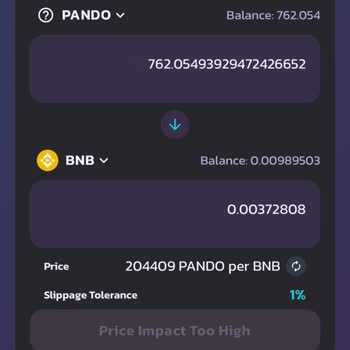
Stuck with Pando Tokens from PancakeSwap - Seeking Urgent Assistance

Frequently Asked Questions (FAQ)

How can I trade on PancakeSwap?

  • Setting up your wallet: Make sure you have a wallet that works with either the Binance Smart Chain (BSC) or the Ethereum network. If you don't have a wallet that works with BSC or Ethereum, find out how to get one that does. Also, if you want to trade, you need to have BEP-20 or ERC-20 coins. Learn how to get these pieces. If you are using a wallet that accepts Aptos, you can also learn how to get Aptos coins to use for trading.
  • Go to the PancakeSwap exchange page.
  • How to connect your wallet: Find the "Connect Wallet" button, which could be a separate button or the top right part of the page.
  • Token Selection: There is a drop-down menu at the top part of the screen. You can choose the token you want to sell from this menu. Make sure you have enough of this chosen token in your wallet to make dealing easy. The amount of the chosen token in the wallet will be shown above the dropdown menu. In the same way, choose the token you want to sell from the list below.
  • Entering the Trade Amount: You can enter the number of tokens you want to exchange (the "spending amount") or the number of tokens you want to receive (the "receiving amount") in the upper and lower boxes, respectively. No matter which section you choose, the other part will automatically calculate the amount that goes with it.
  • Review and Execute Trade: Carefully look over all the details of the trade, including the coins and amounts involved. If everything looks right, click the "Swap" button to move forward. For the first time you trade a certain token, you might have to click "Enable [Token]" to approve the trade.
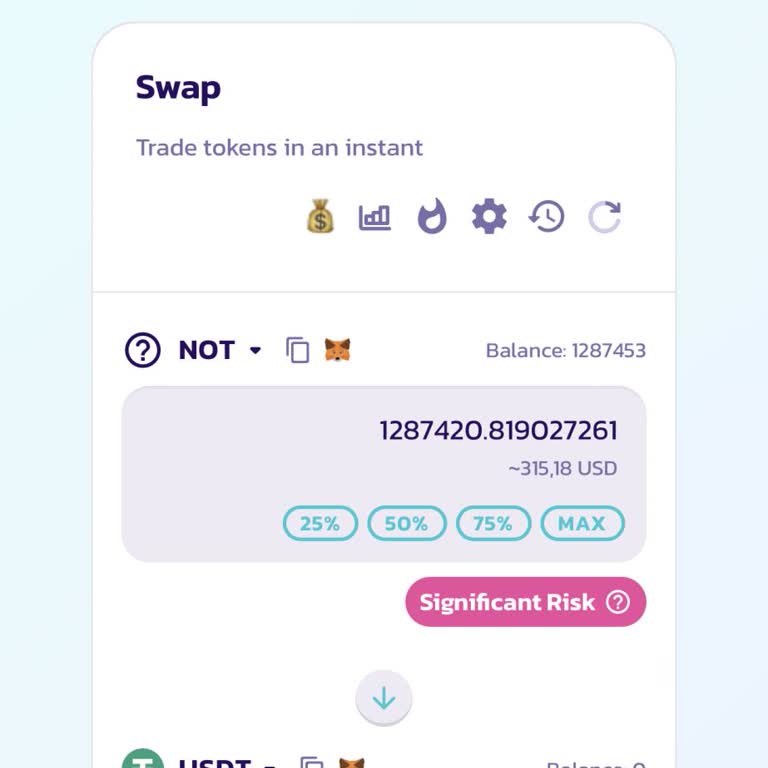
  • Confirmation: A window with details about trades will pop up. Look over these details carefully, and when you're ready, click the "Confirm Swap" button to finish the deal.

Why doesn’t my transaction go through on PancakeSwap?

  • There are various circumstances that could cause your PancakeSwap transaction to fail:
  • Inadequate Liquidity: As a decentralized exchange, PancakeSwap relies on liquidity suppliers to develop the market. If the tokens you're attempting to trade lack sufficient liquidity, your transaction may fail.
  • Slippage: Slippage refers to the possibility of a token's price fluctuating during a trade. If you specify a slippage threshold that is too low, your transaction may fail if the token's price fluctuates significantly.
  • Incorrect Nonce: A unique nonce identifies each transaction. If you enter an incorrect nonce, your transaction will fail.
  • Inadequate Gas Fees: Gas fees are payments provided to miners in exchange for processing transactions on the Binance Smart Chain network. Transactions can fail due to insufficient gas fees.
  • Congestion on the Binance Smart Chain network occurs on occasion, causing delays in transaction processing. If your transaction is delayed, it could be due to network congestion.

How can I make sure of a successful transaction on Pancake Swap?

  • Consider implementing the following procedures to ensure the success of your PancakeSwap transaction:
  • Adjust Slippage Tolerance: Increase your slippage tolerance to allow your transaction to proceed even if token prices fluctuate.
  • Token Liquidity: Before beginning a trade, assess the liquidity of the required tokens. In cases of low liquidity, a successful transaction may necessitate the infusion of more liquidity.
  • Validate Nonce Entry: If you entered an incorrect nonce, repair the problem by inputting the right nonce value and retrying the transaction.
  • Increase Gas prices: Choose greater gas prices to speed the processing of your transaction and ensure its timely execution.
  • If the network is currently congested, be patient and wait for the congestion to clear before attempting to initiate the transaction again after a few hours.
  • If you've tried all of these methods and are still having trouble with your transactions, contact Pancake Swap's support team.

Is having a Binance account an obligation on Pancake Swap?

  • You can use PancakeSwap without having a Binance account. However, in order to participate in PancakeSwap, you will need to have a sufficient quantity of BNB coins in your wallet, as BNB is used to pay for the related network fees.

Why can’t I swap coins on PancakeSwap?

  • There could be several reasons why you are unable to exchange coins on PancakeSwap:
  • Insufficient Balance: A lack of funds in your wallet may hamper the swap. Make sure your wallet has enough Binance Smart Chain (BSC) or Ethereum (ETH) to pay the transaction fee and the value of the requested token.
  • Mismatch in Network: PancakeSwap only operates on the Binance Smart Chain network. If you try to exchange on a different network, such as Ethereum, the transaction will fail. Ascertain that you are linked to the correct network.
  • Slippage Adjustment: To avoid transaction failures caused by price volatility, PancakeSwap has a "slippage tolerance" option. If your slippage tolerance is set too low, errors may occur during the switch. Consider increasing your tolerance for slippage to a larger proportion, such as 5% or 10% .
  • Contract Address Validation: It is critical to validate the contract address for the requested token. A failure swap will occur from an improper contract address entry.
  • Inadequate liquidity in the liquidity pool connected with the requested token could stymie the swap operation. You can consider swapping for a different token or waiting for greater liquidity to become available.


  • If these alternatives are ineffective, contacting PancakeSwap's customer support may be of assistance.

How can I contact PancakeSwap?

  • PancakeSwap doesn’t offer help through a customer line or chat. Users are expected to reach the platform using the local Telegram groups, social media, or Discord channel. You can find related links at https://docs.pancakeswap.finance/contact-us/social-accounts-and-communities


  • To avoid fraud, bear in mind that no PancakeSwap admin will ever send a direct message to a user on the Telegram channel, thus users should never divulge any confidential information about their accounts.

About PancakeSwap

PancakeSwap is a decentralized exchange platform that allows users to trade coins and tokens. The company works in the field of blockchain and cryptocurrency technologies, allowing users to exchange digital assets in a decentralized manner.

PancakeSwap provides a variety of services and products related to decentralized finance (DeFi). Users can utilize the platform to exchange one cryptocurrency for another, provide liquidity to liquidity pools for yield farming, and participate in token-related activities such as staking and governance. Its distinguishing features include automated market-making (AMM) technologies that allow users to trade without depending on traditional order books.

The platform is not geographically restricted and may be accessed by people from all around the world.