JBL Tune 570BT won’t charge, and the red light turns off quickly; how can I fix this?
268 Views
1 Comment18 Complaint
It can be frustrating to have charging troubles with your JBL Tune 570BT headphones, such as the red light turning off quickly.
First, make sure you're using a functional USB-C cable and a charger with at least 2.0A output, as inadequate power can prevent correct charging.
Next, check the charging port of your headphones for any debris or damage. Dirt might clog the connection, so gently clean it with a soft brush or compressed air.
Furthermore, ensure that the charging cable fits tightly into the port with minimal movement, as a loose connection can disturb charging.
If these instructions do not address the problem, try a factory reset on your headphones. A popular way for this is to press and hold the Volume Up (+) and Volume Down (-) keys for roughly 5 seconds.
If the button is intact but the headphones still do not respond, the problem could be hardware-related. For more assistance, contact JBL customer care. JBL provides a live chat option and email support through https://support.jbl.com/us/en/customer-service/
If you think you can propose better solutions to the question presented, we encourage you to offer your opinions or submit your complaints free of charge.
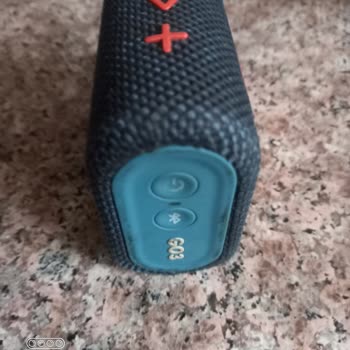
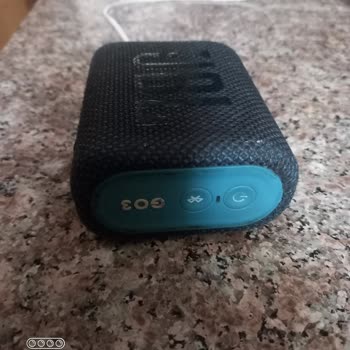
I purchased a JBL Go 3 Bluetooth speaker about a year ago from MediaMarkt for approximately 1,500 TL. For about one year... I used the product without any problems, but for the last month the device has not been charging at all. There has been no water contact, no falling and no physical damage to the
I have been using a JBL Tune 570BT headphone that I purchased from MediaMarkt approximately two years ago. At the time o...f purchase, I also bought an additional warranty/protection plan. About a week ago, the device began malfunctioning. The headphones no longer power on or charge properly. On the r
The JBL 560BT headphones I purchased from Teknosa in 2023 have started having a charging problem. When I plug the headph...ones into the charger, the indicator light turns on at first, but after a few seconds it turns off, and the headphones do not power on at all. I tried plugging them in 5–6 times at
My JBL speaker is not charging. I have sent it to technical service twice, and now I will be sending it for the third ti...me. Each time, it works for about a week and then the same problem continues. I have called the necessary places, but no solution has been provided. The fact that such an issue is
I bought my JBL 510BT headphones about 11 months ago, and a month ago they suddenly started showing incorrect battery le...vels every time I turned them on. At first, I thought the issue might be with my phone, but I also noticed that the battery was draining much faster than before. I even tried pairi
This is the second JBL 570 BT headset I've purchased. The previous one suddenly broke at the hinge. I bought a new one, ...and honestly, that was my mistake. This headset also has a chronic issue—when no music is playing, there’s a constant clicking sound (“tick tick tick”) from the right earcup, and t
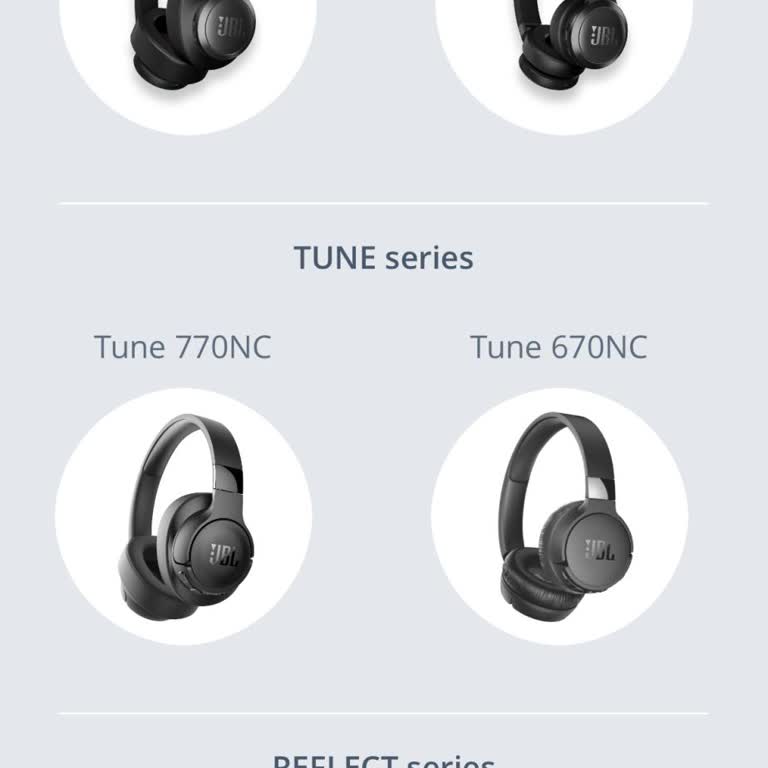
First, just to give some detail, I am from Türkiye. I bought the JBL TUNE 660NC just a few hours ago. I asked multiple t...imes if this model had support for the app because when I had the TUNE 570BT, I couldn't find it in the app either. The salesperson assured me that the TUNE 660NC would work with t
I got a JBL Tune 570 BT from my friends as a gift about eight months ago, and now I'm running into some problems with th...e charging. So, I plug it in, and the red charging light flickers on for like two seconds before it just turns off, and now the headphones are totally dead. I’ve gone through vario
Since the day I received my product, I have faced many issues, but I was able to find a solution when I wrote on this pa...ge. In my first complaint, I mentioned that the headset's batteries were draining too quickly. The issue was promptly resolved with a replacement. However, in my second complaint,
I had a really terrible experience with my JBL headphones recently, and I just have to tell you about it. I had a proble...m with the headphones at first, as they suddenly stopped functioning correctly. After reaching out to customer service, they were kind enough to agree to replace them, which I real
I've been using the JBL 510 BT headphones for a long time. Today, when I plugged them in to charge, the red light blinks... on and off, and they won't charge. I tried changing the cable and testing it on my computer to see if there's too much voltage. The result is the same. I've seen similar issues re
I've been dealing with a rather exasperating problem with my JBL headphones. Even when I place them back in the case, th...ey fail to disconnect, resulting in a lack of charging as well. It's been approximately two months, and I'm still struggling to find a resolution. If there is no solution, I expect
I have been unable to establish a connection with any device for the last 1.5 to 2 months. What follows is this: For thr...ee seconds, a white light flashes whenever I push and hold the power button. Shortly after, a blue light begins flashing continuously, making a loop of white and blue lights. Regar
In October 2021, I purchased JBL 560BT headphones. Apart from the leather parts peeling off, there were no issues, so I ...tolerated it and continued using them. However, last month, the headphones stopped charging and working altogether. Despite many private services claiming they could fix it, even s
Hi there, I bought the JBL 225tws headphones around a year ago, and I must say, they have been quite reliable. Unfortuna...tely, I've come across some concerning problems as of late. At times, one earbud successfully connects while the other remains unresponsive. Despite attempting resets to fix the is
It's been less than a month since I splurged thousands on what I thought would be top-notch headphones from JBL. Shockin...gly, one side is refusing to charge – an unexpected malfunction for such a premium product. To make matters worse, it seems I'm not alone; others have faced the same issue. Our ass
I bought the JBL Tune T220 wireless earbuds from an online store in 2021, and they worked perfectly for the initial thre...e months. Unfortunately, the battery life has been steadily decreasing, and now they only last for a mere 15 minutes. I have been extremely disappointed with the quality of this pr
got a bit of a saga with my JBL headset. Plugged in the right earbud, about 2 minutes into my audio adventure, it starts... giving alarms for charging,t hen, it hits me with this dramatic shutdown sound, leaving me with just one lonely earbud soldiering on. I've tried all the tricks up my sleeve, but n



















1 Comment