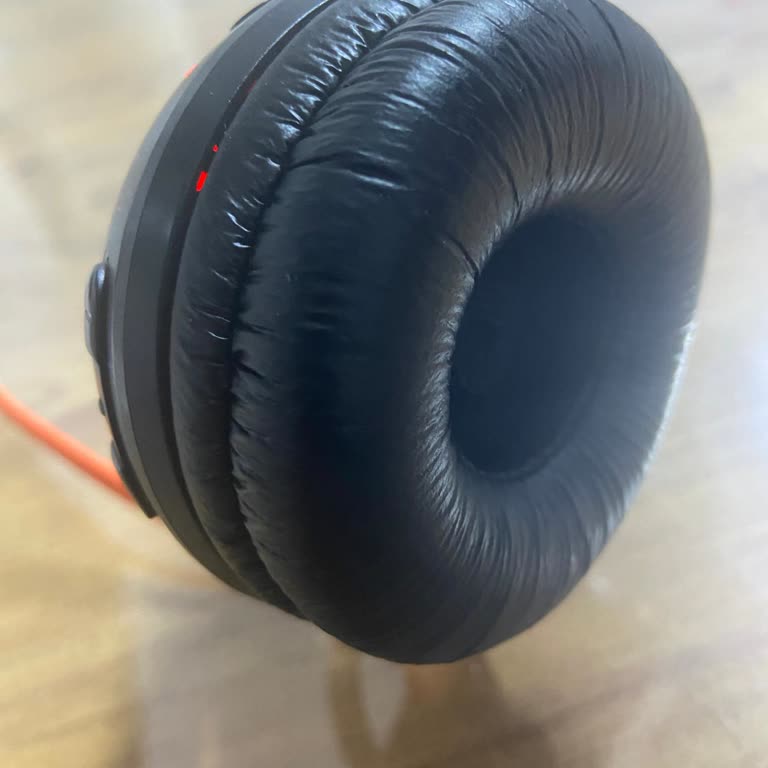
JBL 510 Bt Headphones Not Charging, Red Light Blinking

I've been using the JBL 510 BT headphones for a long time. Today, when I plugged them in to charge, the red light blinks on and off, and they won't charge. I tried changing the cable and testing it on my computer to see if there's too much voltage. The result is the same. I've seen similar issues reported on JBL's official website and other tech forums. While some say changing the cable fixed the problem, it only worked for a few. And my issue still persists. I would greatly appreciate assistance as soon as possible.

Dear Customer, Thank you for choosing our company and products. Our team will contact you as soon as possible regarding your application. You can send any feedback about our products and services. Best regards, JBL Customer Service
Dear Customer, We are trying to reach you at your phone number, but we are unable to get through. We kindly request you to call us back so that we can assist you. You can send any feedback regarding our products and services. Sincerely, JBL Customer Service
Good morning, hello, I am getting back to you, but I couldn't figure out how to connect to customer service.
Thank you for your interest.