My FamPay account is blocked without reason — how can I reopen/unblock it now?
562 Views
If your FamPay account is blocked without reason and you want to reopen/unblock it;
• Check for messages: Look in the FamPay app and your registered email/SMS for any notices explaining the block
• Review possible triggers: Sometimes blocks happen due to unusual activity, security checks, KYC issues, or multiple failed login attempts
• Avoid repeated login tries: Too many incorrect PINs/UPI PIN attempts can extend the block period
• Update the app: Make sure you’re on the latest FamPay version from your app store before trying again
Contact FamPay support and ask them to unblock your account;
• Explain that your account was blocked unexpectedly
• Provide your registered mobile number, device details, app version, date/time the block occurred, and any error messages
• Ask them to clarify the exact reason for the block and what steps are required to lift it
• Submit any requested identity verification or KYC documents promptly
Ask support to;
• Review your account’s block reason
• Unblock or reopen your FamPay account
• Confirm what caused the block and how it’s been resolved
If support does not reply or the issue persists;
• File a complaint on Xolvie to report an unexpected FamPay account block and request help with unblocking and clarification.
I am writing regarding my FamPay account linked to the mobile number 9119830***, which has been blocked for a long time ...due to a “device access paused” security restriction. Because of this block, I am unable to access or use the balance in my FamPay account at all. On 16-10-2026, my friend mistaken
I am a FamPay UPI user and have been unable to complete my KYC upgrade because my Aadhaar verification attempts in the a...pp were exhausted around 4–5 months ago. Since then, the app has completely blocked me from proceeding with Aadhaar verification or making any new attempts, which has left my KYC i
My Fam app account has been temporarily suspended without any clear reason, and I cannot access it. I use Fam in India a...nd on 27 September 2026, at around 5:00 pm, I received a message that my account was temporarily suspended. Since then, the app has stayed locked. Before the suspension, I had arou
I’m a FamPay user from Dehradun, India, and I’ve lost access to my account because my registered mobile number has been ...permanently disconnected. I can’t receive OTPs, access my funds, or cancel recurring payments like Spotify India, which continue deducting money. I contacted TriOTech by email and
I am a student and have been facing a serious problem with my Fampay account due to selfie verification. Around 20/01/20...25 my selfie verification failed several times, and the app showed the message “Your selfie verification failed” and “You’ve exhausted all verification attempts. We’ll notify you w
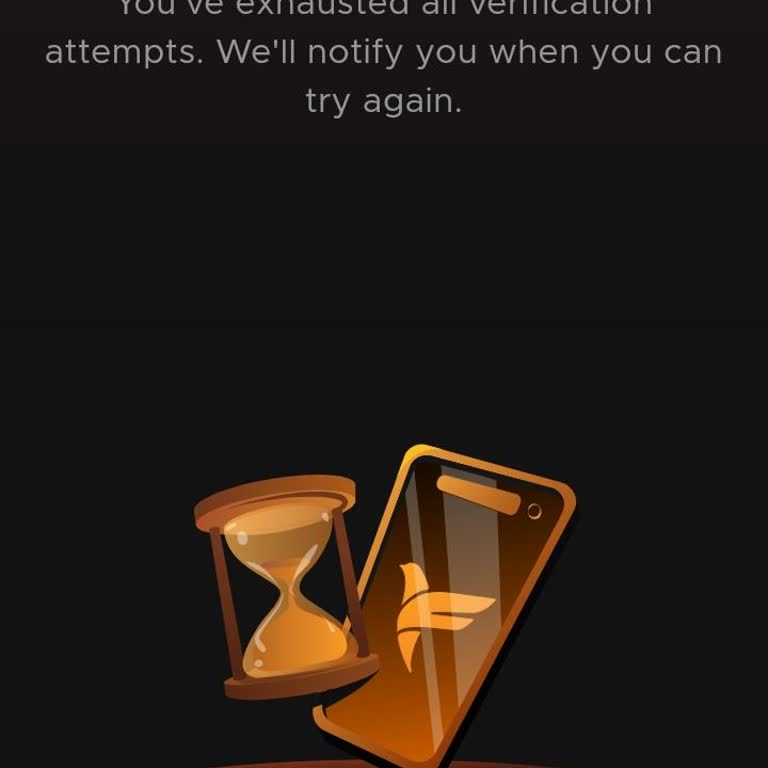
I am requesting urgent support regarding my FamPay account, which is linked to the mobile number 8950570***. My account ...has been stuck at the KYC stage, and because of this I am unable to use the service properly or proceed further in the app. Due to this ongoing issue, I no longer wish to continue
I am facing an ongoing issue with my Fampay account, where my Aadhaar details are not getting updated and, as a result, ...my wallet has been paused for about two months. Due to this freeze, I have been completely unable to use the money in my account. At the moment, an amount of approximately ₹1,697 i

I am using FamApp by Trio for my digital wallet and money transfers. On 16 July 2026 at around 7:22 a.m., my FamApp wall...et, which had a balance of about ₹30,000 including a transaction of around ₹2,000, was suddenly suspended with the message that it is “temporarily suspended due to suspicious activ
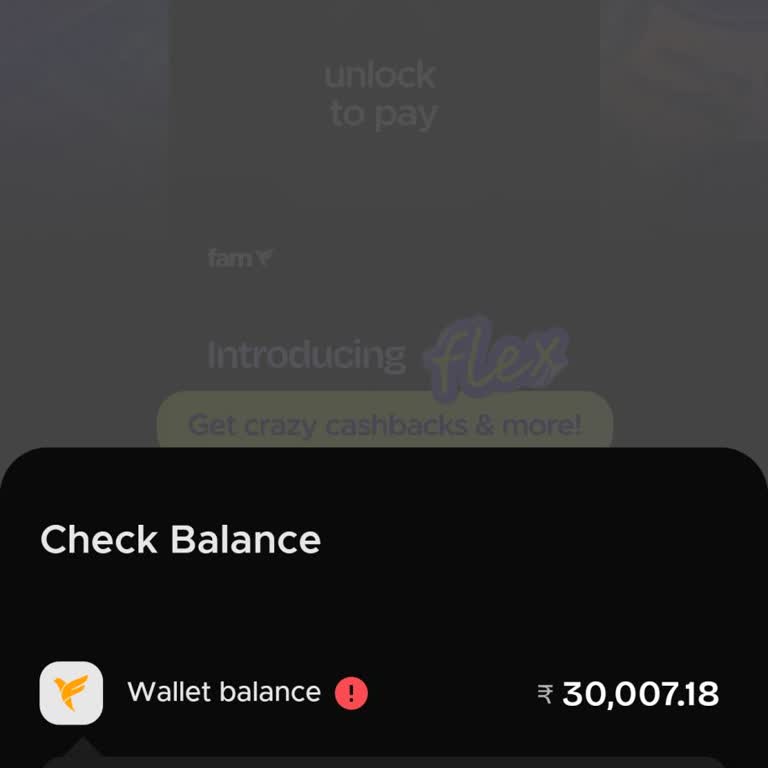
I am facing an issue with Aadhaar verification on my FamPay account, due to which my account is currently blocked or res...tricted and I am unable to proceed. The app displays the error “Your Aadhaar verification failed” and “You’ve exhausted all verification attempts. We’ll notify you when you can try
I live in Himachal Pradesh and I am facing a problem with my FamPay account and mobile number. Earlier I had created a F...amPay account using my old mobile number, but that SIM and number are now permanently closed. Now I want to use FamPay only with my new mobile number. I have already updated my Aad
I have been unable to use my FamPay account on my Android device for about one year because the device access has been p...aused due to “multiple sign up”. When I try to open the app, I see a “Device access paused” message stating that, due to security policy and multiple registrations/logins, my devic
I have been using the Fampay wallet and my account was suddenly suspended 2 days ago right after I added funds. Since th...en I have not been able to access my account at all and my available balance of ₹17,900 is completely blocked. After contacting support, I received a message stating that my accoun
I have been unable to access my FamPay account since last month, after changing my SIM card. When I try to log in with m...y new number, the application shows an error message saying “Your Aadhaar verification failed,” and I cannot proceed further even though I already have an existing FamPay account l
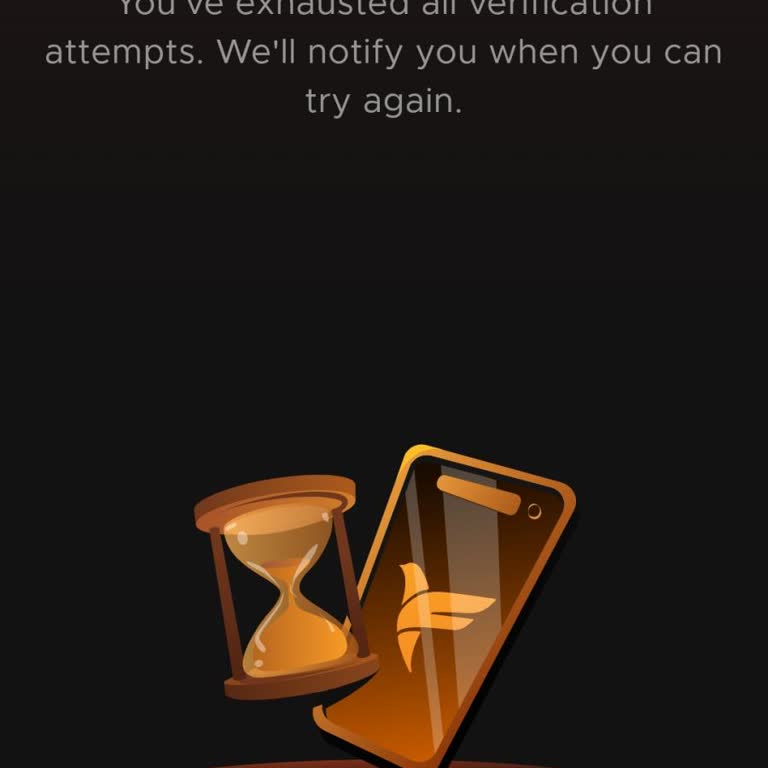
I am a student and I am facing a serious problem accessing my FamPay account on my Android phone. A few years ago, I cre...ated a FamPay account using my old mobile number, which was also linked with my Aadhaar. I have lost the SIM for that old number and no longer have any access to it, so I am unable
For a while I have been using the Famaap application, but my account was blocked after my selfie verification failed. Wh...en I tried to verify myself, the application showed the message “Your selfie verification failed” and then “You’ve exhausted all verification attempts. We’ll notify you when you ca


I have been using my FamPay account regularly for about 1–2 years without any issues. On 20 September 2026, my account w...as suddenly marked as “temporarily suspended due to suspicious transaction” after a UPI transaction of ₹450 made to a FamX wallet. I received an email from FamApp stating that my a
I have been trying to complete Aadhaar verification on my FamPay account since 2025, but the verification keeps failing.... The app now shows the message “Your Aadhaar verification failed” and “You’ve exhausted all verification attempts” so I am unable to try again and my account remains restricted. Du

I have been using a FamPay wallet linked to the FamX account with the username “8376030***@fam” (name showing as Nitiny*...**). Around one month ago, my wallet was suddenly suspended with the message “Wallet is temporarily suspended due to suspicious activity.” At that time there was a balance in my wa
I am using a Moto G96 phone and I am facing an issue with my FamPay account. About 30 minutes ago I tried to send money ...from my Kotak Mahindra Bank account to my FamPay account. First I transferred ₹2,000 and then, within a few seconds, I transferred another ₹1,735. After these transfers, my FamPay
I am facing an issue with my Fampay account, which has been blocked for about one month and I am unable to use it. There... is approximately 182 rupees in the account which I cannot access, and I did not receive any SMS, e‑mail or in‑app notification explaining the reason for this block. My registered
I am facing an issue with my FamPay account related to Aadhaar-based KYC verification. While trying to update my KYC in ...the app, the Aadhaar verification repeatedly failed, and now the app shows the message “Your Aadhaar verification failed” and “You’ve exhausted all verification attempts. We’ll not
On 6 September 2026 at around 6:30 p.m., I received ₹6,000 from my mother in my Fampay account and used some of it for m...y personal expenses. After that, I booked an auto with a fare of ₹40 and paid through the Fampay UPI app. Right after completing this payment, the app showed an “Unusual Activity D
I am using FamPay and my account verification has failed, after which my FamPay account has been blocked. Because of thi...s issue, I am unable to complete the verification process or use my wallet and UPI services in the FamPay app. I request that my FamPay account linked to the mobile number 6353609*

I am facing a serious problem with Fampay regarding my Aadhaar verification. When I try to complete my Aadhaar-based KYC... on the Fampay app, it shows the message “Your Aadhaar verification failed” and “You have exhausted all verification limits.” Because of this, the app is not allowing me to open or
I am a FamPay user and for the last one month I have not been able to log in to my FamPay account from my Android phone.... Every time I try to open the app and log in on this device, it shows the error “Device access paused due to multiple sign up” and blocks my access. My mobile number linked to my F



























5 Comment