Xolvie Resolution Specialist19 Aralık 2025 12:18
If Telegram logs you out and won’t send SMS codes, the first thing to check is that you entered your phone number and country code correctly and that your SIM card is active with good network signal; incorrect entry or weak service often blocks SMS delivery.
Sometimes codes aren’t sent immediately if Telegram detects too many rapid retries, so wait a little and avoid repeated “Resend code” taps.
If you still don’t get SMS, try logging in on another device or the Telegram Web/Desktop — Telegram can send the code in-app to a device where you’re still signed in.
Reinstalling or updating the app can fix glitches that interfere with SMS, and adding a recovery email in settings helps with future logins if Telegram offers that option.
If none of this works, consider filing a complaint on Xolvie to seek a resolution.
Vote
Related Complaints
Telegram Login Code Not Received on Samsung Z Fold

October 21 12:53 AM
I have been unable to log into my Telegram account on my Samsung Z Fold 4 since December 2024. When I try to log in, the... application shows that a login code has been sent to my phone number registered with Safaricom Kenya, but I do not receive any SMS, so I cannot complete the login process. I have
Telegram Complaint About Hacked Account

October 20 1:39 PM
I have been using a Telegram account with the username @M201744. On 10 October 2026 everything in my profile was still n...ormal, including my profile picture, my Telegram ID and my information. On 11 October 2026 my account suddenly logged out and a login code was sent to me, but due to network issues
Telegram Account Hacked and Phone Number Changed Without Permission

October 19 9:58 AM
I use Telegram on my Android phone (Realme 15T). About 7 days ago I noticed that my Telegram account had been hacked. My... friends started receiving sexual links and other messages from my account which I did not send. After that, the hacker changed the phone number linked to my account, so I complete
Telegram Account Hacked and Used Without Permission

October 18 7:54 PM
I am writing because my Telegram account linked to the number +91 93197445** has been hacked and is being used without m...y knowledge or permission. Around 10 days ago, I realized that I am no longer able to access my Telegram account. Since then, an unknown person has been using my number to log in a
Telegram Android Login Issue Despite Normal SMS Service on Zong

October 18 10:48 AM
I have been unable to receive my Telegram login verification code on my mobile number registered with Zong, +923169361**...*, since 14/10/2026. I am trying to log in on an Android phone and each time I request the code, it never arrives, so I cannot access my Telegram account. I have already tried rest
Telegram Login Problem: Verification Code Sent to Another Device

October 17 7:14 PM
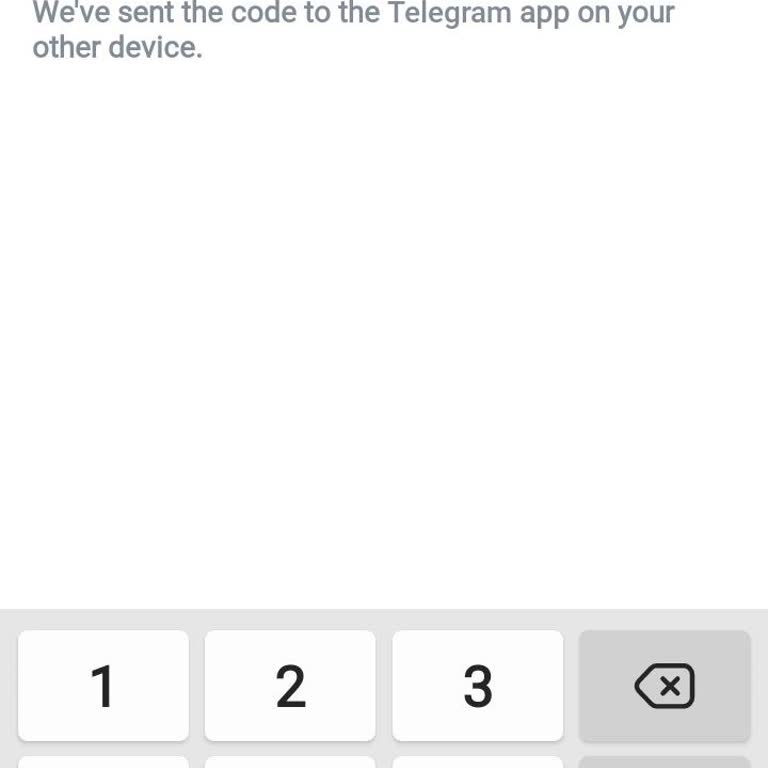
For the past two months I have been unable to access my Telegram account on my Android phone. When I try to log in, the ...app shows a message saying “We’ve sent the code to the Telegram app on your other device” and does not allow me to receive or enter a confirmation code on my current phone. Because
Unfreeze My Telegram Account

October 17 6:34 PM
I am writing regarding a serious security issue with my Telegram account, which has been hacked and is currently frozen ...on my Android device (OnePlus Nord CE 3 Lite 5G). In the Devices section of the Telegram settings, I noticed an unfamiliar active session titled Samsung Galaxy A51, with a location
Telegram Hacking Complaint: Recover Account and Remove Hacker Access

October 17 6:18 PM
I have been facing a serious security problem with my Telegram account. My account, which is linked to the phone number ...+251 91 599 9***, appears to have been hacked by an unknown person. I noticed a custom profile photo and suspicious changes starting from yesterday, and today I am completely unabl
Access Recovery For Telegram Account

October 17 12:44 PM
My Telegram account was automatically logged out of both my phone and desktop on 16 October 2026 without my permission. ...When I tried to log back in, I was unable to access the account because I no longer remember my password. When I follow the login steps, I receive the code to my phone number, ente
Telegram Phone Number Banned: “Sorry, This Phone Number Is Banned” Appeal

October 16 4:41 PM
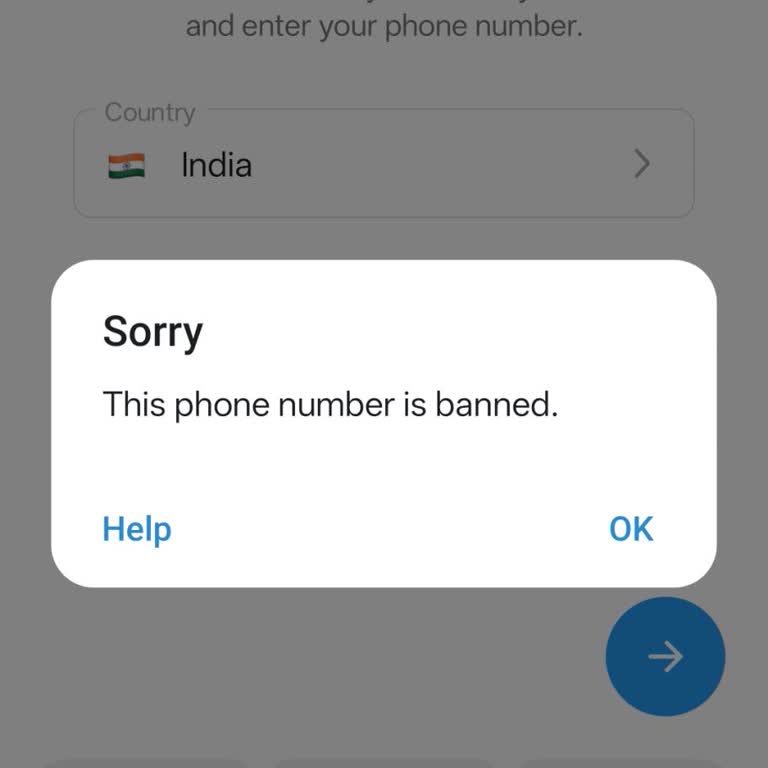
My normal Telegram account linked to my Indian mobile number has been banned for about one month. When I try to log in o...r register, a message appears on the screen saying “Sorry. This phone number is banned.” and I cannot access my account at all. Before the ban, I did not engage in any unusual acti
Telegram Account Recovery After Unauthorized Email Change

October 15 2:36 PM
Today my Telegram account on my mobile phone was taken over by an unauthorized person and I can no longer access it at a...ll. The hacker added their own Gmail address to my Telegram account and their session remains active, while my own device has been logged out. When I try to log in to Telegram usin
Unable To Access My Telegram Account

October 14 8:31 PM
I am having a serious access problem with my Telegram account and I am asking for manual identity verification and accou...nt recovery support. I am trying to log in to my Telegram account on a new phone. During the login process, the application asks me to enter the SMS verification code sent to my ol
Telegram Blackmail Threats, Login Code Issue, and Recovery Request
October 14 6:17 PM
Hello Telegram Support, My account has been hacked, and the person who took control of it is demanding money. I have bee...n logged out of all my devices, but I still own and have access to the SIM card linked to my account. When I try to log in, Telegram sends the verification code to another active T
Telegram Account Locked After Logout

October 7 4:47 PM
I use Telegram on an Android phone and a Windows 11 computer. Today around 3 p.m., my Telegram account was automatically... logged out from my device, and since then I have not been able to access my account. When I try to log in again, I receive the login code, but after entering the code the system d
Kindly Help To Reactivate My Telegram Account

October 4 8:22 AM
For about two months now, I have been unable to access my Telegram account, which is registered in Zambia on the phone n...umber 09728387**. When I try to log in, I do not receive any SMS verification code on this number. Instead, I only receive codes by email, and despite this, I still cannot regain f
Telegram Account Disappeared and Old Chats Are Missing

September 28 10:22 AM
I am writing because I suddenly lost access to my previous Telegram account that was registered with the phone number +6...0 11 7354 45**. Today I saw that this number is now attached to a new, empty Telegram account and all of my old chats and data are gone. I did not intend to create or use a new acc
Telegram Account Hacked and Unknown Device Connected

September 26 8:32 PM
I am writing because my Telegram account appears to have been hacked and I was logged out of my phone while another unkn...own device is shown as connected to my account. Two‑step verification is already turned on, but despite this security measure I am worried that someone else still has access to my
Telegram Requires Premium for SMS Login Code

September 24 3:02 PM
I live in Kenya and for months I have been unable to log in to my Telegram account because I cannot receive the SMS veri...fication code. When I try to log in, the app shows a screen saying that due to high SMS costs in Kenya, I have to pay 0.99 USD for a 1‑week Telegram Premium subscription in order t
Telegram One-Time SMS Fee Blocking Login

September 22 1:03 PM
I have been unable to access my old Telegram account on my Redmi Note 12 5G Android phone for about 15 days. When I try ...to log in, instead of letting me open my old account, the application shows a “One-time SMS Fee” screen and offers a one‑week Telegram Premium subscription with a payment button, s
Telegram Verification Code Not Sent to New Phone Number

September 20 11:52 PM
I am writing about a problem I am experiencing with Telegram related to SMS verification codes. Until about three months... ago, I was using a Telegram account linked to my old phone number, +965 97439***. I have now lost access to this old number and cannot use it anymore. On 20 September I tried to o
Telegram Account Hacked and SIM Lost: Login Code Recovery Request

September 19 1:10 PM
I have been using my Telegram account with the phone number +1 251 448 3*** on my iPhone and Windows PC, and I suddenly ...lost access to it early this morning. Someone appears to have taken over my account and I am no longer able to log in. At the same time, I have also lost the SIM card linked to thi
Telegram SMS Verification Not Working Even Though Other Texts Arrive

September 17 10:21 AM
I have been unable to log in to my Telegram account for some time. When I try to log in from both my mobile phone and ta...blet using the number 0542 *** ** 17, the verification code never arrives by SMS, so I cannot access my account. The verification page continuously asks me to enter a code, but no
Telegram Verification Code Sent to Old Device, Blocking Account Access

September 16 1:46 PM
I have been unable to log in to my long-standing Telegram account for approximately one month. When I try to log in, the... verification code is sent to another device that I no longer have access to, and Telegram does not allow a verification code to be sent to my phone number via SMS. As a result, I
Telegram One-Time SMS Fee Blocks Account Access
September 16 5:44 AM
I have been unable to log in to my Telegram account for approximately one month. When I try to log in using my phone num...ber 05********73, a “one-time SMS fee” screen appears. However, when I proceed, I receive an error, and neither is the purchase completed nor am I able to access my account. I sim
Telegram Two-Step Verification Not Enough to Recover My Account

September 15 9:57 AM
I am writing because I can no longer access my Telegram account and I urgently need it to be reactivated. My account is ...registered with the phone number +94 7576667**, but I no longer have access to this phone number. I am trying to log in from my phone, and each time the system insists on sending a

Telegram
View All Complaints