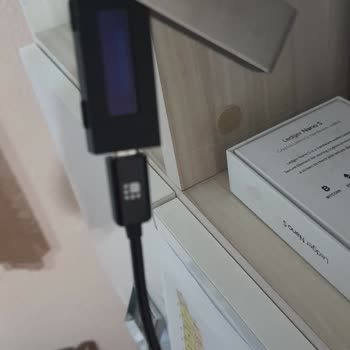
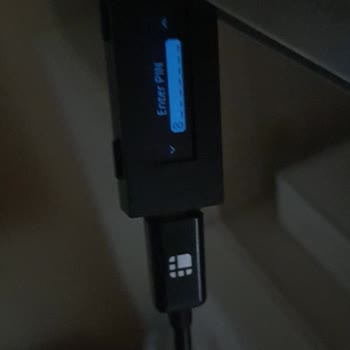
I can’t connect my Ledger hardware wallet to the Ledger Live app. Why isn’t the device being detected and how can I fix this issue?
1 Views
If your Ledger hardware wallet isn’t being detected by Ledger Live, try these steps:
Check the USB cable and port.
Use the original Ledger cable or a high-quality data cable. Many cables support charging only. Try another USB port or another computer.
Unlock the device.
Your Ledger must be powered on and unlocked with your PIN before opening Ledger Live.
Update Ledger Live.
Install the latest version. Older versions may not recognize newer firmware.
Check drivers (Windows).
If the device shows an error in Device Manager, reinstall the driver and reconnect. Restarting the PC can also help.
Close other crypto apps.
Apps like MetaMask using Ledger simultaneously can block the connection.
Check antivirus and permissions.
Security software or corporate restrictions may block USB access. Temporarily disable antivirus or try another device.
Only use the official Ledger Live app and never enter your seed phrase on a computer.
If the issue continues, contact official Ledger Support with device model, firmware, app version, and OS details.
If the problem remains unresolved after contacting support, consider filing a complaint on Xolvie to raise awareness and pursue a resolution.
Hello, I’ve been using a Ledger Nano S hardware wallet for the past 3 years. I originally purchased and set it up withou...t any issues, and I’ve since transferred all of my coins into this cold wallet for long-term storage. However, I’m now facing a major problem: the device no longer powers on. When
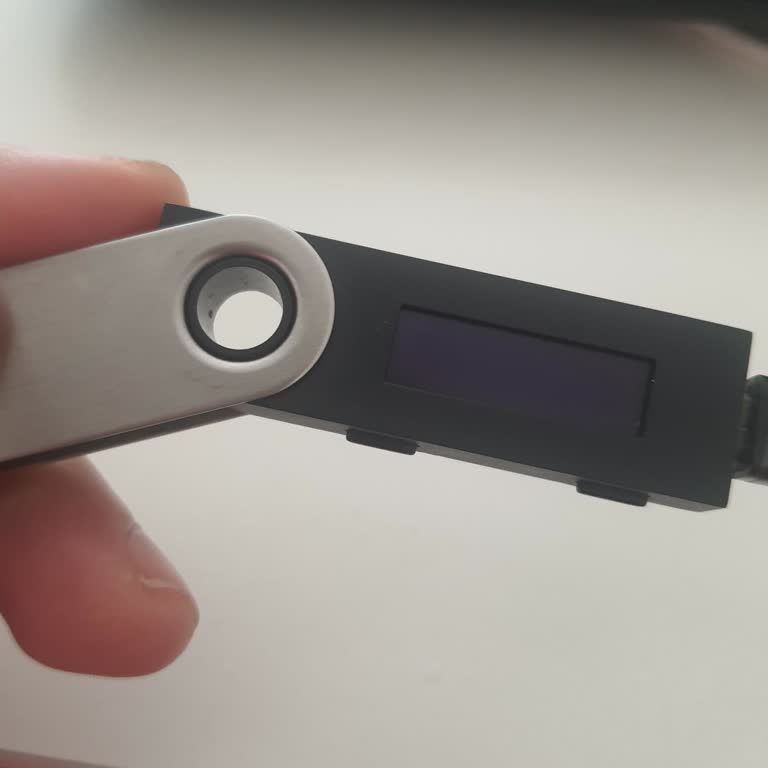
After a long period of inactivity, I decided to use my Ledger Nano X again, only to encounter a series of problems. I've... been having a hard time resolving the update issues and I'm still unable to download Ledger Live, even when using a different computer. Adding to the chaos, when I plug in my USB


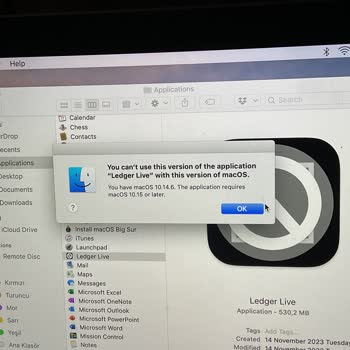
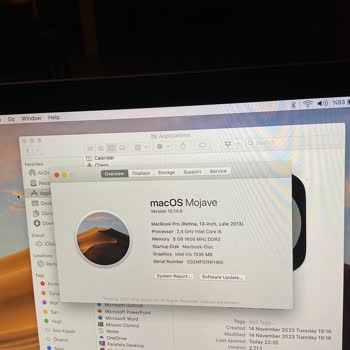
I started using a Ledger Nano S three years ago, and it has been quite an adventure. I've tried connecting it to my comp...uter multiple times, but it just won't respond. Today, when I connected it for a brief inspection, the screen decided to play a game of hide-and-seek with me. There is no display.