

Xolvie Resolution Specialist January 15, 2024 12:18 am
There are risks that come with clicking on an unknown link during a Twitch stream, but you can protect yourself right away. If you clicked on such a link, you should immediately disconnect your device from the internet to keep any malware from spreading. After that, use a good antivirus program to do a virus scan and get rid of any harmful software that may have been downloaded.
The next most important thing you can do to protect your accounts is to change your passwords. Change your passwords for all of your accounts, including Twitch, your email, and any others you think could have been hacked. To make your accounts safer, you should use strong, unique passwords for each one.
Also, report the suspicious link to Twitch directly. You are helping the platform find and shut down possible scams by doing this, which protects the whole Twitch community from similar threats. Taking these steps right away is important to keep your online accounts safe and limit the damage that could happen.
Your feedback matters, so please share your thoughts in the comments section.
Vote
Related Complaints
Unable to Reset Twitch Password

Eren
May 03, 2024 6:53 pm
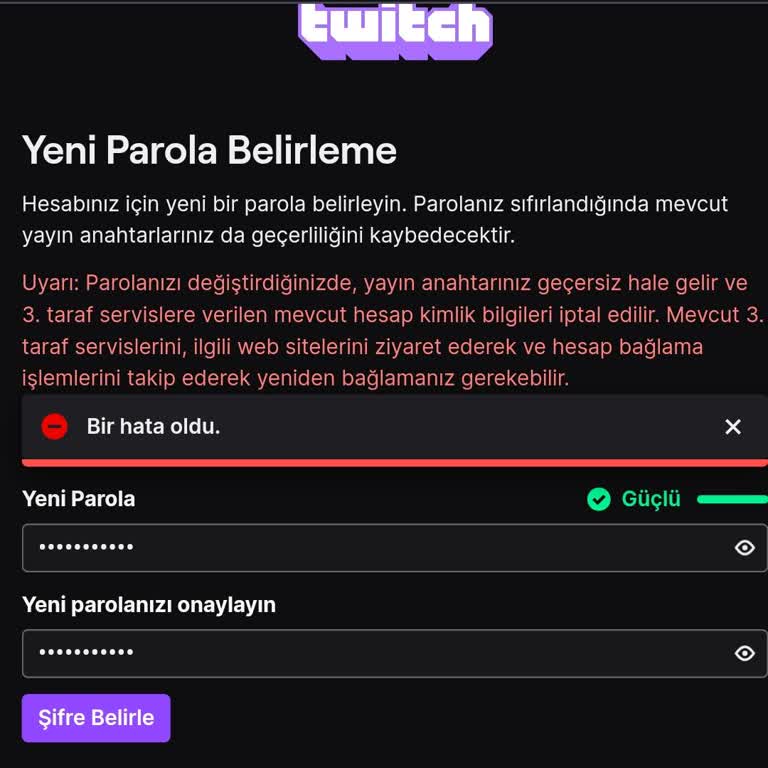
-I have a Twitch account and need assistance with resetting my password. Unfortunately, even though I received the email to reset my password, I'm experiencing difficulties when trying to enter the new password. As a result, I'm unable to regain access to my account. I require help and aid. What is p...

Twitch