My TikTok account was locked after a login attempt on an unknown device, how can I regain access?
219 Views
When a TikTok account is blocked after a login attempt from an unknown device, it is possible to recover it by following these steps:
• Reset Password: On the app login screen, select “Forgot Password?” and choose to receive a verification code via the phone number or email associated with the account.
• Verify trusted devices: Access “Settings and privacy” in the profile, then “Security” and review the “Manage devices” section. If an unknown device is identified, it is recommended to delete it and change the password to protect the account.
• Contact TikTok Support: If the above steps do not resolve the issue, it is advisable to contact the TikTok support team through the official form, providing details such as username, email, and a description of the problem.
To prevent future crashes, it is recommended to activate two-step verification in the security section of the application. Your voice counts. If the problem persists, share your experience and consider filing a complaint on Xolvie to make a difference.
I have been unable to access my TikTok account @margret3514 since March 2026, after I accidentally logged out. I know my... password and I am still using the same Android Infinix device I used before, but every login attempt is blocked by the verification step. Each time I try to log in, TikTok only of

I am writing because my phone was stolen on 1 September 2026 and I have lost access to my TikTok account. I no longer re...member the Gmail address and name on the account, but I remember the date of birth registered there as 21/08/2003. Since my phone was stolen, I cannot log in or recover my TikTok I

On 11 September I started experiencing a login problem with my TikTok account. When I try to log in, I am directed to a ...verification step, but I can no longer access the old phone number that the code is sent to. Because of this, I am completely locked out of my account. I am currently trying to log
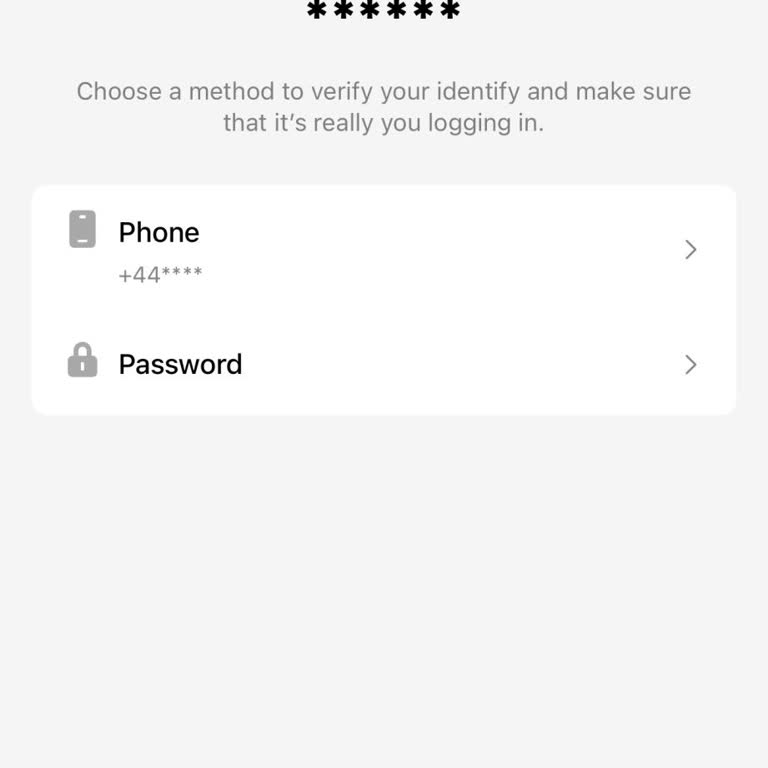
I have been unable to access my TikTok account for the past two weeks due to a continuous “Maximum number of attempts re...ached. Try again later.” error during the password reset process on my new phone (Motorola Edge 70 Fusion). After my previous device broke, I installed TikTok and TikTok Lite on my
I have a problem accessing my TikTok account and I need help recovering it. My account username is @choggyy_acc. After c...hanging my phone, I tried to log in again, but the app asks for a password that I no longer remember. I do not have a phone number or email address linked to this account, so I can
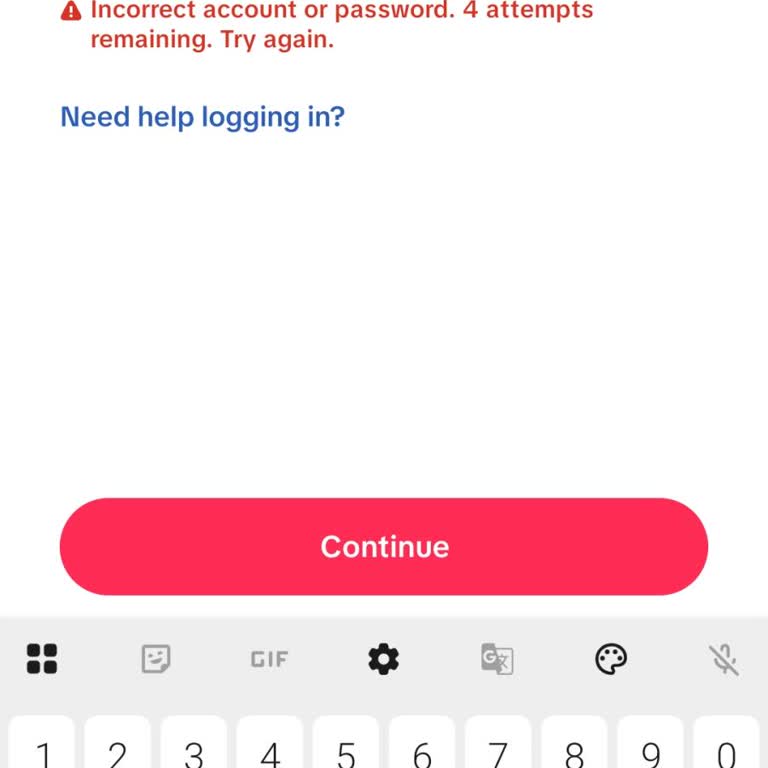
I am writing because I have lost access to my TikTok account and I need help recovering it. I no longer remember the ema...il address or password linked to the account, but I do know the username I was using, which is “Sariaim_Israel”. I think the account might be linked to one of these email addresses
I am writing regarding my inability to access and recover my old TikTok account with the username @pardesibhai095. I las...t had access to this account around 2 March 2025, and I used it regularly until that time. I am now completely unable to log in because I no longer remember the email address, phon
I am writing regarding my old TikTok accounts with the usernames "ayim_arb" and "vedaqah". I no longer use these account...s and I no longer have access to them, so I cannot log in to delete them myself through the app. I kindly request that both of these TikTok accounts be permanently deleted from you
I am writing regarding an issue I am experiencing with accessing my TikTok account. I no longer remember my account pass...word and I do not have access to the Gmail address that was originally linked to my account. However, my phone number, +9715092068**, is still linked and I am able to receive verif
I am writing regarding the TikTok account with the username “nishinish***”. My identity is being used without my permiss...ion through this ID, even though my password has not been shared or accessed. I have already tried to contact TikTok support/Huu about this situation, but the problem has not been
I am having a serious problem accessing my TikTok account and I would like your support for account recovery. When I try... to log in, first I am asked to enter my password. I enter the correct password, but then the system asks me to verify with a code sent to my old phone number, which was registered
I have a problem accessing my TikTok account and I need support to update my login email. My TikTok username is “@mozamr...ajput3” and the name on the profile is “رانا معظم خان”. Previously, my account was linked to the email address “ranamozams***[email protected]”. I have lost access to this Gmail accoun
I am a TikTok user from Uganda and I am having a serious problem accessing my account. My TikTok account was registered ...under the username “Proscovian123” and was linked to the email address “scovianabut***@gmail.com”. Last week I lost access to my phone and since then I have not been able to log in
My TikTok account with the username @barakah085 appears to have been hacked. I noticed this issue yesterday night when I... could no longer access my account normally. I do not have a phone number or email linked to this account for recovery. When I try to use the recovery link provided by TikTok, it d
I have been unable to log in to my TikTok account after my phone, an iPhone 14 Pro, was stolen last week on Saturday. I ...am trying to access my account from Nigeria using TikTok on an iPhone device, but every time I attempt to log in, I am taken to a verification screen asking me to confirm my identi
I created my TikTok account in July 2019 and I was using it regularly. For the last 10–11 months I have not been able to... log in to this account. When I enter my username and password, TikTok shows an error saying that the username and password do not match. My TikTok username is @zarashikh143 (also
I am a TikTok user from Nigeria and I previously used the account with the username “pabloDM”. I lost my phone years ago... due to a situation and, as a result, I completely lost access to this TikTok account. Because so much time has passed since I lost the phone, I no longer remember the email addres
I am having a serious problem accessing my TikTok account due to two-step verification and an unrecognized device error.... I forgot my two-step verification code. Although I still have access to my Gmail account, I cannot reset my TikTok password because the system shows an “unrecognized device” error
I am having a serious problem accessing my TikTok account and despite multiple attempts to resolve it through the app su...pport, nothing has changed. In early 2025, I was automatically logged out of my TikTok account on my previous phone. After that, I discovered that an unknown email address had been
I am writing because I lost access to my TikTok account and I need help recovering it. The account details are as follow...s: username @briana, profile name “Brianna pro13maxado”, with around 1,850 following, 1,433 followers and 1,007 likes. I was using this account on a Redmi 10A device in Uganda. Aft
I am writing regarding my TikTok account, which I can no longer access because it was created and linked through my Face...book account. Over a year ago my Facebook account was hacked and then closed by Facebook, and since that time I have not been able to log in to TikTok at all. My TikTok account is
I have a problem accessing my TikTok account on my iPhone. My username is “allabout.bee_” and I can no longer log in bec...ause I forgot the password. When I try to log in, TikTok says the password is wrong. I used the “Forgot password?” option, but the reset code is sent to an email address that I no
I am having a serious problem accessing my TikTok account and I am asking for urgent support to resolve it. My TikTok us...ername is "shezibhi1" and the email address linked to my account is "dexentmunda***@gmail.com". I still have access to this email and to my phone number. I forgot my TikTok passwor
I am having a serious problem accessing my TikTok account and I need your support. My TikTok username is “alex_vincent96...”. About three weeks ago I lost access to this account and since then I have not been able to log in. I no longer remember the password, the email address or the phone number linke
I had a TikTok account with the username “CrinzocronoidNate” that I used on my Android phone, and last year it was stole...n and all of the account details were changed. The account was hacked after I clicked on a link, and since then I have not been able to access it or recover it. I contacted TikTok