I can't log into Telegram on my new phone, how can I restore my chats?
2.282 Views
Enter the phone number linked to your Telegram account to access it. Since Telegram stores data in the cloud, all of your files, media, and chats ought to sync as soon as you log in.
To get the login code, make sure you have a reliable internet connection and can reach the phone number.
Try using the "Call me" option, if it's available, if you are unable to get the login code via SMS. You can also get the login code from the Telegram app on your old phone, if you can still access it.
Verify that you are not using an unofficial Telegram client or a third-party program, as these could interfere with the login process.
You may need to reset your password using the email address you registered with if you have activated two-step verification and can't remember it. Make sure to check your spam and junk mail bins if you aren't receiving the reset email.
For more assistance, get in touch with Telegram Support via their website at https://telegram.org/support and describe your problem in as much detail as you can.
If you have experienced a similar issue, please feel free to share. You can also file a complaint on Xolvie.
I have been unable to access my Telegram account for about one week and I need support regarding my phone number. My Tel...egram account is (or was) linked to the number +251909535***. I sold my previous phone without logging out of Telegram, and now I am trying to log in on a new Android phone. When I
I am having a serious login problem with my Telegram account linked to the phone number +91 9629173**. I am trying to lo...g in on my new Android phone, but I cannot receive the login code and I constantly get “Too many attempts” and account reset warnings on the screen. I am still logged into the same
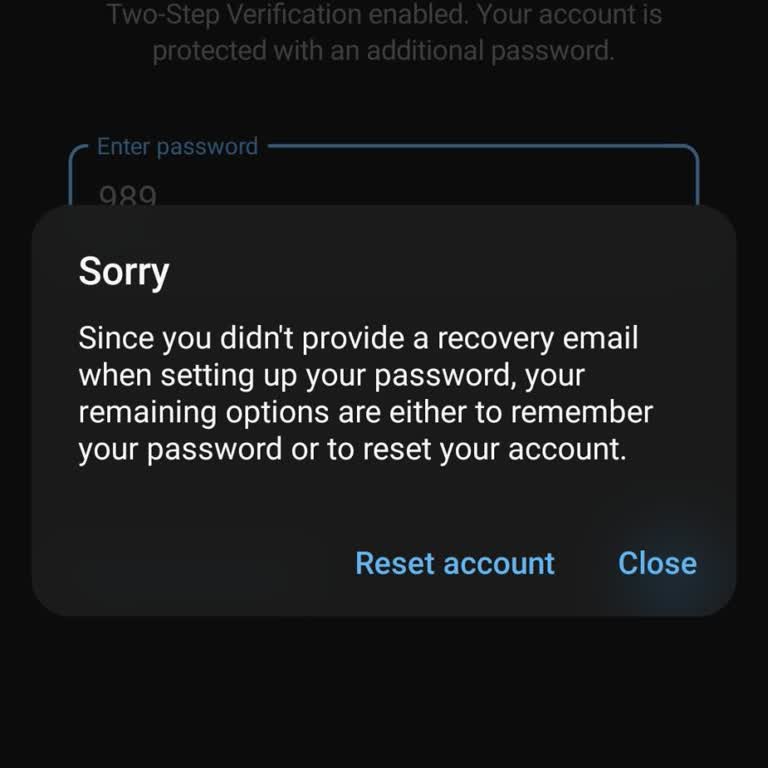
Until very recently I was actively using my Telegram account without any problems and there was no requirement to enter ...the two‑factor authentication (2FA) password on my phone. I was logged in and using the app daily on my iOS device, and I last used the account normally about 1–2 days ago. However
I used Telegram with the phone number +27 73 056 8*** and later changed to a new phone and a new phone number. Since I c...an no longer receive SMS or messages on my old number, I am now unable to access my old Telegram account and its contents. When I try to log in, Telegram says that a message with t
I have been unable to access my Telegram account on my new Tecno Android phone since early this year. When I try to log ...in with my phone number +254 0794747***, the system never sends me the SMS verification code, so I am stuck on the login screen and cannot reach my messages or contacts. I have tri
I am submitting this complaint regarding a serious security incident involving my Telegram account linked to the phone n...umber +48 575 604 ***. My account was hacked and I completely lost access to it on July 22, 2026, while using Telegram on a Samsung Galaxy S24 Ultra (Android). Since then, the atta
I am unable to access my Telegram account on my new phone. My account is registered with the phone number +963959419***.... Two days ago I lost access to my old phone. Since then, whenever I try to log in to Telegram on my new device, the login code is sent only to the old phone, which I no longer have
I use an Oppo A18 phone and I have been experiencing a serious problem this month when trying to log into my Telegram ac...count on this device. When I enter my phone number and want to receive the login code, the app shows the message “We’ve sent the code to the Telegram app on your other device,” but
I am writing regarding a serious security issue with my Telegram account, which was hacked yesterday morning while I was... using Telegram on my iPhone. After the account was compromised, my friends started receiving messages from my account asking them for money, even though I did not send these messa
I have been unable to activate my Telegram account on my Samsung Galaxy A06 since April of this year. When I try to log ...in, I do not receive any SMS verification code or call, so I cannot complete the activation process and access my account. I contacted Telegram support via email about this issue b
I am having a serious problem logging into my Telegram Messenger account, even though I am using the same phone number a...nd the same Apple ID as before. Previously I could log in normally with my phone number and Apple ID but now when I try to log in, the app takes me to a subscription screen and doe
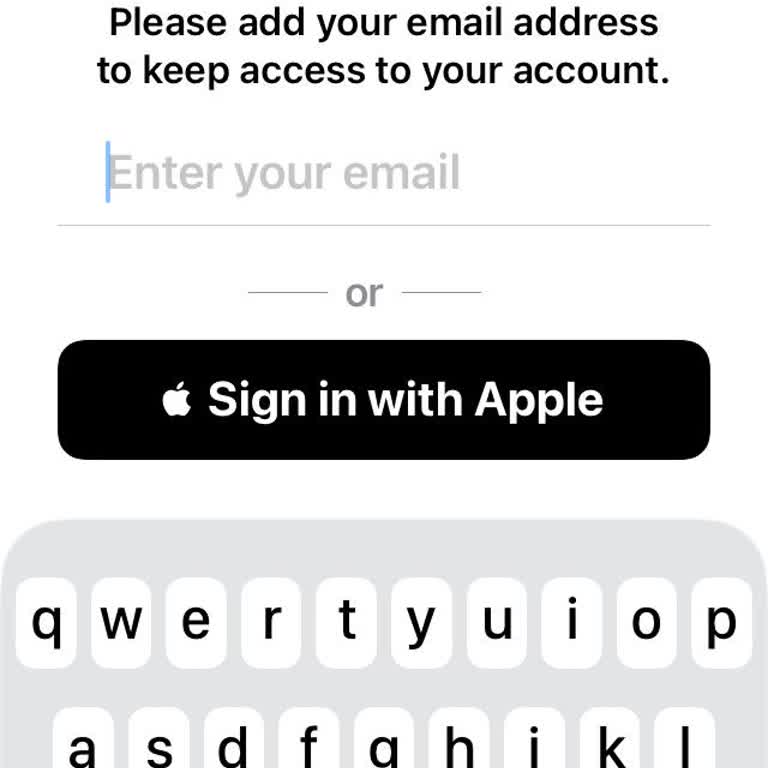
I had a Telegram account with the username @sungsung14**, which I lost access to after my phone was lost on August 18, 2...025. Since the phone was lost, I can no longer log in to this account. I previously contacted Telegram support to ask for help, but I was informed that they could not assist me wit
I am writing because I can no longer log in to my Telegram account even though I am using the same SIM card and have suc...cessfully restored my Google account. My previous Telegram account appears to be broken and I cannot see or access the account screen or my old chats and groups at all. When I try
I am using a Samsung Galaxy S31 with Android 12, and on March 27, I discovered that my Telegram account had been hacked.... A friend informed me that explicit adult links were being sent from my Telegram account to other people. After learning this, I also realized that I could no longer access my Tele
I have been using my Telegram account, registered with the phone number +60 1027654**, for a long time, and all of my im...portant contacts, messages, and personal information are stored there. On March 30, 2026, I lost access to this phone number, and since then, I have been completely unable to sign
I have been unable to access my Telegram account on my Android phone after losing the phone number linked to it (624 296...7) around March 2026. I had stored many private and important photos in this account, and I am extremely worried because someone else appears to be using this phone number now. Si
I am a Telegram user, and I am currently unable to transfer my account from my old phone to my new Samsung A26. When I t...ry to log in to Telegram on the new device, the application requires a cloud password. I do not remember this password and therefore cannot complete the login process or move my ac
I lost my Tecno Camon 20 phone on 18 February 2026 after it was stolen from my home. Since then, I have not been able to... access my Telegram account, which is registered with the phone number +2348138333***. When I try to log in to Telegram from another device, the login code keeps getting sent only
I have been unable to access my Telegram account for about five months because I lost both my phone and the SIM card tha...t was linked to my account, which was registered with a number starting with the country code +234. Since I no longer have this SIM or the device, I cannot receive the login codes
I am writing because I am unable to access my previous Telegram account after my old Android phone, which contained this... account, was stolen about two days ago. The account is registered with the phone number 01516571***, and it contains very important channels that I need to access urgently. After
I have been using a Telegram account linked to my previous phone number on an Android device, and recently I changed my ...phone to a new iPhone. For the past week, whenever I try to log in to my previous Telegram account on the new iPhone with the same number, instead of opening my old account, a comp
I had been using my Telegram account on an Android phone with my mobile number, but after restoring my phone, my account... stopped working and now appears to be deleted. When I try to log in, the app tells me that I have to wait a week before logging in again. Because of this, I cannot access my prev
I have been using a Telegram account registered with a Three UK phone number that was originally issued to my friend by ...a company. I personally used this number and my Telegram account for about two years without any issues, and all of my personal chats, contacts, and important communications are st
I have been unable to log in to my Telegram account on my iPhone 6s (iOS 15) since 2025. Every time I attempt to sign in..., the app displays a connection error message, and I am completely unable to access my account. I have tried basic troubleshooting steps on my own, but the issue continues and I st
I have a Telegram account registered with the phone number +2349060691***. I lost access to this phone line some time ag...o, but I was still able to use my Telegram account on my old phone until yesterday, when that phone was also lost. Since then, I have been completely unable to log in to my account





























3 Comment