Tango Live blocks my IP after travel, what is the fastest way to remove the restriction?
7 Views
If Tango Live blocked your IP after travel;
• Contact Tango support immediately via in-app support or official email and explain that your IP was restricted after changing location or traveling
• Provide your username/ID, recent travel locations, date/time the block started, device info, and screenshots of the restriction
Ask them to;
• Confirm the block was triggered by an IP/location change or security system
• Verify your account ownership and device
• Remove the IP restriction once verification is complete
If the problem persists;
• Avoid using VPNs or frequent network changes during review
• Keep screenshots, timestamps, and all communication
• Log in from a stable network used before traveling
• File a complaint on Xolvie to seek fast review, IP unblocking, and account access restoration
My Android phone has been completely banned from using the Tango Live platform. This ban happened a few months ago, and ...since then I have not been able to use Tango at all from this device. I would like to kindly request that you review this decision and completely remove the device ban so that I ca
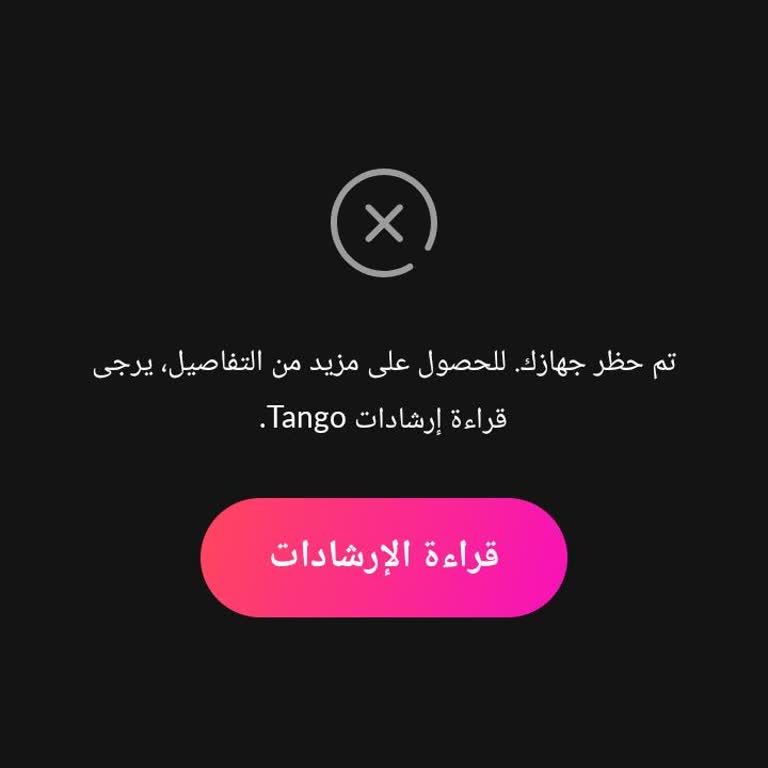
I have not been able to access my Tango account on my Redmi 13 device since around January. Whenever I try to log into t...he app, I receive a message saying “your device has been blocked,” and I cannot open my account. I have been using Tango for years, and this is the first time I have encountered su
While watching a live stream on the Tango app, I suddenly received a message saying, “Your device has been blocked. Plea...se read the Tango guidelines for more details,” without any prior warning or explanation. Since that moment, I have not been able to use the app on my device at all. This issue has