Epson L3250 Nozzle Cleaning Failed to Fix Purple Printing

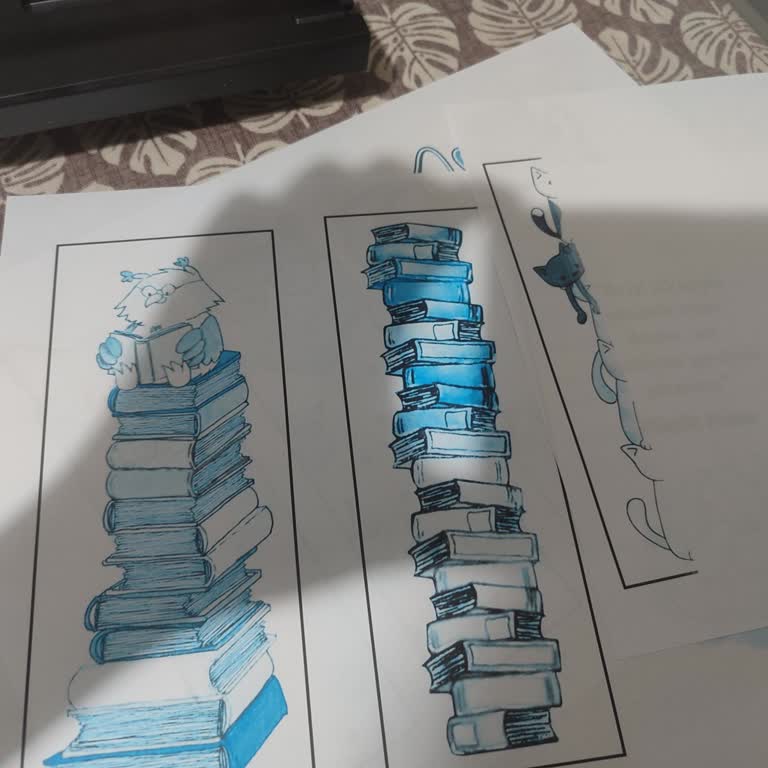
I have been using my Epson L3250 printer for a long time, but for the past few months, I have been experiencing a severe color issue with color prints. When I try to print in color, the output comes out predominantly purple, and despite the yellow ink tank appearing full, yellow tones do not print at all. This situation renders prints completely unusable, especially for maps and similar colorful documents.
I have performed nozzle cleaning multiple times through the printer menu, but the issue has not improved; yellow still does not print, and the colors remain distorted and heavily purple. I have not brought the device to a service center yet; at this stage, I want to clarify whether there is any setting, cleaning procedure, or other action I can perform myself as a user.
I request that Epson provide me with clear and understandable remote guidance for this color issue on my L3250 printer, refer me to an authorized service center if necessary, and permanently resolve the problem.