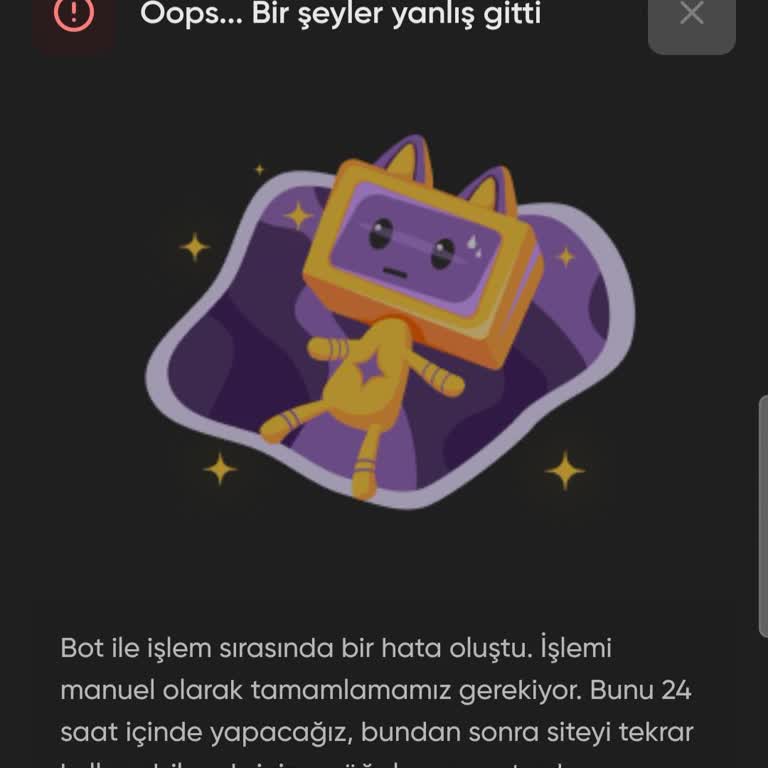
My StarPets trade showed as successful, but the pets didn’t appear in my account, how can I fix this?
209 Views
If your StarPets trade shows as successful but the pets didn’t appear in your account, try these steps:
1. Refresh the Game: Log out and back into your account or refresh the game to check if the pets appear.
2. Verify Transaction Details: Double-check the trade or transaction history to confirm the trade ID, date, and pets involved.
3. Clear Cache: Clear your browser or app cache, as it may cause display issues.
4. Contact StarPets Support: Provide screenshots of the trade confirmation and your account details. Use their in-game support or email for quicker resolution.
5. Check Inventory Limits: Ensure your account inventory isn’t full, which might prevent new pets from appearing.
If none of these work, escalate the issue by filing a complaint on Xolvie to seek a resolution.
I use the Starpets platform on mobile with the username “Mimosik8”. On 2 August my Adopt Me account stopped syncing prop...erly and since then my inventory does not load at all. When I try to connect, I get the error message “An error occurred during connection, please try reconnecting!” and nothing in
On July 13, 2026, I purchased pets for Adopt Me from Starpets.gg for a total of 19.76 USD for my account with the userna...me "KirinIsSoKool." The payment was successfully processed, and the amount was deducted from my bank account. However, the pets have never appeared in my Starpets.gg purchases or i
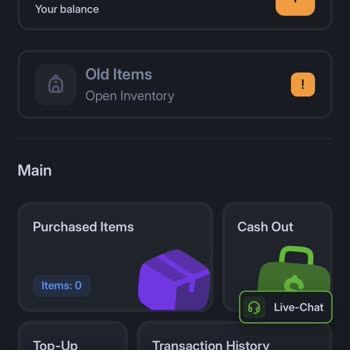

I ran into a problem while trying to list my MFR Dragon pet for sale on Starpets.gg. While refreshing my inventory, the ...website displayed a warning saying that I had "outdated pets." After seeing that message, I refreshed my inventory again. Immediately after the second refresh, my MFR Dragon comple
I used the Starpets spin wheel today, after the bot accepted my trade, an error message appeared, and I never received t...he Winter Doe pet I was supposed to get. The trade went through on my side, but the pet was not added to my account after the error. I have not yet been able to contact support abo
I purchased a pet on Starpets under the username “Chocbiscui***” with the order ID 45849093 on 26 February 2026. After c...ompleting the purchase, I attempted to withdraw the pet, but when I tried to add the seller as a friend, the seller did not accept my friend request. As of now, the request is stil
I made a payment of €40 to Starpets today at around 6:21 AM via SEPA using the account linked to the email address klaus...sc****[email protected]. In the system, it shows that I received the money, and there is also an ID number for the transaction: 6929f9c1db079fd8eccc62d4. However, my Starpets account b
I am trying to transfer my pets from the old Starpets site, but for a long time now the process has not worked due to “E...rror Code 13.” The system keeps displaying the same error, and I am unable to move my pets into my inventory. This issue has been ongoing for weeks and is causing serious inconven
I’ve been experiencing an ongoing issue with the Starpets website for about two years. I’ve been trying to transfer my p...ets from my Starpets inventory to Roblox Adopt Me, but every time I attempt the transfer, I receive an English error message saying “technical works.” The transfer never goes throu
I used to be really into Adopt Me, and I discovered Starpets to trade my pets and get new ones. It worked great back the...n, and I ended up with some amazing pets. After taking a break from the game, I recently returned and wanted to access my old pets—but everything seems to be stuck on Starpets. I’
I attempted to transfer my valuable pets and items, including a Fr Turtle and Grim Dragon, to my inventory on StarPets G...G for the Adopt Me game, but the process failed, and the items never appeared in my account. It has now been over 24 hours since the issue occurred, and I still cannot access my in
I found a bot on Starpets to load pets and completed the trade as instructed. However, when I logged into the site, the ...pets never arrived in my account. For three days, I was stuck on the same screen with no updates or progress. Additionally, when I tried selling my pets, the process froze, and I c
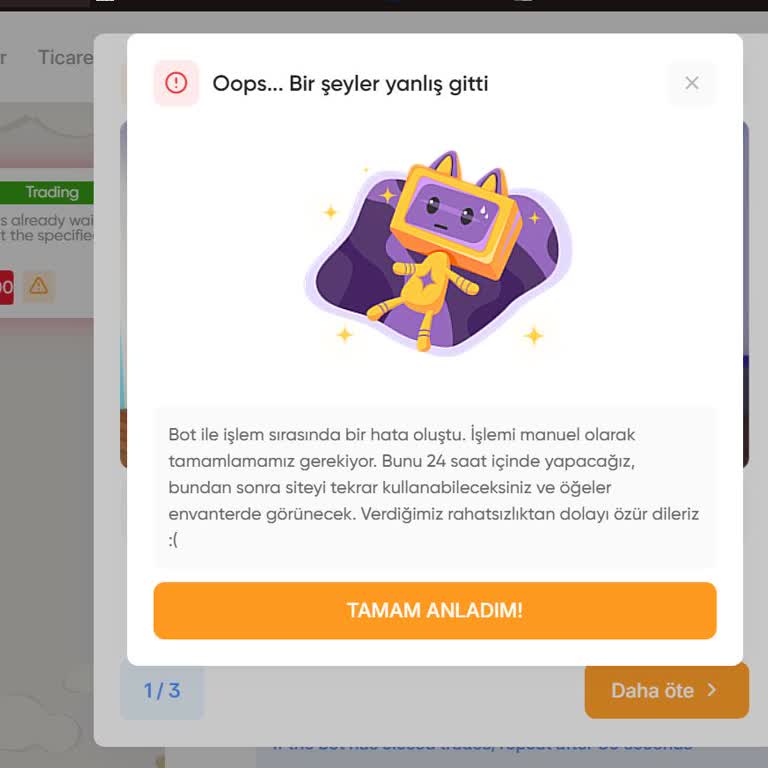
I traded my pets and then logged into the StarPets website, but now my inventory won’t open at all. I tried exiting the ...screen, but it keeps freezing, preventing me from accessing my pets. The system told me to wait 24 hours, but even after waiting, nothing changed. Now, I am locked out of my inven