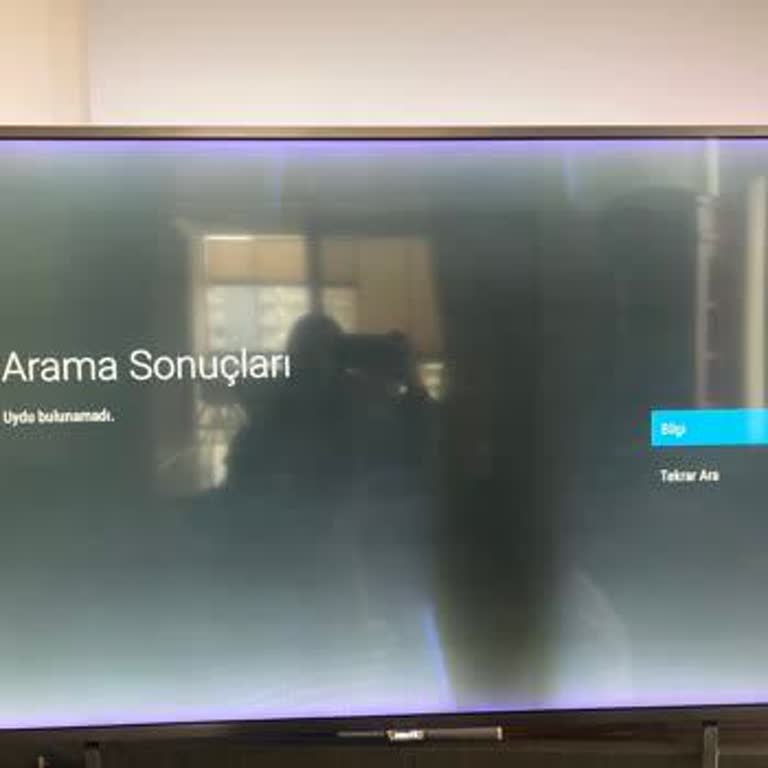
I Can't Screen Mirror My iPhone to Philips 65PUS8949/65 TV After Update

I recently purchased the Philips The One 4K Ambilight TV (model 65PUS8949/65) and had it installed. The picture and sound quality are excellent, which I truly appreciate. However, I'm experiencing frustrating issues with screen mirroring from my iPhone. Despite being advised to connect to a 2.4GHz Wi-Fi network, the TV still won't mirror my iOS device, while Android devices connect without any problems.
To make things worse, ever since I updated the TV’s software, a new issue has appeared: when I’m watching Netflix, if I use the volume buttons, the movie automatically pauses. This behavior is completely illogical and extremely disruptive. I’ve used other smart TVs before and have never encountered such problems.
These bugs began immediately after the latest software update, which makes me believe this is not an isolated issue. I chose Philips trusting in the brand’s technology, but right now I feel let down. I kindly request technical support or a firmware fix to address both the AirPlay/mirroring incompatibility with iOS and the Netflix auto-pause bug.