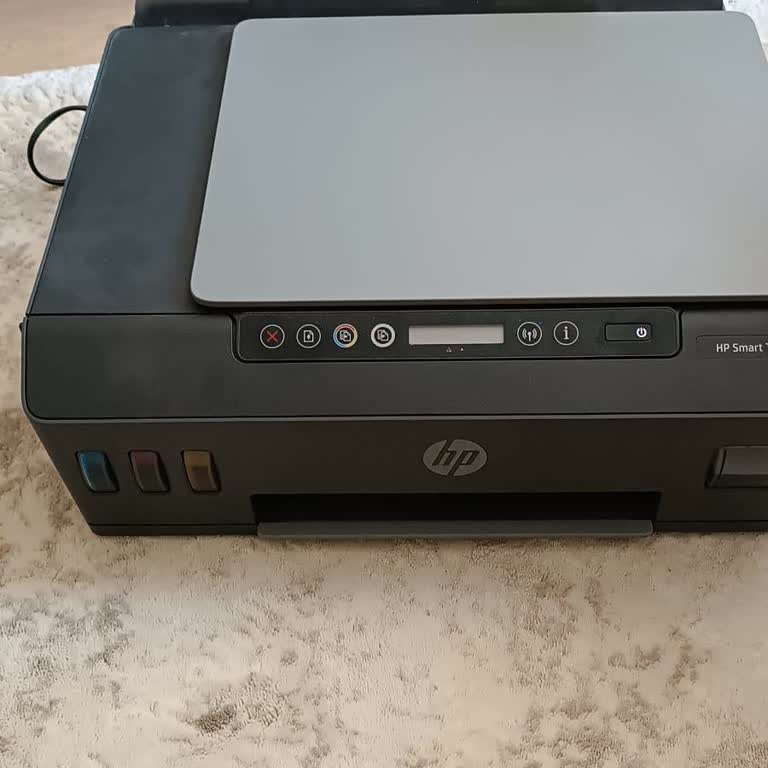
HP GT 5820 Printer Pulls Paper Crookedly, Keeps Jamming - No Solution Works
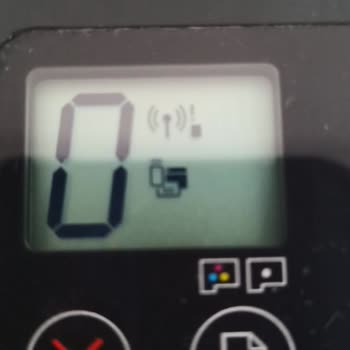
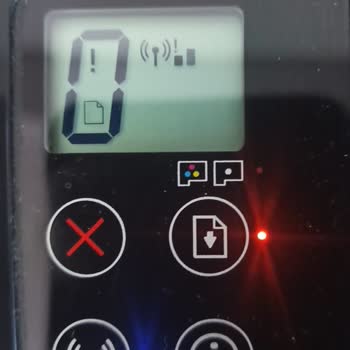

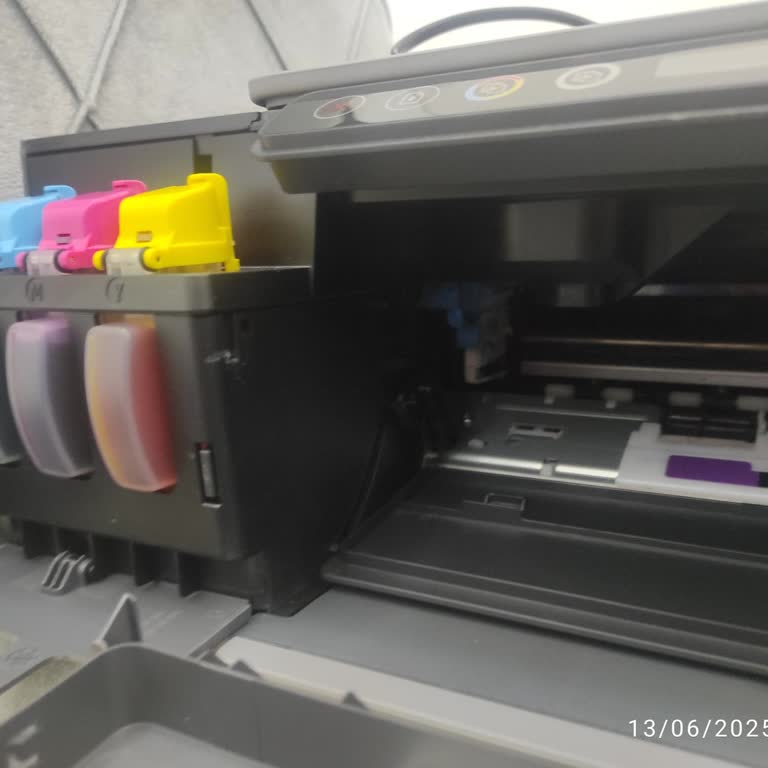
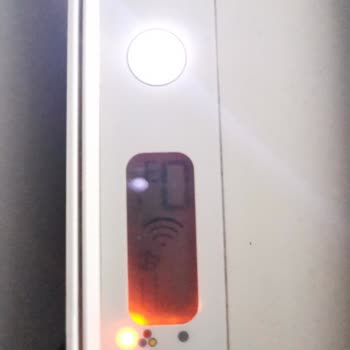
I've been using the HP GT 5820 printer for a long time and was quite satisfied. It has always delivered sharp and clear prints without any issues. Today, I wanted to print something, but the printer pulls the paper in crookedly from the left side, causing it to jam. I even restarted the printer and double-checked the paper alignment, but nothing worked. I've tried every possible method, watched videos, and all I see are "paper jam" warnings, but I've checked everywhere and couldn't find any stuck paper. The fact that this happened all of a sudden is quite frustrating. The issue persists, and I'm not sure what else to try.

Dear Sir/Madam, We would like to convey some information regarding the complaint our customer A.turan A. posted on your site. Following the post published on your site, our customer relations representative contacted A.turan A. and provided information on the matter. We present the matter for your information and wish you good work. Sincerely, HP Turkey Corporate Products Customer Relations
I encountered a fast and attentive customer support department, you are great, thank you very much. My problem was solved in 2 minutes, may it go smoothly, good business.