Facebook

22100
(27 reviews)
Write a Complaint
216 Complaints
Facebook
22100
(27 reviews)
Write a Complaint

I Lost Money to a Fake QNB Ad I Clicked on Facebook

profile
Ali
July 10, 2025 7:17 pm
83
1
Muhammed is completely dissatisfied with the result

I Lost Access to My Facebook Account and Can’t Reset Password Without ID Verification

profile
Muhammed
July 10, 2025 12:54 pm
84
1
Erkan is completely dissatisfied with the result

Help Me Get My Facebook Account Back

profile
Erkan
July 10, 2025 3:10 am
94

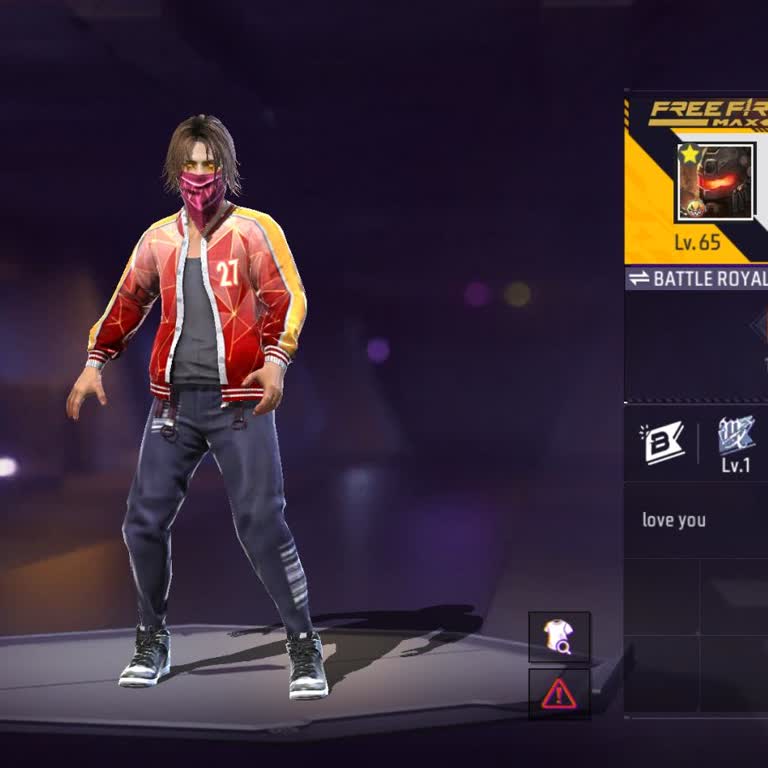
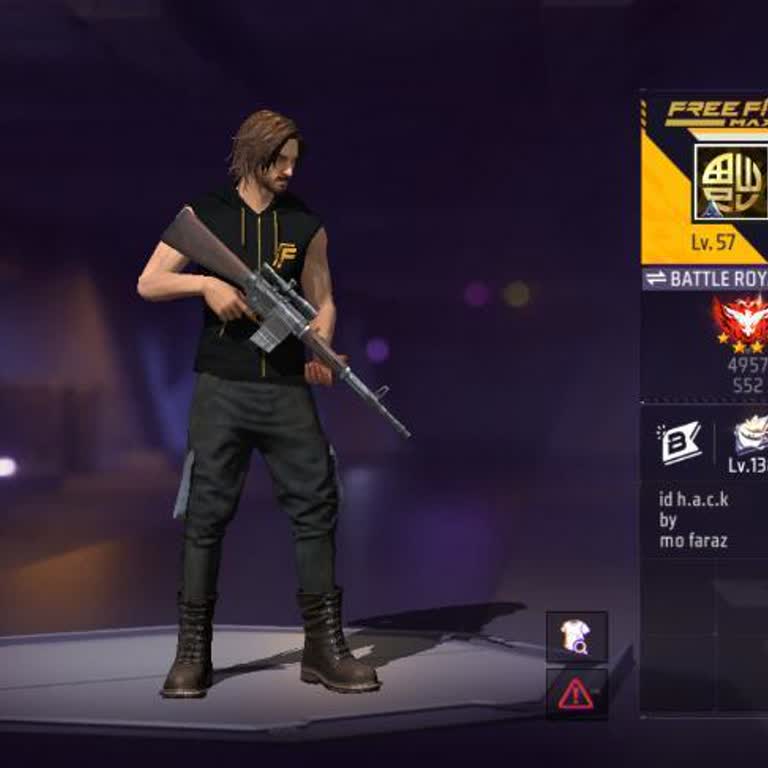
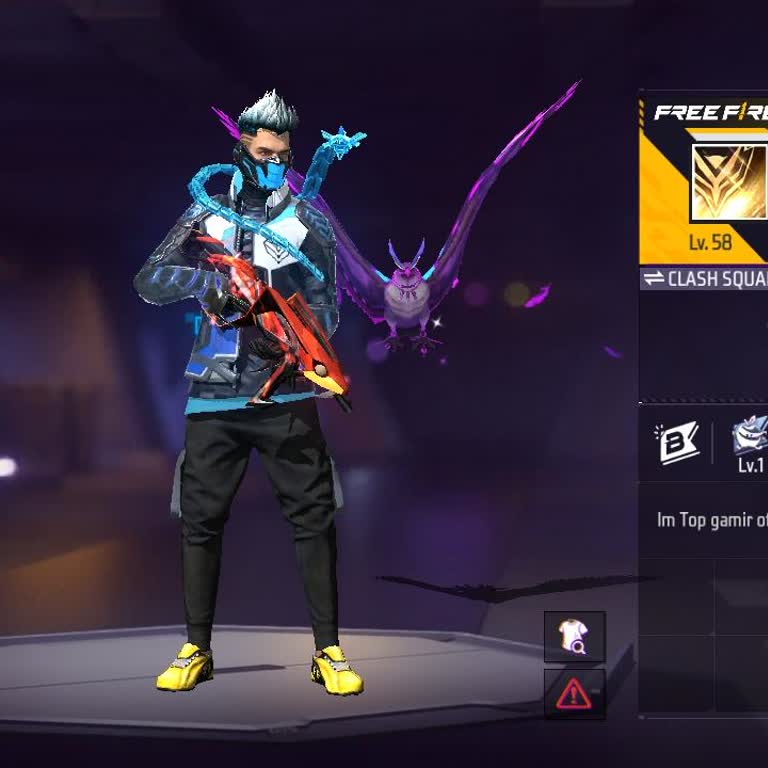
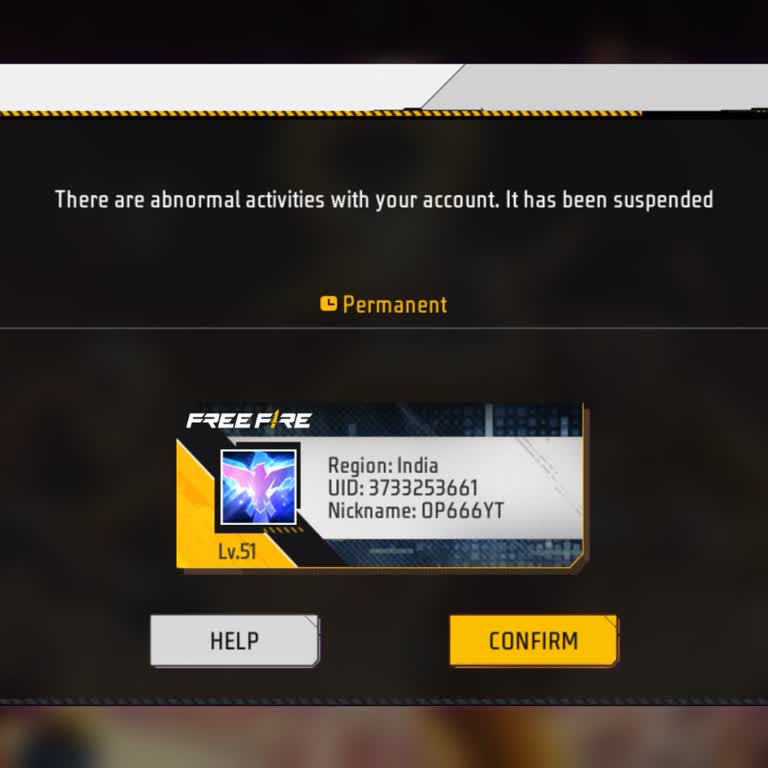
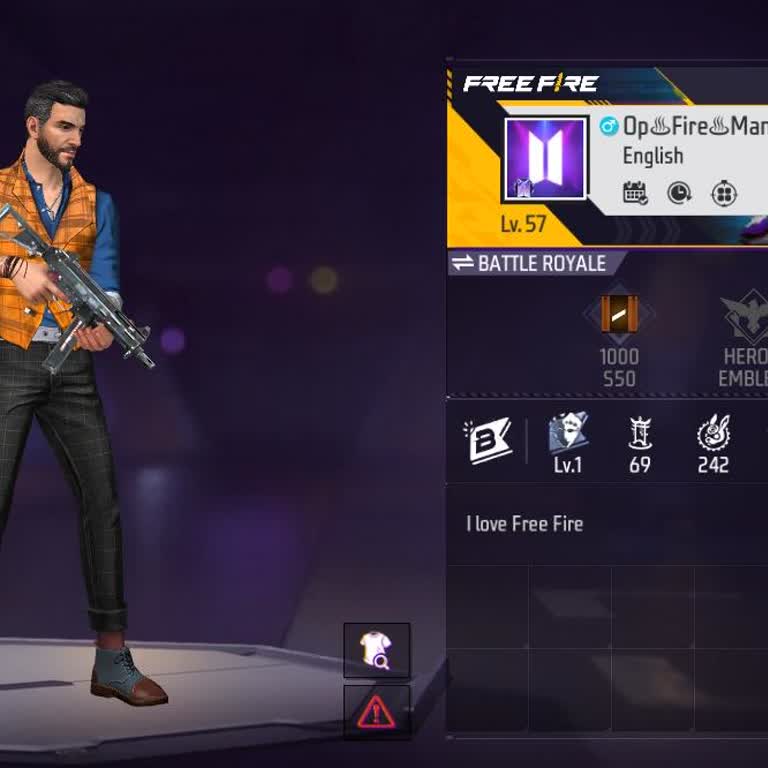
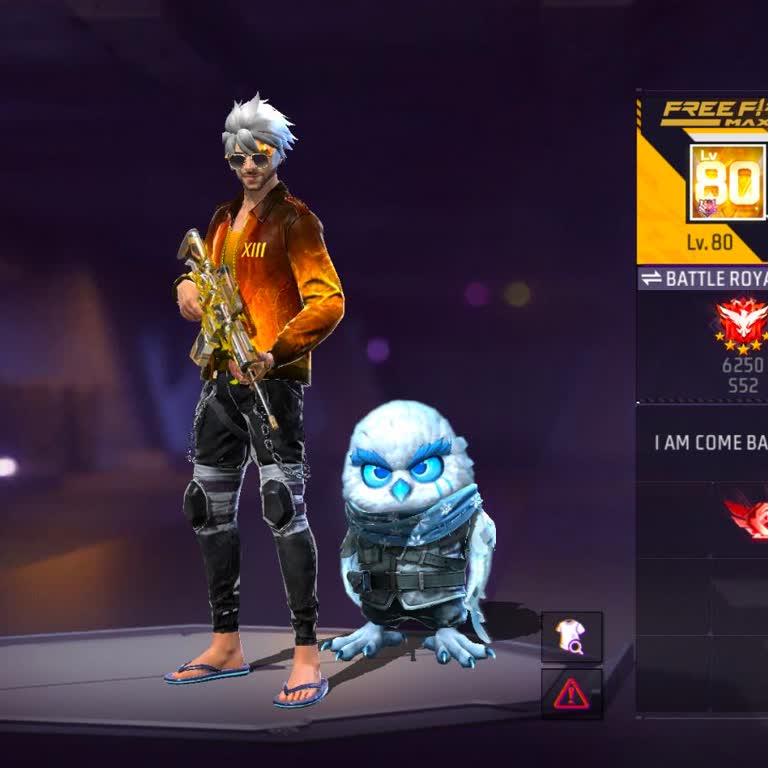
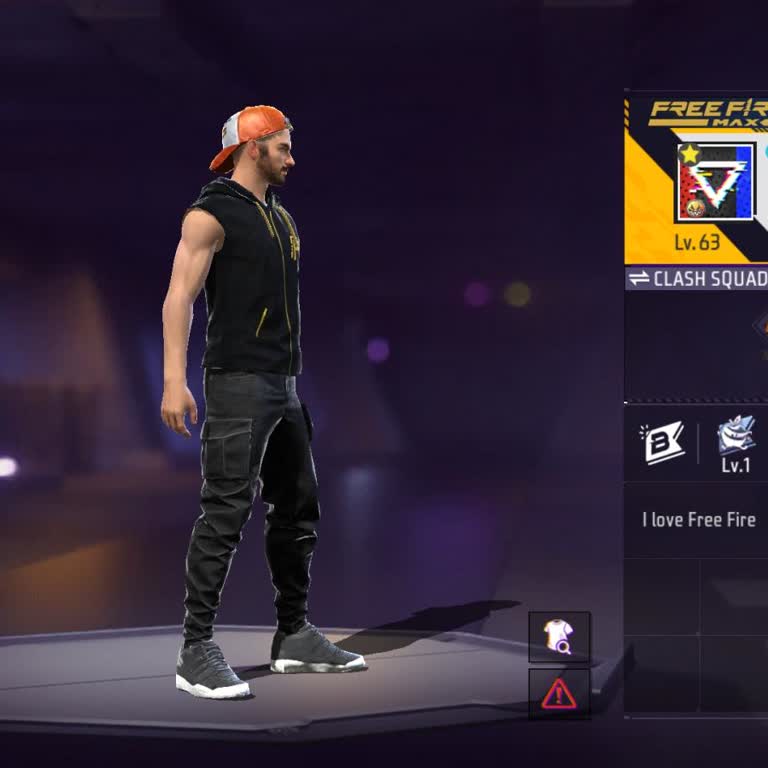
My Free Fire Account Was Hacked After Facebook Got Compromised

profile
Saminur
July 09, 2025 3:29 pm
113

Facebook Reset Locked Me Out and Sends Codes to My Old Number

profile
Şaziye
July 09, 2025 9:41 am
70
1
Zekeriya is completely dissatisfied with the result

I Recovered My Hacked Facebook Account but Lost It Again

profile
Zekeriya
July 08, 2025 7:23 pm
75

I Can’t Access My PUBG Account Linked to Facebook Since 2018

profile
Hamet
July 08, 2025 2:38 pm
72

I Lost My Free Fire Account After My Facebook Got Hacked

profile
Rathod
July 06, 2025 10:50 am
99
I Lost My Free Fire Account After My Facebook Got Hacked

I Cannot Access My Free Fire ID After Facebook Unlinking

profile
Muhammad
July 05, 2025 12:59 am
80
I Cannot Access My Free Fire ID After Facebook Unlinking

I Cannot Access My Free Fire Account Linked to Facebook Email

profile
Mahender
July 02, 2025 5:59 pm
86
5
Haydar is very satisfied with the result
Resolved

My Facebook Account Permanently Banned With No Explanation

profile
Haydar
June 24, 2025 1:08 pm
92

My Facebook Account is Locked - Code Goes to Old Number

profile
Umut
June 23, 2025 10:16 pm
90
1
Eslemnur is completely dissatisfied with the result

My Facebook Account Won't Log In - Email Not Linked

profile
Eslemnur
June 23, 2025 3:17 pm
75

My Facebook Account Banned 2 Months I Can't Get Support

profile
Kadir
June 17, 2025 6:25 pm
83

My Facebook Account Banned Two Months No Support

profile
Osmanlı
June 17, 2025 2:07 am
84
1
Aytekin is completely dissatisfied with the result

My Facebook Account Banned for Obscenity I Never Posted That

profile
Aytekin
June 16, 2025 11:48 pm
81

Account Recovery - Unlinking Free Fire from a Blocked Facebook Account

profile
Diki
June 16, 2025 7:58 pm
86
Account Recovery - Unlinking Free Fire from a Blocked Facebook Account

Recovering Facebook-Linked Free Fire Account

profile
Rajveer
June 14, 2025 3:27 pm
78

My Facebook Account Has Been Disabled

profile
Samit
June 12, 2025 6:36 am
65

Facebook Closed My Account Saying I Am Not Old Enough

profile
Mustafa
June 11, 2025 4:52 pm
73

My Free Fire Account Was Bound to Someone Else and My Facebook Was Removed

profile
Sunil
May 31, 2025 9:33 am
45

Someone May Have Hacked My Facebook and Played My Garena Free Fire

profile
Sayantan
May 23, 2025 6:45 am
65
Someone May Have Hacked My Facebook and Played My Garena Free Fire
1
Osman is completely dissatisfied with the result

Facebook Disabled My Account Unfairly—I Can’t Log In or Create a New One

profile
Osman
May 22, 2025 9:06 am
47

Request for Recovery of Hacked Free Fire and Facebook Accounts

profile
Mohd
May 20, 2025 10:22 pm
49
Request for Recovery of Hacked Free Fire and Facebook Accounts

Frequently Asked Questions (FAQ)

Why is my Facebook login not working?
  • If you're having trouble logging into your Facebook account, there could be several reasons:
  • you forgot your login details,
  • your account was hacked,
  • there could be Facebook bugs causing issues.


  • Other possible reasons include:
  • cache or cookie problems,
  • browser issues,
  • malware/virus infection,
  • your account being disabled by Facebook.
How can I solve Facebook login issues?
  • Here are some suggestions to help resolve issues with logging into Facebook:
  • - Confirm your username and password. Make sure that you enter your username and password correctly. To confirm this, you can either log into Facebook from a different device or reset your password.
  • - Try logging in from a different browser.
  • - Clear the cache and cookies in your browser.
  • - Consider updating your browser if it is outdated.
  • - Examine various login options: Instead of using your username, you can try logging in to Facebook by using either your phone number or email address.
  • - To determine if there are any known issues impacting the login process, you can refer to Facebook's status page.
  • - If you have followed all of the steps mentioned earlier and are still unable to log in, you can contact Facebook's support for assistance.
How do I appeal a Facebook suspension?
  • To appeal a Facebook suspension, take the following steps:
  • Choose the sort of content judgment to which you want to appeal: You can appeal decisions to remove your own content or decisions to remove stuff that you reported but was not removed.
  • Request a review process: To appeal to the Oversight Board if you disagree with the decision to remove your content, you must first go through the "request a review" process.
  • Request another review: If you reported content from others that was not removed and want to appeal to the Oversight Board, you must first go through the "request another review" process.
  • Examine your eligibility: You must have gone through the review procedure twice and still disagree with the conclusion to appeal a Facebook content decision to the Oversight Board. If you meet the requirements, you will be assigned an Oversight Board Reference Number.
  • Visit the Oversight Board's website: Navigate to your Support Inbox and select "Your Violations" to locate the Oversight Board Reference Number. Follow the on-screen directions to access the Oversight Board website.
  • Use your Facebook or Instagram account to log in: Log in to the Oversight Board website using the account to which the reference number was assigned.
  • Finish the appeal: Respond to questions about your post and explain why you believe Facebook made a mistake.
  • Submit the appeal: Once you have submitted your appeal, the Oversight Board will decide whether or not to review it. Please keep in mind that the board only accepts a limited number of eligible appeals for review.
  • Check the status of your appeal: After submitting your appeal, you can use your reference number to check its status on the Oversight Board's website. Remember that you have 15 days from the date of the decision to file an appeal. If 15 days have gone, the window for filing an appeal has closed, and you will be unable to do so.
How can I get a verification code from Facebook?
  • Follow these procedures if you require a Facebook verification code for two-factor authentication.
  • To begin, launch the Facebook app and select the menu option.
  • Find "Settings & Privacy," and choose "Code Generator." You can use the generated code to sign in to Facebook.
  • If you don't receive the code, try completely shutting down your phone and restarting it.
  • Before sending another code request, check your text messages and email.
  • If the problem persists, you should clear the Facebook app data cache.
  • Restart your iPhone if you're using one, and restart your Android smartphone if you're using one.
How can I contact Facebook?
  • Facebook offers many online support channels:
  • Help Centers: You can visit the Facebook Help Center, use the Facebook Live Chat feature, or access the Meta Business Help Center if you have issues with your Facebook Ads.
  • Official Pages: Facebook also has official pages, such as Meta Official, and contact forms that you can use.
  • Correspondence: Additionally, you can write to Facebook's headquarters at 1 Hacker Way, Menlo Park, CA 94025, USA.
  • E-mail: There are also email supports for many topics, for instance, disabled or hacked accounts, password reset, and locked pages at [email protected]. For suspended accounts or to appeal blocked or removed content, you can email [email protected].

About Facebook

Facebook is a social media platform that allows users to connect and communicate with friends and family around the world. Founded in 2004 by Mark Zuckerberg and a group of fellow college students, Facebook has grown to become one of the most popular websites in the world.

The platform offers a variety of features including the ability to create a personal profile, post updates and photos, join groups, and follow pages of interest. Facebook also provides businesses with advertising opportunities to reach their target audience.