Telegram 2FA Password Forgotten After Losing Phone – Account Locked

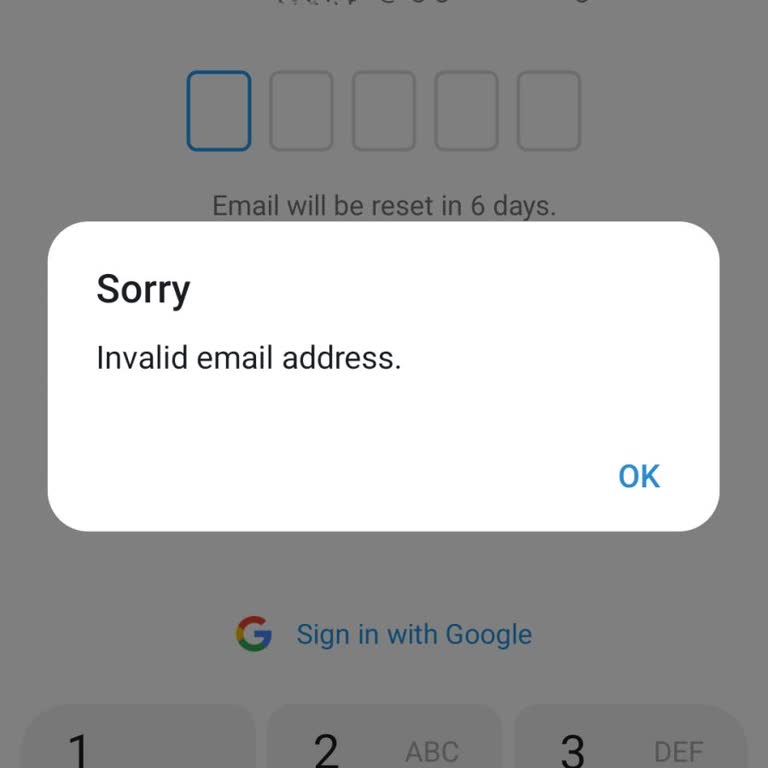
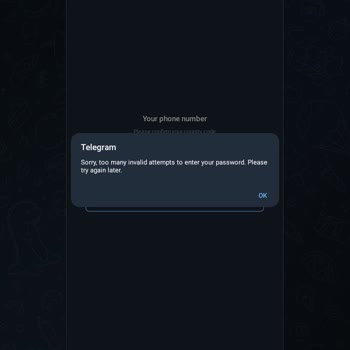
Until very recently I was actively using my Telegram account without any problems and there was no requirement to enter the two‑factor authentication (2FA) password on my phone. I was logged in and using the app daily on my iOS device, and I last used the account normally about 1–2 days ago. However, I lost that phone and had no choice but to buy a new one and reinstall Telegram. When I tried to log in again on the new iOS device with my Singapore (+65) number, I was suddenly asked for the 2FA password, which I do not remember, and there is no email linked to my account. After entering my phone number and following the steps, I receive an error window saying “An error occurred, please try again later” and I am not given any clear recovery option. Because I no longer have the old phone where the session was active, I am now completely locked out of my account even though I was using it just a short time ago. I cannot disable 2FA, reset the password, or access my chats, which is causing serious inconvenience and frustration. I am requesting that Telegram review my case urgently, provide a secure way to verify that I am the legitimate owner of the number and account, and help me disable or reset two‑factor authentication so that I can regain access. I also ask Telegram to improve and clarify its recovery options so that users who lose their phone and forget their 2FA password are not suddenly and permanently locked out of their own accounts.