QCY earbuds keep disconnecting randomly, how can I fix the Bluetooth stability issue?
82 Views
To make the Bluetooth connection more stable, make sure your earbuds are fully charged and close to the device that is attached. Distractions and distance can weaken the connection.
Unstable behavior may also be caused by things in the environment and interference from other wireless devices.
If the problems don't go away, a restart might help. For many QCY types, you need to put both earbuds in the charging case and then take them out to use them.
Turn them off by hand, then press and hold both earbuds' multifunction buttons for about 20 seconds, until the LEDs flash red and white, which means they have been reset.
Set the earbuds back up and then connect them to your device again. Different models may have different reset steps, so check your user manual or go to QCY's support page for more information.
To get more help, email [email protected] or call +1 (917) 807-6754 to reach QCY's customer service.
They offer specialized support to address your issues and make sure your earbuds work at their best.
If not, explore Xolvie to read about the challenges others have faced and share your story.
I bought the QCY Ailybuds Pro+ from Hepsiburada, and for the first few months, it worked just fine. But recently, it’s b...een giving me serious problems—especially with pairing and phone calls. It often struggles to connect to my devices, and during calls, the other person can barely hear me. My voice
I bought QCY T13 earbuds from Hepsiburada, relying on their promise of quality. Within just two months, the sound level ...decreased noticeably, making it challenging to hear clearly. I returned the earbuds under warranty, but they came back with an absurd explanation citing "personal dirt" as the prob
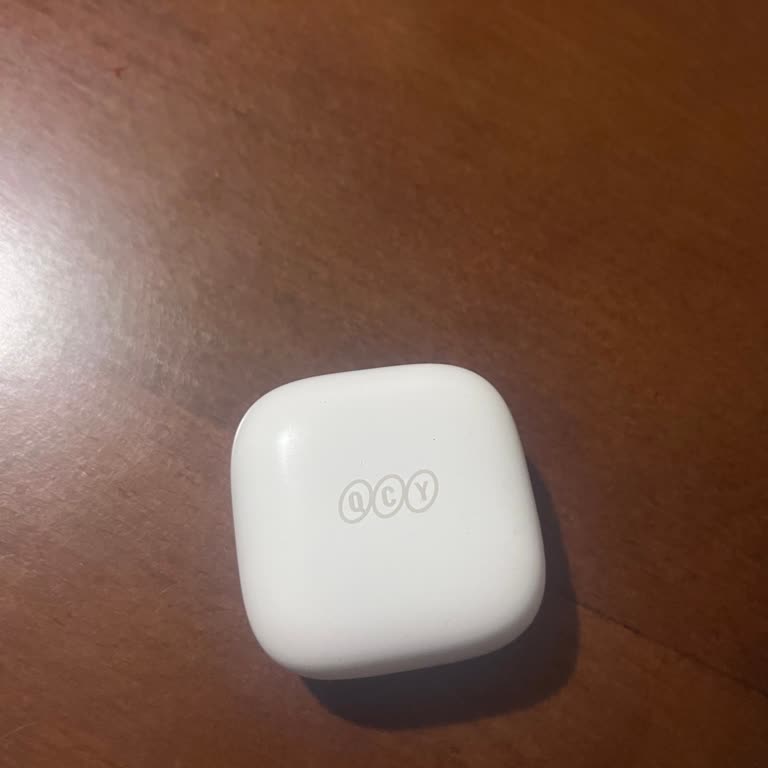
I purchased the QCY T13 ENC 4 microphone Bluetooth wireless earbuds from www.hepsiburada.com. However, after some time, ...a synchronization issue began with the earbuds. That is, both earbuds worked, but they did not work at the same time. When I contacted the manufacturer, they told me to reach out t
I sent in my QCY T13 headphones, which I got from Hepsiburada, for repair because one side was not working. The servicin...g center said there was liquid damage. I sent similar headphones to the same service center three times for separate brands, and each time I got the same "liquid damage" response.